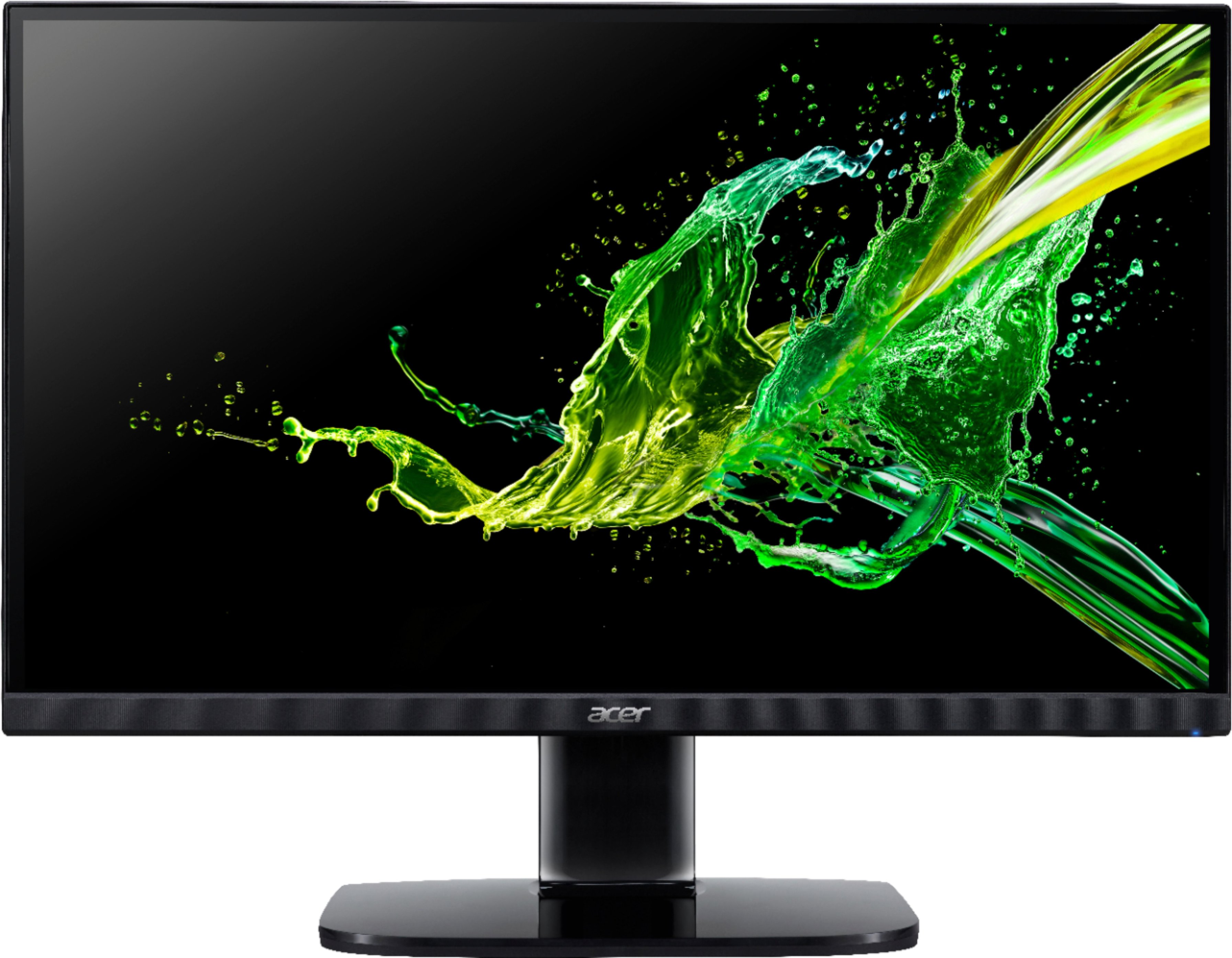
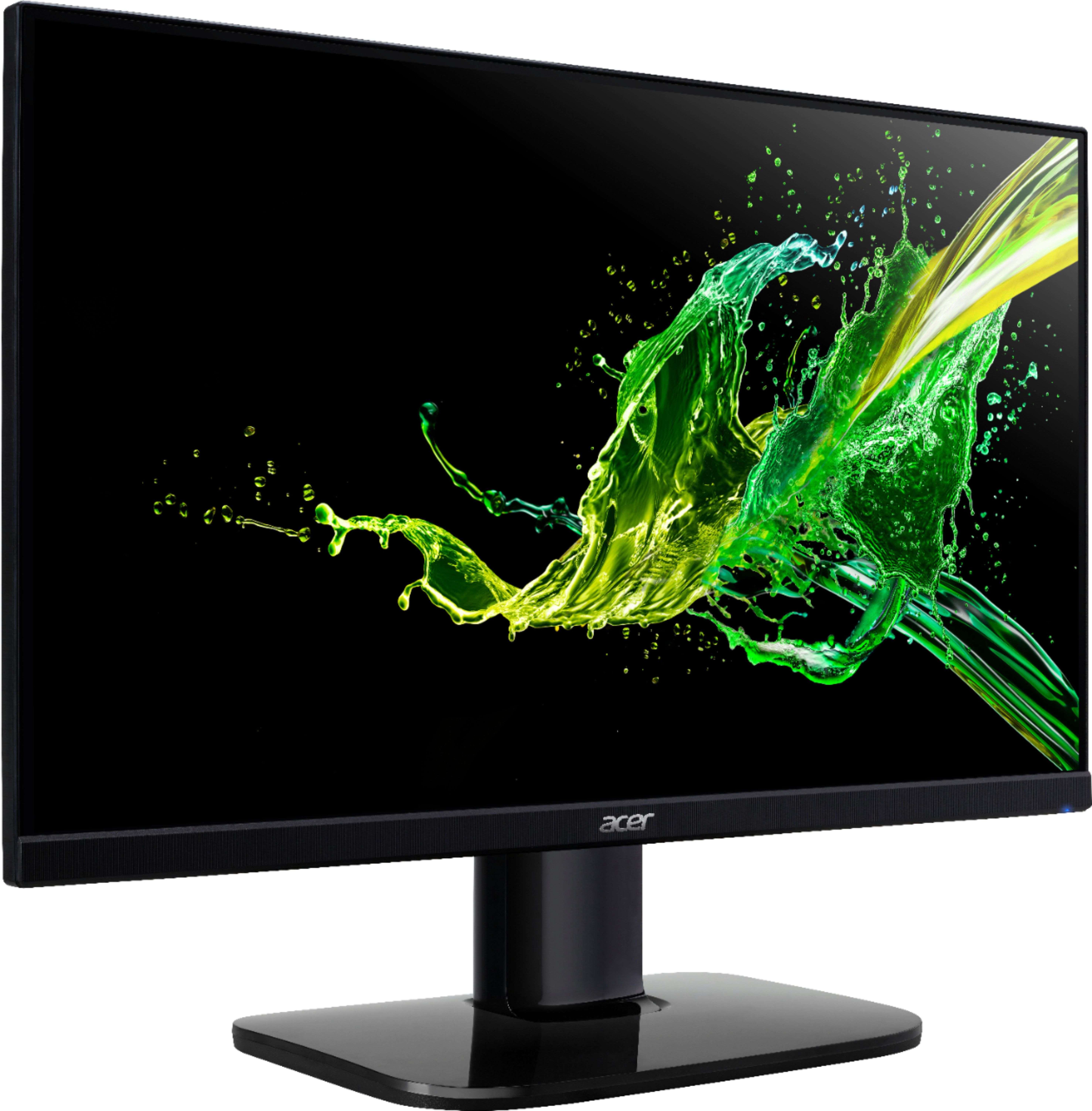
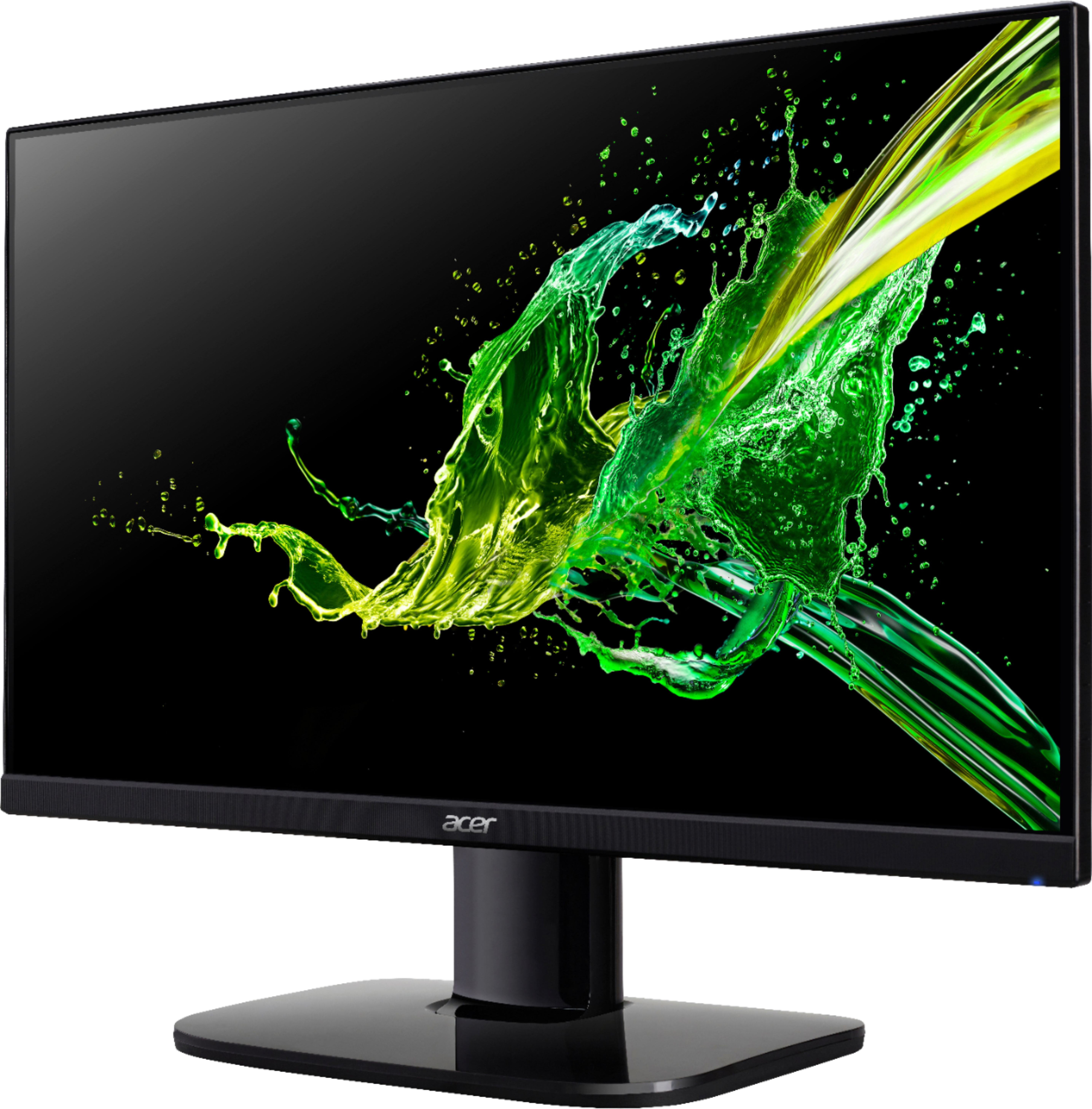
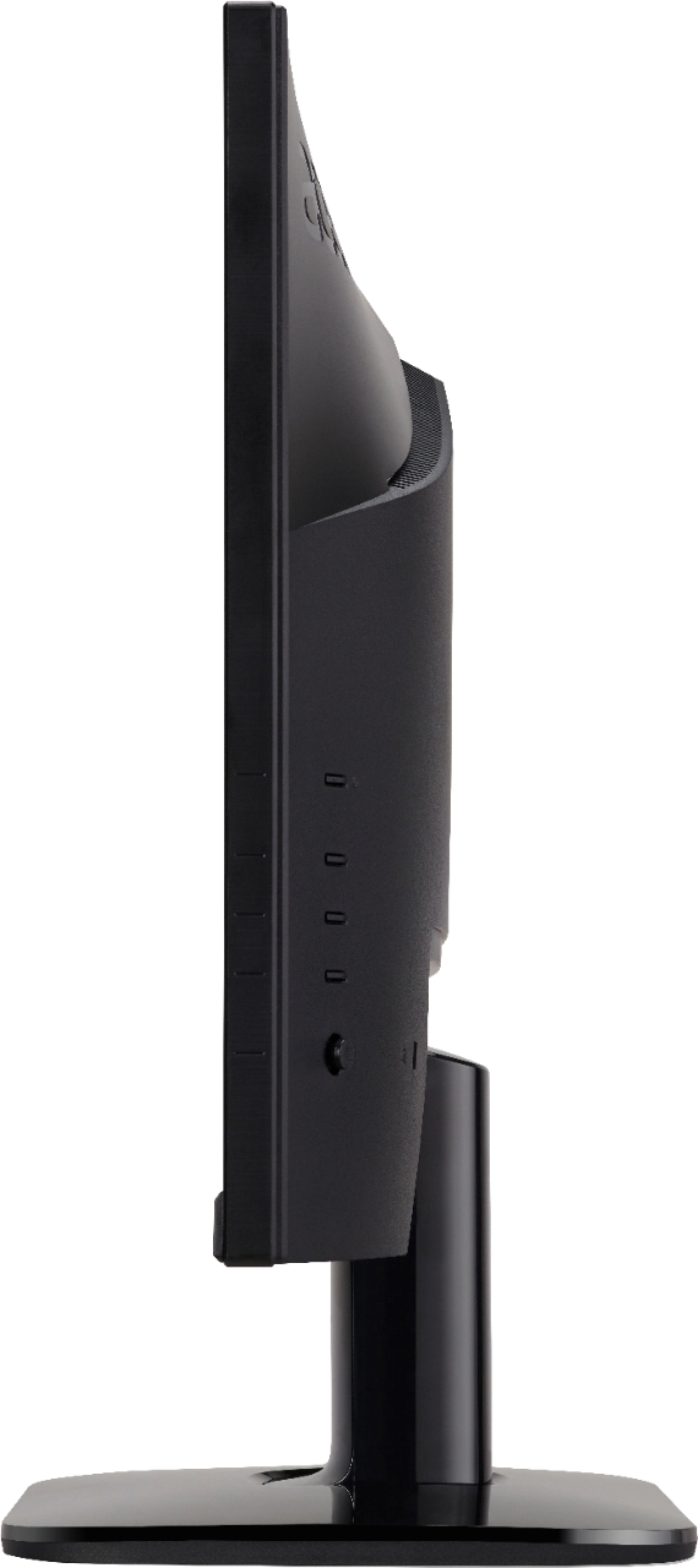
A:AnswerThis is a computer monitor. It is not typical for a monitor to include speakers or audio ins/outs.
Assuming you are using this as monitor you could get some external speakers and connect to your computer directly. The quality depends on the budget, but you can find speakers from as little as $10, and as expensive as a few hundred dollars or more depending on your needs and requirements. Or just use some headphones.
A:AnswerYou do not get sound out of the monitor. I am running an USB cable from desk top PC to outboard integrated amp with an async DAC. You could do the same thing with powered desk top speakers and no amp or receiver but the powered speakers would have to have an internal dac. Some desktop PC's have 1/8" plug outs for speakers. PC needs a sound card.
A:AnswerIf you want to raise this I recommend any desk monitor stand or extendable arm. I use one by north bayou. One arm holds my Macbook Pro, the other holds this monitor

A:AnswerNo. This monitor does not have DVI / D-SUB ports.
As stated in the product title ("Acer - 27" IPS LED FHD FreeSync Monitor (HDMI, VGA) - Black") it has HDMI and VGA connections