Questions & Answers
- Model:
- ACER-UC503-BBY
- |
- SKU:
- 10211796
$14.99
Save $1
Comp. Value: $15.99
Page Showing 1-6 of 6 questions
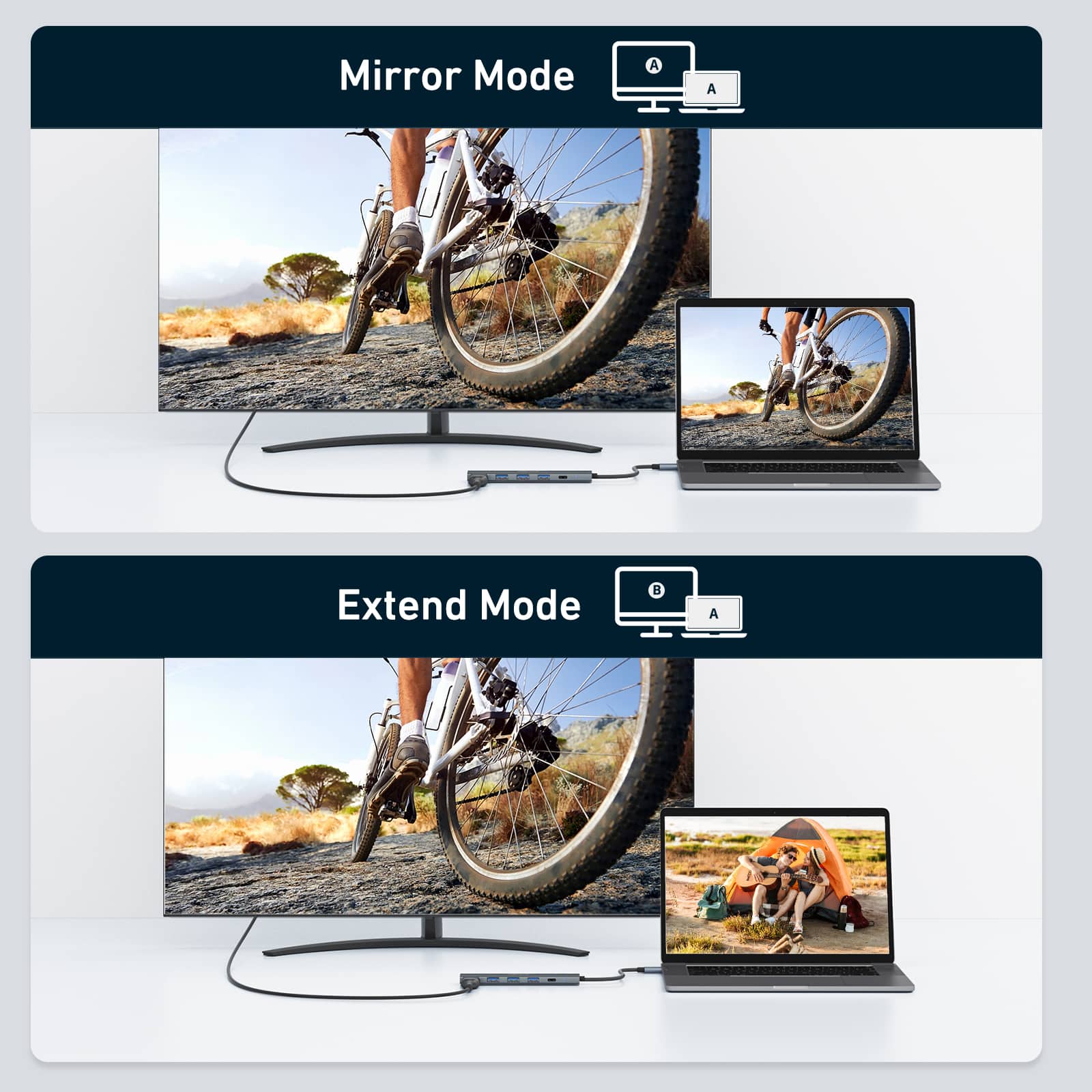
Q: QuestionI have a HP Chromebook with only 1 USB C port, which also acts as the charging port. Can I connect this adapter to my Chromebook and then connect an external monitor to it via HDMI and also connect the Chromebook's power cord to the USB C port?
Asked by ZiggyMIT.
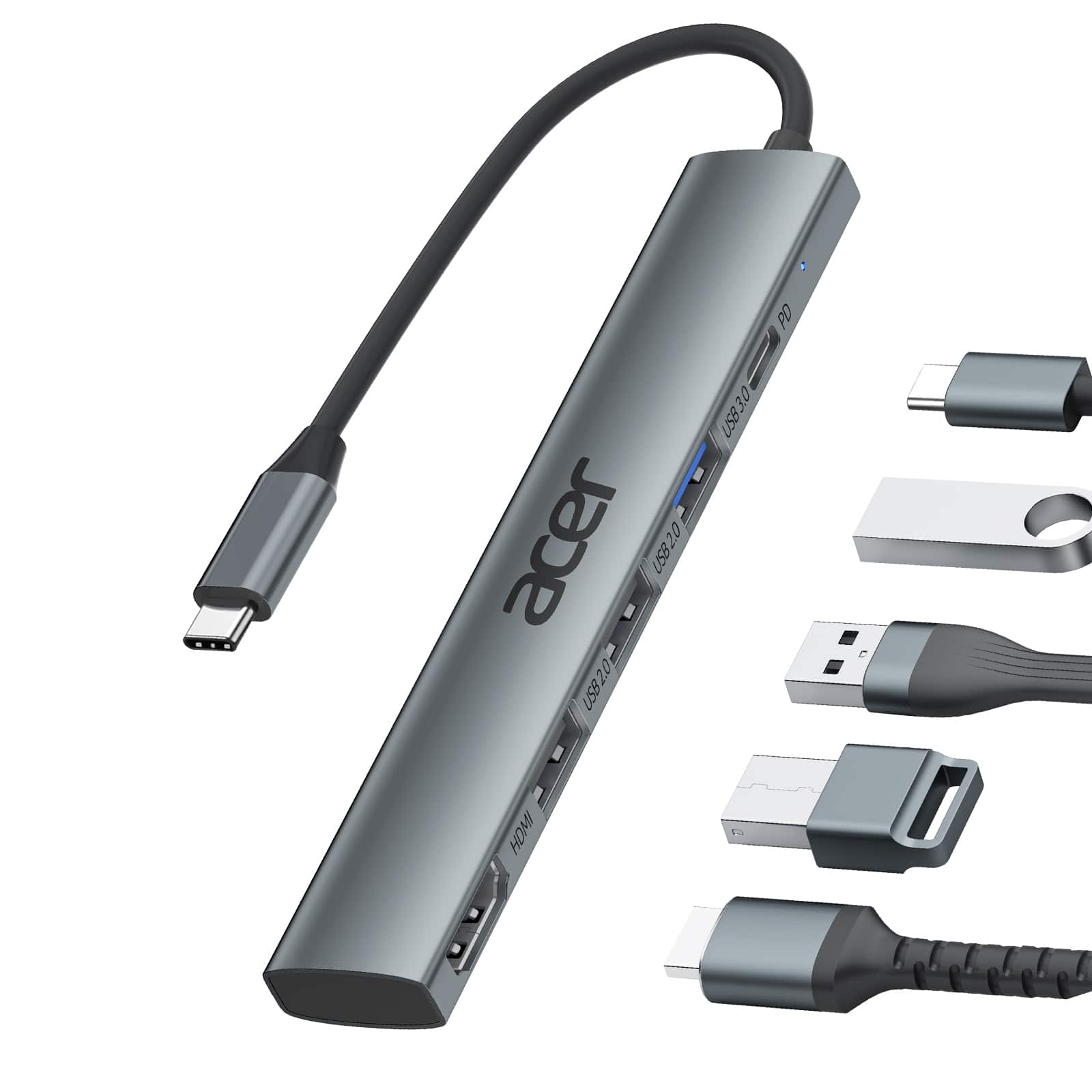
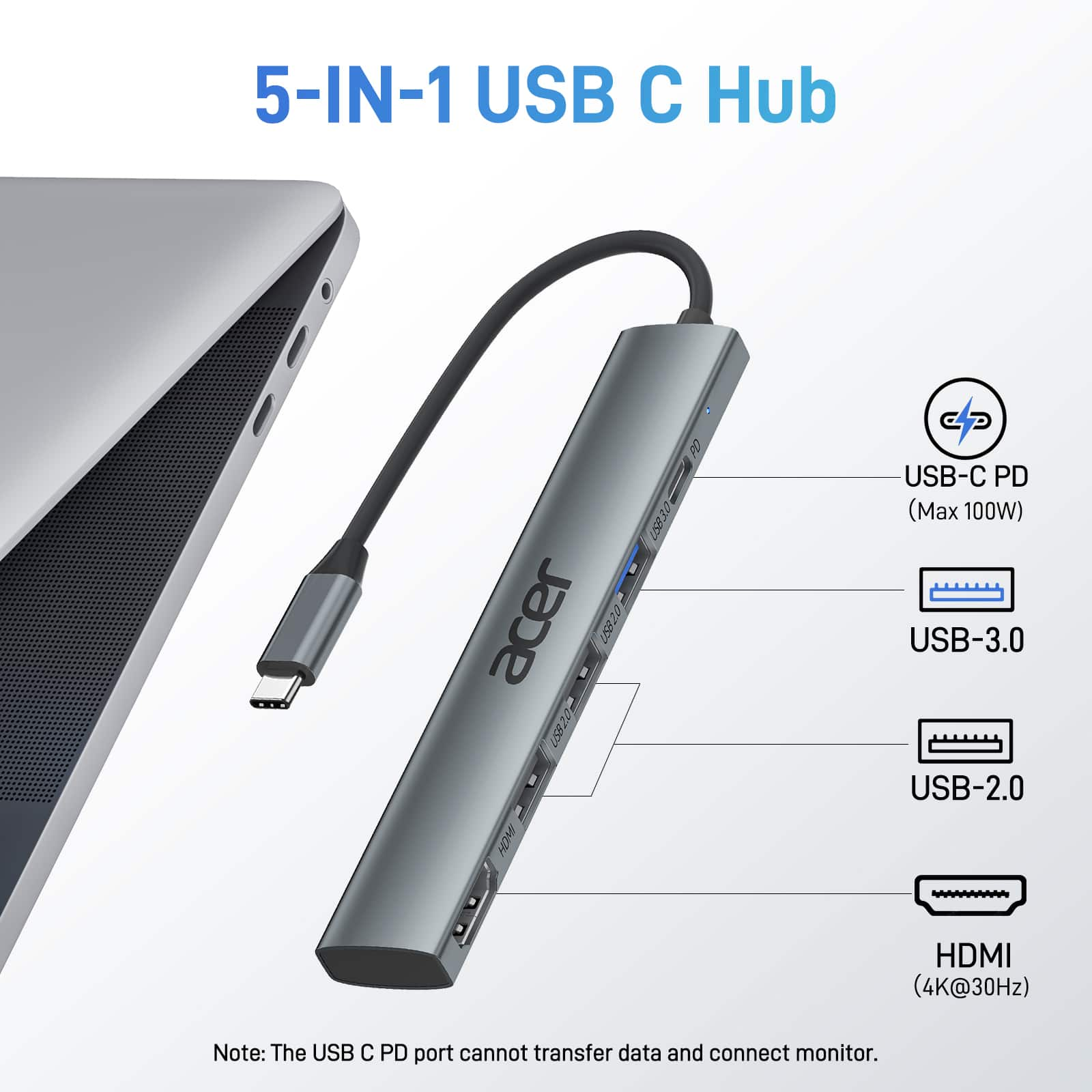
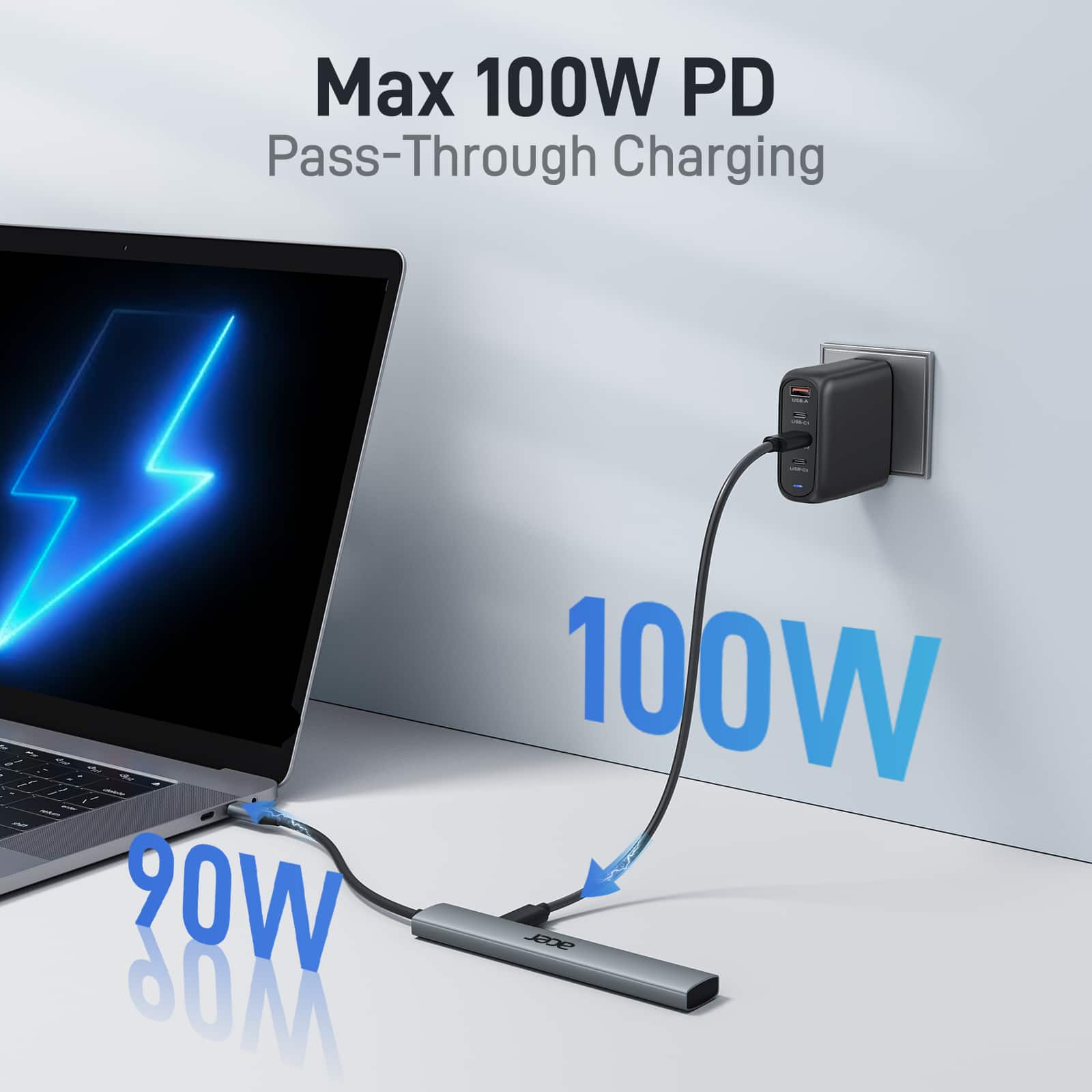
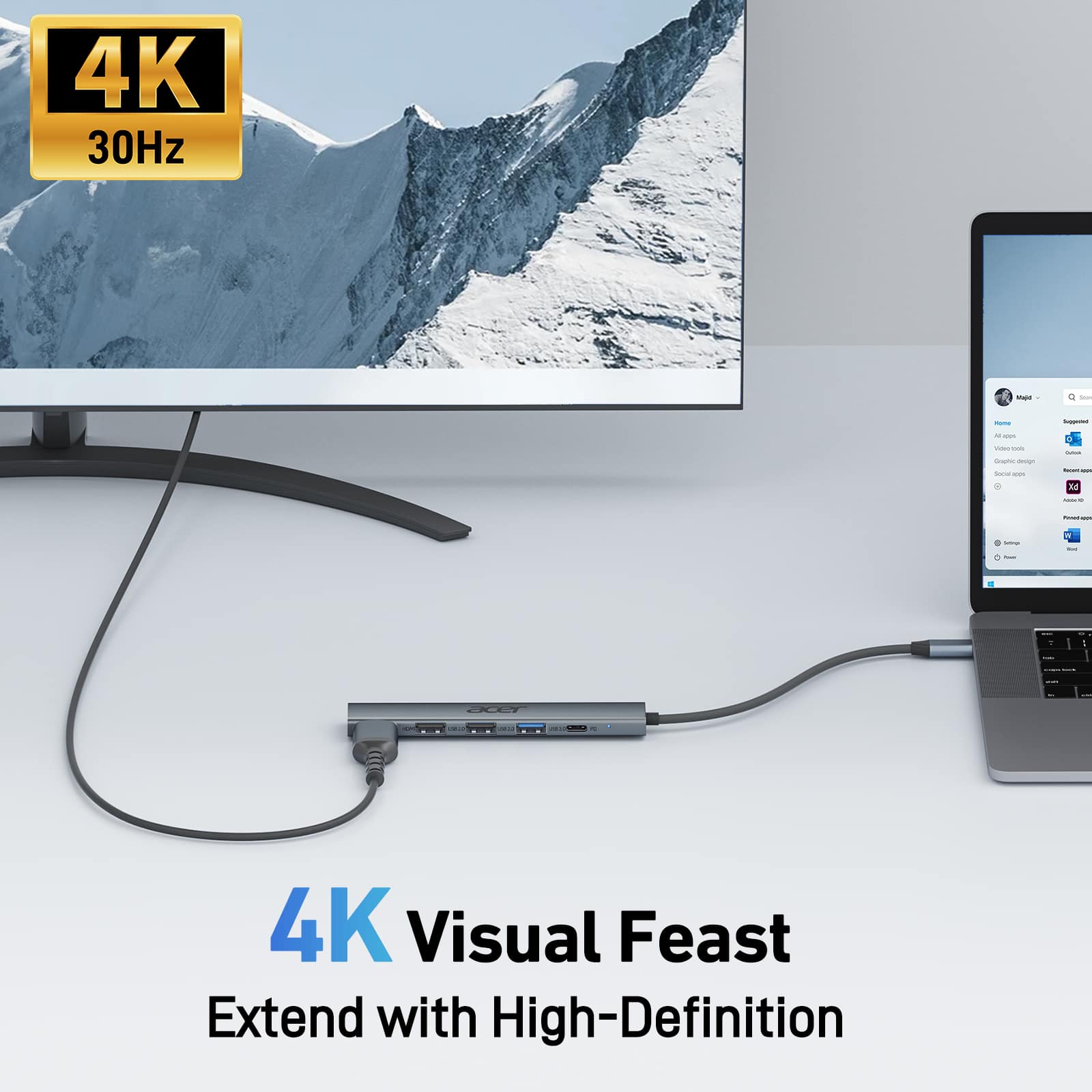
- A:Answer Because you have only one USB-C port, this adapter allows you to plug the hub into the Chromebook, then plug your charger into the hub, and your HDMI cable into the hub,
Answered by TeamAcer
Q: Questioncan i use this with iphone 17 pro max to connect to a DAC for audio ?
Asked by curiousGeorge.
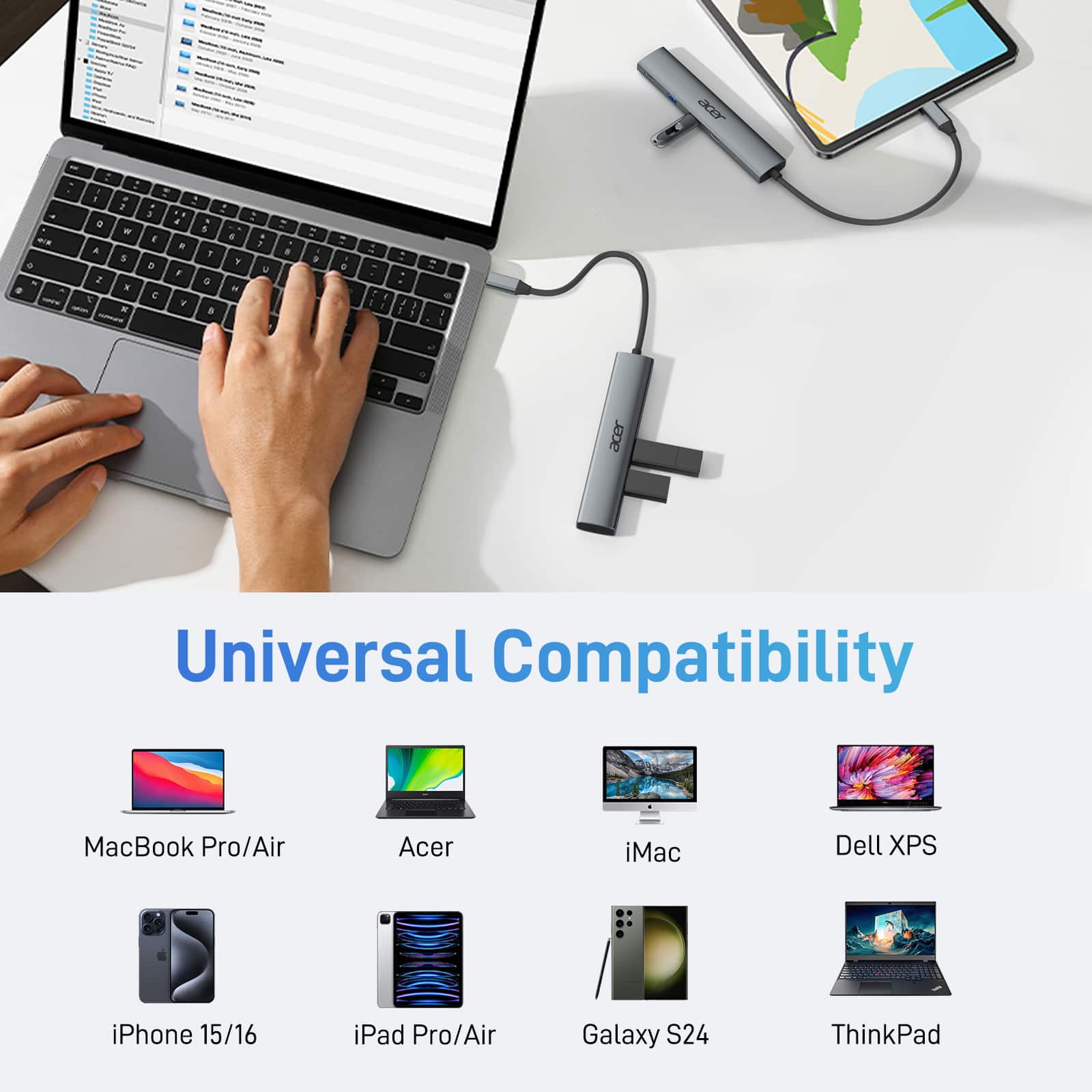
- A:Answer Yes, this dock should work fine with an iPhone 17 and connected to a DAC.
Answered by TeamAcer
Q: Questionis this docking station compatible with windows surface laptop 5 , where I can hook up 2 Monitors.
Asked by Peter.
- A:Answer Yes, the UC503 docking station is specifically designed for the Microsoft Surface Laptop 5 and is capable of connecting two monitors, typically using a combination of HDMI and VGA ports.
Answered by TeamAcer
Q: QuestionWill this work if I want to connect an iphone 17 pro max to a TV to send video to the TV via HDMI?
Asked by Anonymous.
- A:Answer Yes, an iPhone 17 Pro Max can connect to a TV via HDMI using a compatible adapter and HDMI cable.
Answered by Bernard
Q: QuestionWill this work for mac air m4?
Asked by Anonymous.
- A:Answer Yes, the Acer 5-in-1 USB C Hub with 4K HDMI is compatible with the MacBook Air M4. The hub's USB-C connectivity, including video output via HDMI, works with the MacBook Air's Thunderbolt/USB-C ports to connect to external monitors.
Answered by TeamAcer
Q: QuestionWill this support Windows 11
Asked by Marr.
- A:Answer Yes it will work with Windows 11.
Answered by TeamAcer
Page 1, Showing 1-6 of 6 questions