A:AnswerHello Ben, We thank you for your question. About the Intel® Celeron® Processor J4125, it has a Processor Base Frequency: 2.00 GHz, a Burst Frequency: 2.70 GHz and the numbers of displays Supported by the processor is 3. You can double check it and see more information about it in the next link:[ https://ark.intel.com/content/www/us/en/ark/products/197305/intel-celeron-processor-j4125-4m-cache-up-to-2-70-ghz.html ]
Thank you for choosing Intel.
A:AnswerAcer has not tested this device but you might also post your question on the Acer Community where there are many users that post questions and offer help and advice on Acer products. The link is: https://community.acer.com/
A:AnswerIt really depends on how much data is being backed up to the recovery drive. USB 2.0 is old technology, do yourself a favor, get a faster (3.0 or better) usb trust me definitely worth it. They are super cheap now.
A:AnswerWhile Acer does not test many gaming applications we would recommend you check that the computer meets the system requirements of the application/game to determine if it will work. You might also post your question on the Acer Community where there are many users that post questions and offer help and advice on Acer products. The link is: https://community.acer.com/
A:AnswerIf the card reader is PCI-e, you should be able to install one. This PC has one PCI Express x16 slot (PCIe V2.0); one M.2 2230 WLAN+BT slot (PCIe V1.0), and one M.2 2280 SSD slot (PCIe V2.0).
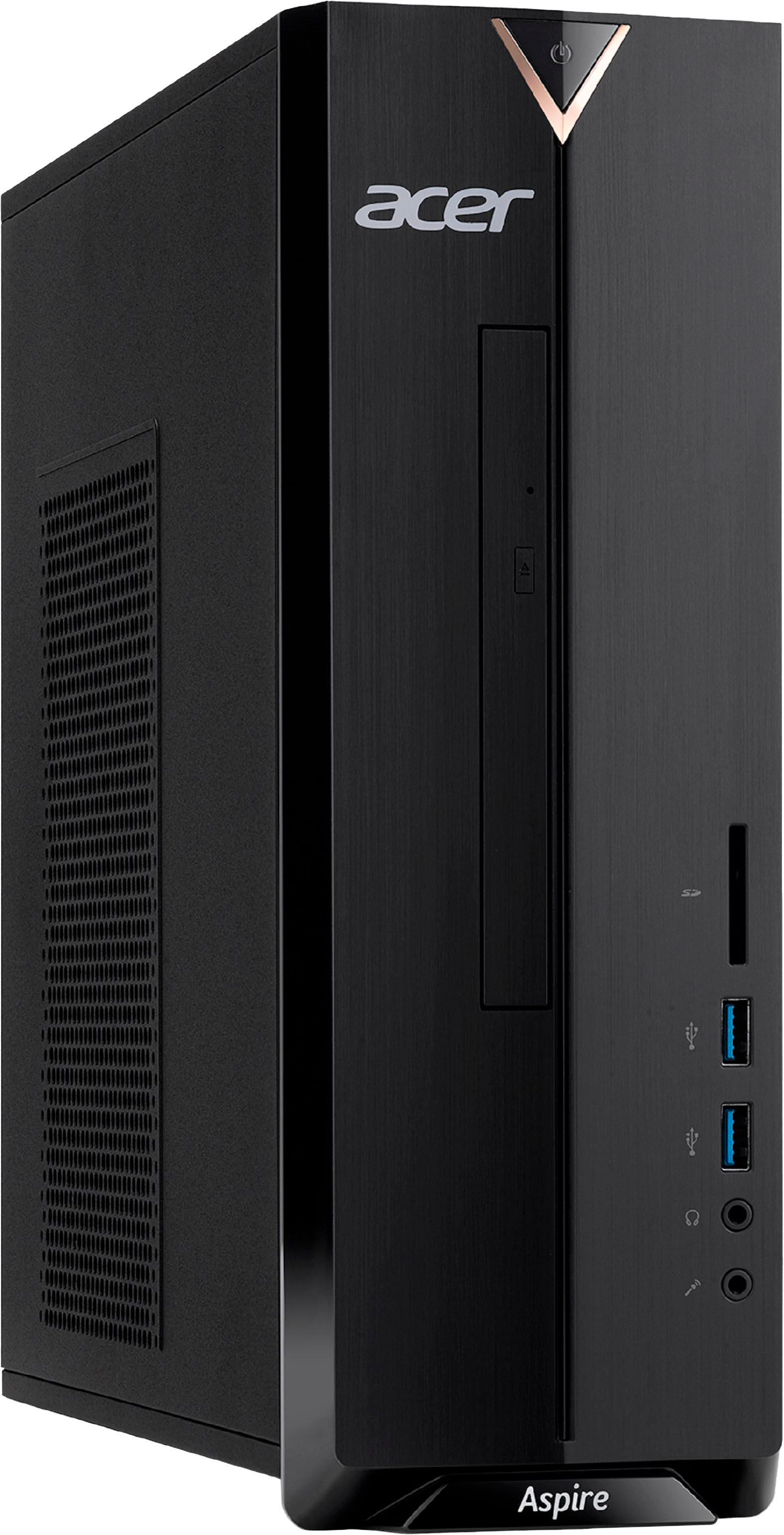
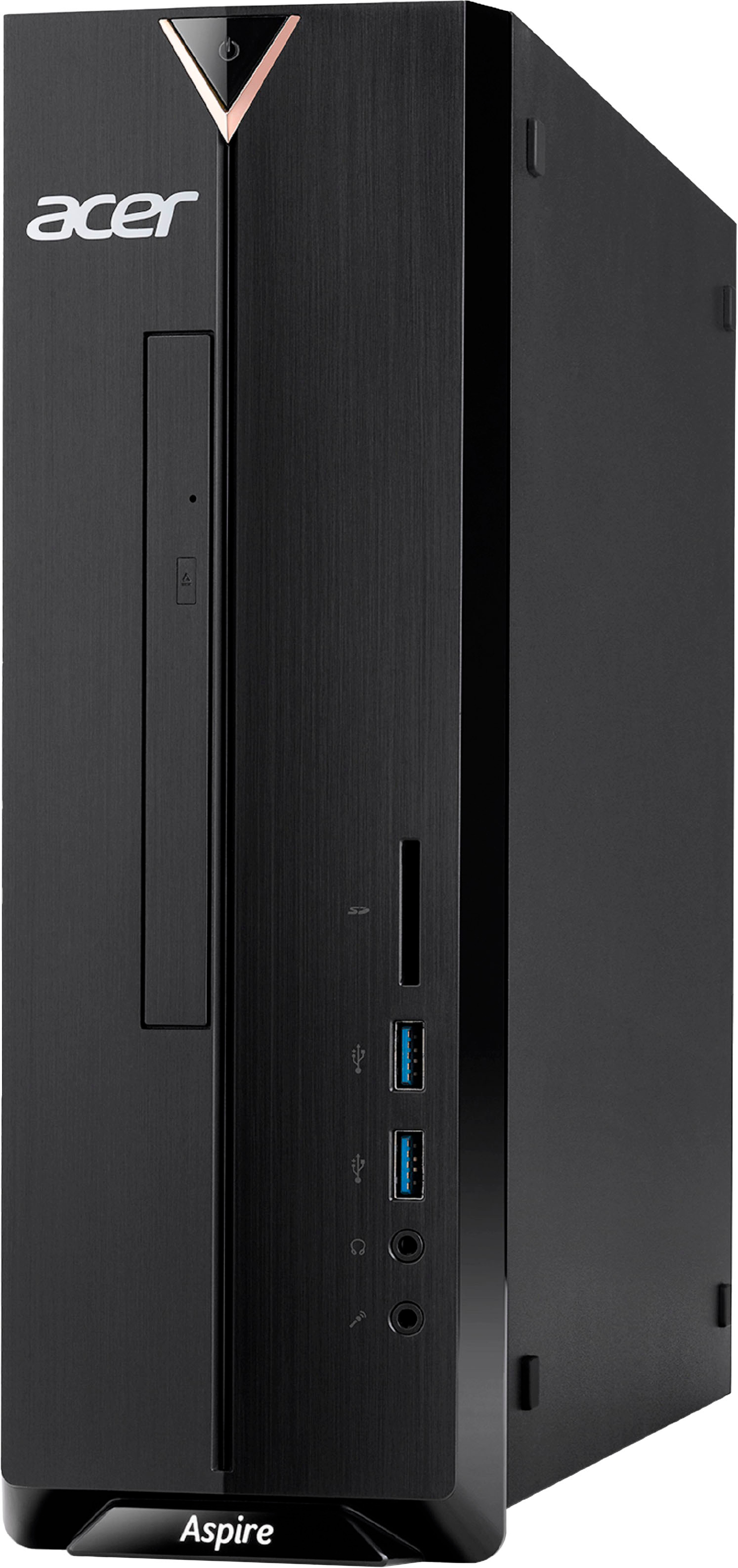
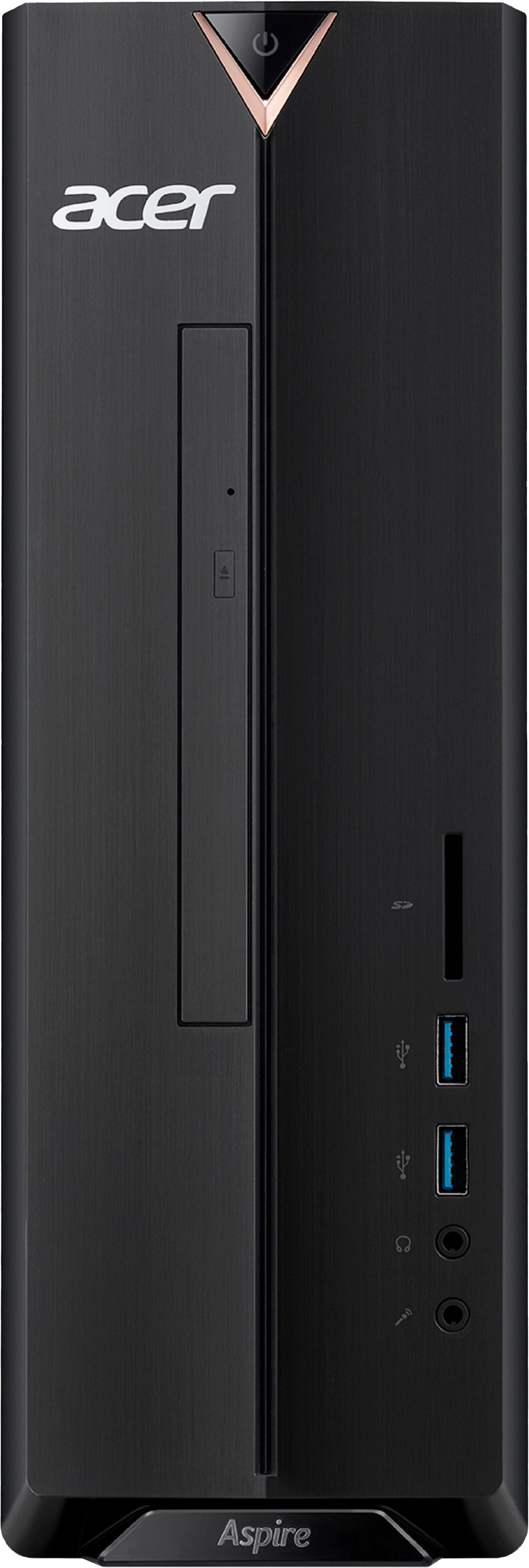
A:AnswerIf the SD card slot has a plastic dummy card or is covered with plastic, this means this particular model does not have a built in card reader. You can still use a card reader that uses a USB adapter, if you need to use an SD card.
A:AnswerThe Aspire XC-830 I purchased on February 4th did not have a functioning SD card reader. The SD card slot is fitted with a rubber cover and there is no reader behind the slot in the case.