A:AnswerIf it will not charge past 15% and the AC adapter is firmly connected to the DC in jack, we recommend it be checked by our repair center. For assistance with this please contact our support team at 1-866-695-2237, chat or social media, and we will be glad to help.
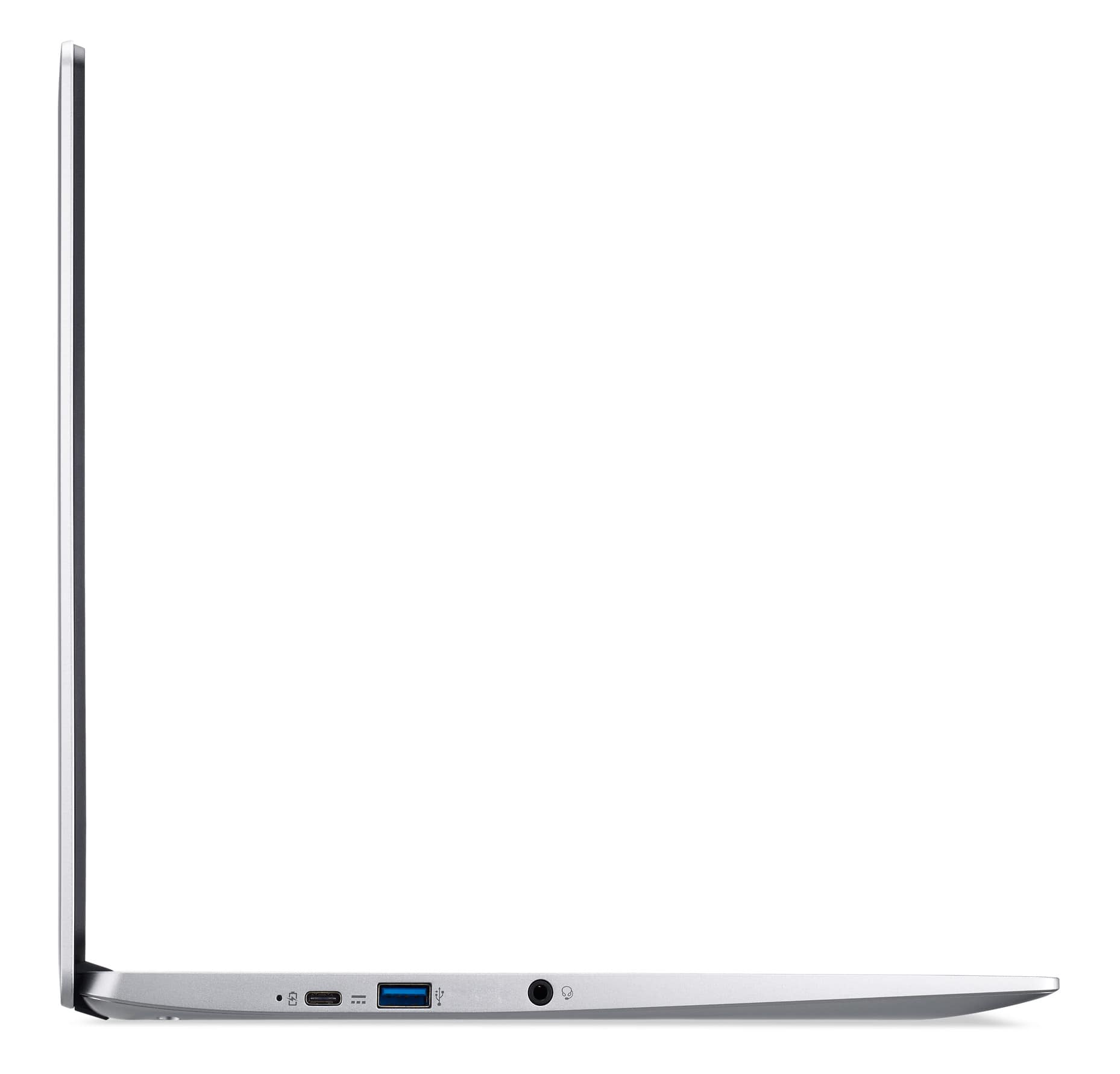
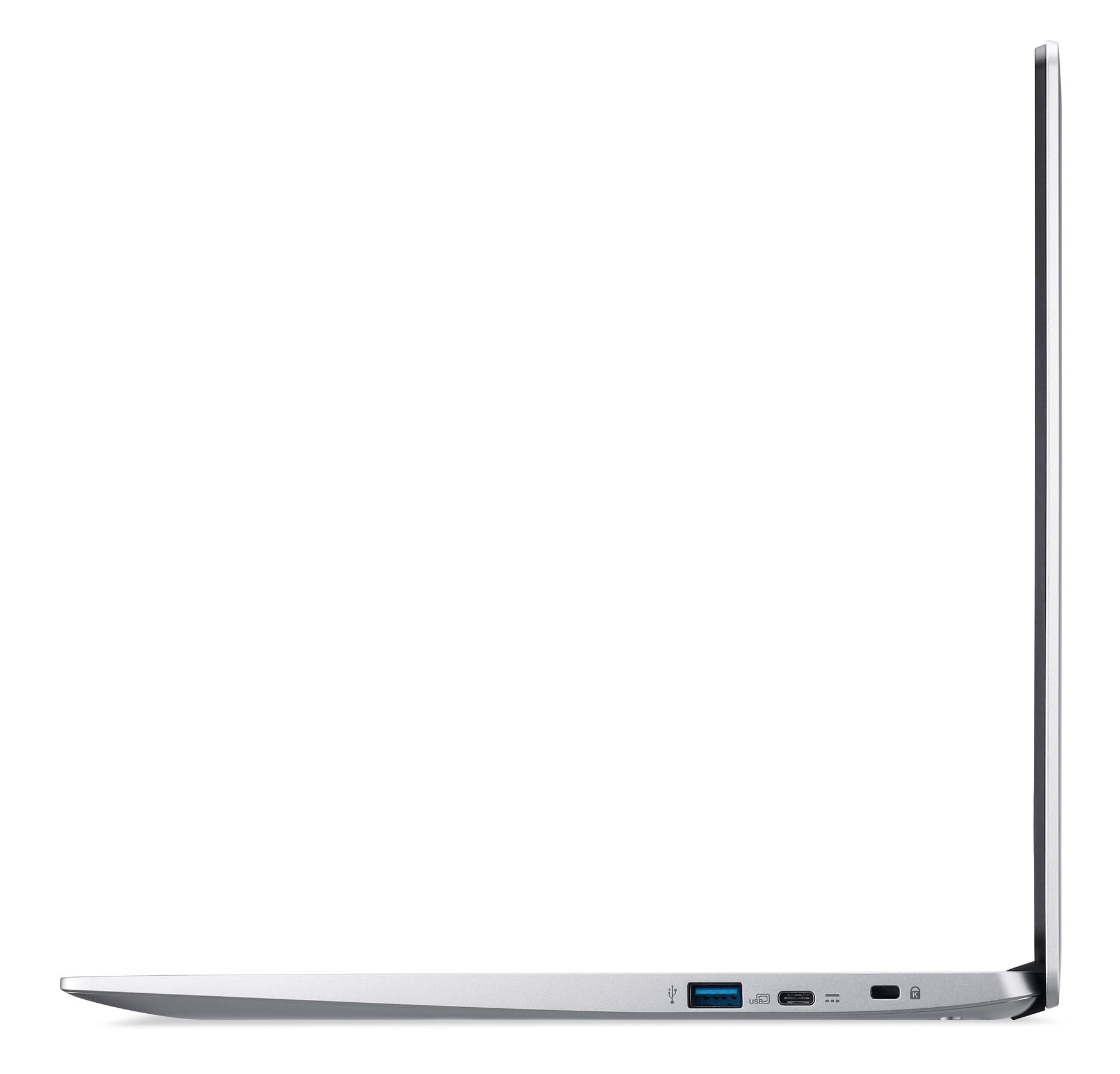
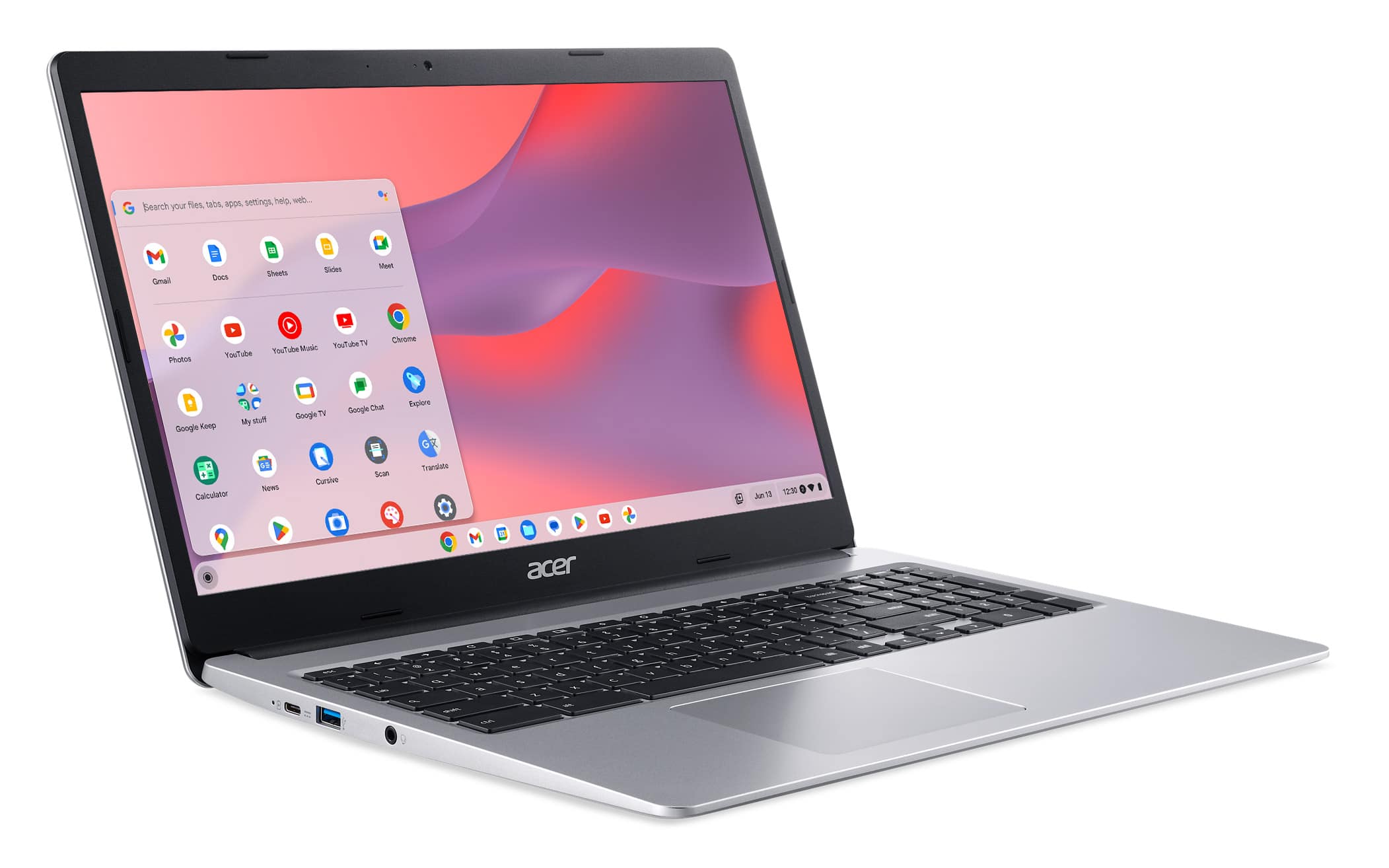
A:AnswerYou don't mention what connection your printer uses, but you may need to use an adapter to connect an older wired printer. This Chromebook has USB-C and USB Type C connections. We do recommend you check with the printer manufacturer to see if your printer will work with a Chromebook, as these devices use a cloud ready printer.
A:AnswerGreetings from the Intel team. Thank you for your question.
Yes, the Acer - Chromebook 315 meets the system requirements to stream media such as Netflix or YouTube.
Netflix-supported browsers and system requirements:
https://help.netflix.com/en/node/30081#:~:text=Windows,a%20supported%20version%20listed%20below.&text=*Ultra%20HD%20(2160p)%20is,meet%20these%20Ultra%20HD%20requirements.
System requirements & supported devices for YouTube:
https://support.google.com/youtube/answer/78358?hl=en
For detailed information about the Intel® Celeron® Processor N4020, visit:
https://ark.intel.com/content/www/us/en/ark/products/197310/intel-celeron-processor-n4020-4m-cache-up-to-2-80-ghz.html
Thank you for choosing Intel! Emilio_Intel
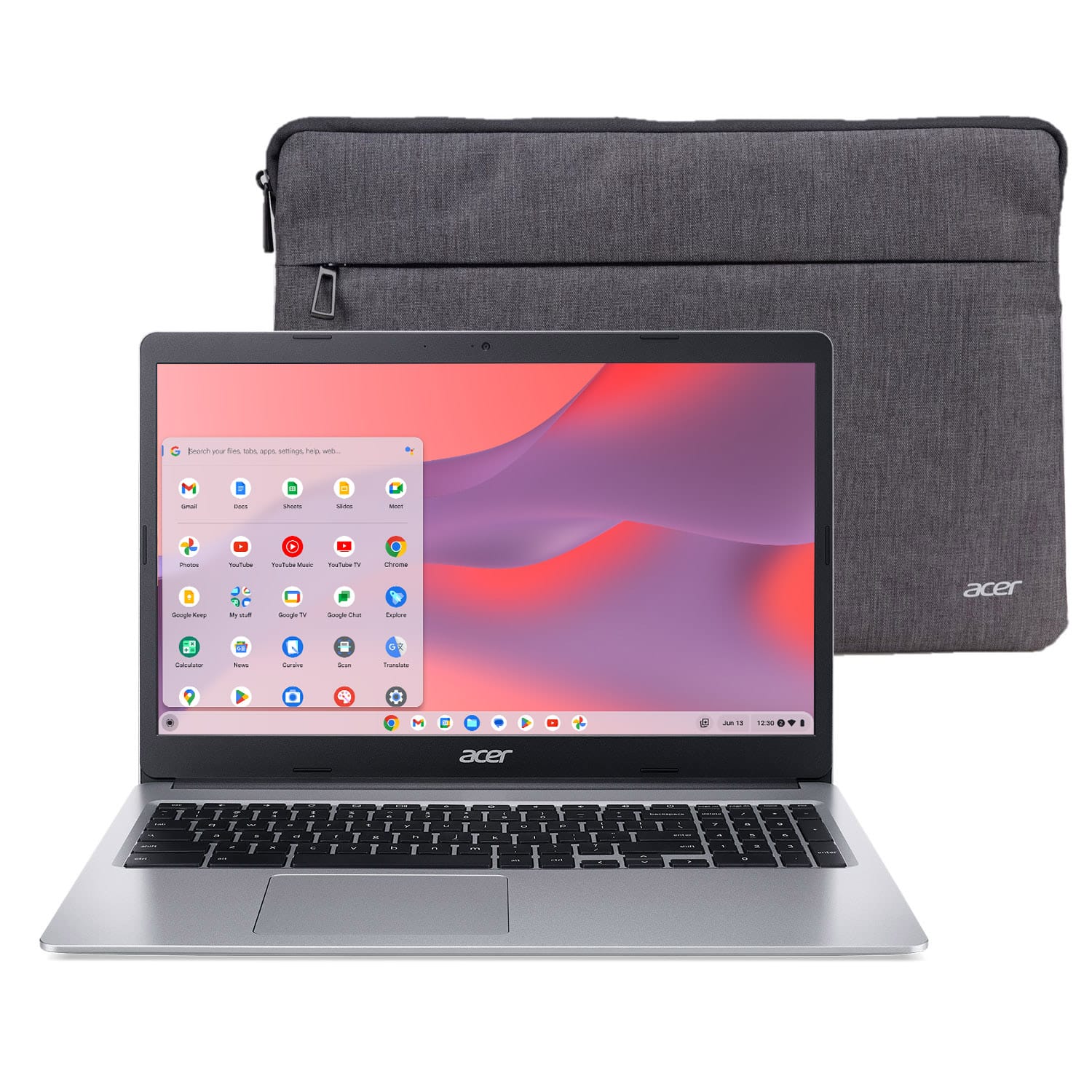
A:AnswerI would check the settings and see if there is a very tiny film overlay. Mine is very sharp at whatever angle I have it. Hope this helps and if not you get it resolved.
A:AnswerAcer has not tested casting to a TV but any connection tested would be a direct connect, without using an adapter. Using an adapter should work and you can also visit the Acer Community forum where there are many posters that offer on Acer products used in different configurations as well.
A:AnswerGreetings from the Intel team. Thank you for your question.
Based on the information provided by Google Help Center, the Acer - Chromebook 315 model CB315-3H-C69K will keep receiving automatic updates until Jun 2029.
Google Help Center:
https://support.google.com/chrome/a/answer/6220366?hl=en#zippy=%2Clenovo%2Cacer
For detailed information about the Intel® Celeron® N4020 processor, visit:
https://ark.intel.com/content/www/us/en/ark/products/197310/intel-celeron-processor-n4020-4m-cache-up-to-2-80-ghz.html
Thank you for choosing Intel! Emilio_Intel
A:AnswerIf you are wanting to transfer documents from a Windows computer to a Chromebook, here are steps on how to do this: https://www.google.com/intl/en_uk/chromebook/howto/transfer-files/