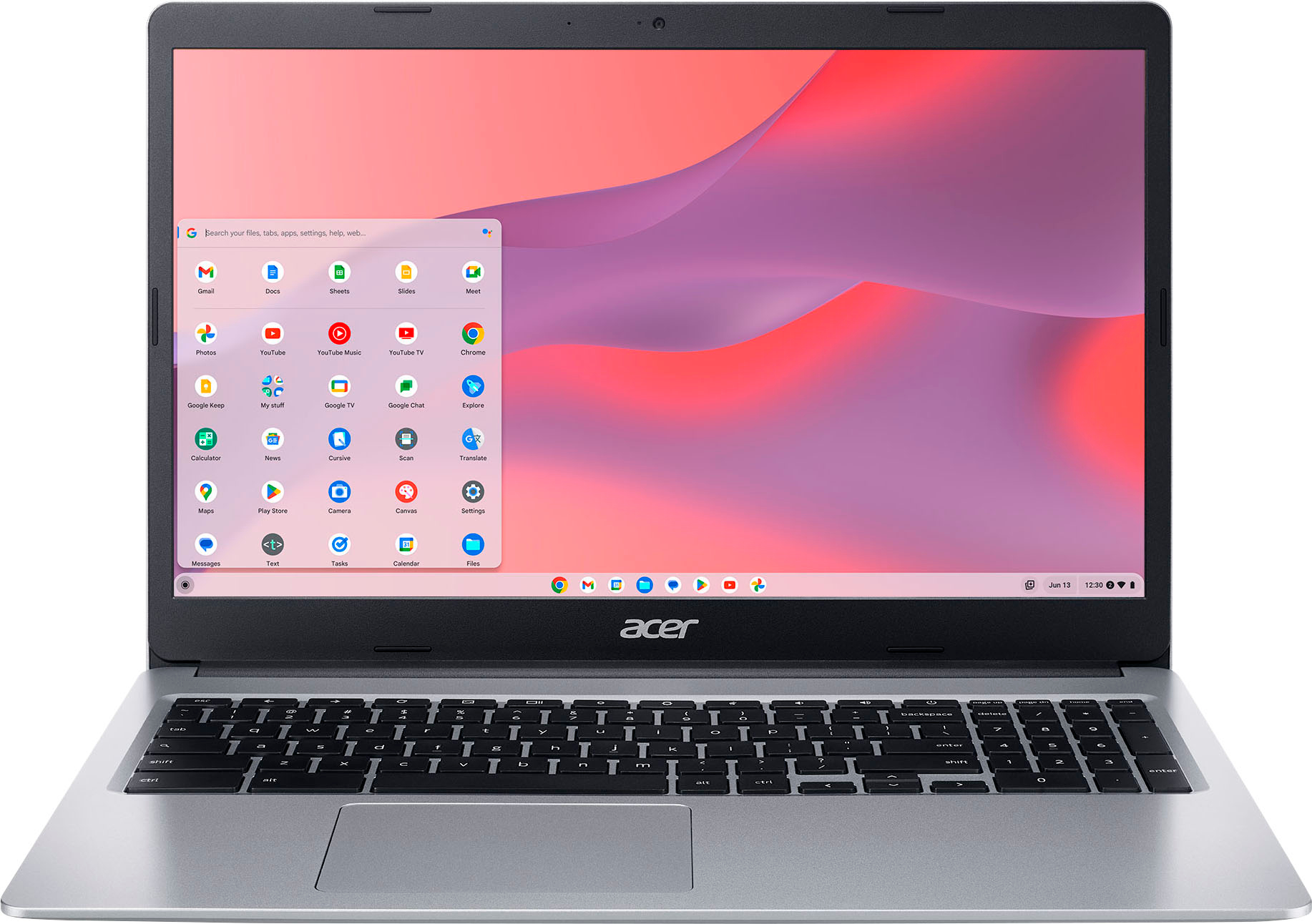
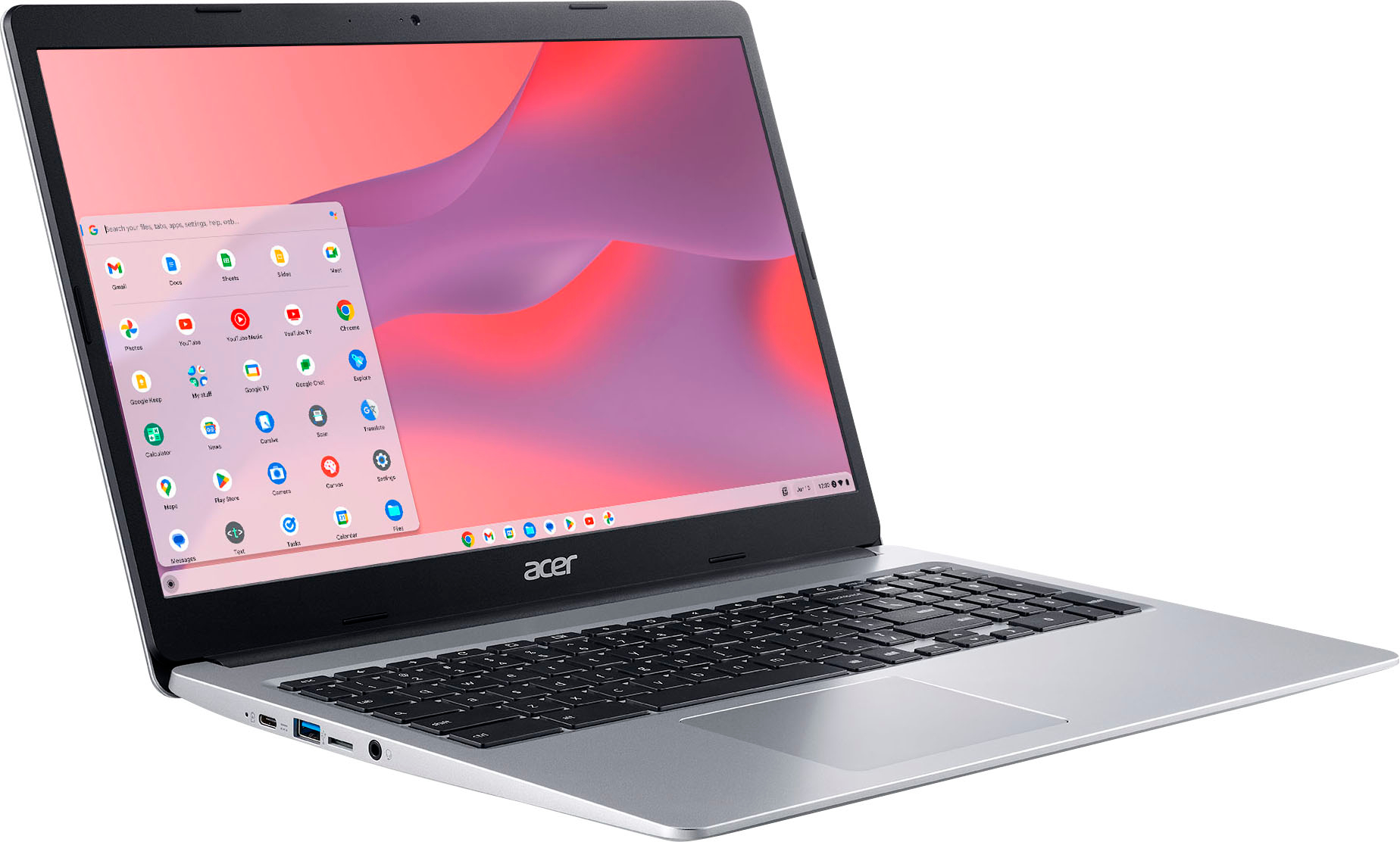
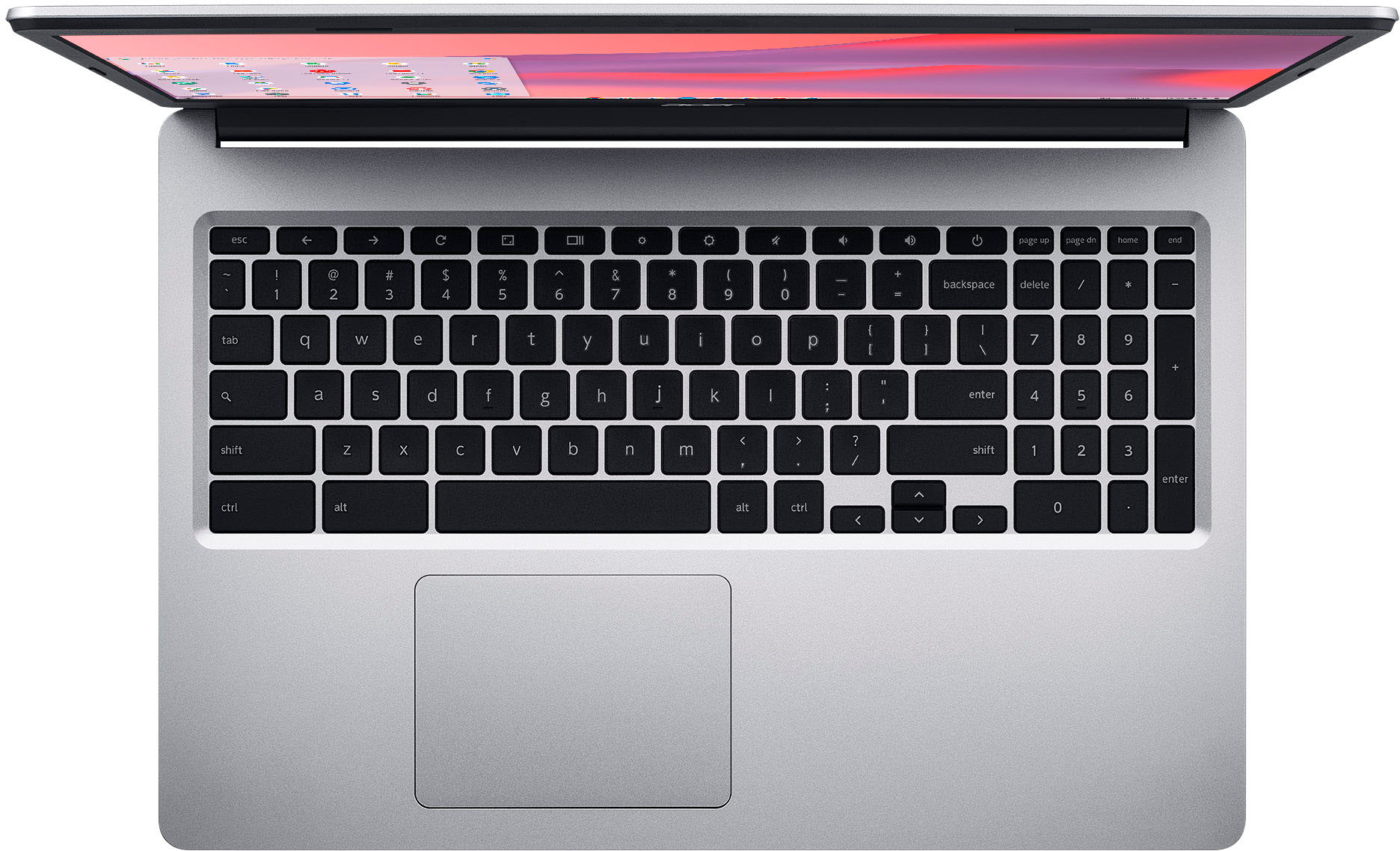
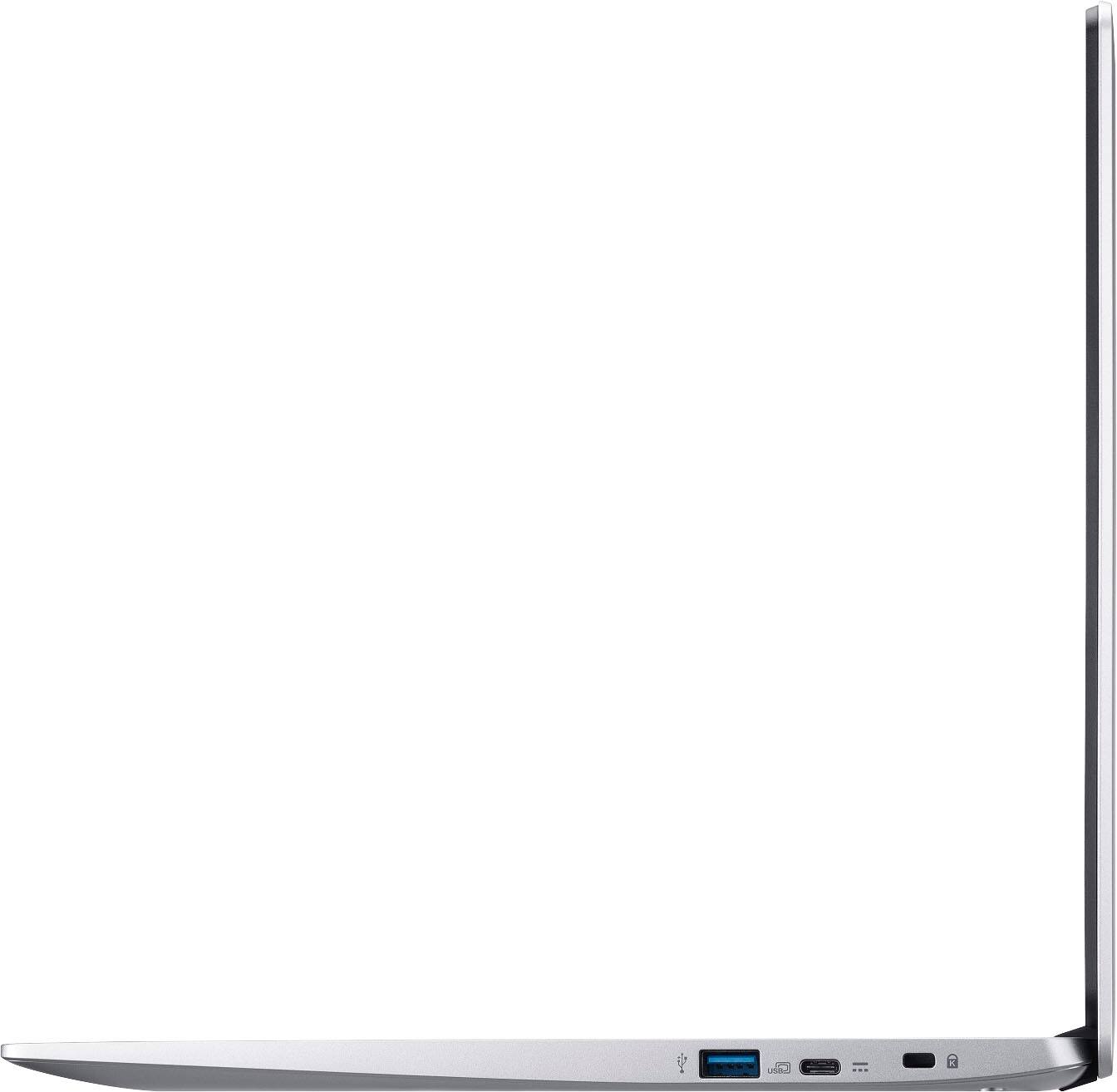
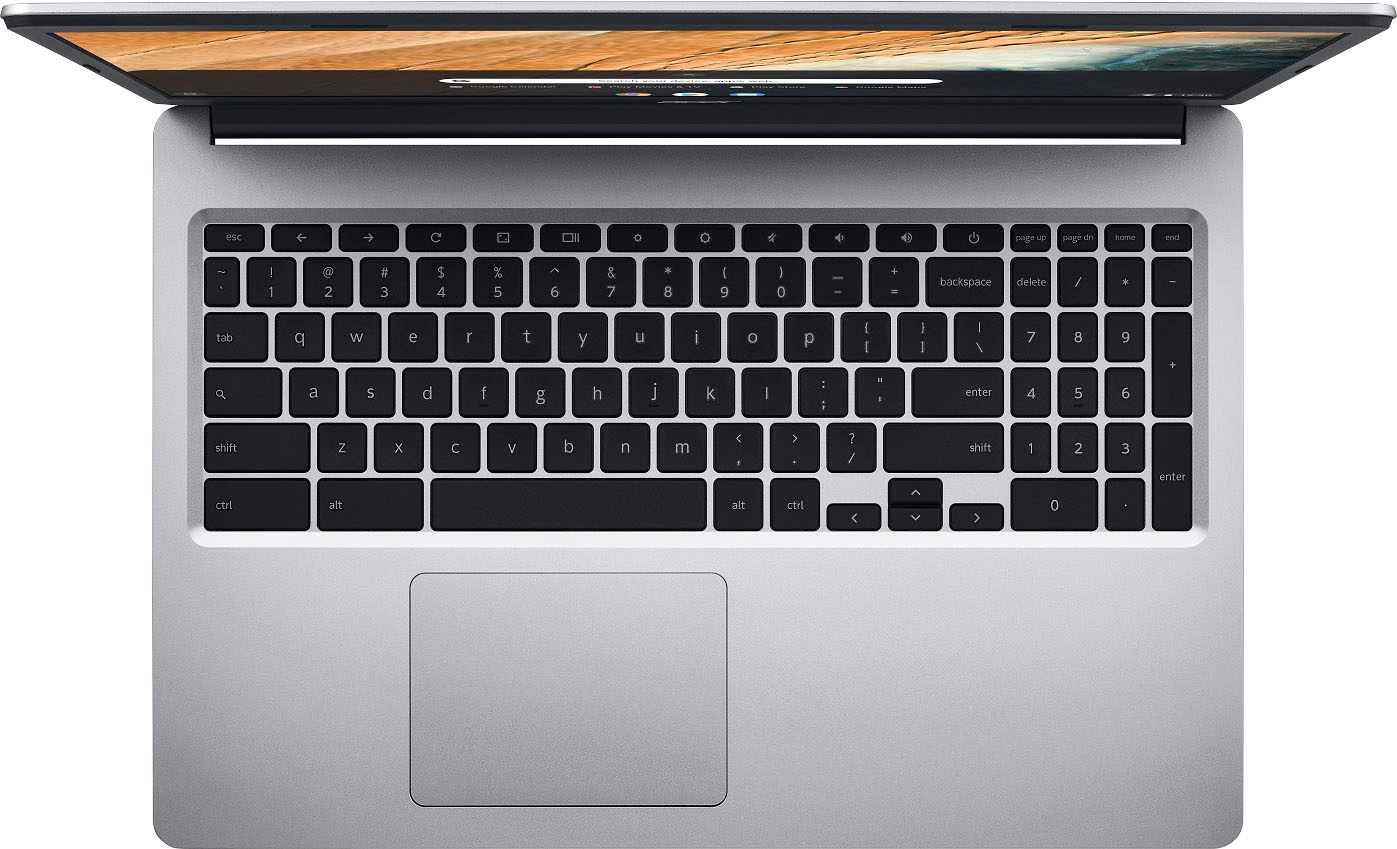
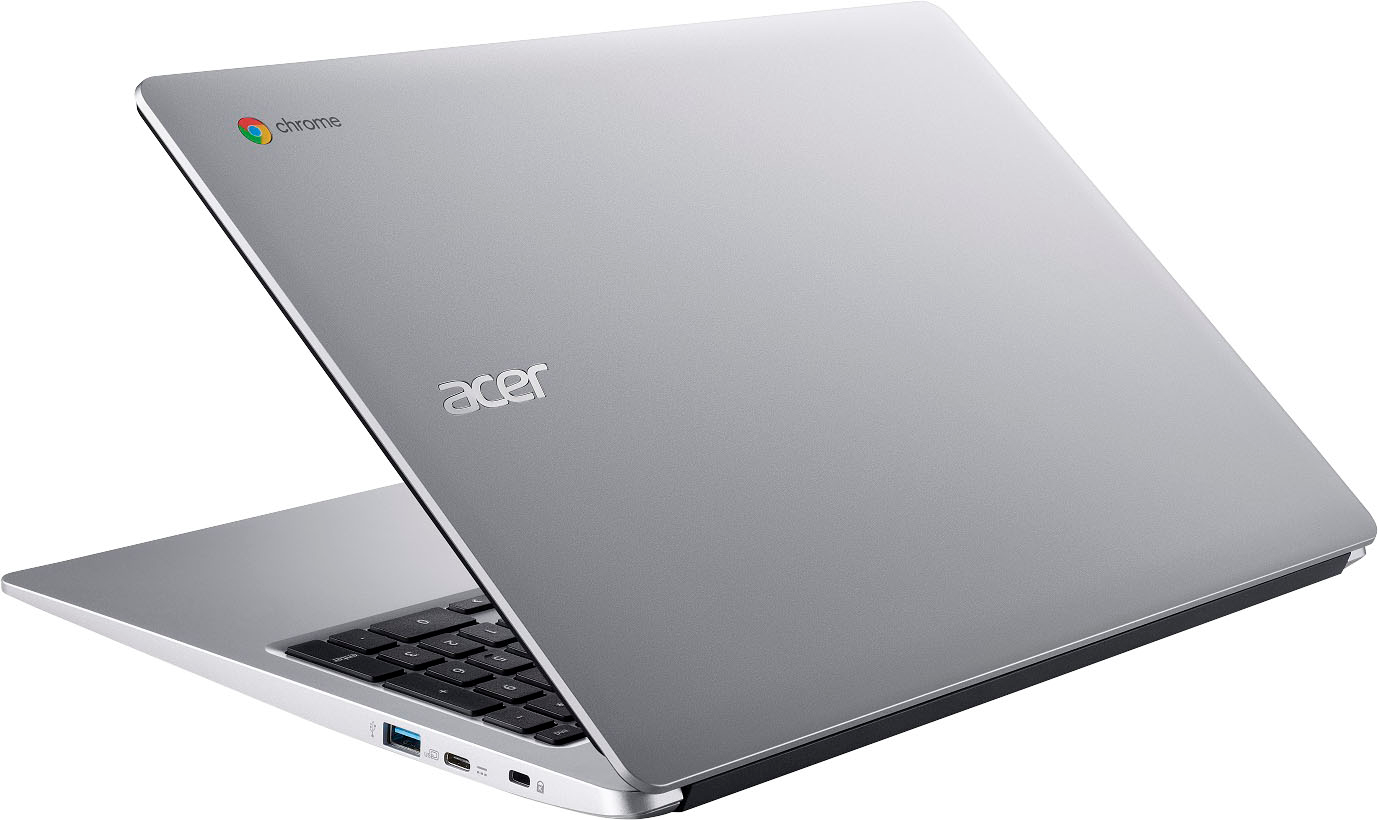
A:AnswerThe Chromebook is ready for use out of the box. Accessories could be a USB or wireless mouse or keyboard. Also you can connect an external monitor to the device as well.
A:AnswerAll Acer Chromebooks support Bluetooth. While Acer does not offer a list of compatible printers, you will need a printer that is Cloud Ready and can connect via USB or wireless. We suggest you check with the printer vendor to see if it is compatible with Chromebooks.