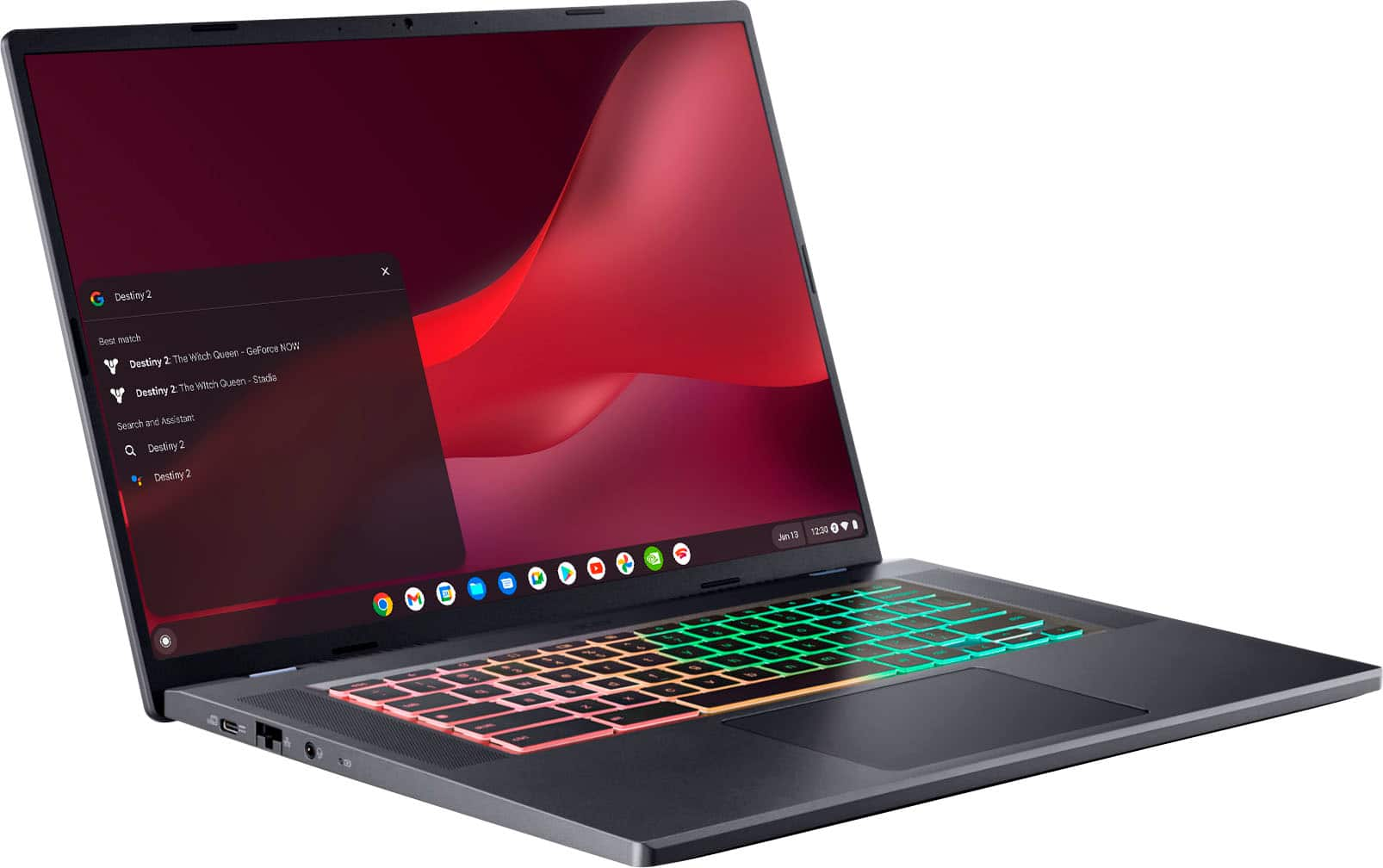
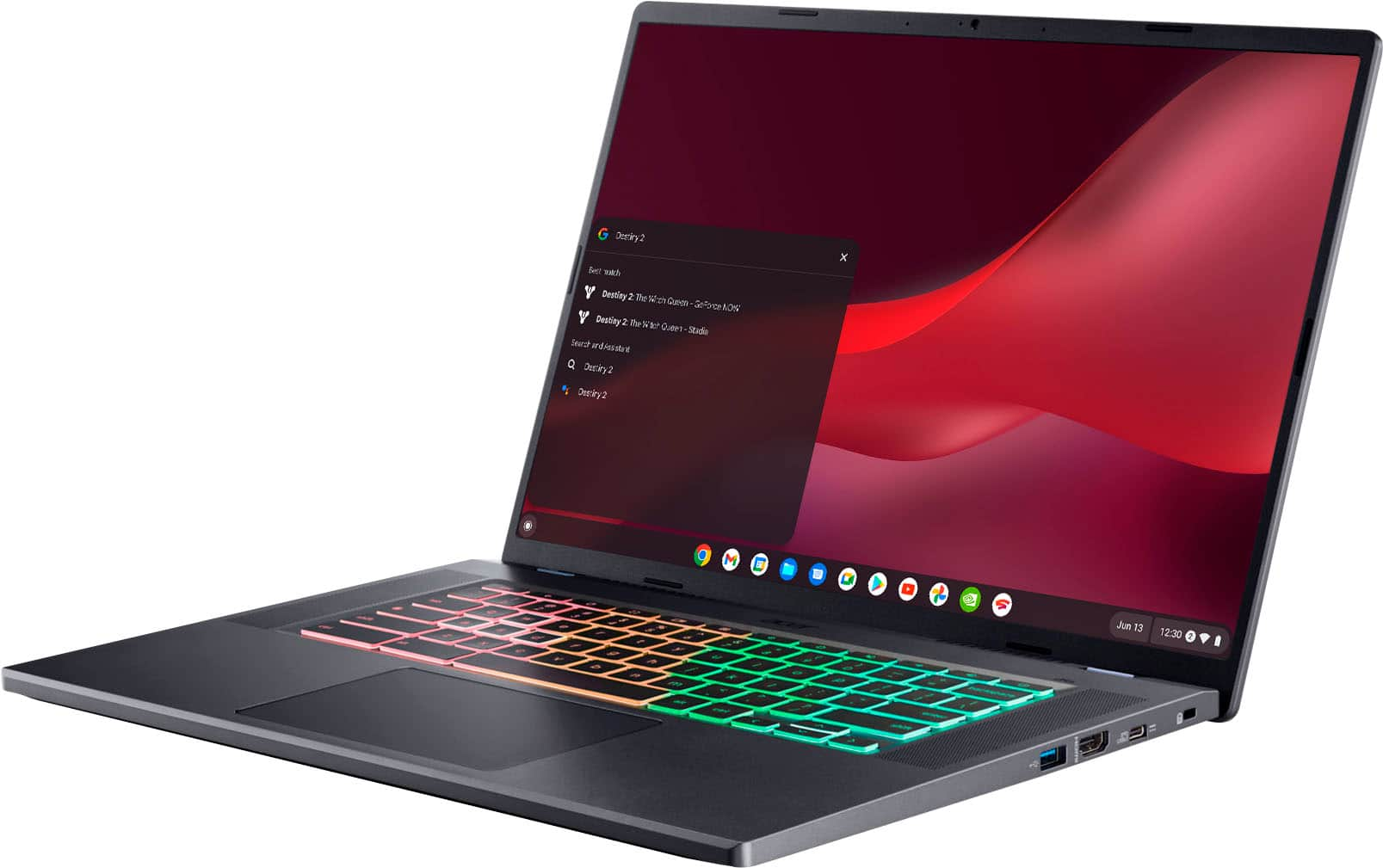
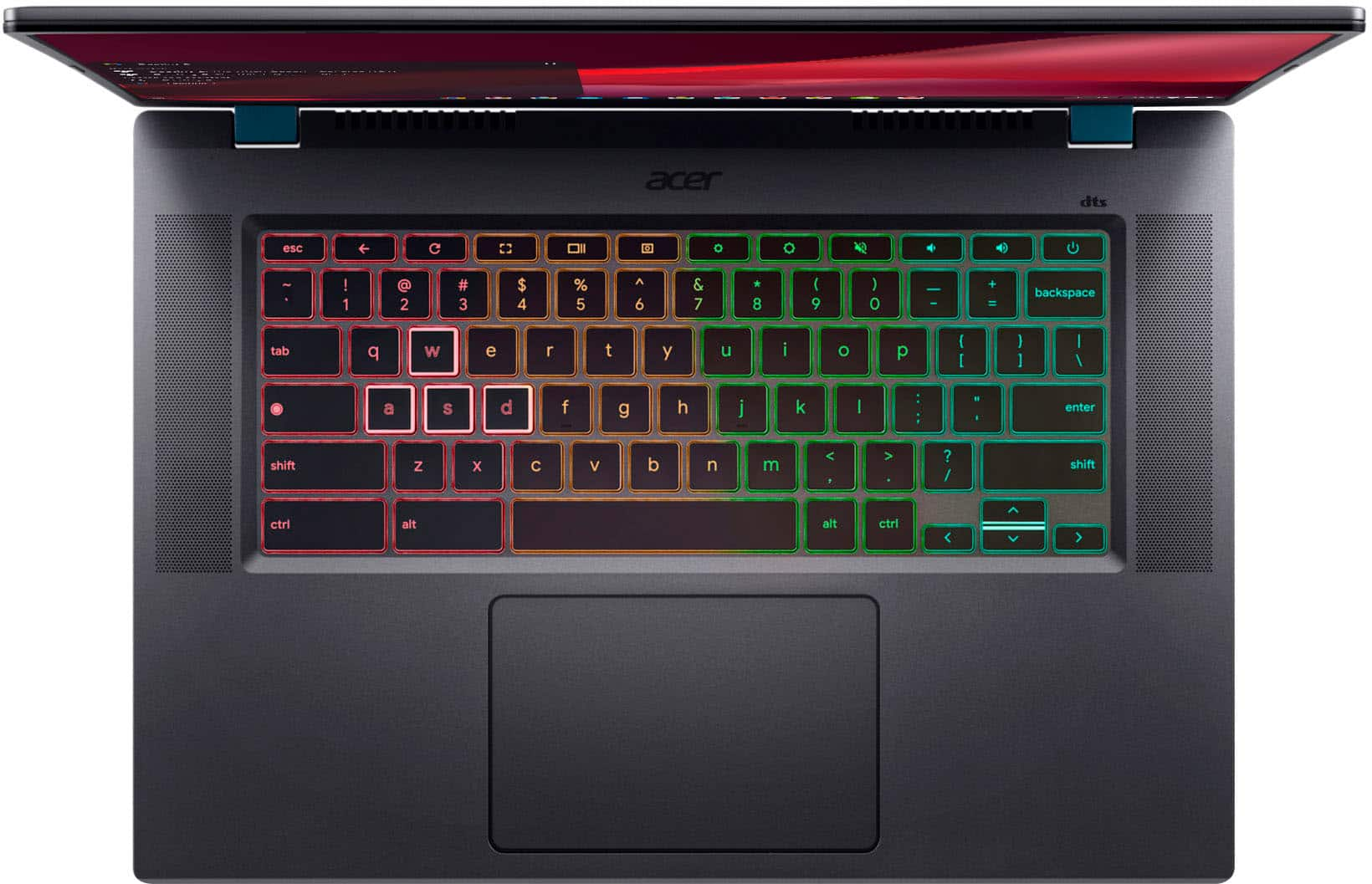
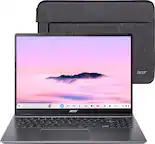
A:AnswerHeck yeah if you've got a phone that you can use as a mobile hotspot and want to play Baldur's Gate sessions on a big screen between classes. If you just want to do research, look at some videos and write some reports you could probably find and option that's several hundred dollars cheaper.
A:AnswerThese Chromebooks run off apps like an Android phone/tablet. If the game you want is available at Chrome Web Store or Google Play Store, it should work fine. We always recommend you check the system requirements prior to purchasing any app.
A:AnswerChromebooks run off apps like an Android phone or tablet. If the game you want is on Google Play Store or Chrome Web Store, then it should work. But you cannot install a Windows game onto a Chromebook.
A:AnswerYes, every Chromebook is protected from viruses because you cannot run .exe files on these devices. Google Chrome also comes with an built in Malware scanner. It can search and report the malicious files and applications that are causing trouble on your system or browser.
A:AnswerIt can stream games via GeForce Now. It can't play graphically intense games natively. If Skyrim or Fortnite are in the GeForce Now catalog you can play them permitting you have adequate Internet speeds (at least 40mbps) any games not in the catalog will be unplayable on this device
A:AnswerThis runs the Chrome operating system. The version depends on what was available at the time of manufacture, but once you set it up the first time it will update to the latest version if there is an update available.
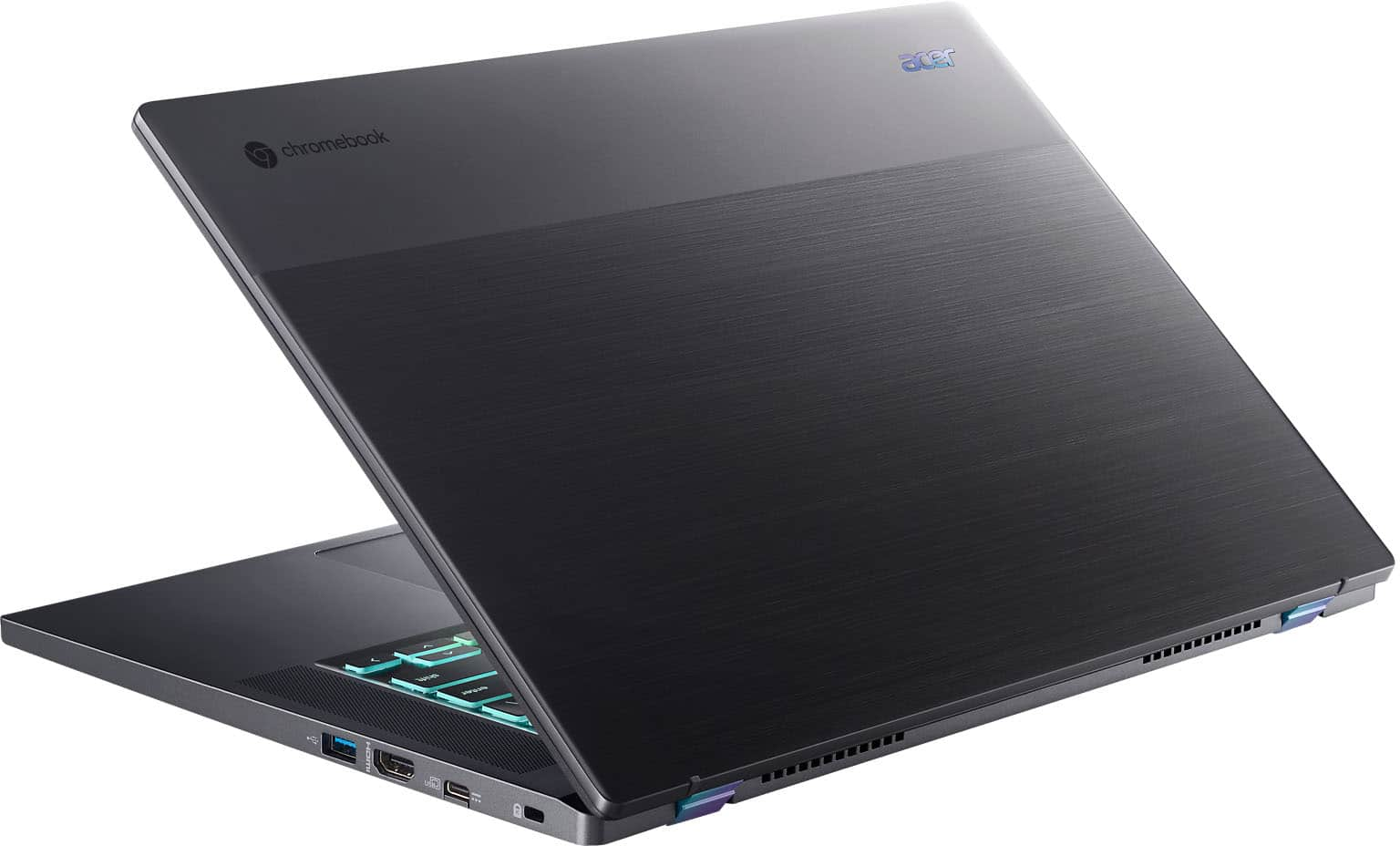
A:AnswerThis Chromebook has an HDMI port to connect a monitor. Acer has not tested OnShape but you might post your question on the Acer Community where there are many users that post answers to questions and offer help and advice on Acer products. The link is: https://community.acer.com/
A:AnswerGreetings from the Intel team. Thank you for your question.
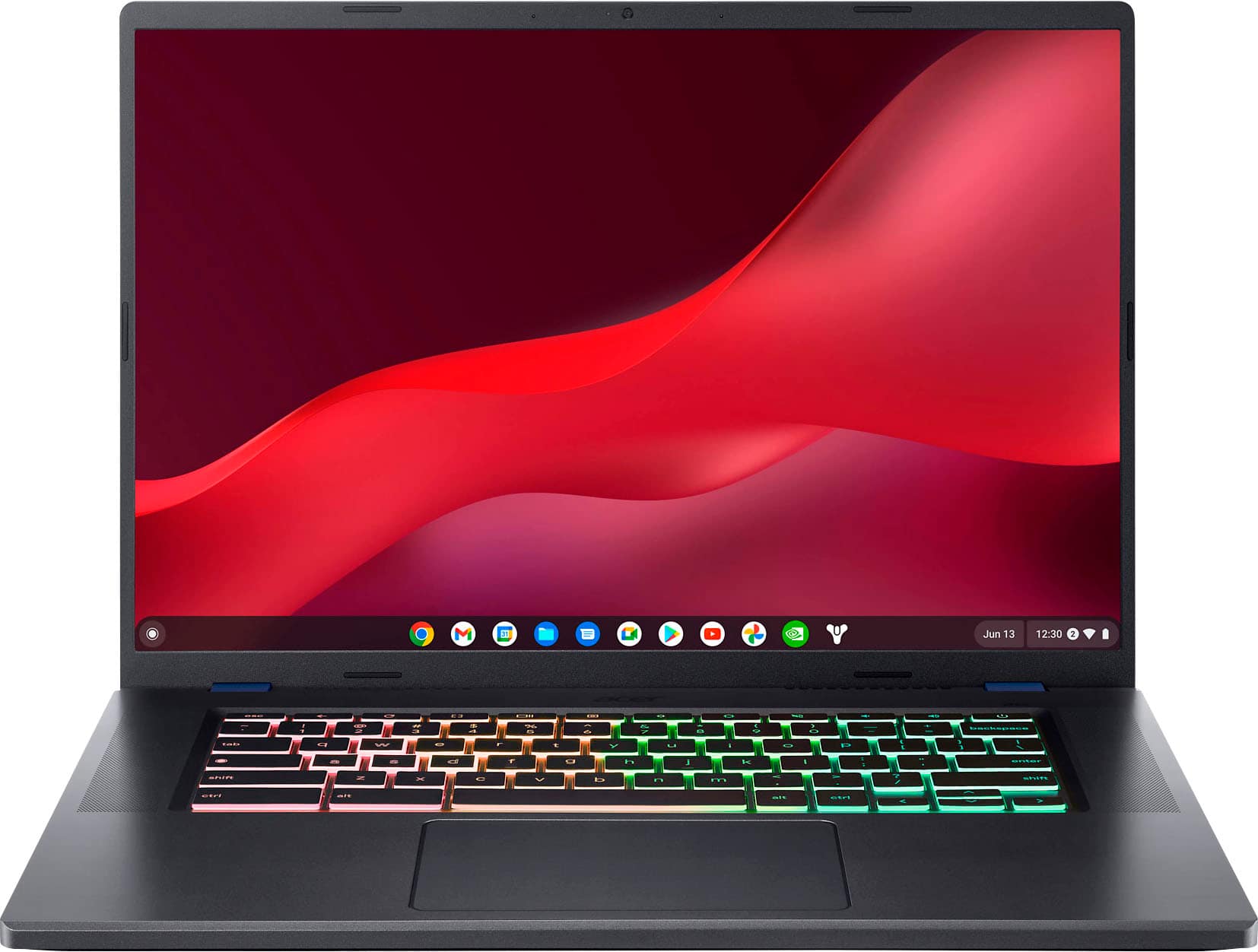
The Acer - Chromebook 516 GE Cloud Gaming Laptop model CBG516-1H-53TY meets the system requirements to run Steam.
You can play Steam games when you install the games directly on your Chromebook. You can buy, download, and update video games on Valve Corporation’s third-party app, Steam.
Chromebook Help:
https://support.google.com/chromebook/answer/14220699?hl=en
For detailed information about the Intel® Core™ i5-1240P processor, visit:
https://ark.intel.com/content/www/us/en/ark/products/132221/intel-core-i51240p-processor-12m-cache-up-to-4-40-ghz.html
Thank you for choosing Intel! Emilio_Intel
A:AnswerThe average FPS (frames per second) you would run on games like Fortnite and Rainbow Six Siege can vary based on several factors including the specific settings you choose, the resolution you're playing at, and any background processes running on your system. However, with the Acer Chromebook 516 GE's powerful hardware including the Intel Core i5-1240P processor and the 120Hz display, you can expect smooth gameplay with FPS well within the playable range for both Fortnite and Rainbow Six Siege.
For Fortnite, you can likely achieve FPS in the range of 60-120 FPS or even higher depending on your settings. Rainbow Six Siege, being a more demanding game, may run slightly lower but should still comfortably reach 60 FPS or higher on average settings.
It's worth noting that these estimates are based on cloud gaming performance, so actual FPS may vary slightly depending on your internet connection stability and the performance of the cloud gaming service you're using. Overall, the Acer Chromebook 516 GE is well-equipped to provide a smooth gaming experience for popular titles like Fortnite and Rainbow Six Siege.
A:AnswerSince Chromebooks run off apps like Android devices, if the game is available at Google Play Store or Chrome Web store, it should work. From what we find, Steam is possible on Chromebooks now and more information is on Google's support site.
A:AnswerWhile Acer does not test gaming apps, available games are at the Google Play Store or Chrome Web store. Steam can be used and Google support has information on using Steam on Chromebooks.