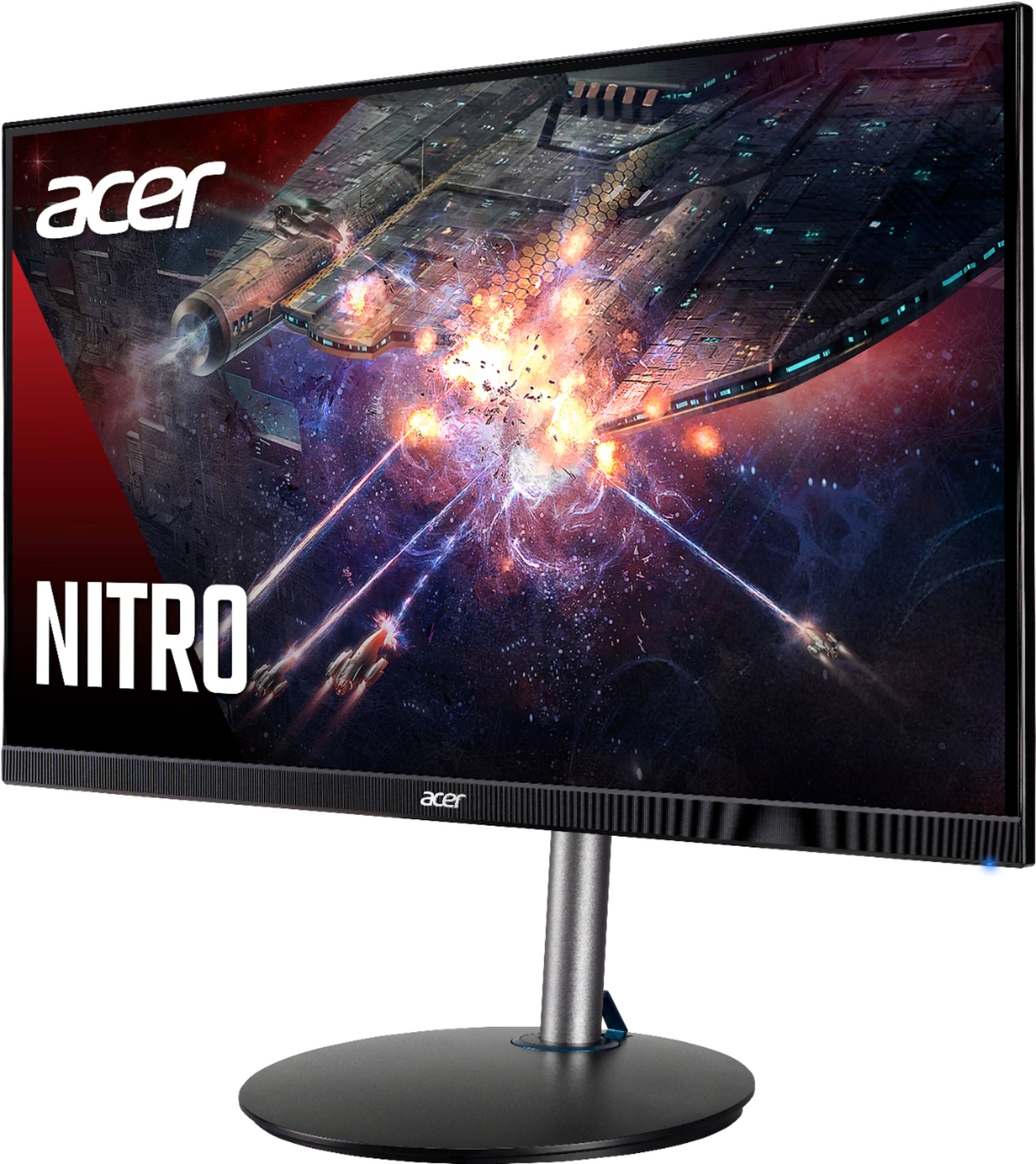
A:AnswerResponse time advertised on the box is 0.5 ms.
“Overdrive” is turned on (Windows 10 & 11) by going into Settings > System > Display > Advanced , on that page you’ll see a “Choose a refresh rate” Tab. The drop menu on that tab will let you select 165hz
A:AnswerWe suggest you contact Acer support for assistance with this issue. They can be reached at 866-695-2237. Or you might post your question on the Acer Community where there are many users that post questions and offer help and advice on Acer products.
A:AnswerBought this for the series x to get 120 on shooting games. It does an amazing job with it, Cold War at 1080p 120 is flawless. Great hdr colors and easy to navigate.
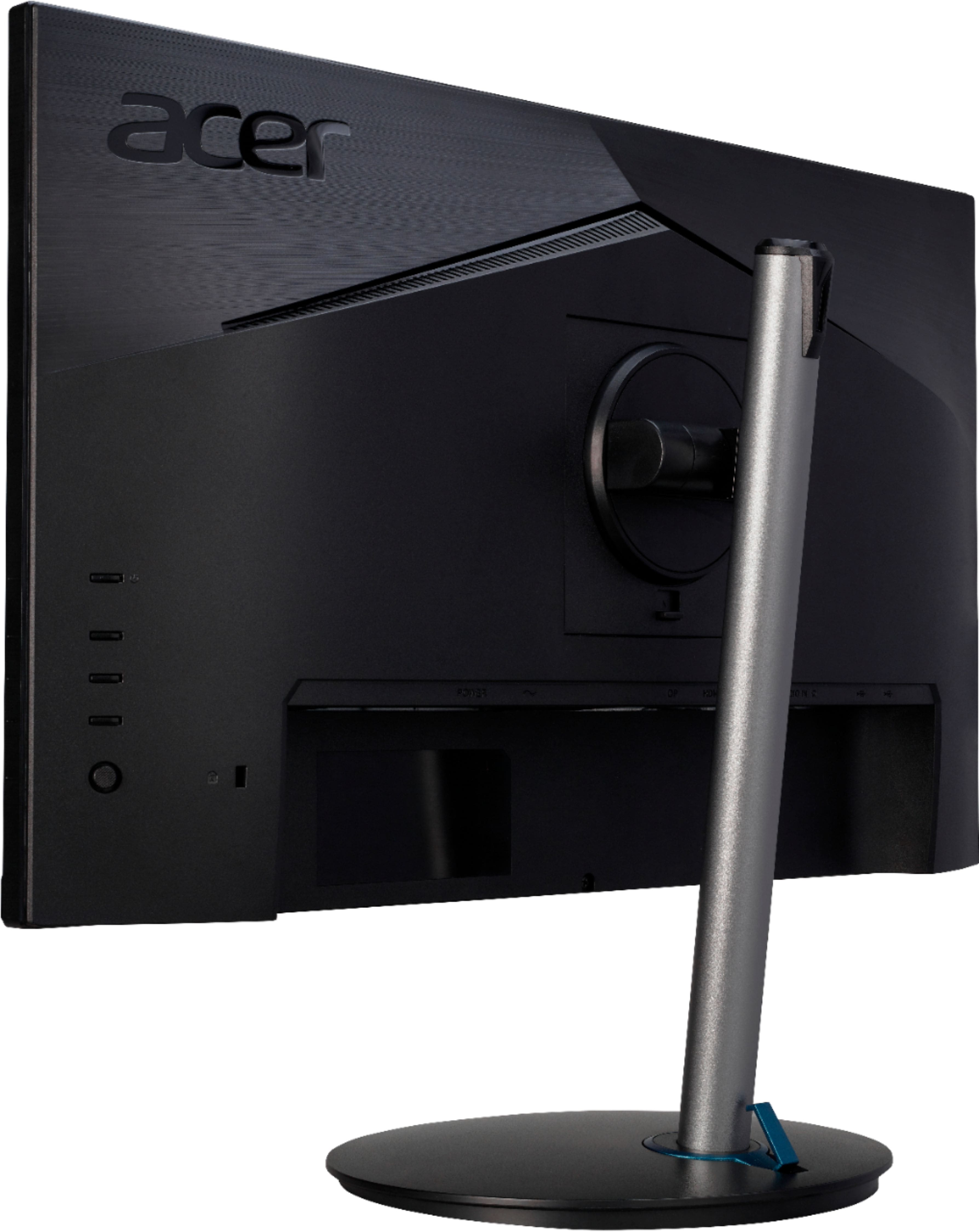
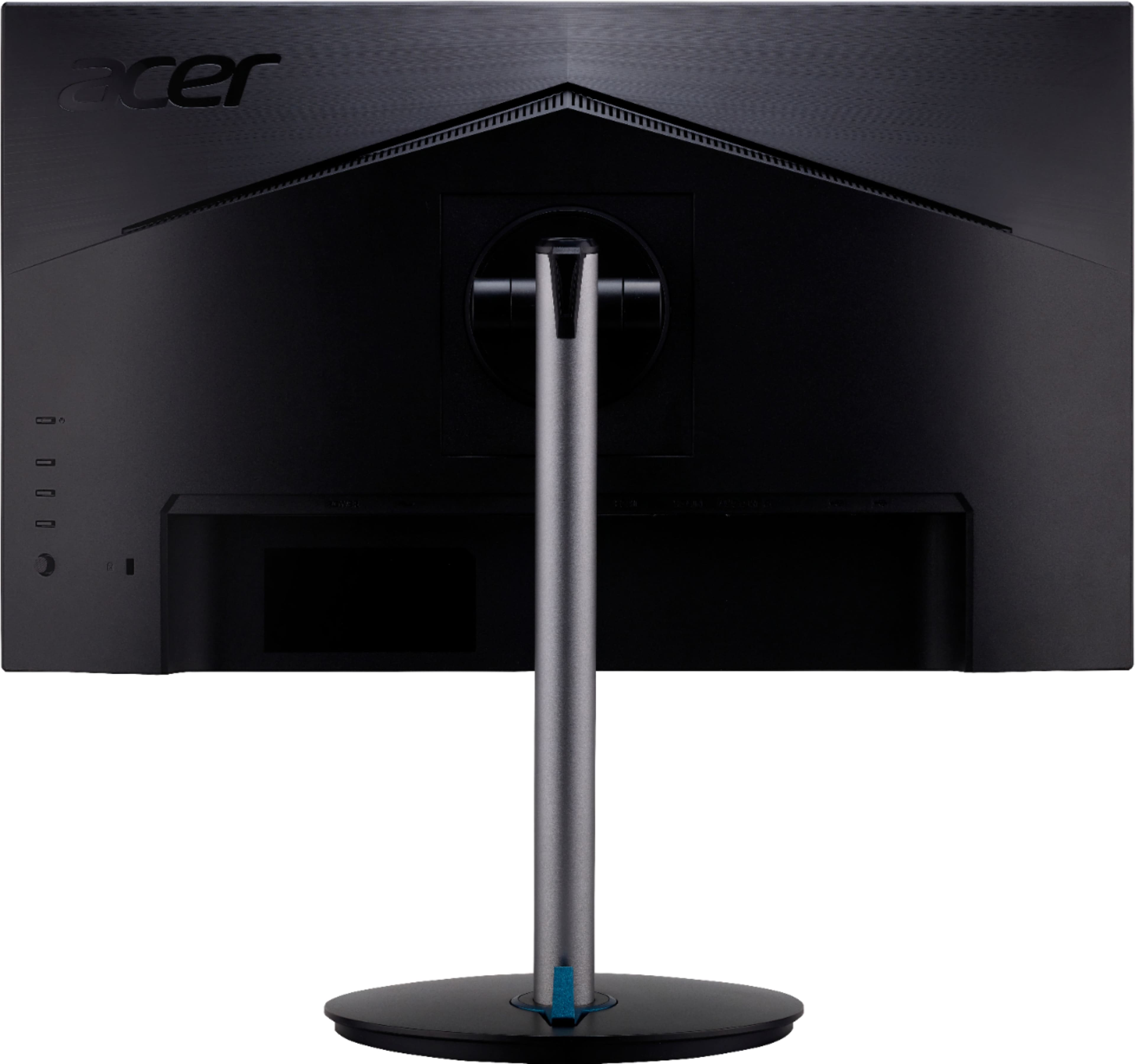
A:AnswerHDMI is plug and play, so you can plug your HDMI cable to the monitor and then to your PC from there. If you need help with this please contact Acer support at 866-695-2237.
A:AnswerTry a different cable first. Also please note that some adapters may not work as Acer can guarantee results using a direct connection. If you still need help please feel free to call Acer support at 866-695-2237.
A:Answerhttps://www.displaydb.com/compare/acer-xf243y-pbmiiprx/acer-nitro-xv240y-p
Ones newer for one but there's a couple difference so just use google or this website.