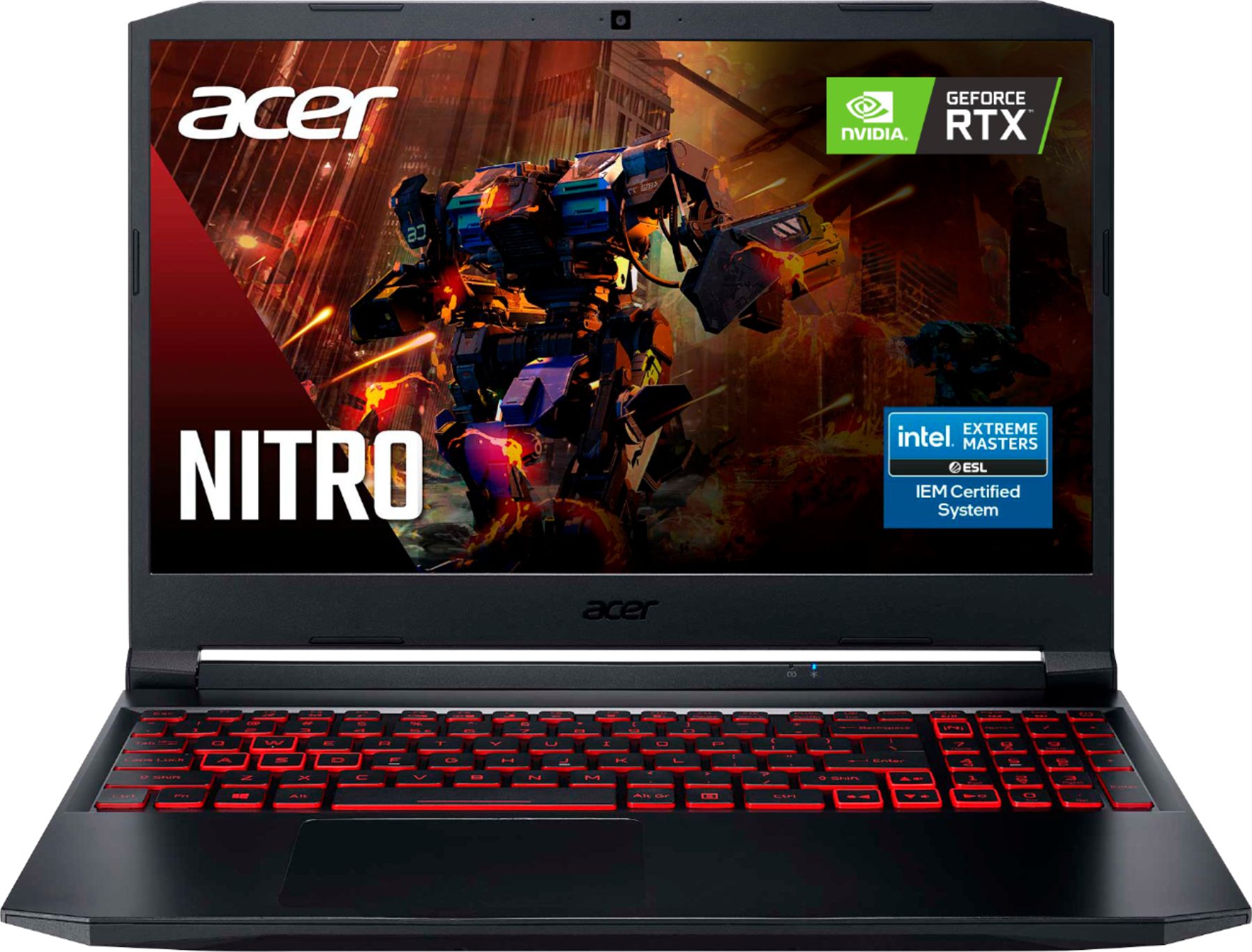
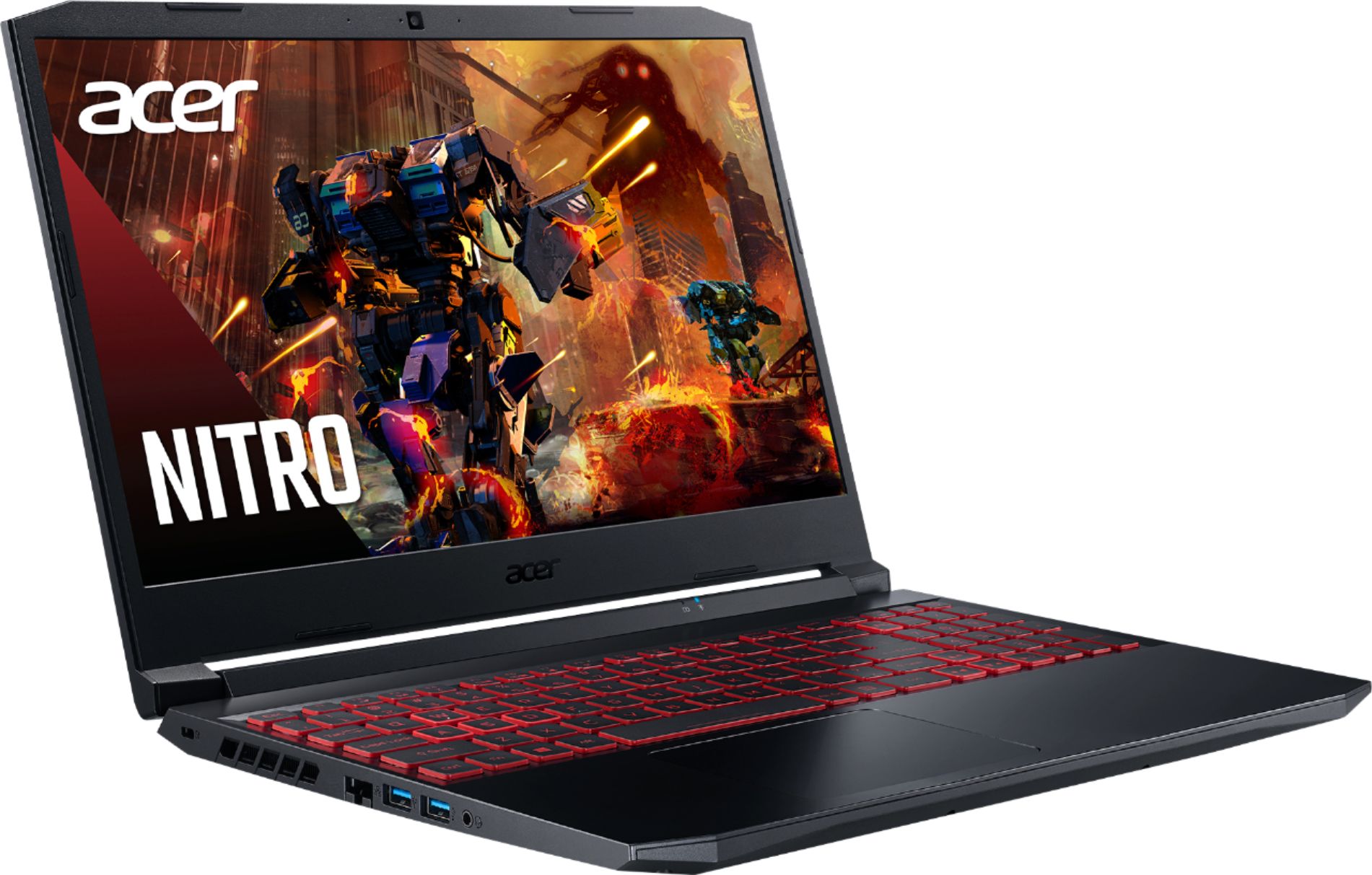
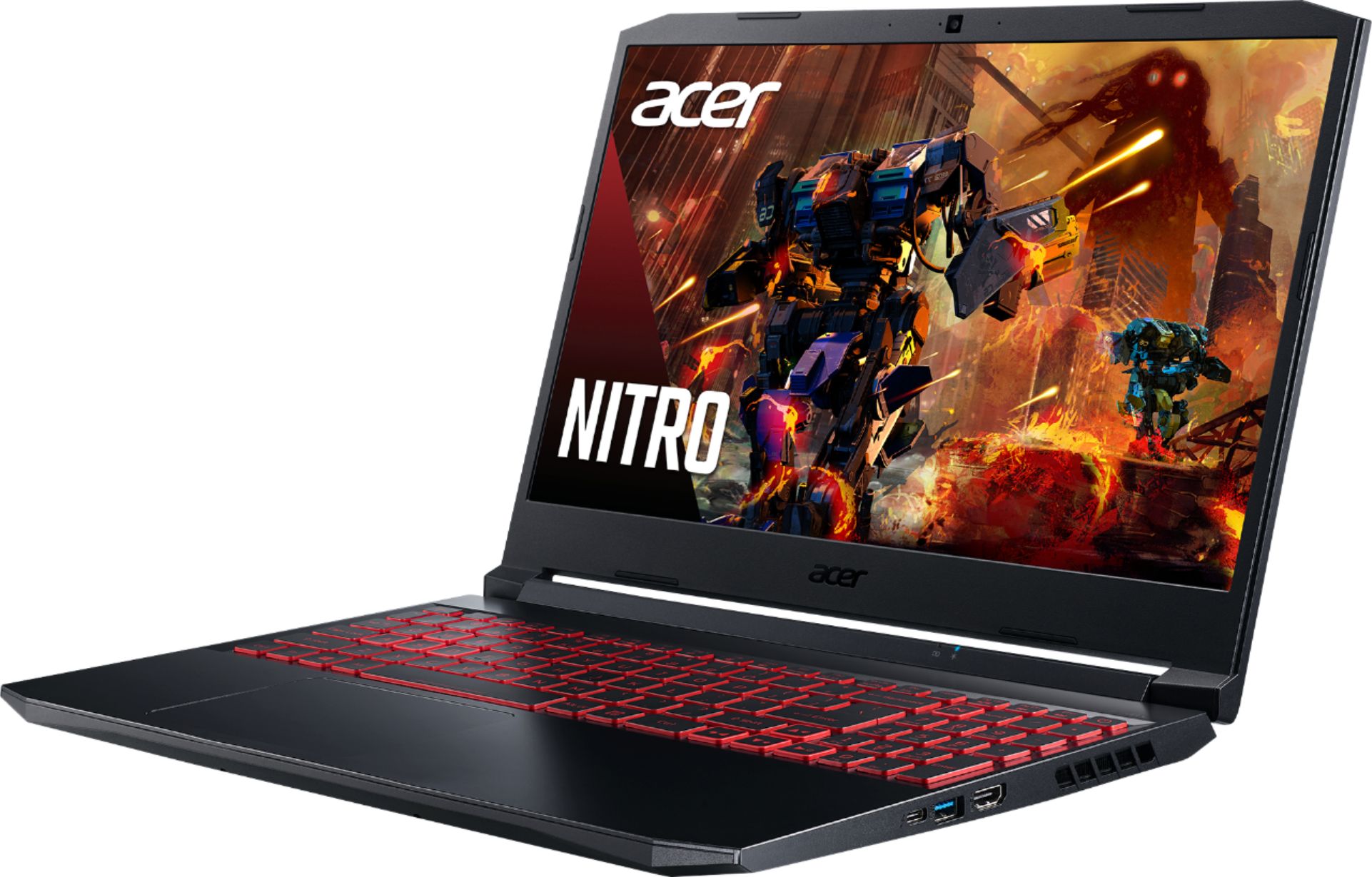
A:AnswerYes. Successive presses of F9 while holding down the FN key will decrease the backlighting until it is off. Conversely, FN + F10 increases the backlighting.
A:AnswerWhile Acer does not test many gaming applications we would recommend you check that the computer meets the system requirements of the application/game to determine if it will work. You might also post your question on the Acer Community where there are many users that post questions and offer help and advice on Acer products. The link is: https://community.acer.com/
A:AnswerWhile Acer does not test many gaming applications we would recommend you check that the computer meets the system requirements of the application/game to determine if it will work. You might also post your question on the Acer Community where there are many users that post questions and offer help and advice on Acer products. The link is: https://community.acer.com/
A:AnswerYes this Nitro laptop has Thunderbolt 4. Here is a link with the specifications you might find helpful: https://www.acer.com/ac/en/US/content/model/NH.QESAA.001
A:AnswerHere is a link with the specifications of this model, including dimensions and weight:
https://www.acer.com/ac/en/US/content/model/NH.QESAA.001