A:AnswerI don't know about that game but I can play World of Warcraft no problem. I believe if I can play WOW since really draws a lot of power to play. You should be good
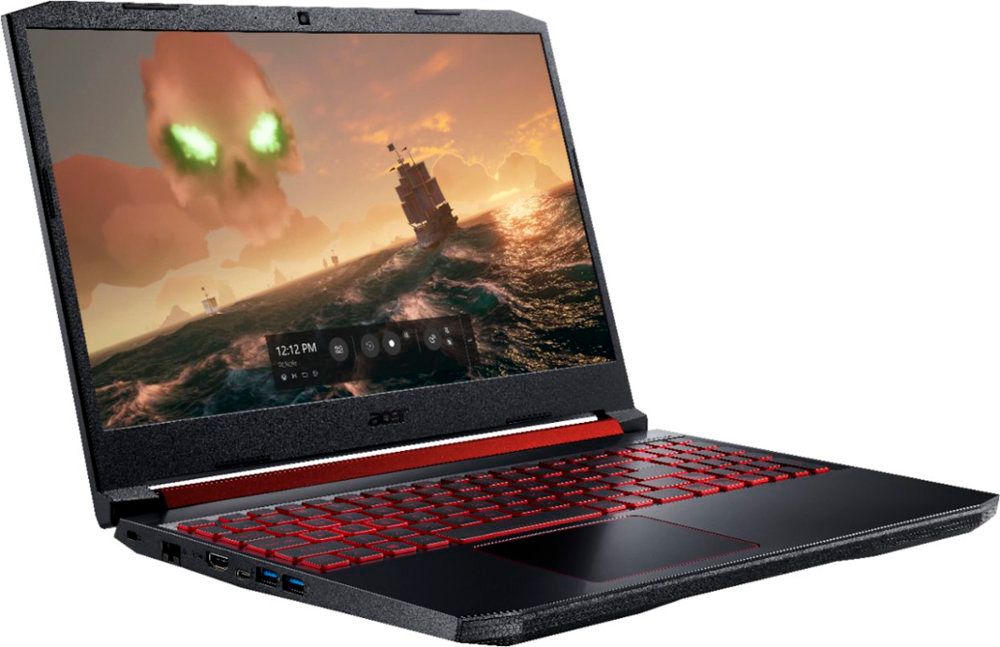
A:AnswerThis laptop has an AMD Radeon™ RX 560X, with up to 4GB of video memory. You'll need to check with the game vendor to see if this GPU meets or exceeds the requirements of the game.
A:AnswerWhile Acer does not test many gaming applications we would recommend you check that the computer meets the system requirements of the application/game to determine if it will work. You might also post your question on the Acer Community where there are many users that post questions and offer help and advice on Acer products. The link is: https://community.acer.com/
A:AnswerYes. I have WoW, WoW Classic, Gears of Wars 5, State of Decay 2, and Destiny 2 and they all run without hiccups. I do recommend if you install a couple of games to add an internal SSD and upgrade the RAM. But WoW alone no issues at all out of the box.
A:AnswerWhile Acer does not test many gaming applications we would recommend you check that the computer meets the system requirements of the application/game to determine if it will work. You might also post your question on the Acer Community where there are many users that post questions and offer help and advice on Acer products. The link is: https://community.acer.com/
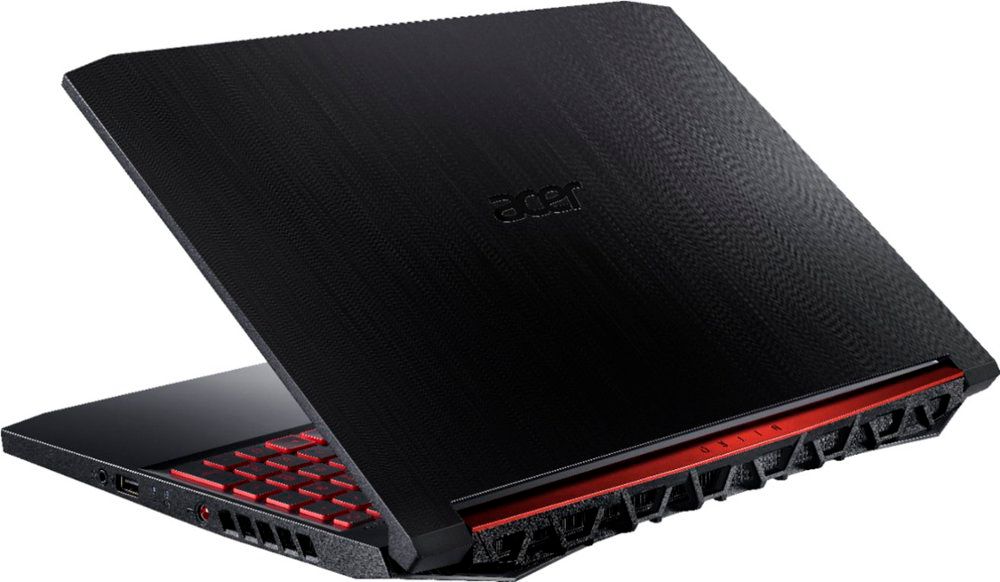
A:Answeryou have to remove the screws on the bottom, and gently slide a card around the edges to pop off the bottom cover and get to the SSD/M.2 slot. if you're not used to opening up laptops, have a tech friend or geek squad do it.
A:AnswerWhile Acer does not test many gaming applications we would recommend you check that the computer meets the system requirements of the application/game to determine if it will work. You might also post your question on the Acer Community where there are many users that post questions and offer help and advice on Acer products. The link is: https://community.acer.com/
A:AnswerFor the first part of your question, yes. If you at least have an i5 processor, it can run fine. I have this exact laptop and I can actually run Fortnite and this at the same time and it doesn't freeze at all. But, this computer can only run about 2 major programs at once (like a game or heavy program)
A:AnswerWhile Acer does not test many gaming applications we would recommend you check that the computer meets the system requirements of the application/game to determine if it will work. You can also contact the software vendor to see if they can provide information on compatibility with their software. You might also post your question on the Acer Community where there are many users that post questions and offer help and advice on Acer products. The link is: https://community.acer.com/