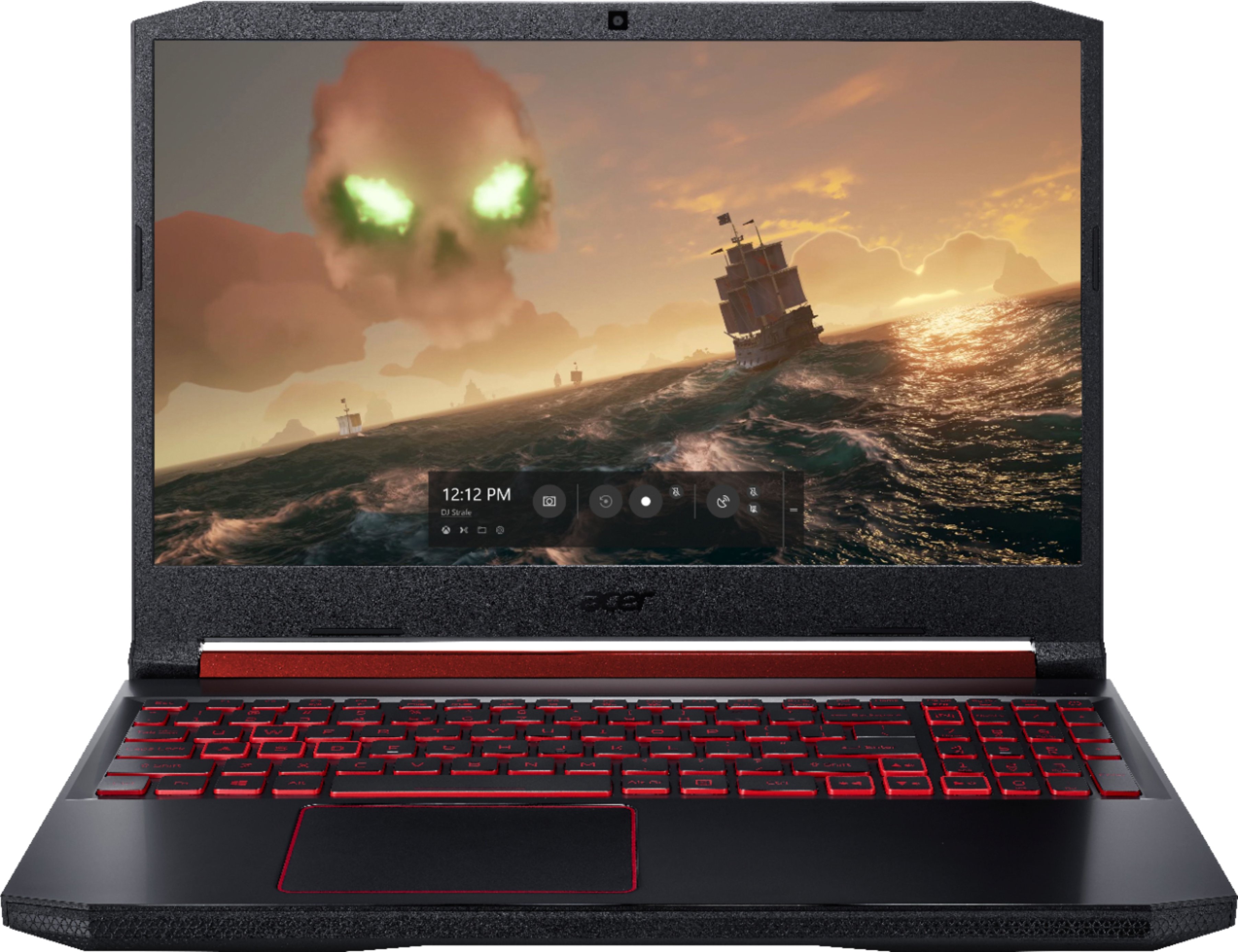

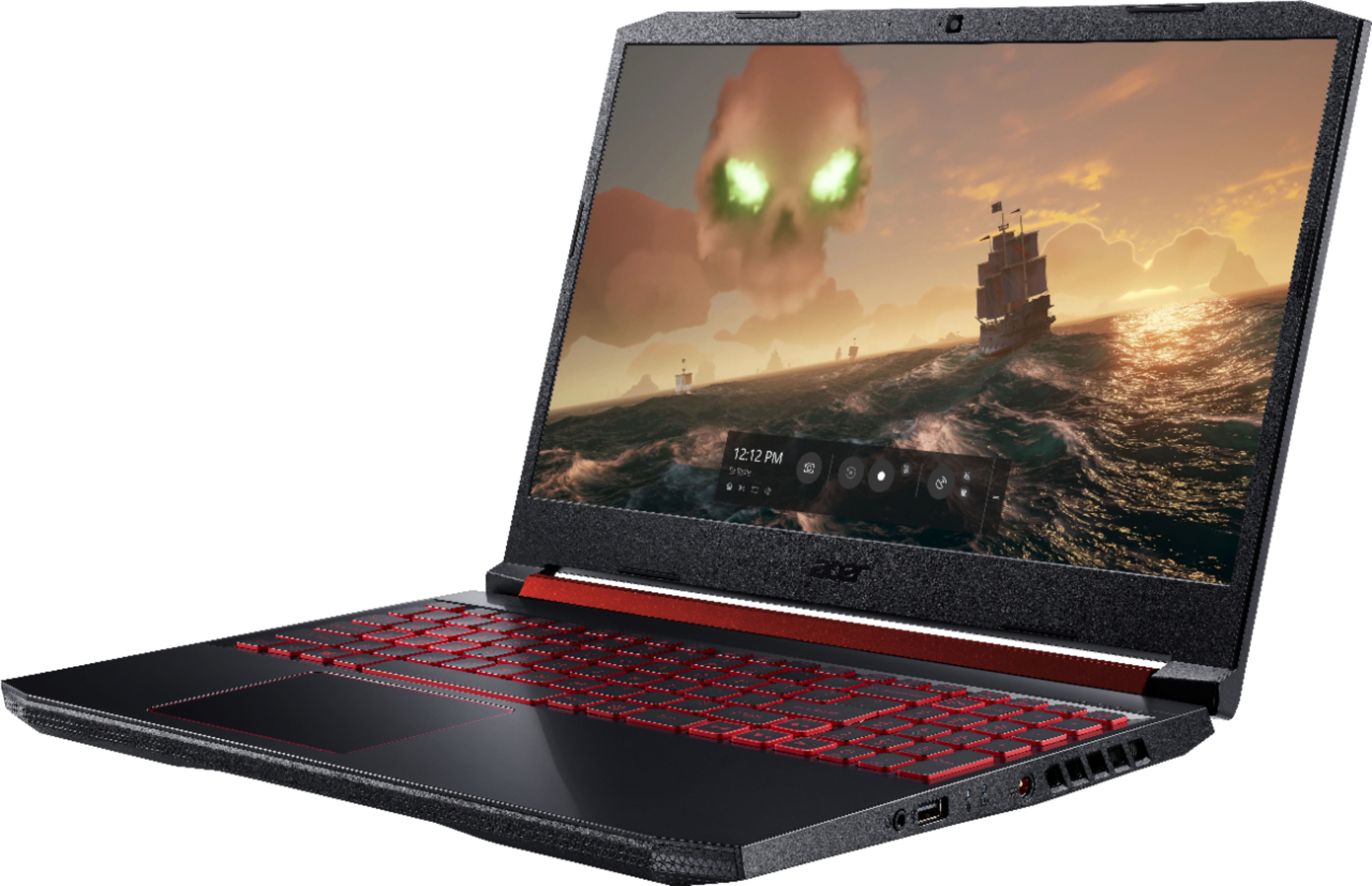
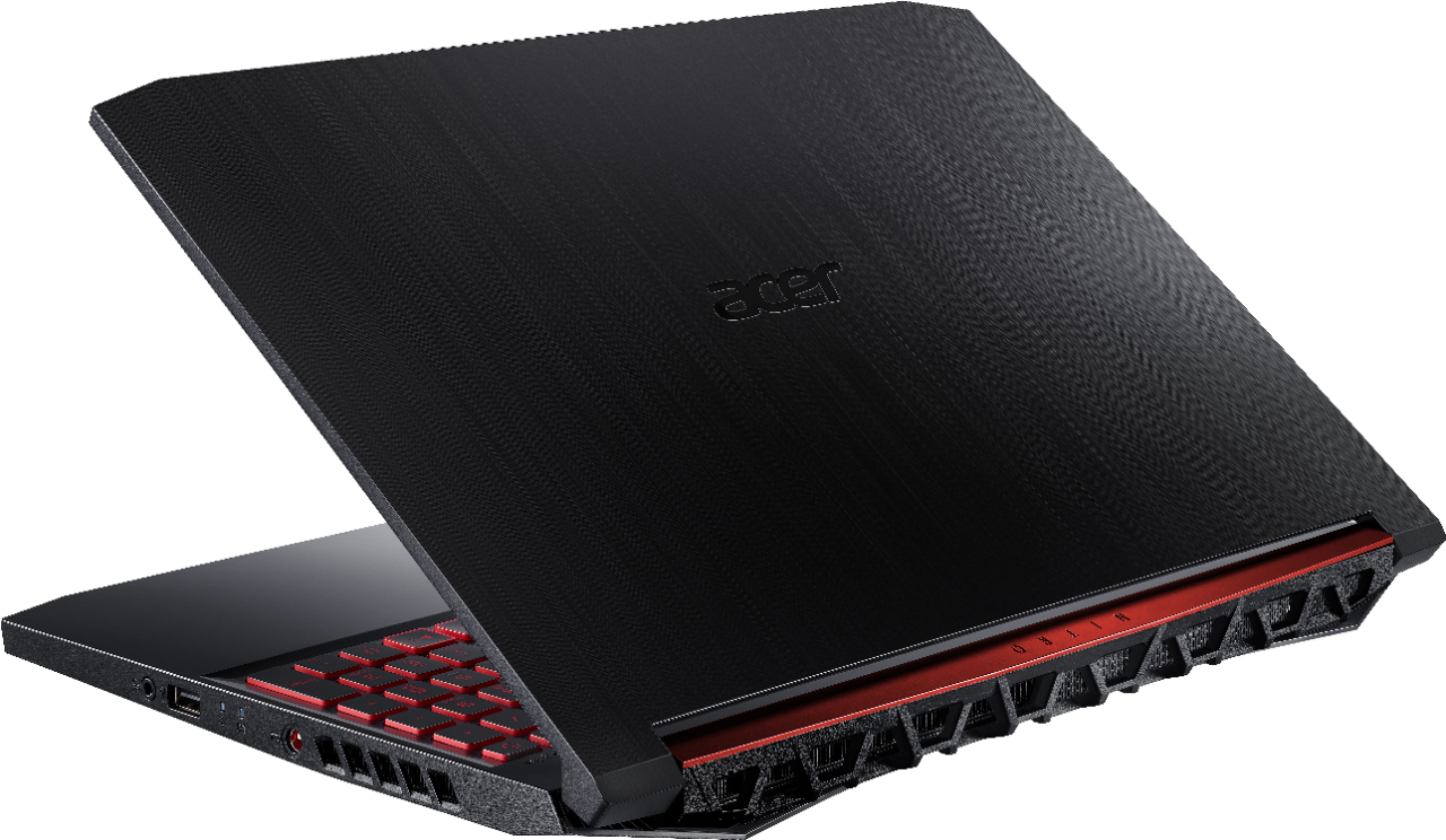
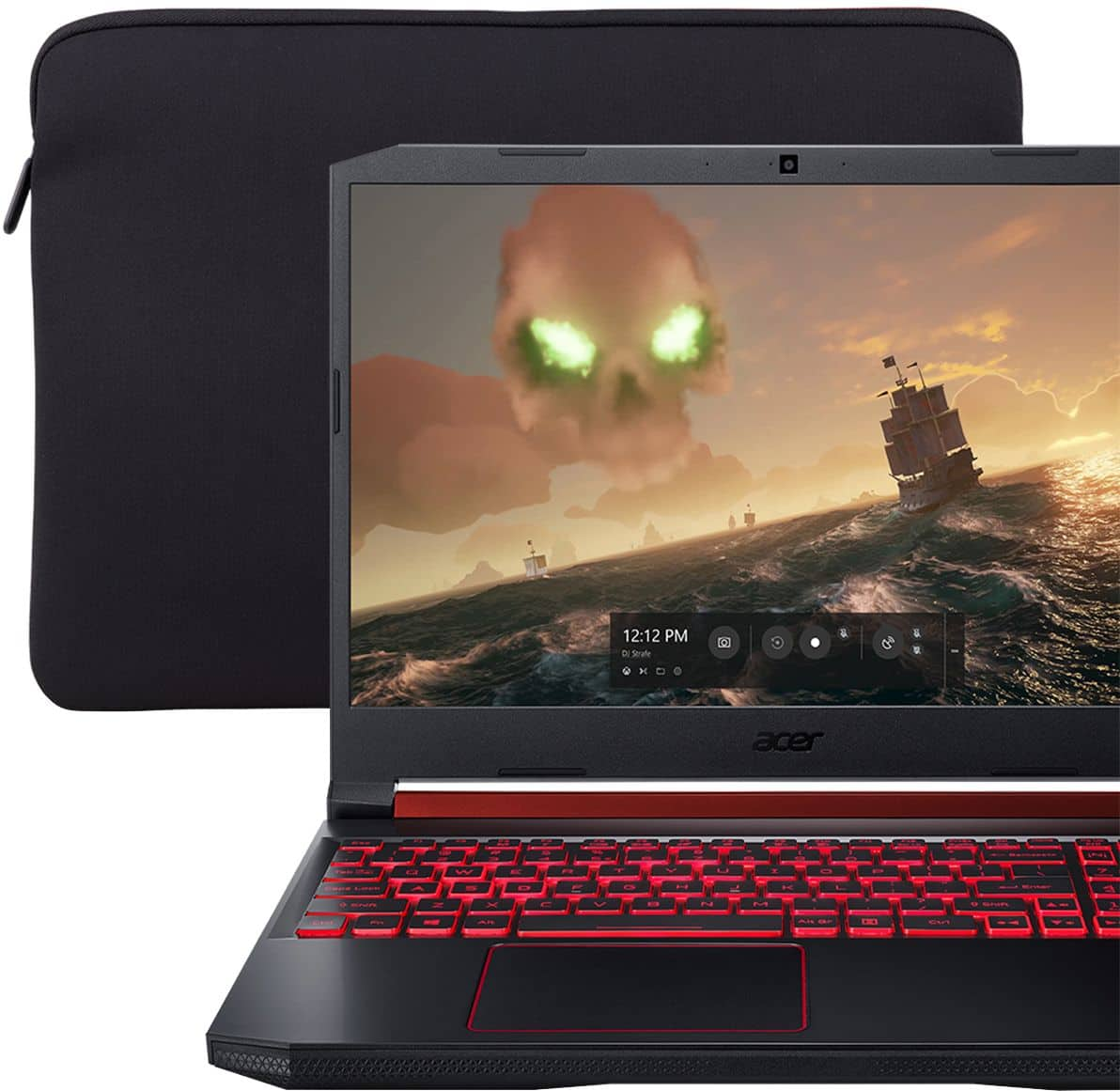
A:AnswerI'm not sure what programs you run for mechanical engineering but I can tell you it runs adobe premiere pro editing in 4k no problem. I think its probably a great fit for you
A:AnswerPerformance is of course going to vary from game to game especially when you consider the settings people use. I've attached my benchmark report from AC:Odyssey. This would be a killer unit if the GPU was a 1650 instead of the paltry 1050. As you can see at 1080 it just barely holds on to 30 fps at mostly medium. Further tweaking and you can probably get that closer to 35-40.
A:AnswerPlease contact Acer support for assistance with the network card in your Nitro 5. They can be reached at 866-695-2237, and are available 24/7 for in-warranty products.
A:AnswerPlease contact Acer support for assistance with your Nitro 5. Contact information is posted here for your convenience: https://www.acer.com/ac/en/US/content/service-contact
A:AnswerWhile Acer does not test many gaming applications we would recommend you check that the computer meets the system requirements of the application/game to determine if it will work. You might also post your question on the Acer Community where there are many users that post questions and offer help and advice on Acer products. The link is: https://community.acer.com/