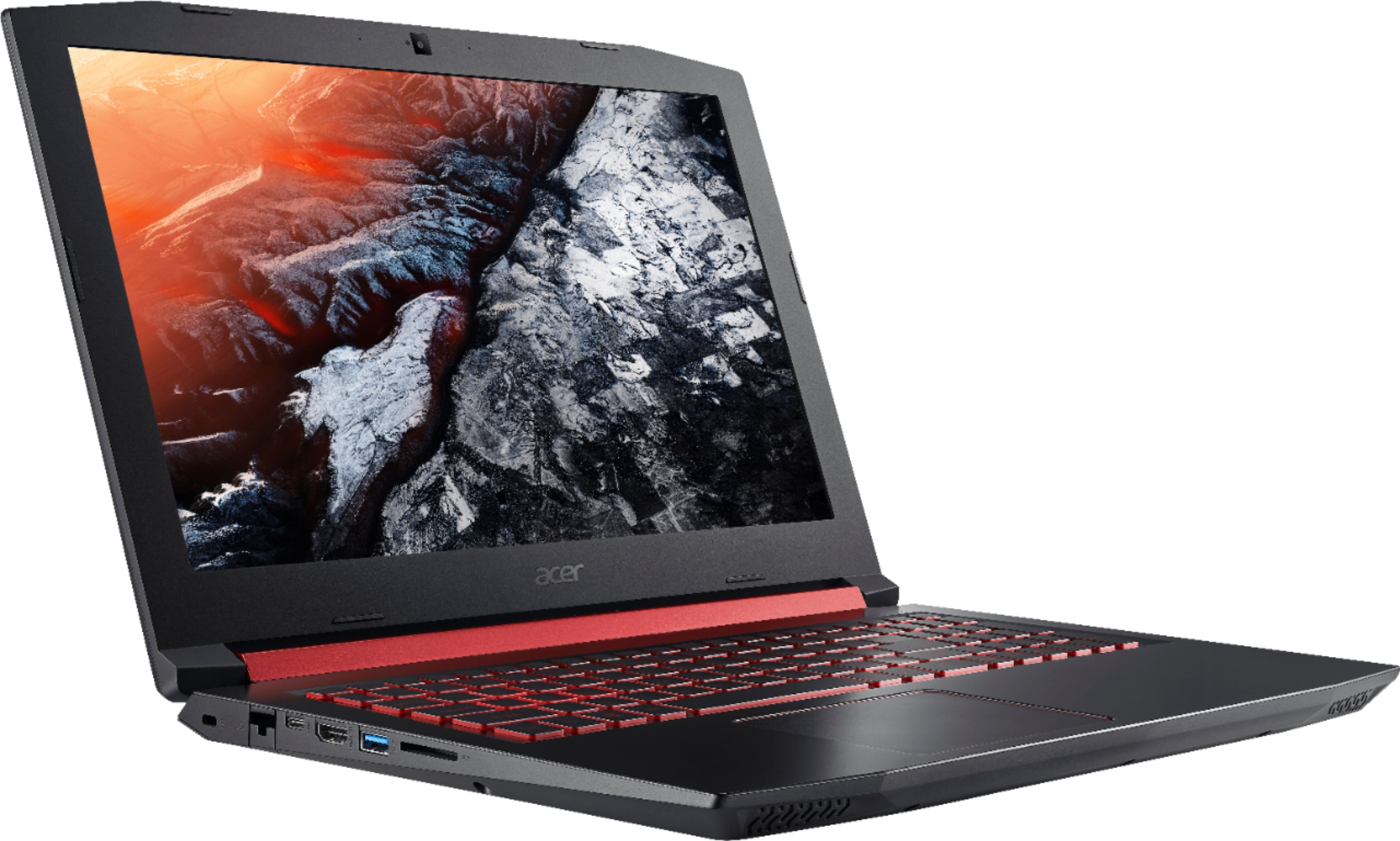
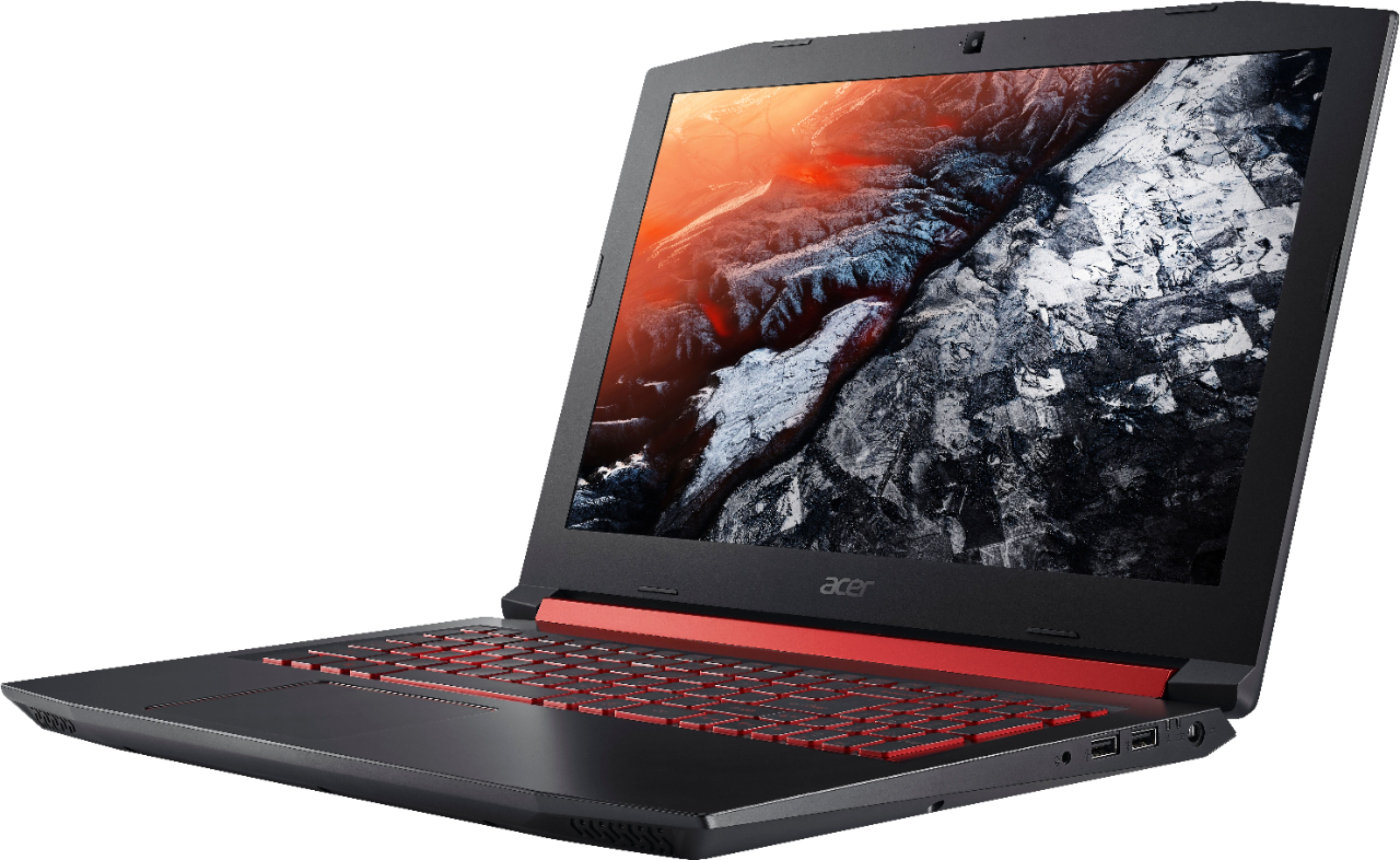
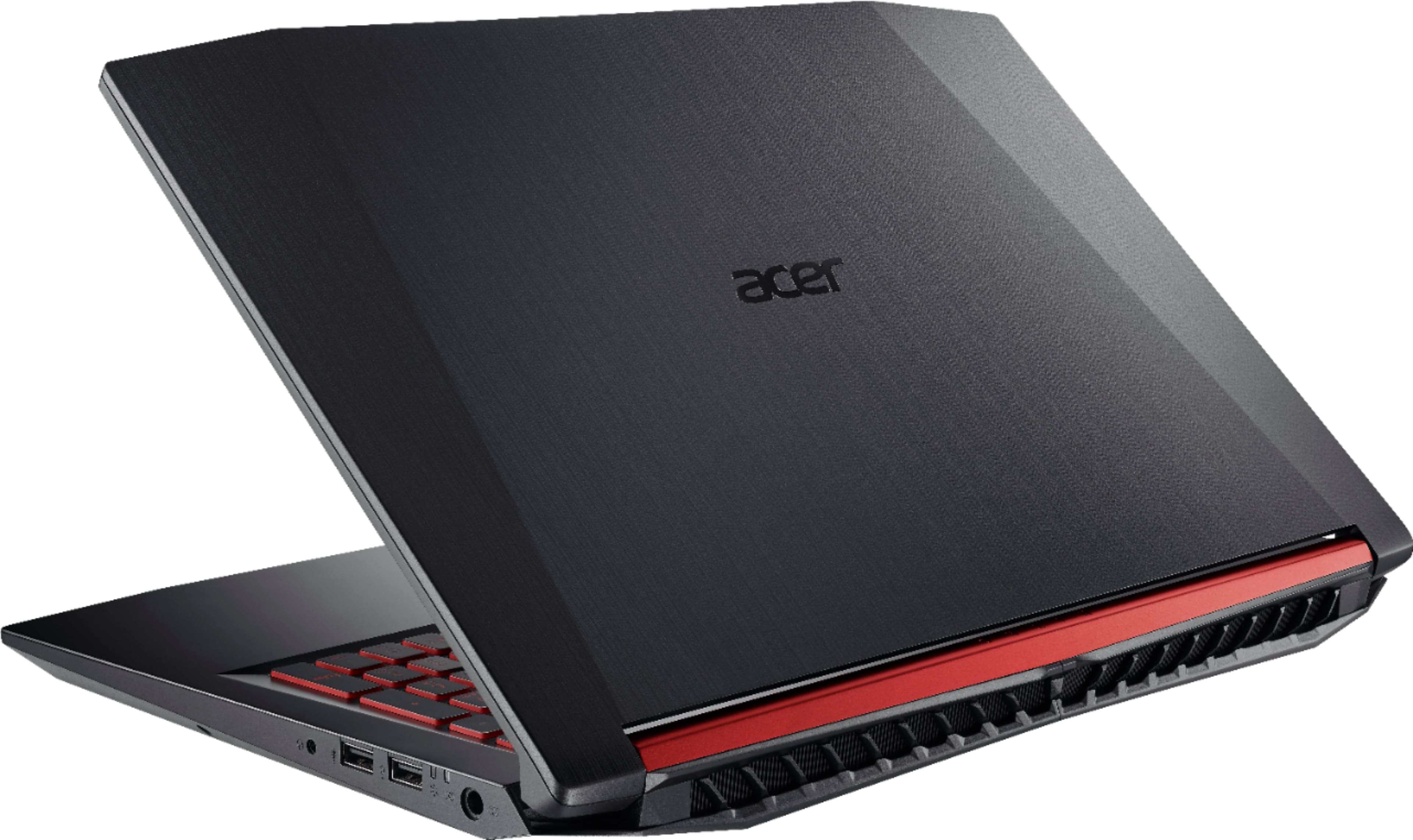
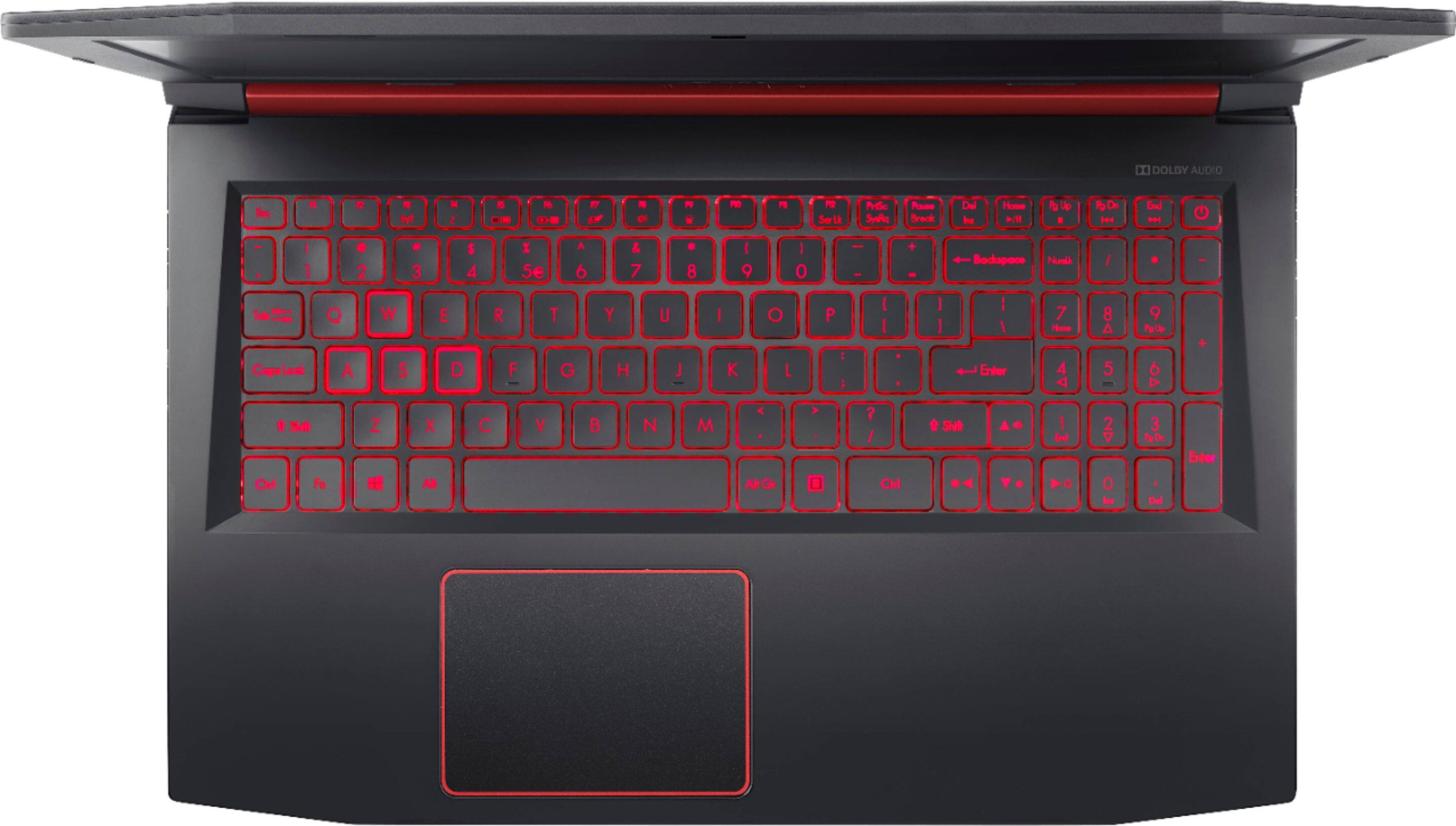
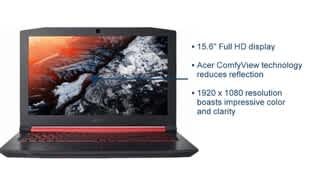
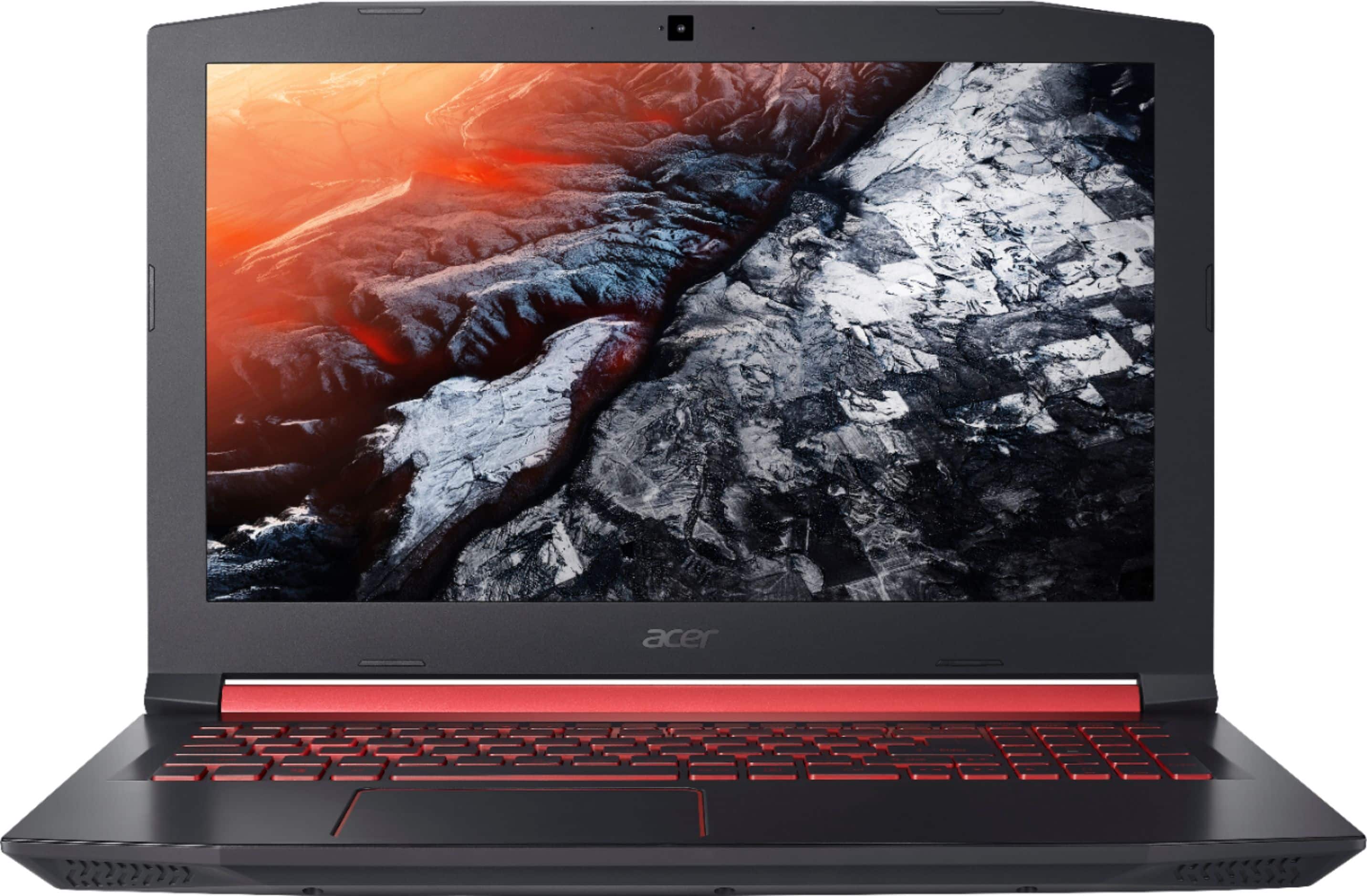
A:AnswerWhile Acer does not test many gaming applications we would recommend you check that the computer meets the system requirements of the application/game to determine if it will work. You can also contact the software vendor to see if they can provide information on compatibility with their software. You might also post your question on the Acer Community where there are many users that post questions and offer help and advice on Acer products. The link is: https://community.acer.com/
A:AnswerI have not used mine enough to answer the question. But I also added more RAM and another SSD drives. Since I know that 256MB is not quite enough for a normal gamers system I purchased an additional 500GB SSD drive.
To me the nitro was I have was a little light on resources like memory and drive storage. But is works great with the Oculus Rift system. again a little short on USB 3.0 connections but just enough for the Rift, nothing else.
A:AnswerWould it play them? This will have 0 issues for mmo's, but dark souls and Nioh might require some setting lowering. I'd say medium settings for those games. You could always buy the laptop, try it out, and if you don't like the performance....return it. There is no charge.
A:AnswerI believe it lasts through Sunday? Not 100% sure, but since the sale started on Friday. It is most likely best buys week end sale which is a regular occurrence.