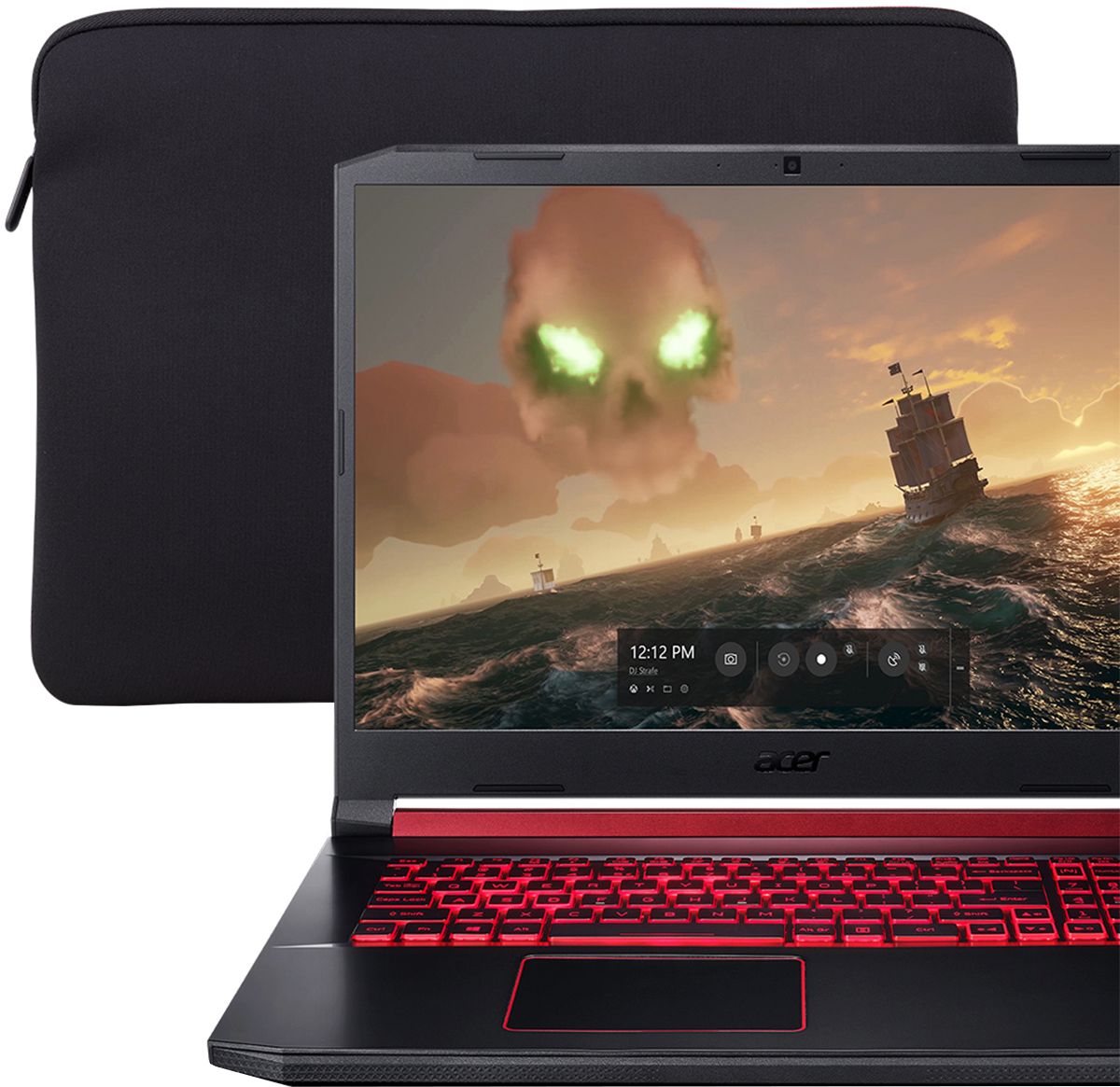
A:AnswerInside the booklet labeled “acer limited warranty agreement”, you will find it packaged with the paper booklet called “International Travelers Agreement”
A:AnswerAcer provides a domestic warranty in the country of purchase and an International Travelers Warranty for the laptop products. This applies to genuine travelers only; if you travel a lot we highly recommend you read the terms and conditions at http://www.acer.com/worldwide/support/itw.htm. This page also provides links to the ITW service locations, ITW FAQ, and ITW Service Limitations. Please note if you purchase the system in the US but live outside North America, you will not get a domestic warranty in your country of residence. If local repair and support is important to you, we recommend you purchase the system in the country of residence.

A:AnswerNot sure what you mean by "full storage" but I'll assume you meant full settings... Depending on how new the game is, I can run most games on high settings. Games like Fallen Order I was able to run a combo of high and epic settings. I expect you can do the same with COD games. Older ones can probably be ran at max. I am able to run RDR2 at a decent frame rate so I don't think you'll have any issues.
A:Answerit is called economics; that is, the discipline which, if you would look into it a bit, will solve your conundrum for you, in your own mind anyways...pray tell!!!
A:AnswerYou have to remove all the screws from the back, and then pry off the back panel. I used a thin plastic ruler to pry it off; easiest to start from the front then work your way each side to the back. Once the whole back panel is off it's obvious where the RAM goes.
A:AnswerYes, this laptop has a one year manufacturer's warranty against hardware defects. Warranty details are posted here: https://www.acer.com/ac/en/US/content/standard-warranty
A:AnswerYou will be pleased to know you will not have to download a manual because there is already a users manual available in the Acer computers Start Menu. Look under "A" . You will see a folder for Acer; click on the folder and in the folder is the User Manual. Hope this helps!