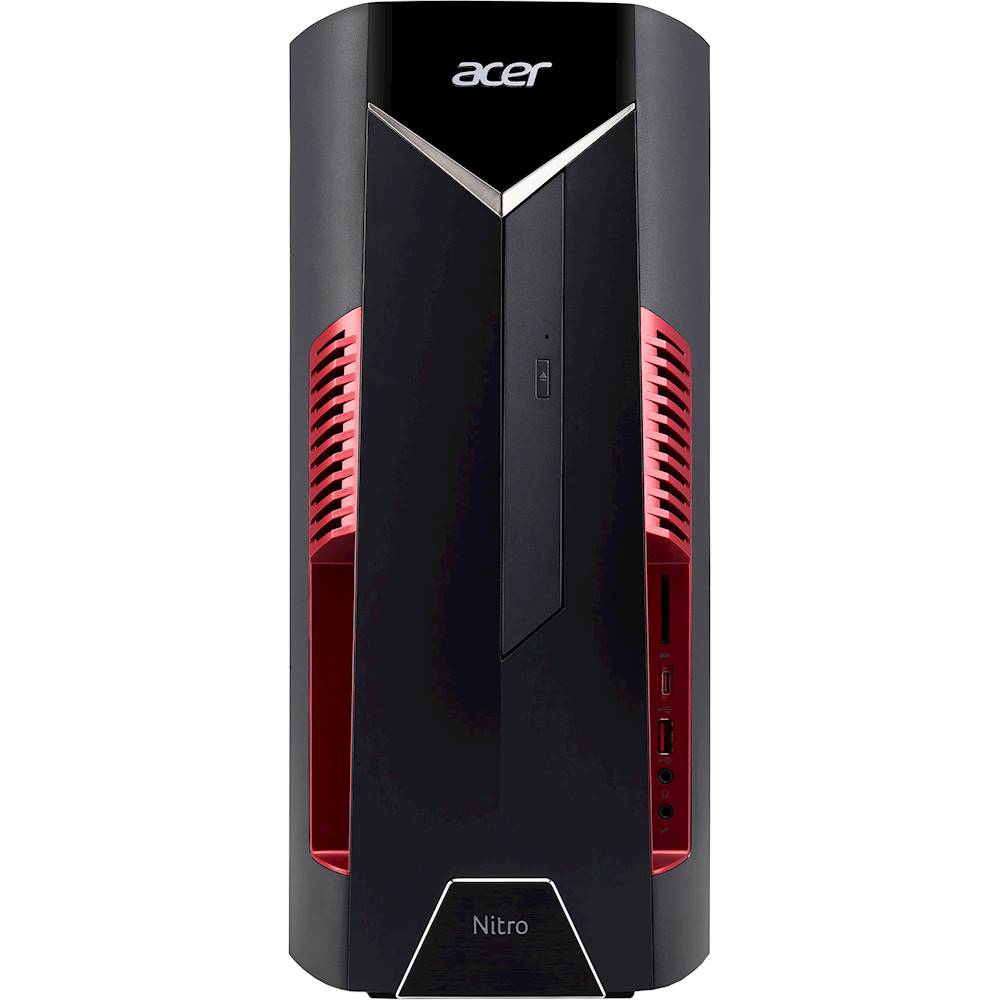
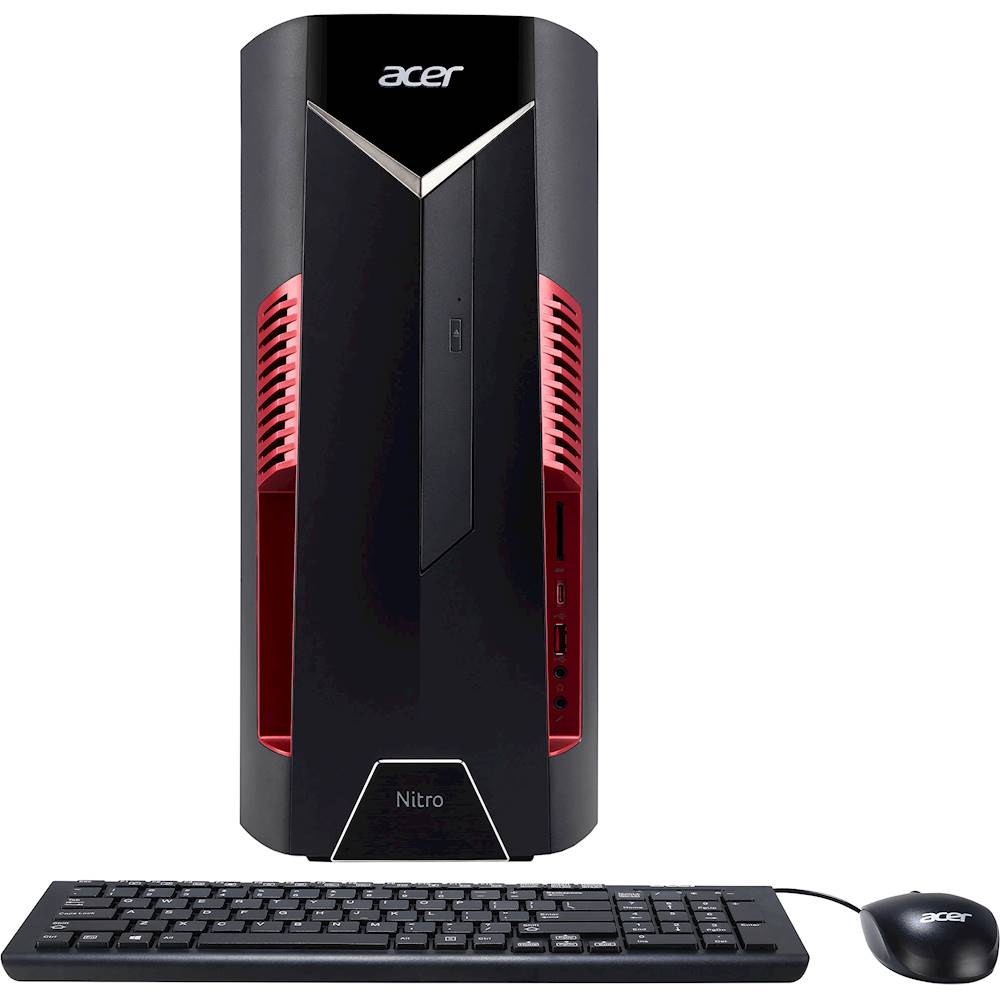
A:AnswerI wanted to run 3 monitors as well. The graphics card only has 2 outputs. I had checked the specs for the graphics that specified 3 but in reality was not true. Only two monitors unless you utilize a usb to hdmi adapter which would not be preferable if you are actually using it for gaming.
A:AnswerThere are a lot of factors that can effect your frame rate, or fps, but put simply, with the processor and graphics card on this PC it should be able to hit 60 fps at 1080p in most games. With games like Fortnite it doesn't take much at 1080p with max quality settings to get 70 fps while playing.
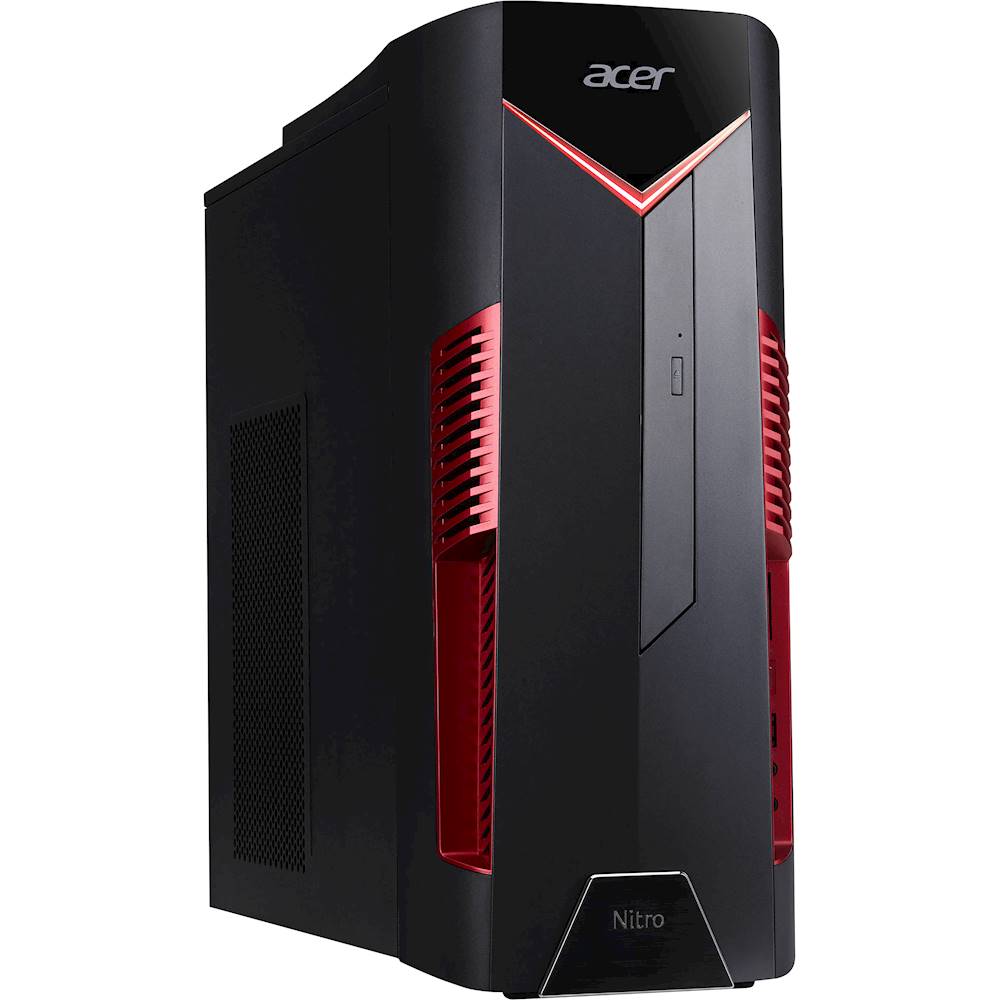
A:AnswerThis desktop has both HDMI and DVI connections. Here is a link with the listed ports, you might find helpful: https://www.acer.com/datasheets/2019/4871/N50-600/DG.E1WAA.001.html
A:AnswerMemory is upgradeable to a max of 64GB using four DIMM slots. If you Google how to upgrade memory on Acer nitro 50 desktop, you will see several links that offer a how-to on this.