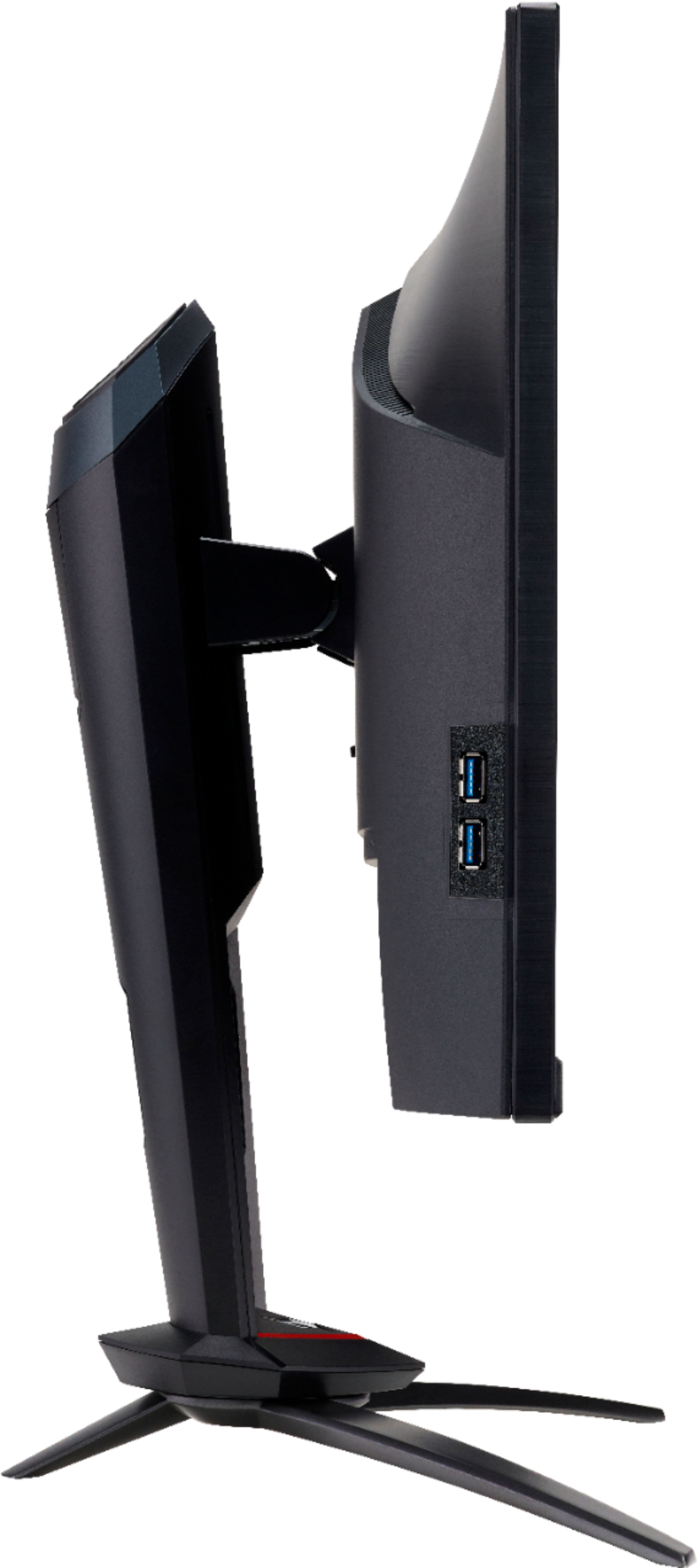
A:Answeryou may have to specify in the audio controls on Xbox to use the monitor speakers. I don't have XBox but if you use HDMI or display port cords sound does go through. You may also want to go through the monitor settings to ensure the volume is up and sound is on.
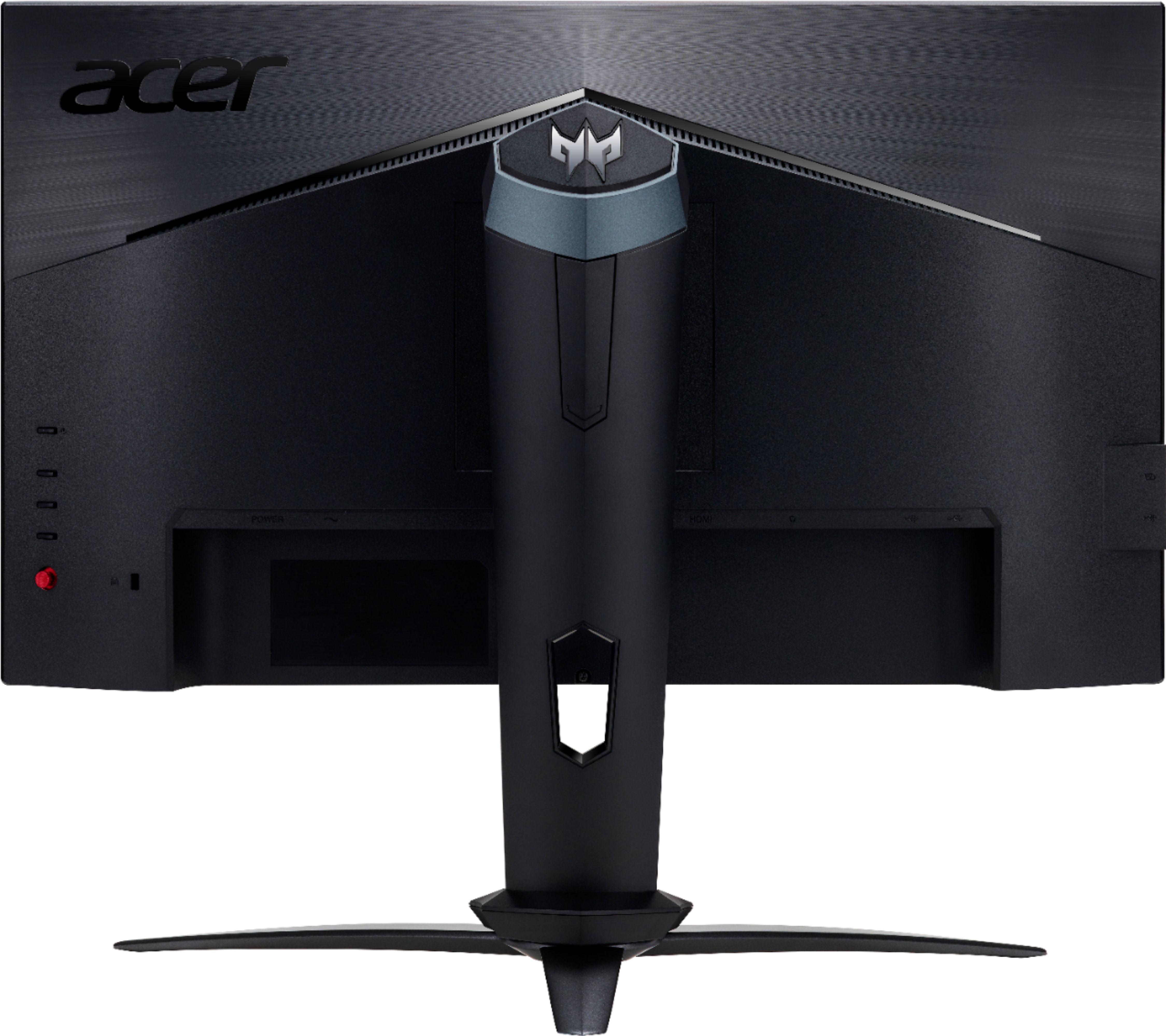
A:AnswerMonitors generally don't require a specific Operating system. It's reliant on whether the graphical display card on the computer and the monitor can communicate with each other and interpret the signals. These will work with your windows 10 computer if you have HDMI, Display Port 1.4, or USB 3.1 output. Otherwise a convertor connector may be needed.
A:AnswerFor help with your Acer monitor, please contact Acer support at 866-695-2237. They will be happy to help you and are available 24/7 for in-warranty products.