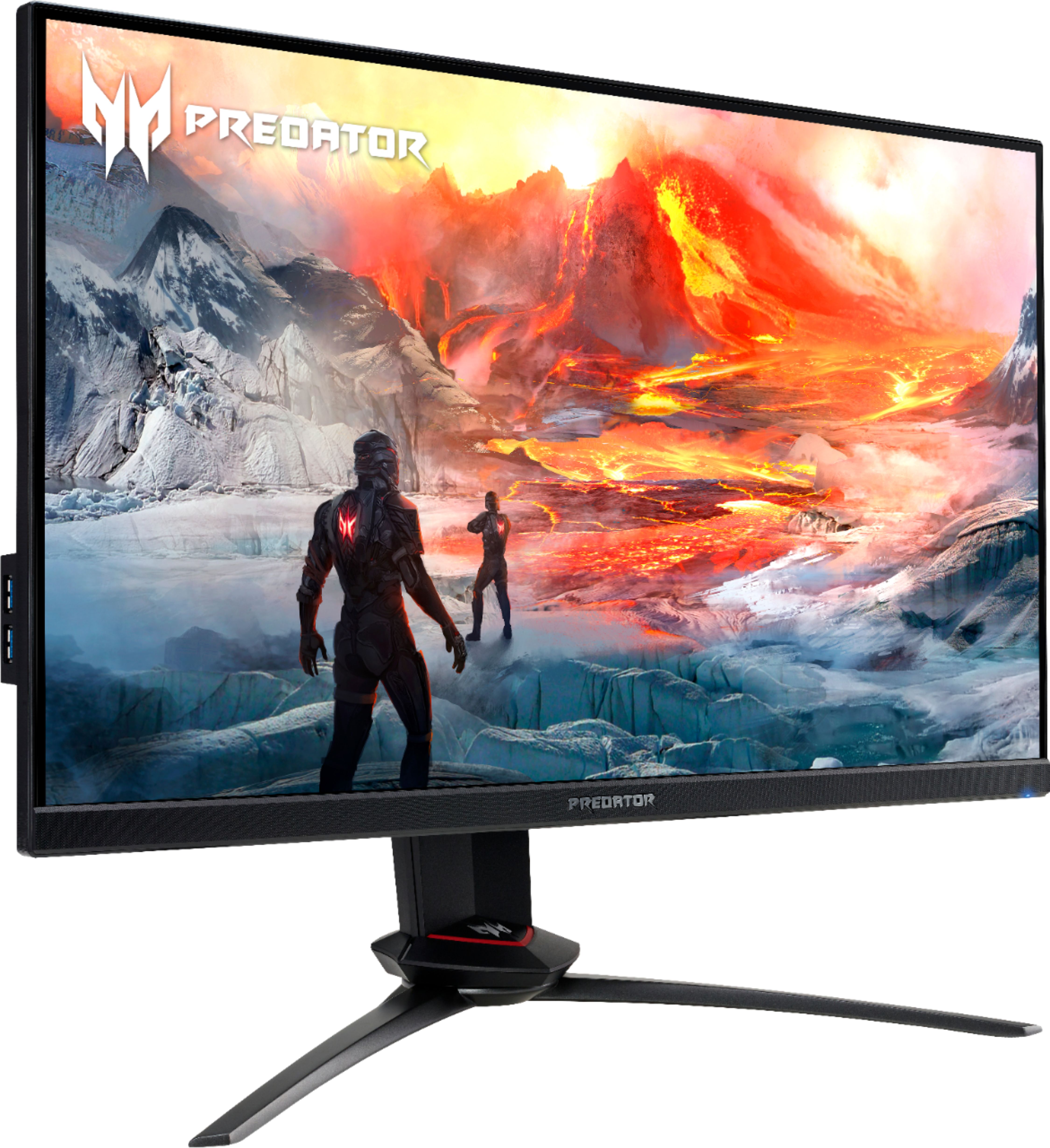
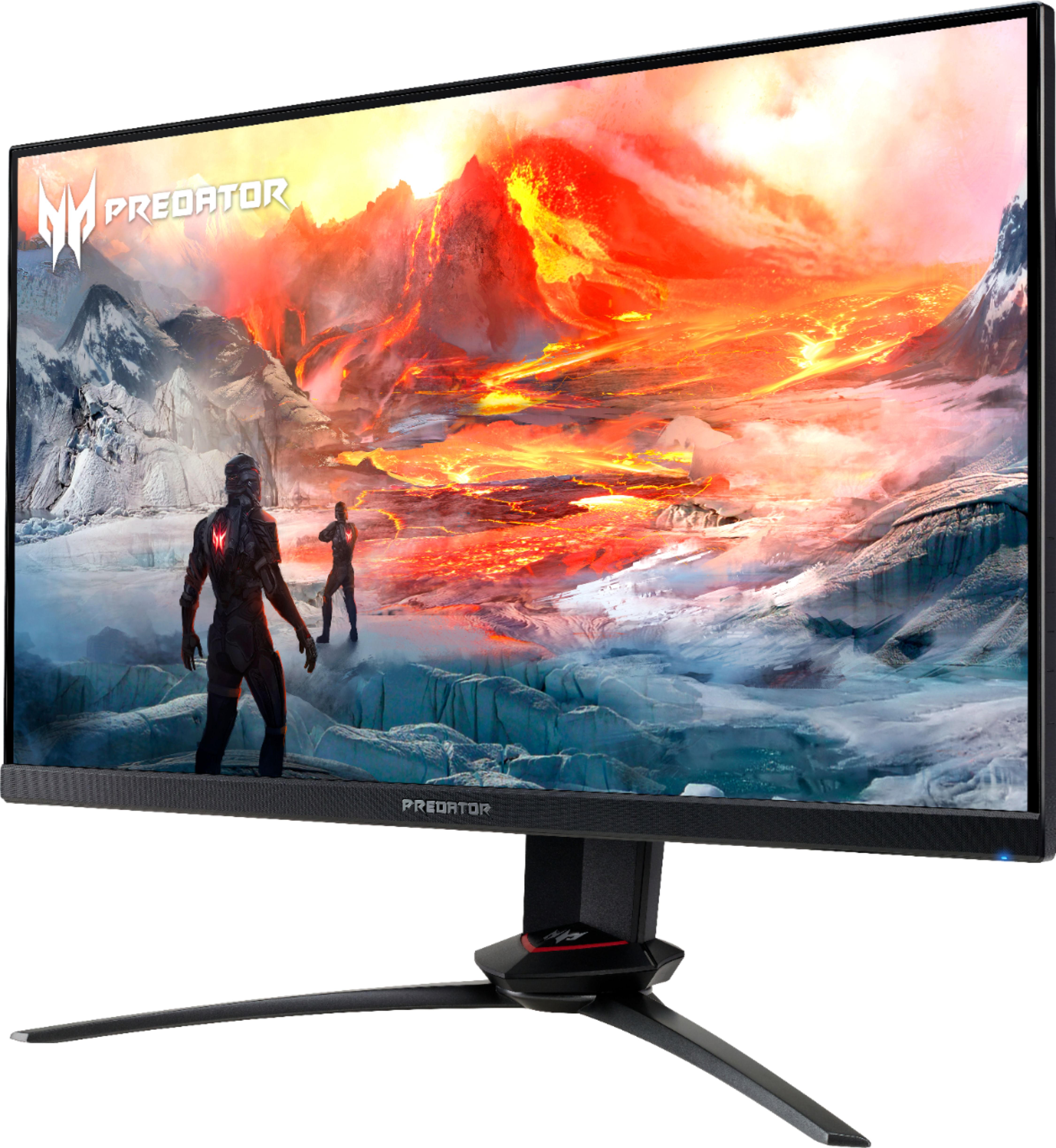
A:AnswerYes but please note that the GPU in the PC you are connecting to must also support this refresh rate in order to utilize this faster refresh rate.
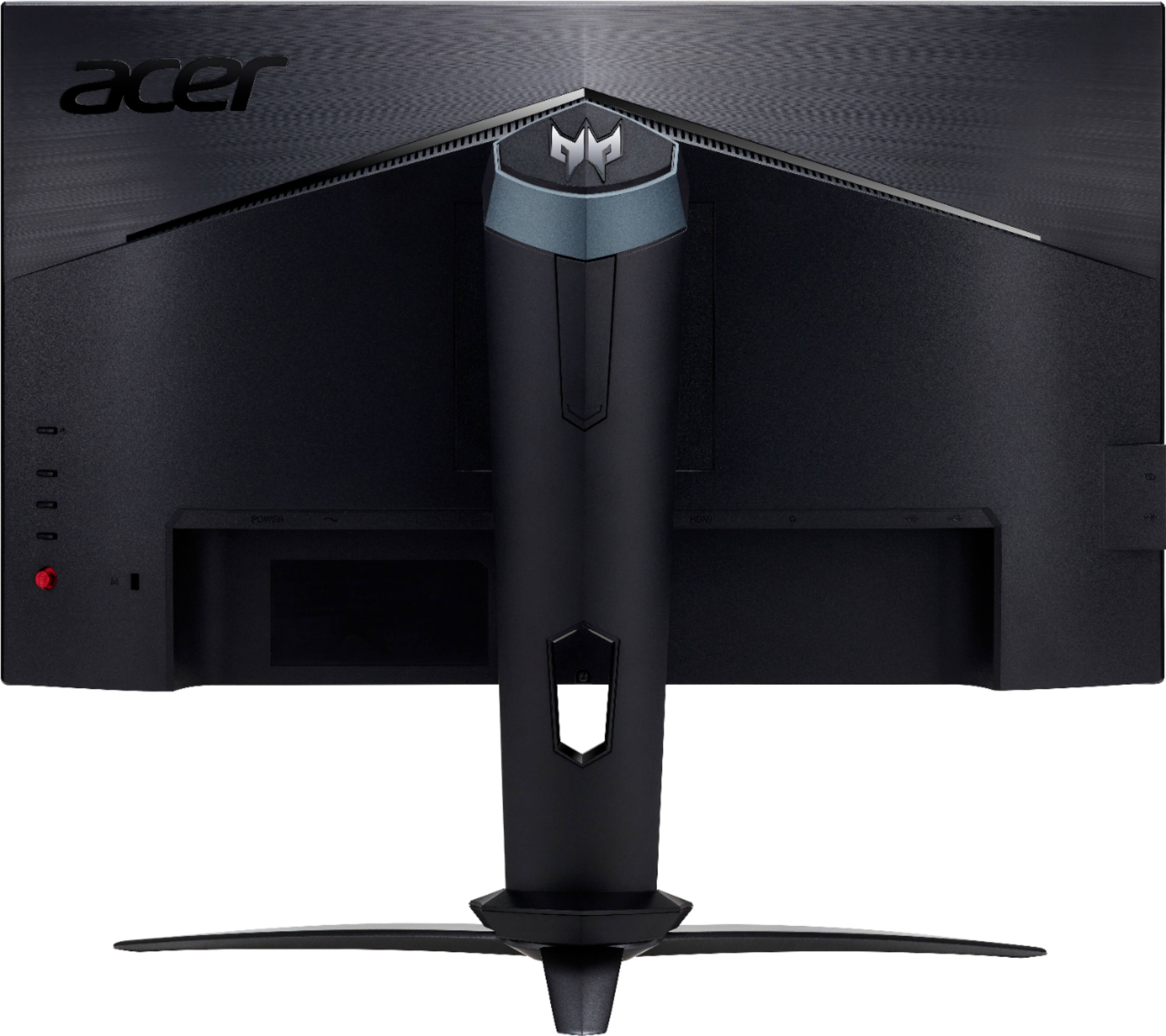
A:AnswerThis monitor has HDMI and DisplayPort connections. When connecting to your PC you just need one of those connections from the monitor, either HDMI or DP. If you need help with this please contact Acer support at 866-695-2237.
A:AnswerThis monitor should work fine with most any console that has HDMI. If you want info on a specific console, you might post your question on the Acer Community where there are many users that post questions and offer help and advice on Acer products. The link is: https://community.acer.com/
A:AnswerIt should but it really depends on the computer you want to buy. If the computer supports 240Hz from the mini DP port, it should work with our monitor. You will also need to make sure you buy a 240hz-supported mini dp to DP cable.
A:AnswerOn Acer's website it says it comes with
1 x Predator XB253Q GX Widescreen LCD Monitor
1 x Displayport Cable
1 x HDMI Cable
1 x Power Cord (US)
1 x USB 3.0 Cable
A:AnswerIf you are certain the GPU in your PC/laptop the monitor is connected to supports Nvidia Gsync, please contact Acer support at 866-695-2237 for assistance with your monitor.