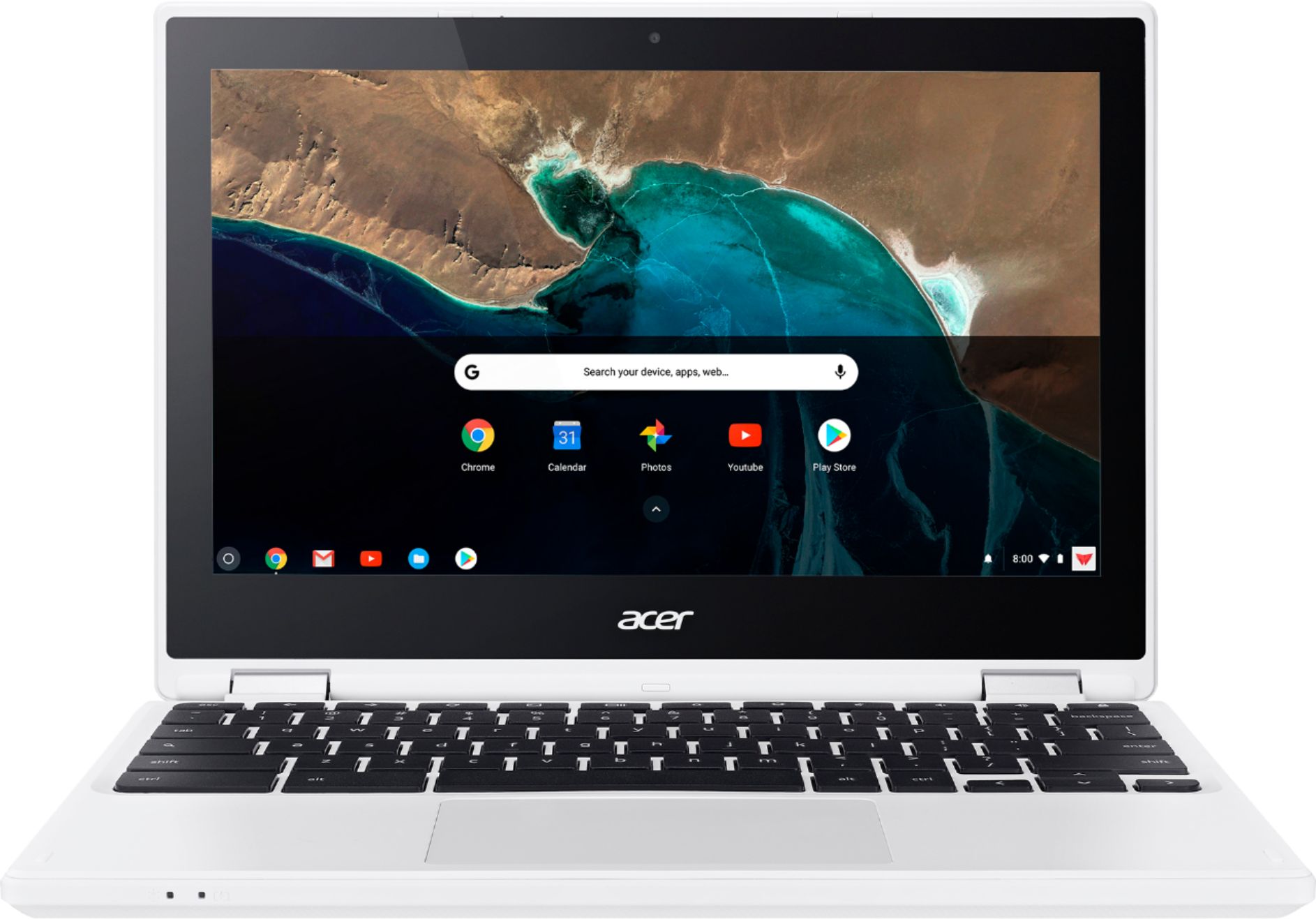
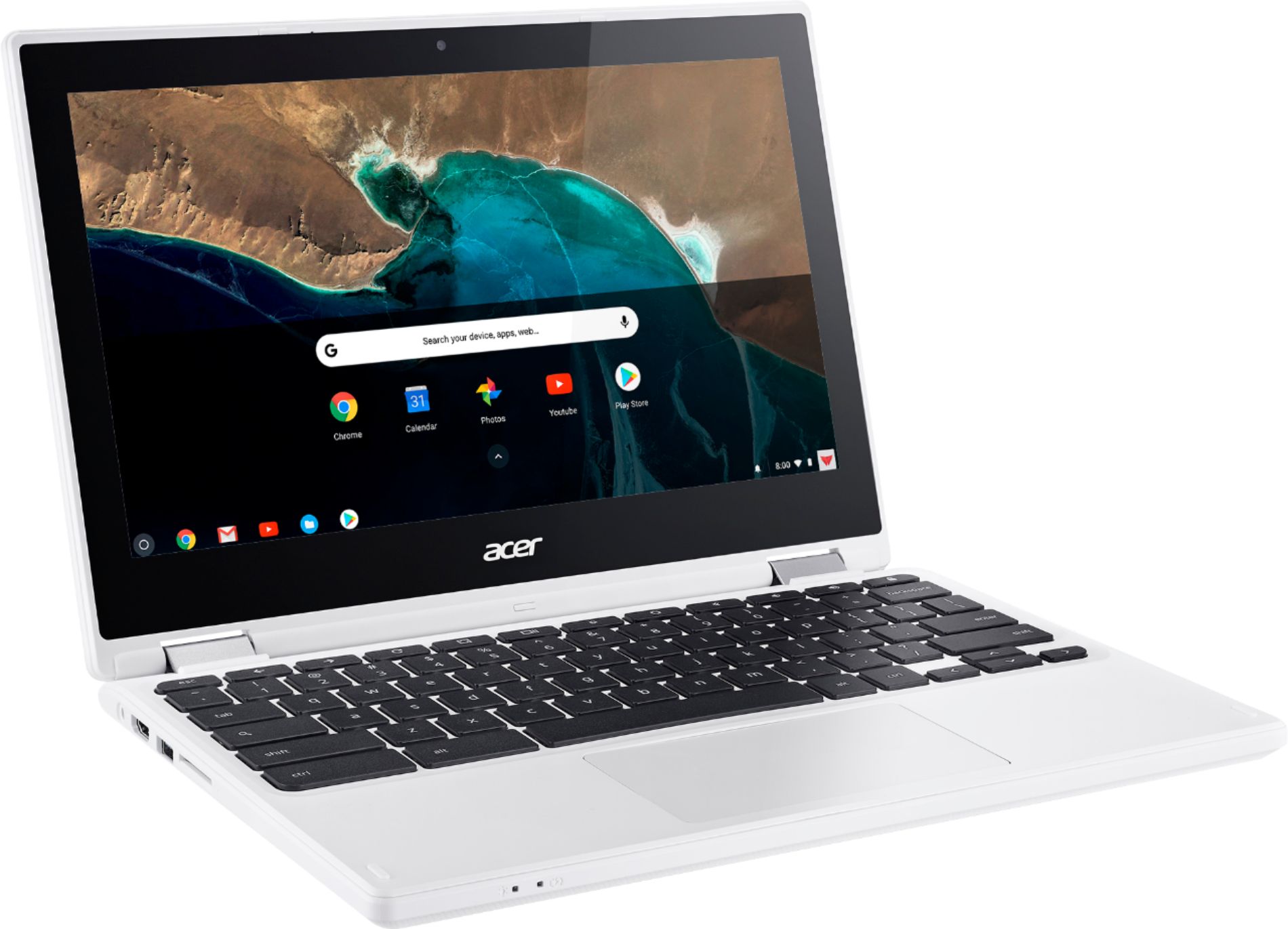
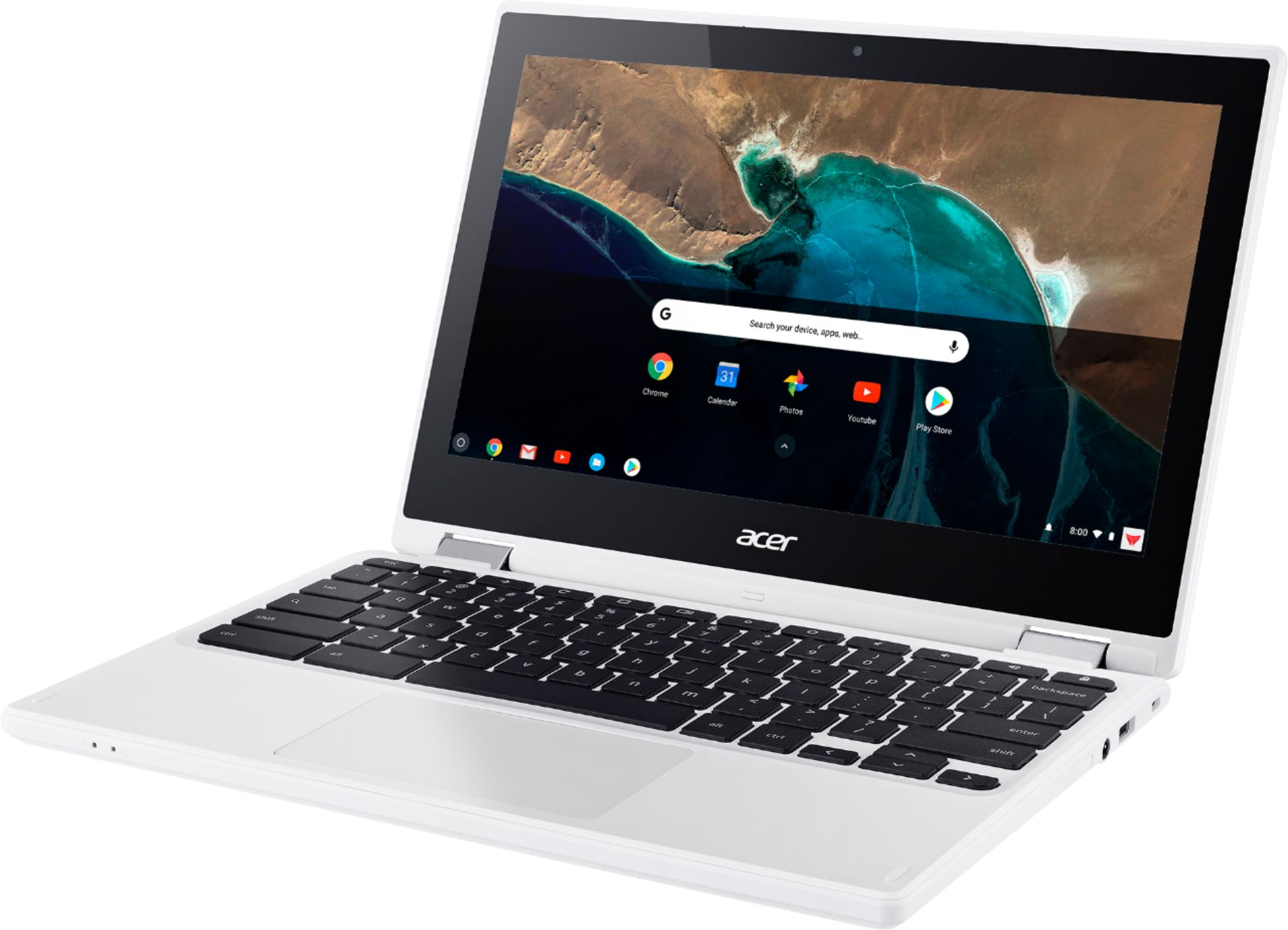
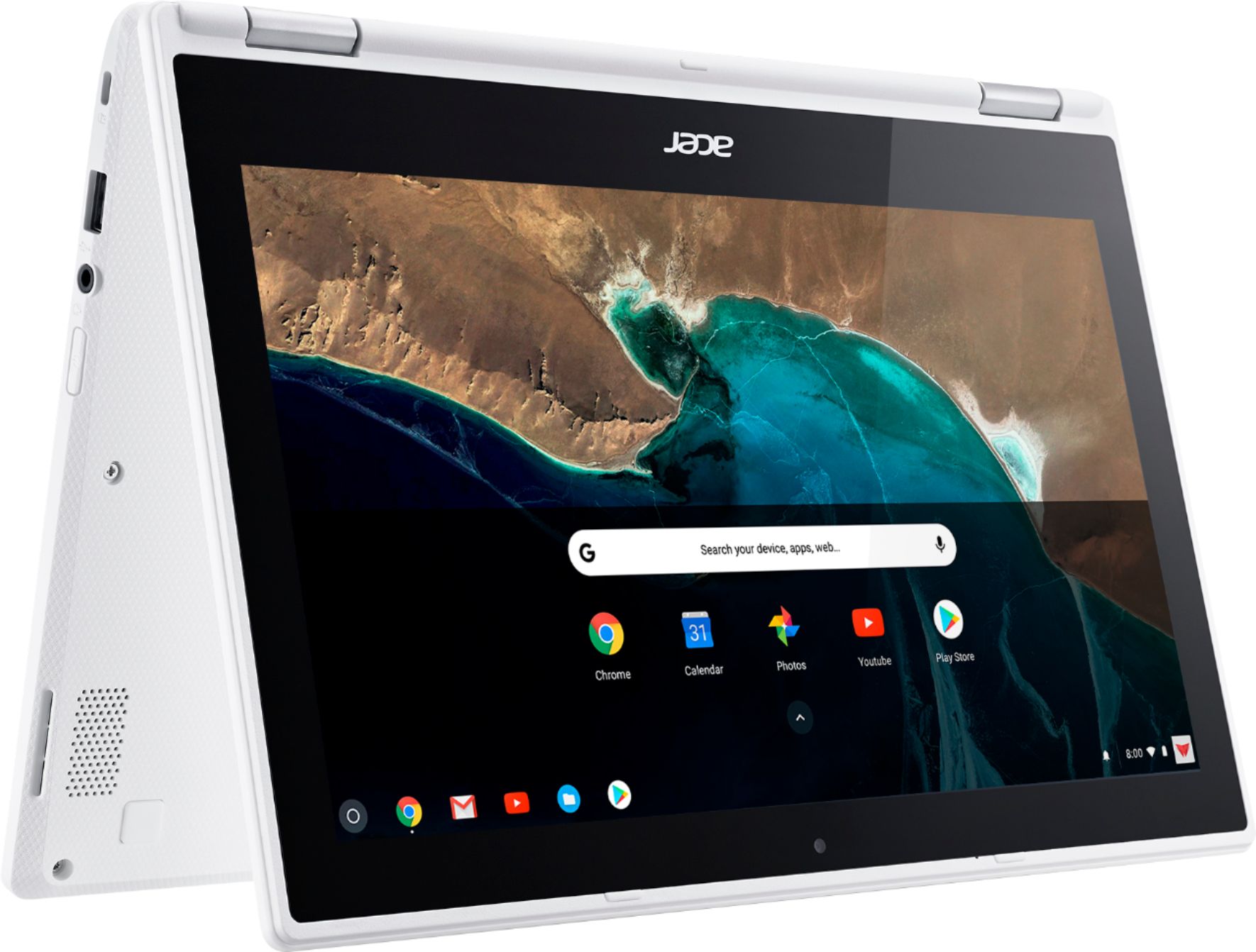
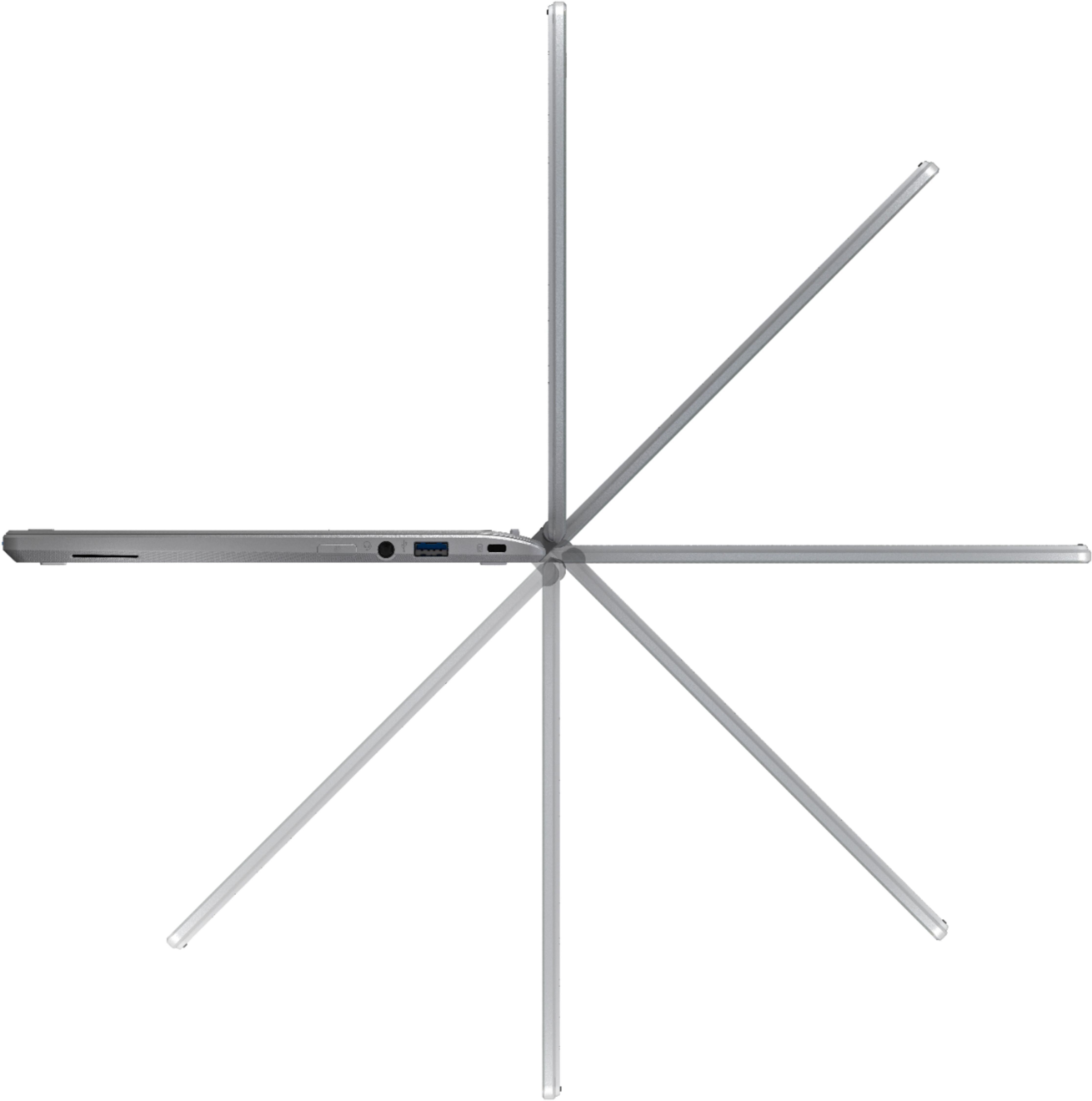
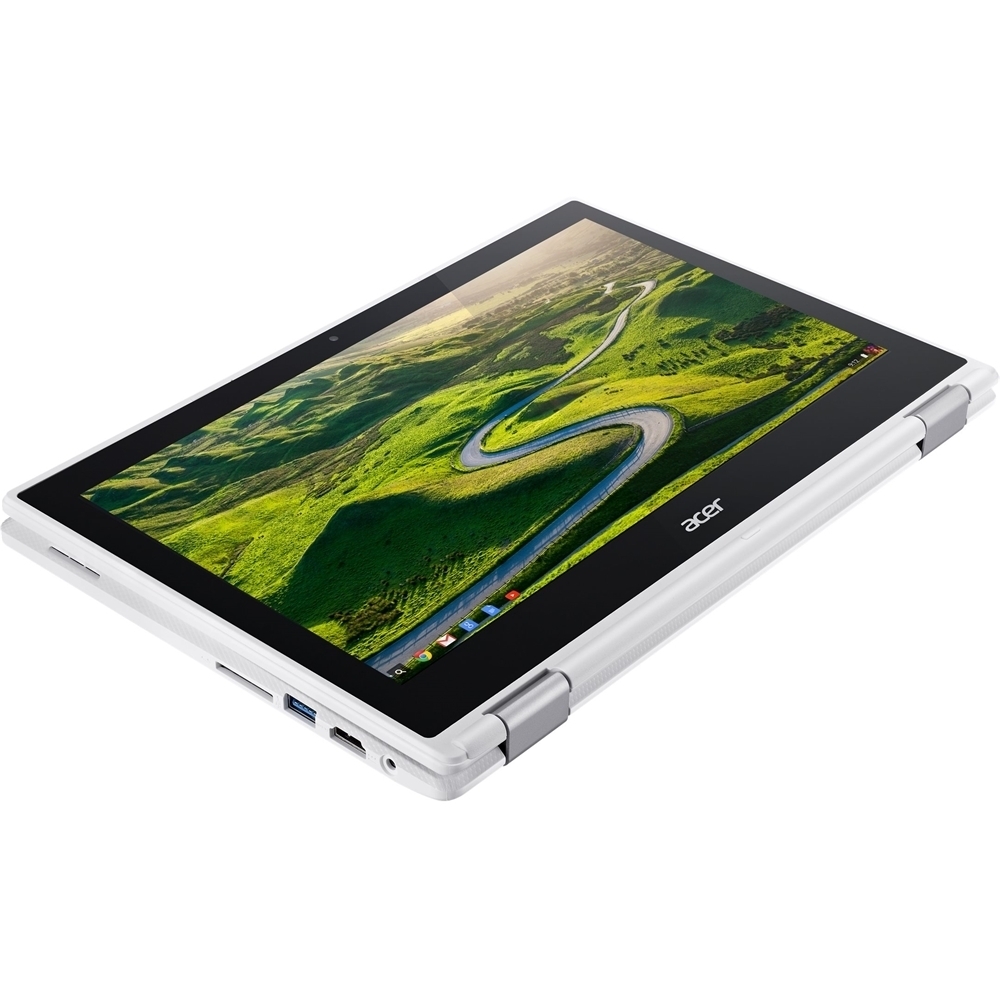
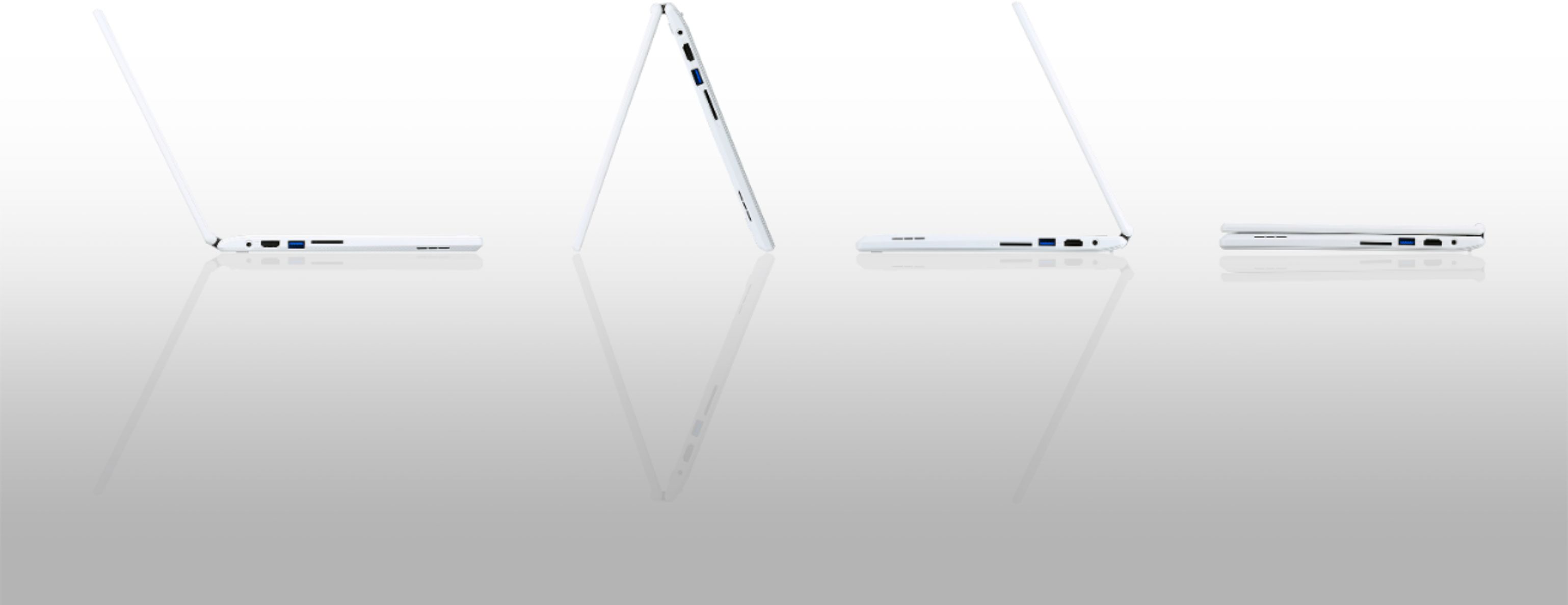
A:Answer I hooked up my Wacom Intuos 4 Lg tablet to the Acer Chromebook and it kind of worked. I mean, it did sense the stylus and show up as if it were the mouse on the screen. I tried to download the Windows driver from the Wacom site, but the Chromebook said the driver was not compatible. I tried using the Autodesk Sketchbook app on the Chromebook. The pressure sensitivity of the Wacom worked decently, but sometimes I would draw a small stroke and it would not show up at all. Also, when I tried to make quicker longer strokes, there was usually a lag before the strokes would show up. I've been using Wacom products for years on a PC desktop. Trying to use the Wacom tablet with this Chromebook is not an experience I would recommend to anyone.