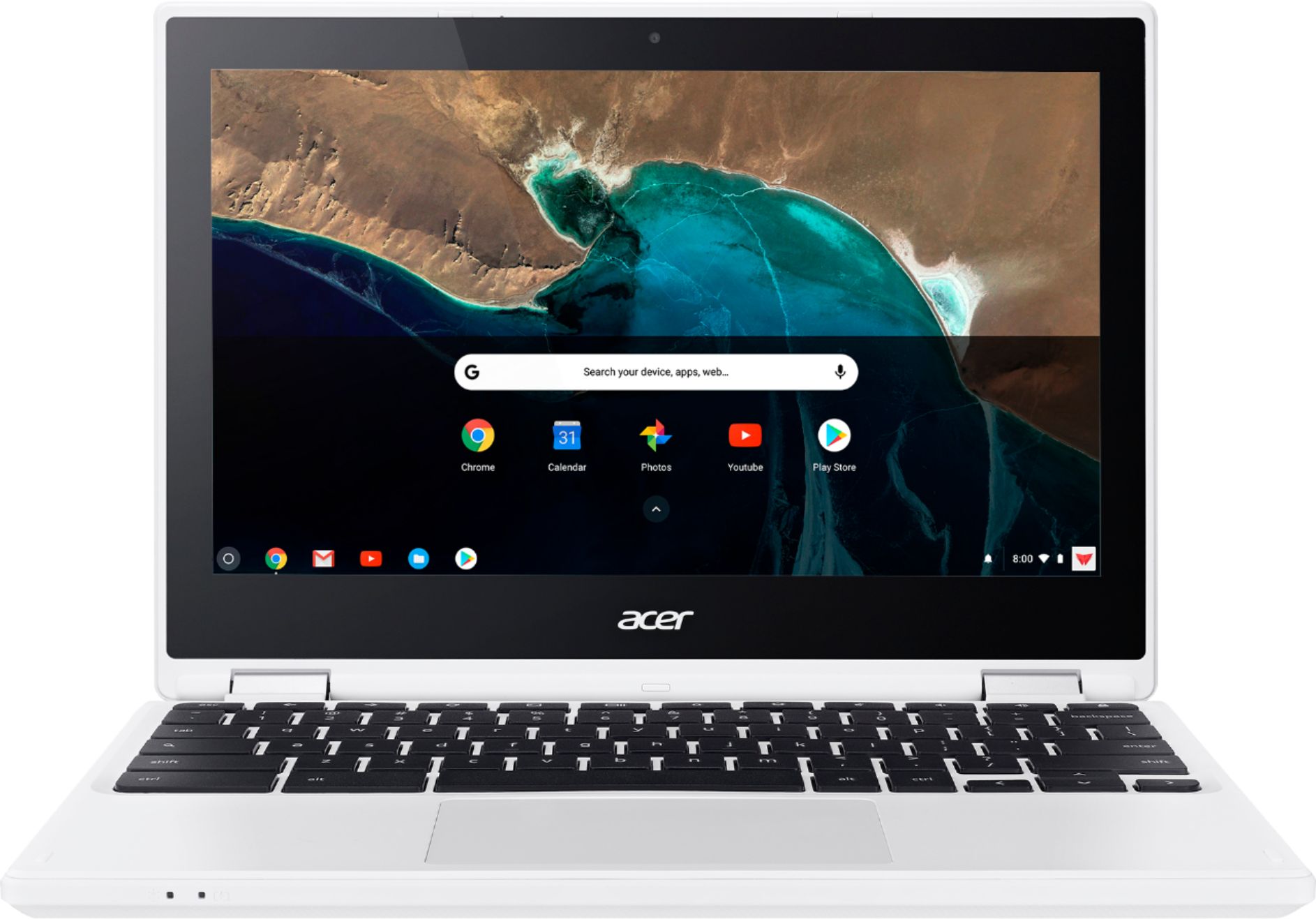
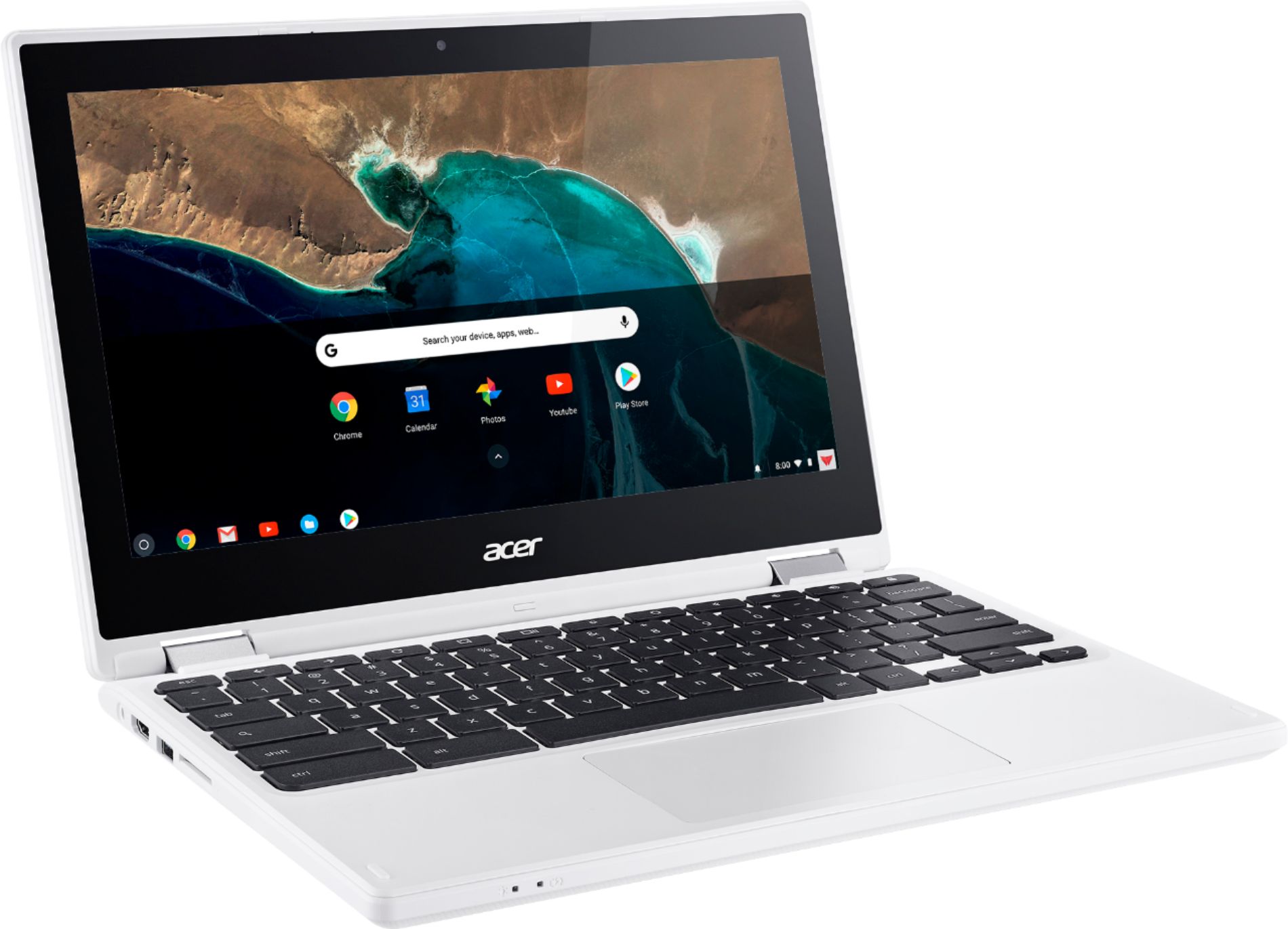
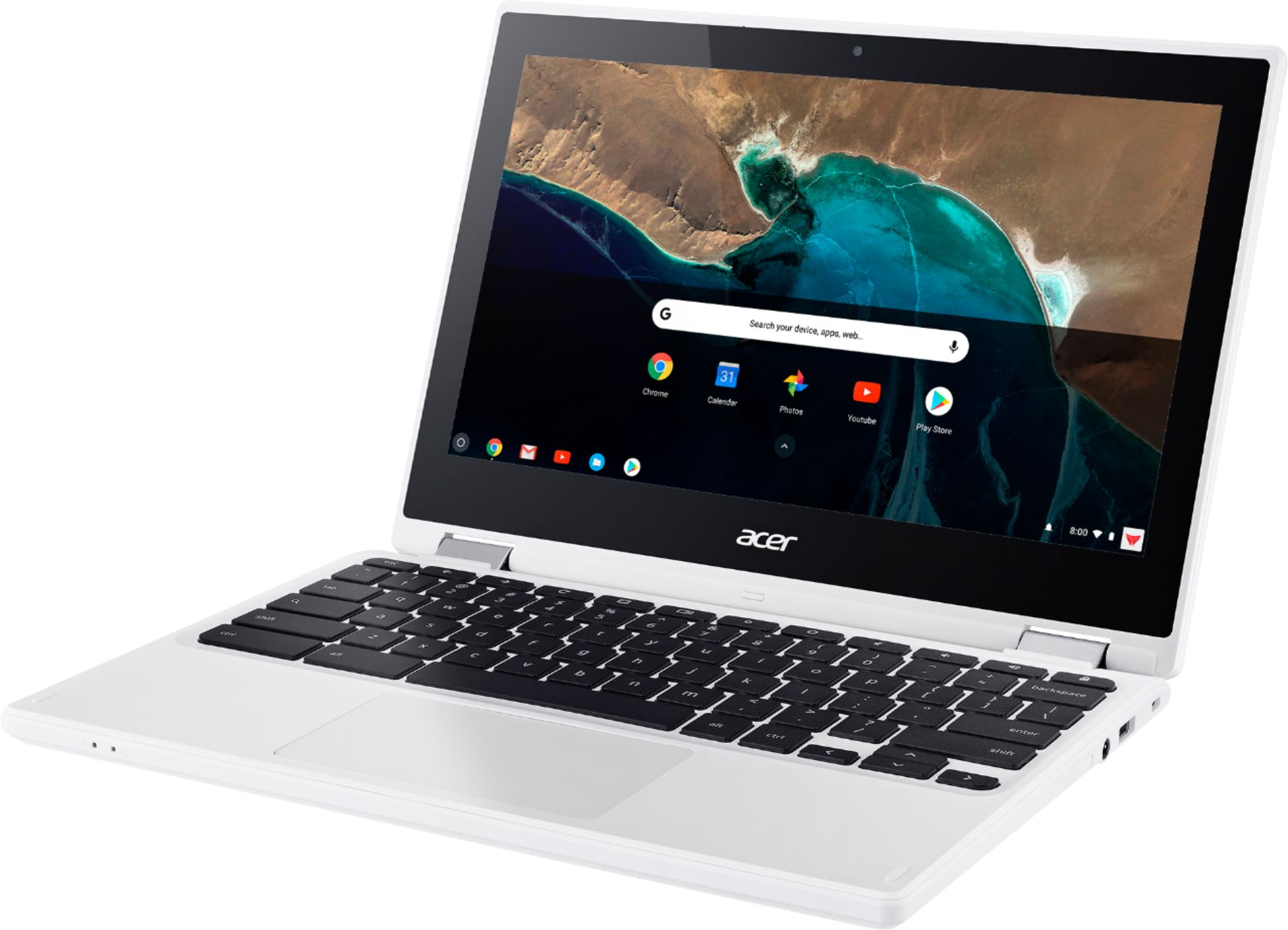
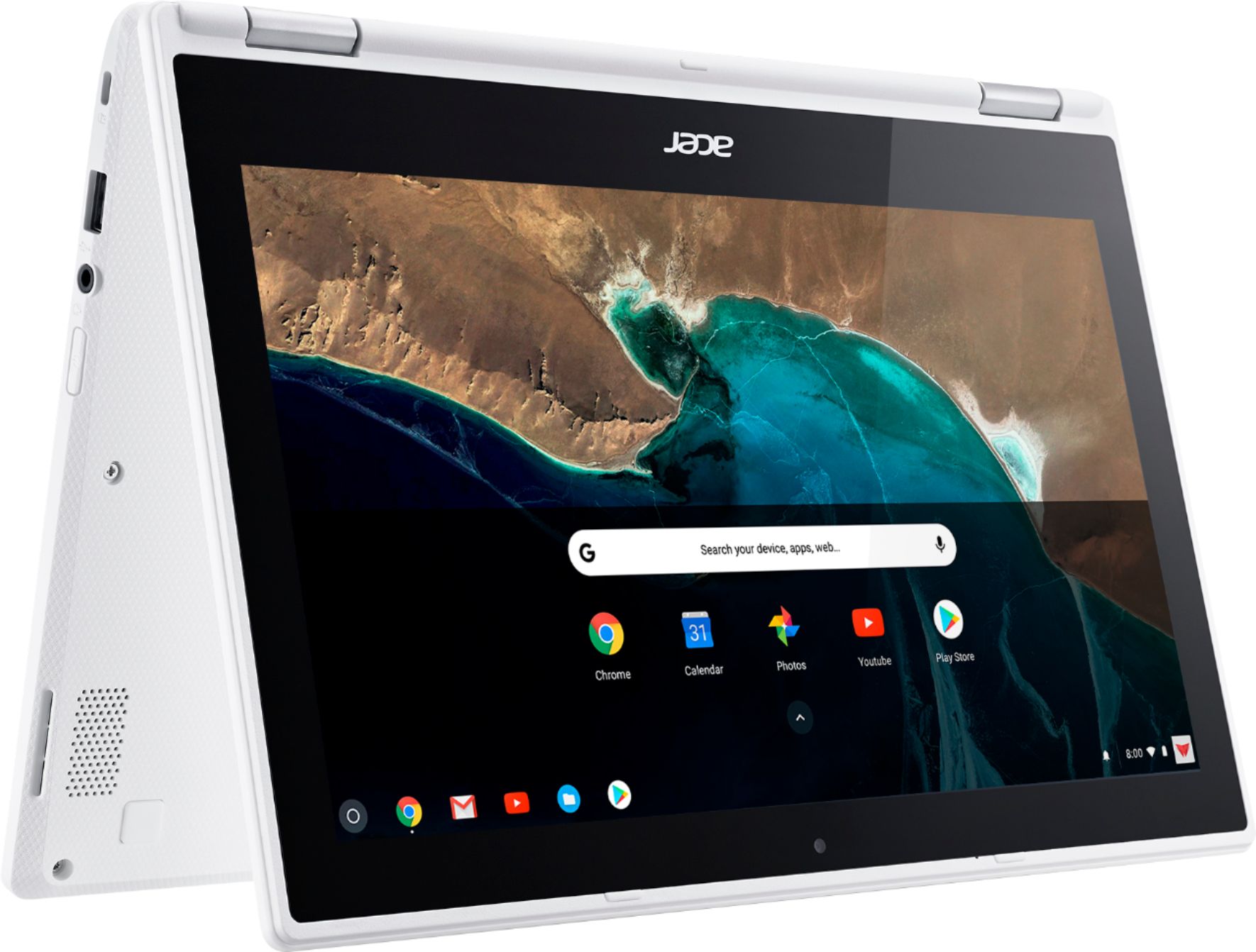
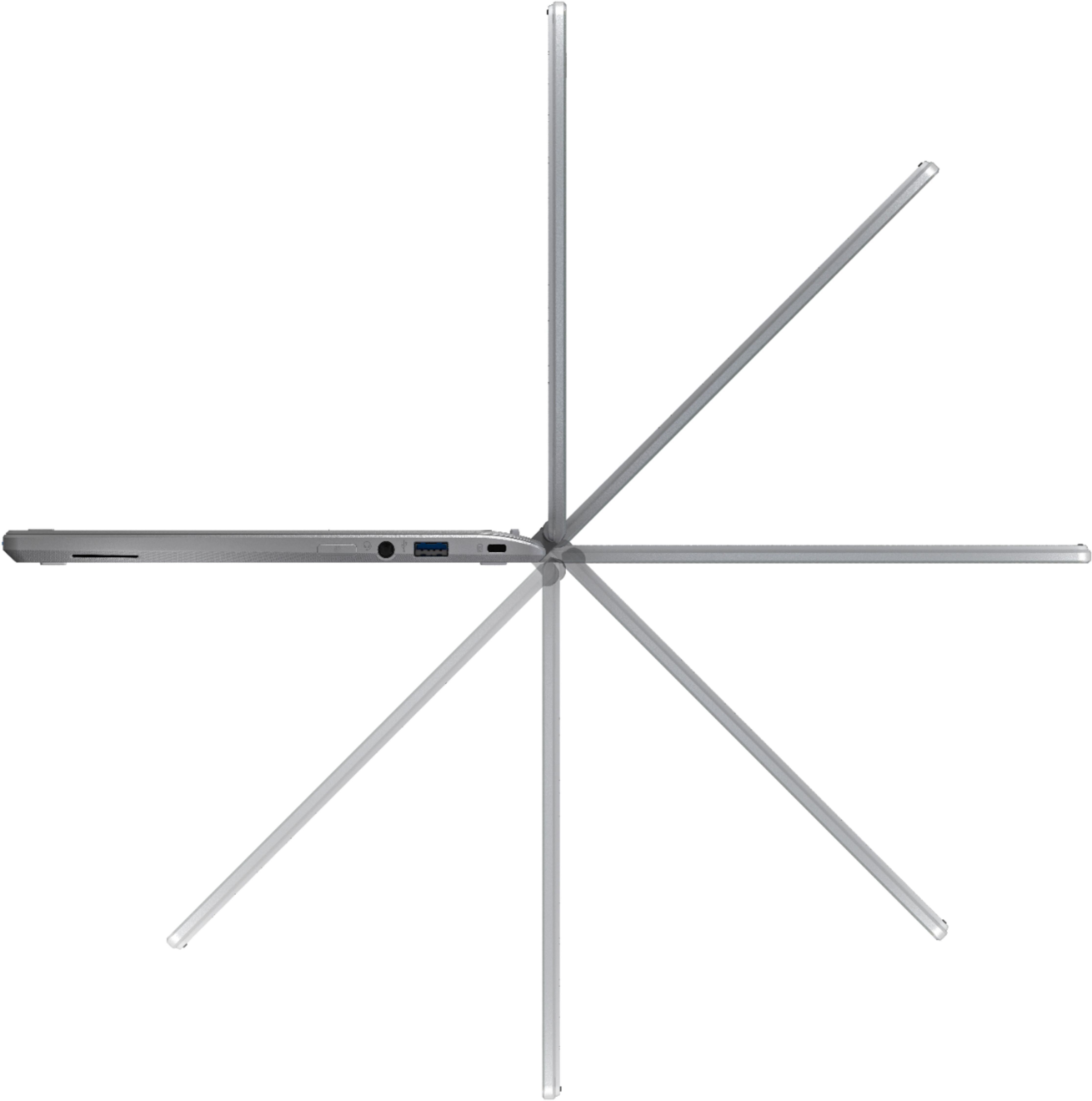
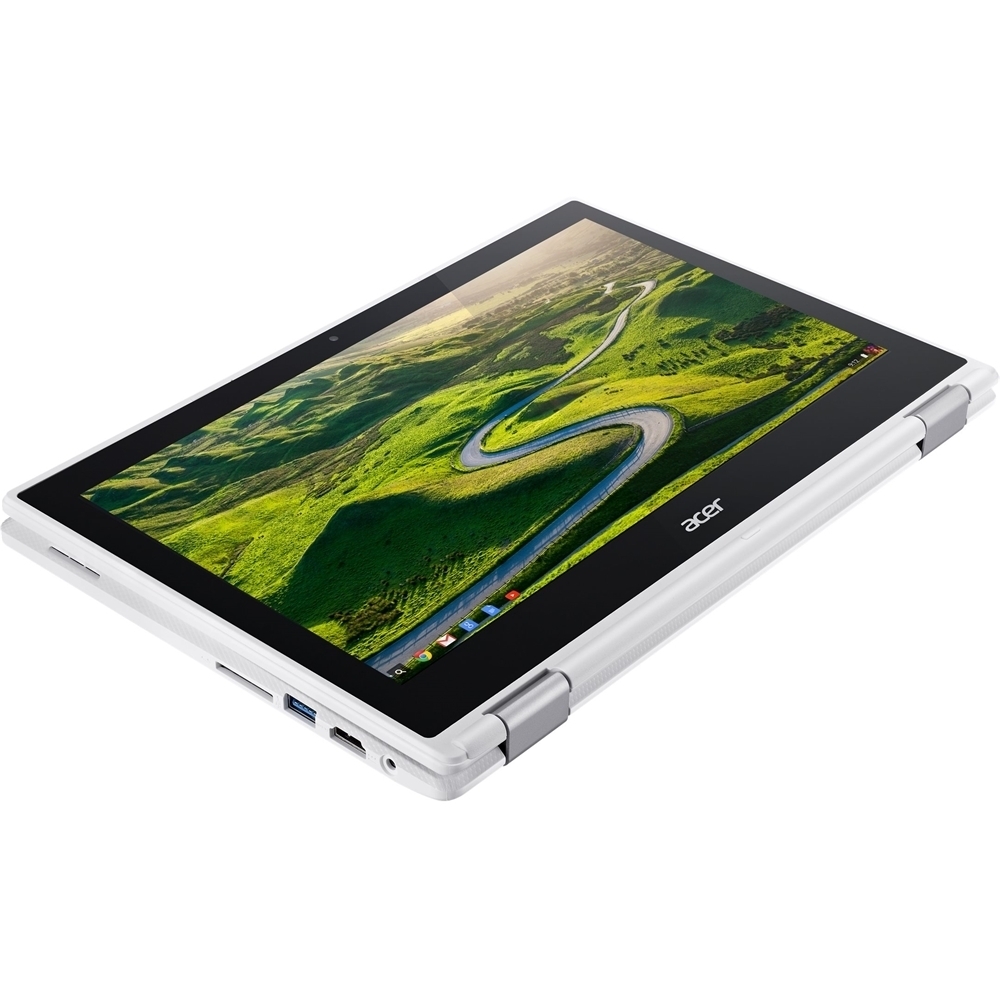
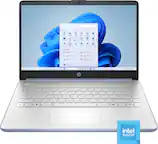
A:AnswerThe mic is located in the top cover just left of center next to the camera. Not sure if OK Google requires an external mic but here is a link that may be helpful: https://support.google.com/websearch/answer/2940021?co=GENIE.Platform%3DAndroid&hl=en
A:AnswerI have used the android tablet Slingbox viewer app and connected to my slingbox Pro HD. This worked surprisingly well with this CB. Better than my nexus 7 tablet and my desktop (through Internet Explorer)
A:AnswerI did see the 32gb memory option on the site. If that's sold out I wouldn't have that hold you back from the 16gb since expanding the memory is super cheap and easy on all Chromebooks in general with an SD memory card. You can find a 32gb card for around $10 online and install it in the slot and instantly expand your memory.
A:AnswerNo, it doesn't run windows and it doesn't have a hard drive. Use any website you want - anything online works great. Do everything else with Google docs and store it all in google drive. As long as you have Internet, you're good.
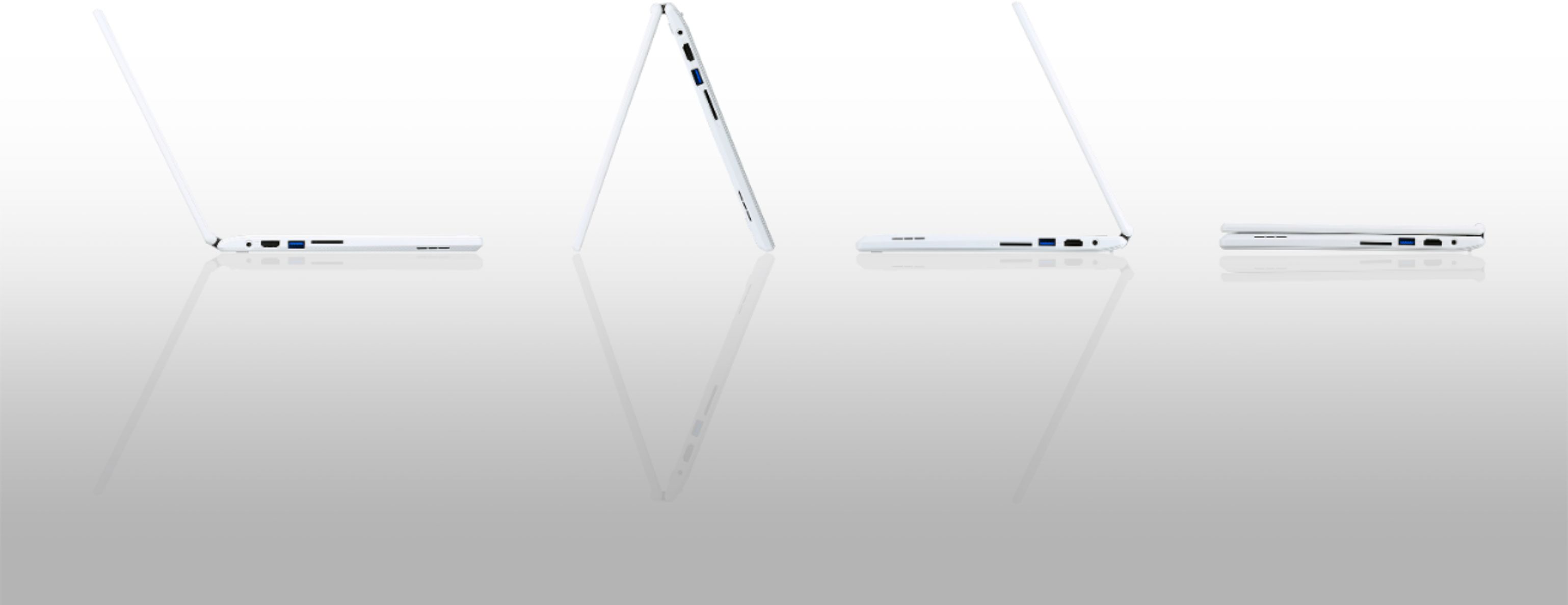
A:AnswerYes. There is a slot for an SD card, and once loaded, the files appear as an additional drive. Once mounted you can view the files, and also copy them to other drives (USB, internal, Google Drive, and other cloud platforms.
A:AnswerSee my review on the Acer R11. It is a good little 2-in-1, but I would recommend you check with your college to see exactly what type of software they require you to be able to run from your personal device. If nothing is required to be downloaded onto your device, and it's all web based, you're good. Note that in a month or two the Acer R11 will receive full Android functionality so that you may have the Google Play Store on your R11 with access to all Android apps on your R11. Even then, if your college requires your device to be able to run Mac or Windows software, you're only choice with the R11 will be remoteing into a Windows or Mac computer to run the software for you.
A:AnswerAs is today, you can do light editing using a couple of web based programs. Within the next month or two, you will be able to do a lot more because the Acer R11 will run all Android apps natively in Chrome OS on your Chromebook.