A:AnswerIf your program is available from the Google Play Store, probably. This is the only way to install apps on this ChromeBook. If not, you're probably better off with a laptop running Win#, Linux or Apple OS.
A:AnswerI play lots of games and videos on it and I say it has really good video quality and no lag...havent tried any big name games yet been mostly downloading from the App Store
A:AnswerAcer has not tested a PS4 controller on our laptops. You might post your question on the Acer Community where there are many users that post questions and offer help and advice on Acer products. The link is: https://community.acer.com/
A:AnswerYou cannot install software on Chromebooks. These run apps much like an Android tablet or phone. If the coding/programming software is in the form of an app that is compatible with Chrome, it should work but you might check with the software vendor to be sure.
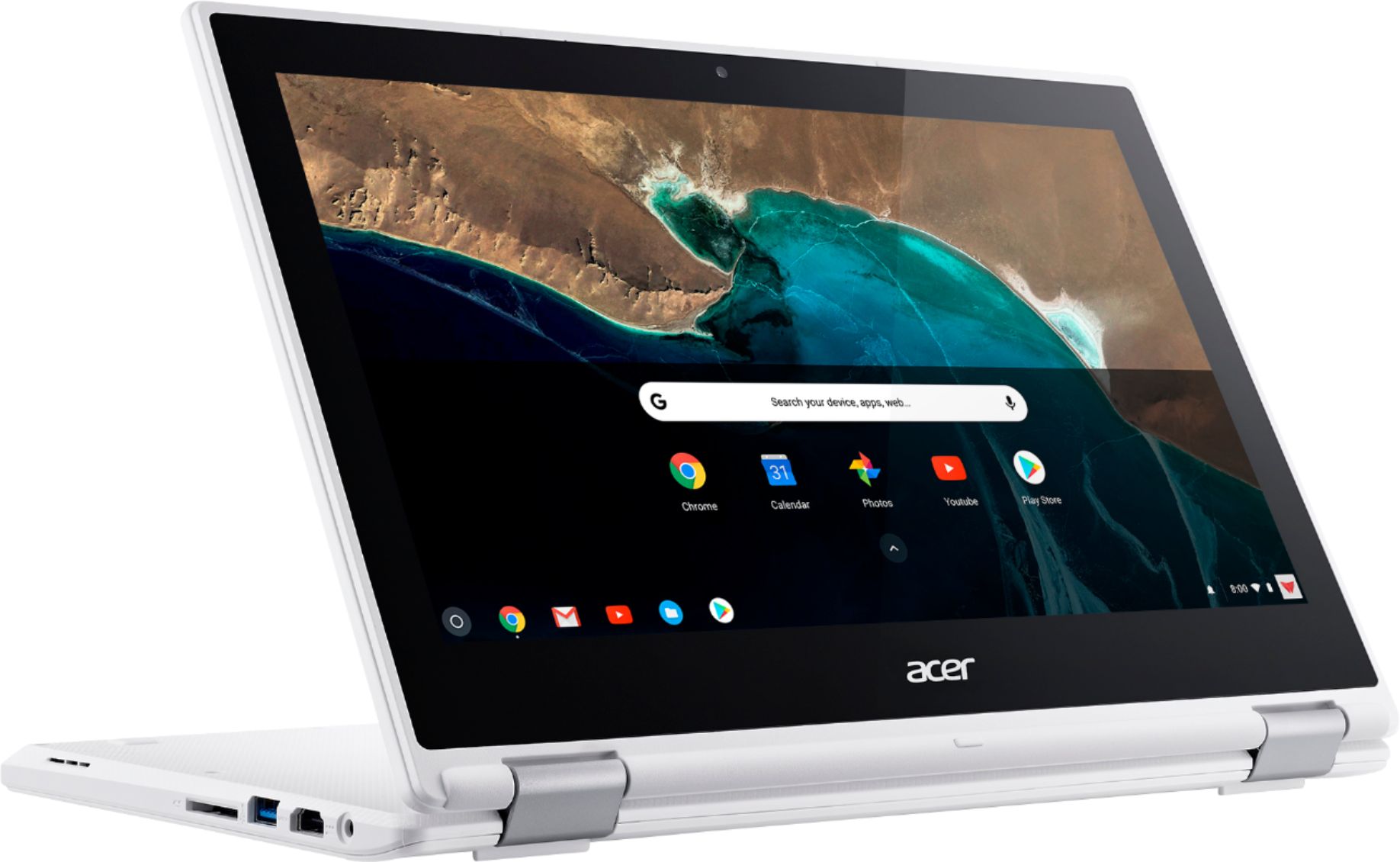
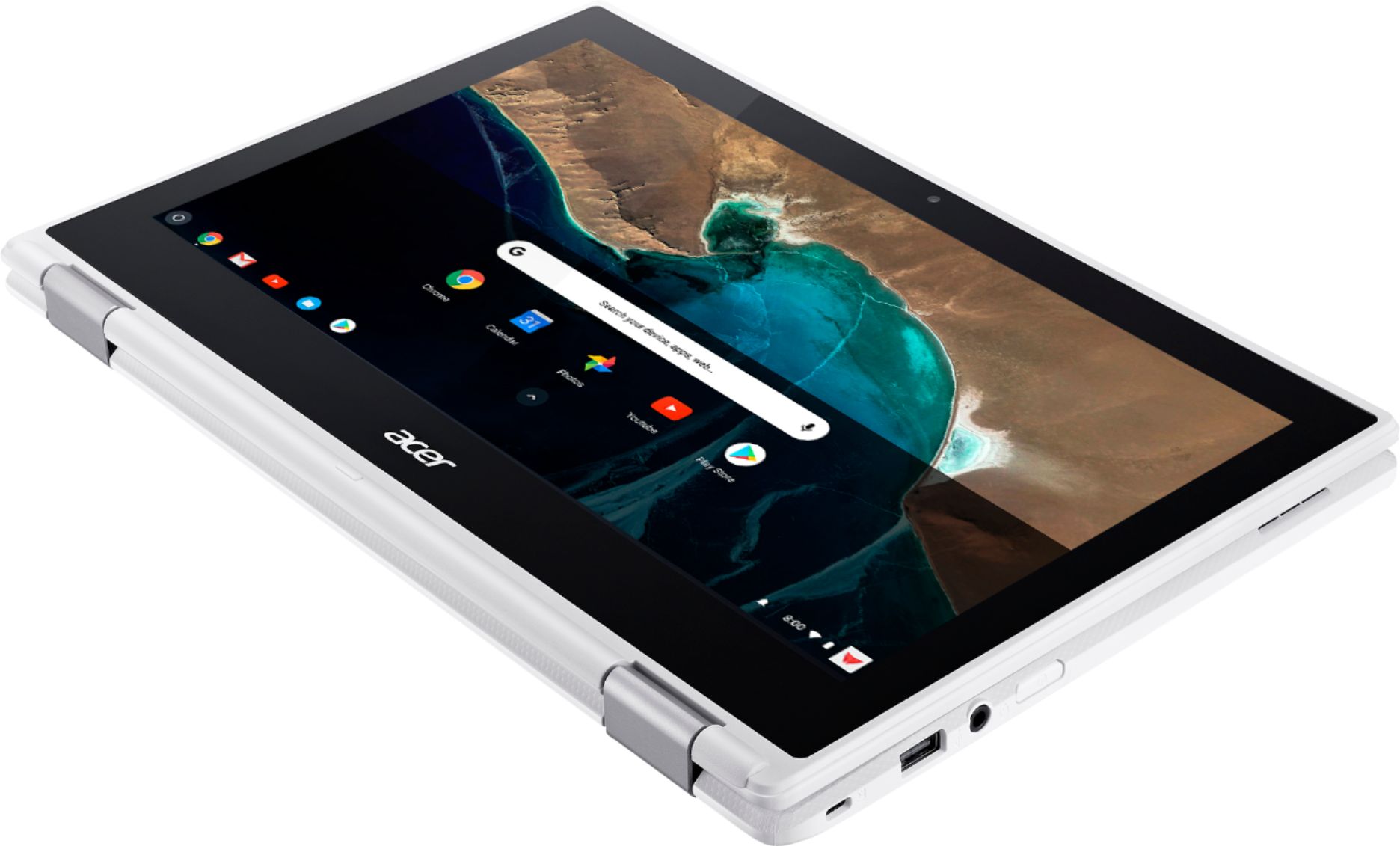
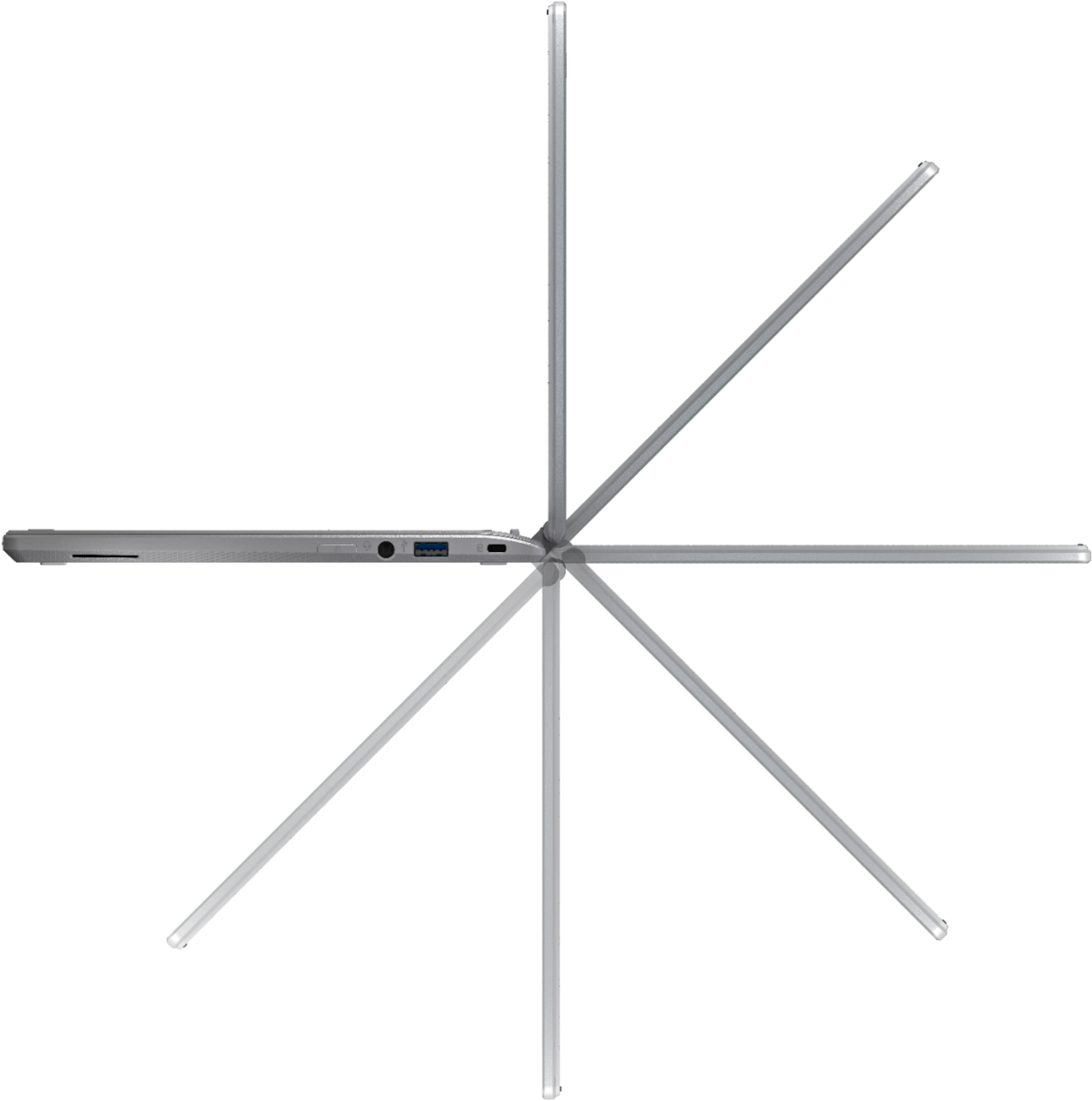
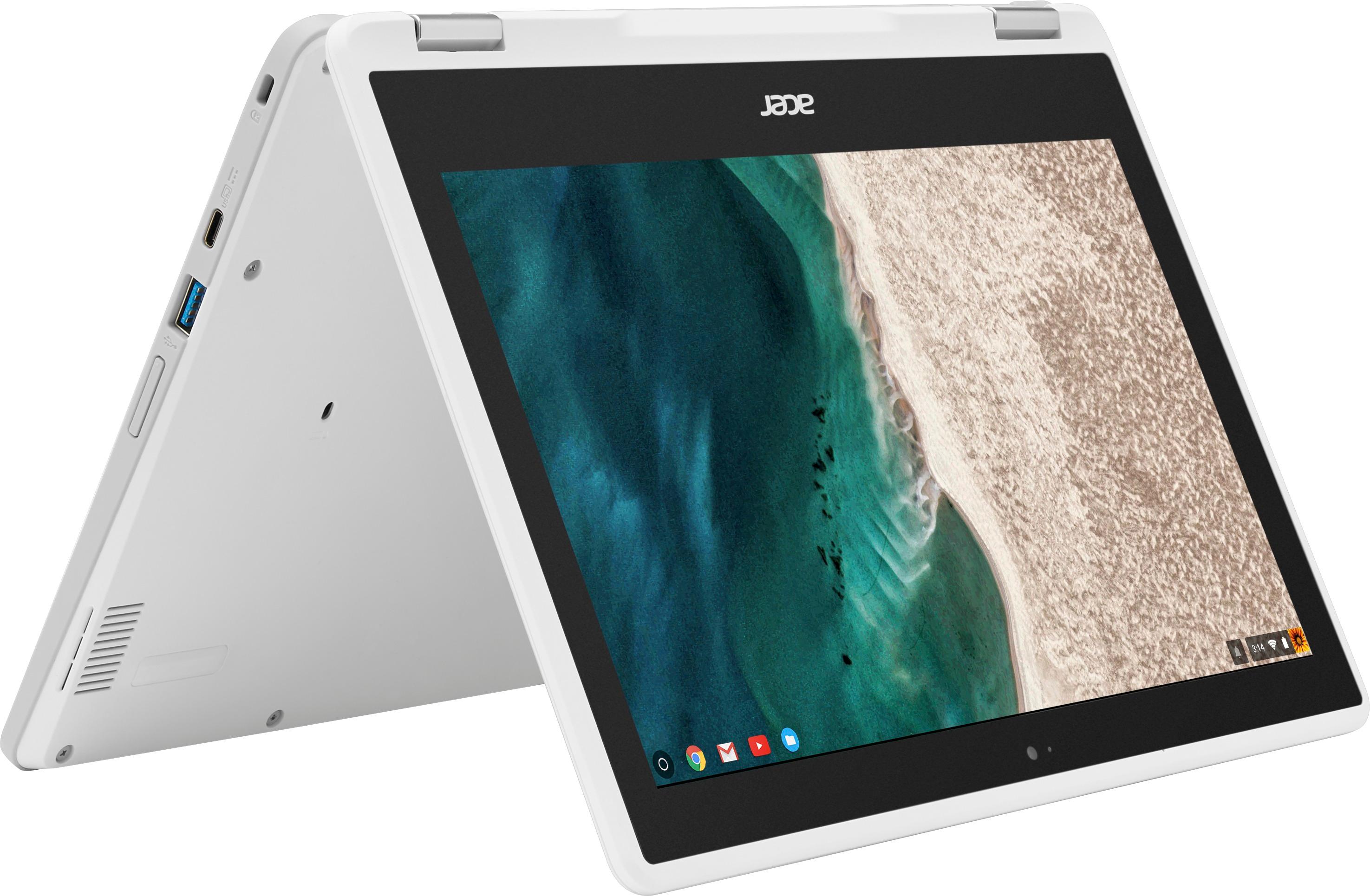
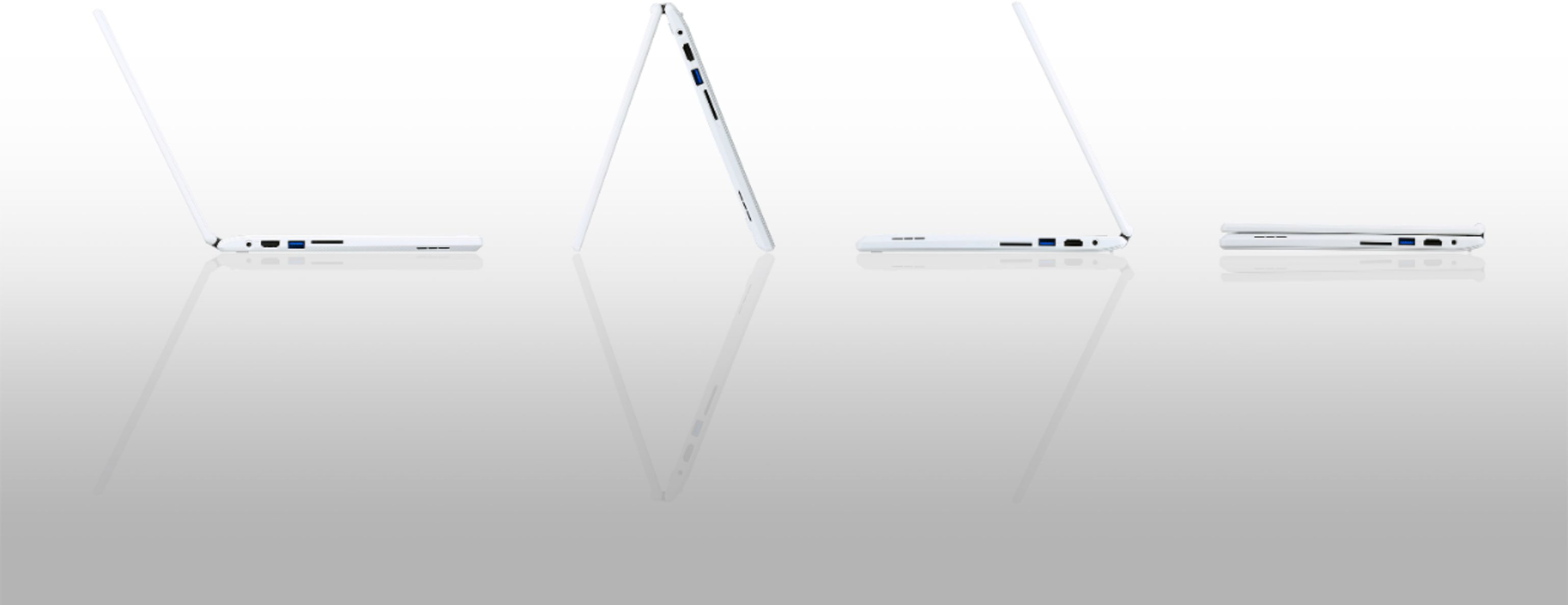
A:AnswerYes, it has one USB 2.0 port on the right side and one USB 3.0 port on the left side. Here is the Acer link to the product: https://www.acer.com/ac/en/US/content/model/NX.G54AA.018
A:AnswerYou might check out the information in this link regarding Chromebooks and external optical drives: http://www.chromebookhq.com/chromebook-dvd-drive/
This link has some helpful information on connecting and using an optical drive in the Chrome operating system.
A:AnswerYes you can change the language in Chrome. Here is a link that has information on how to do this:
https://support.google.com/chromebook/answer/1059490?hl=en
A:AnswerYou will need a Cloud-Ready printer to print from a Chromebook. Here are a couple links on this you might find helpful:
https://www.cnet.com/how-to/how-to-print-from-a-chromebook/
http://cbookreviewguide.com/chromebook-compatible-printers-cloud-ready/