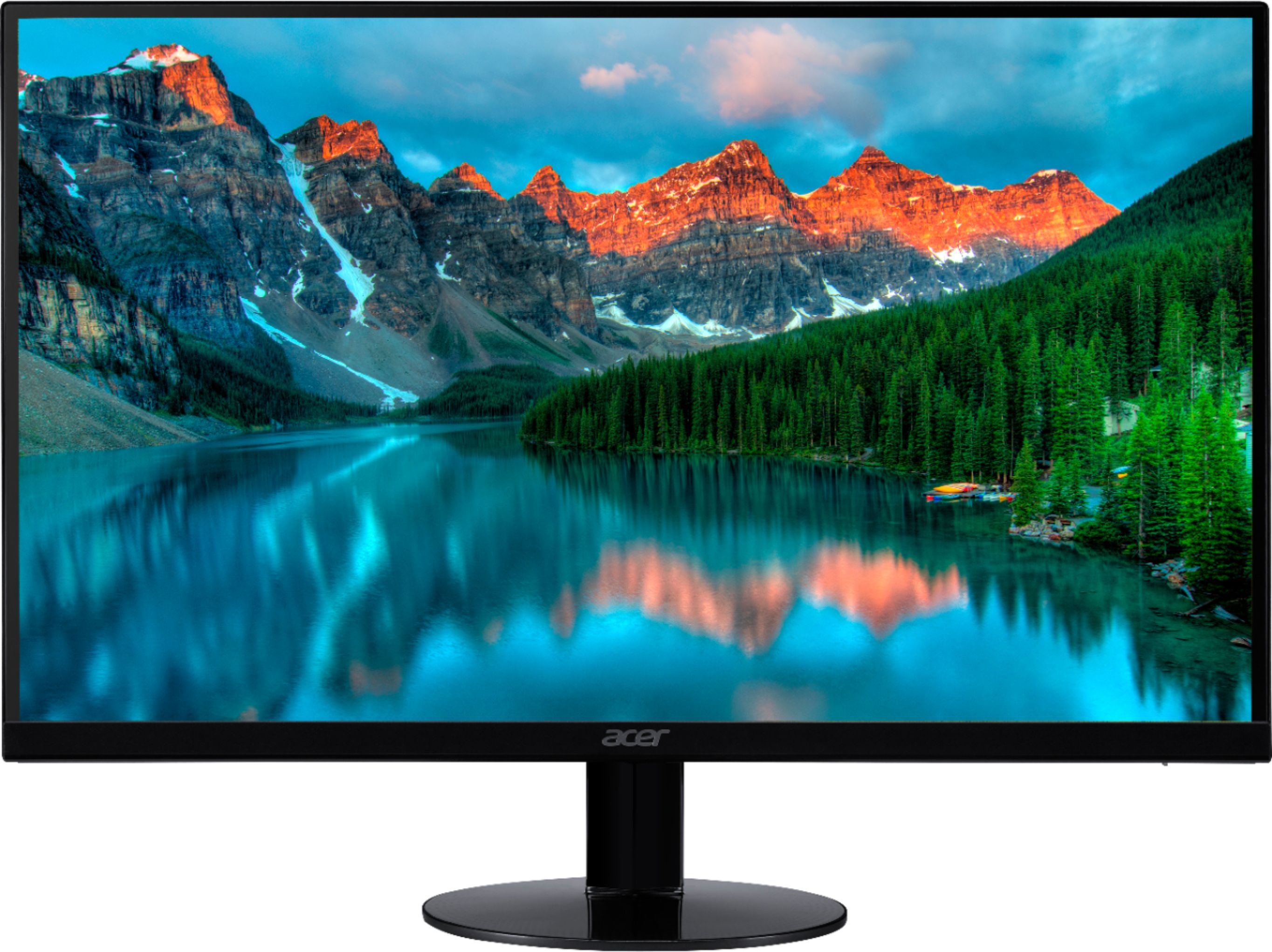
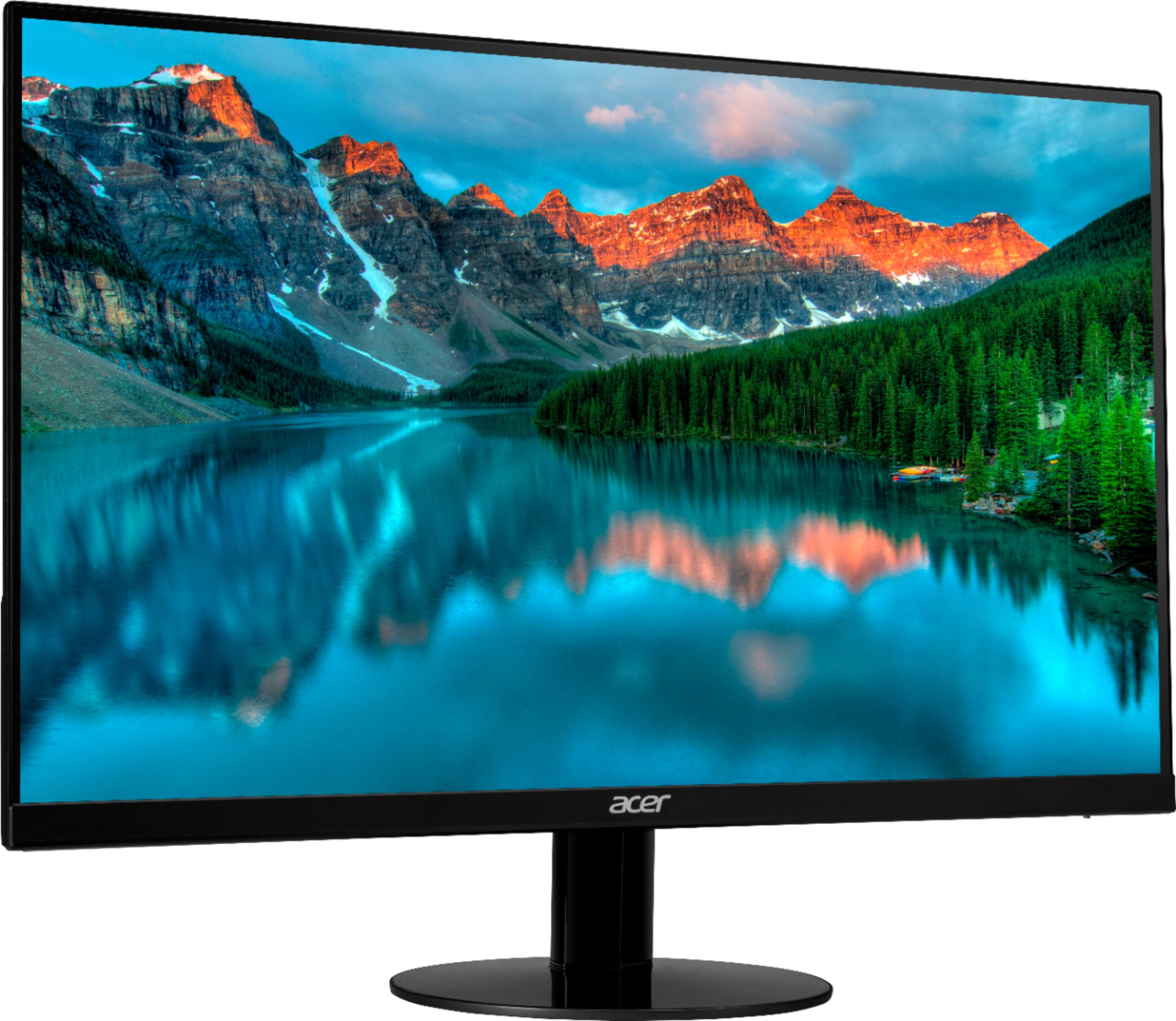
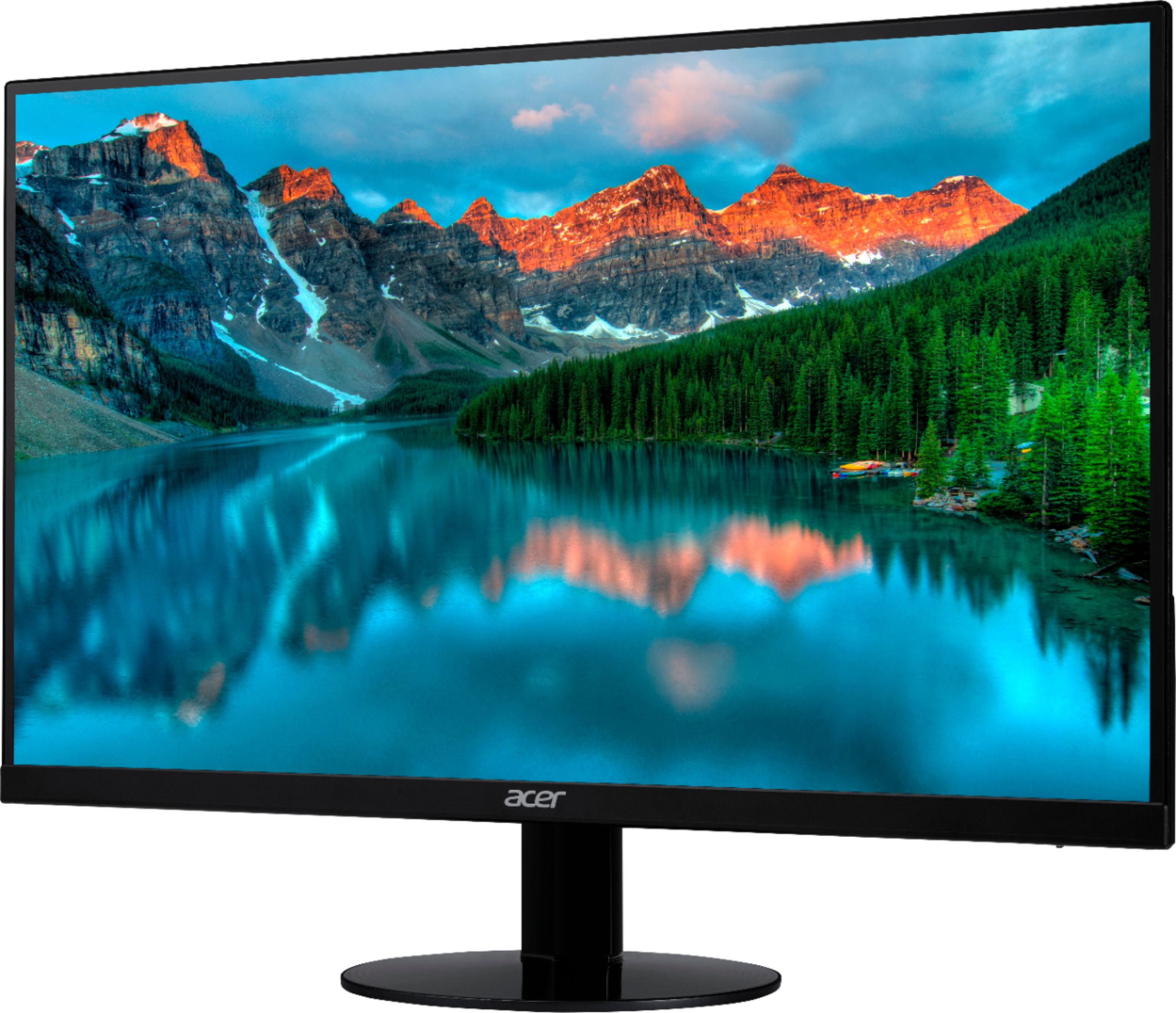
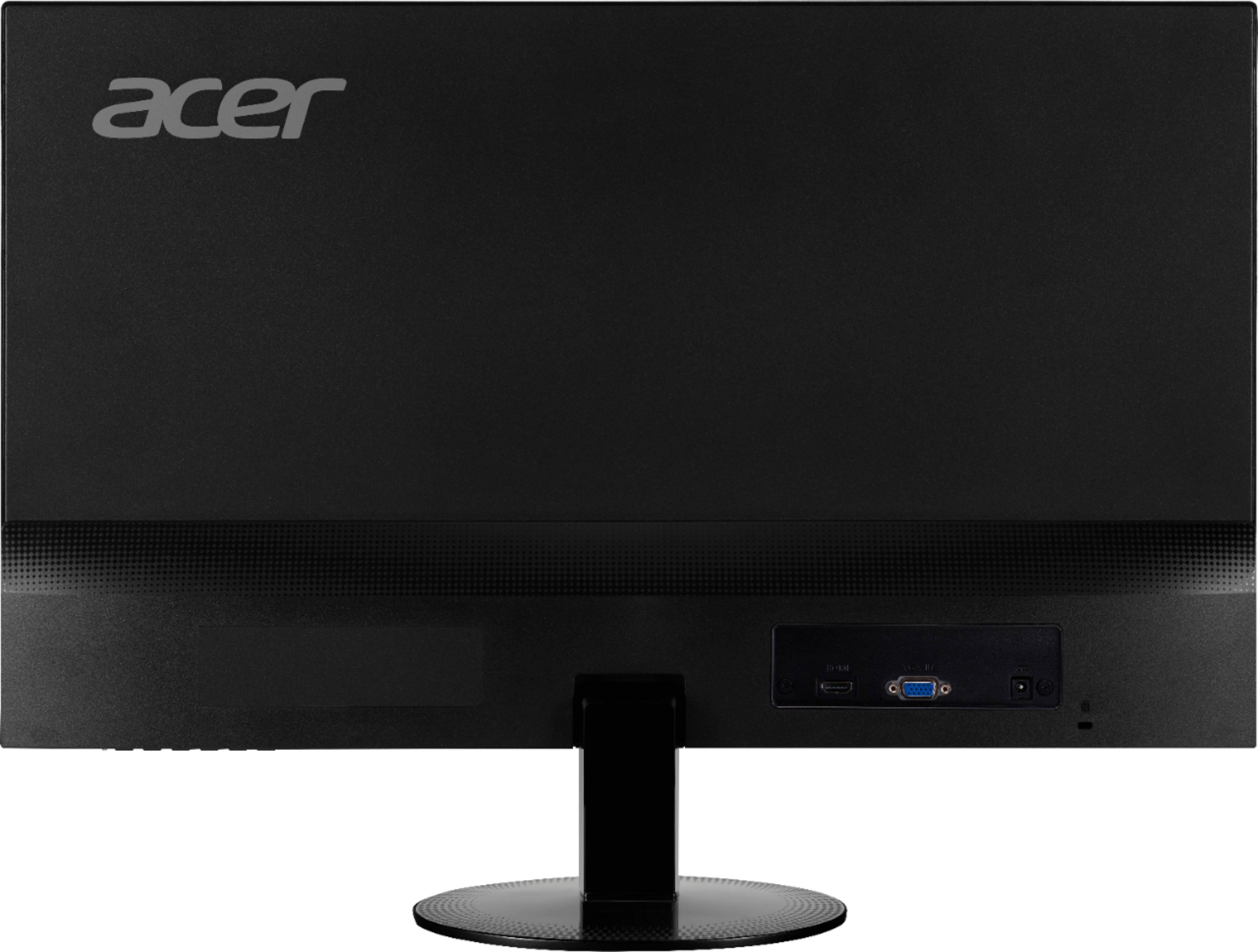
A:AnswerNot sure what you mean by this but I will assume that your video source has something other than an hdmi port, in which case you can use an adapter for whatever interface you need. For instance, I am using two of these monitors with my current computer which has one hdmi port and three displayports. I am able to connect one of the monitors with a regular hdmi cable but I needed to buy an adapter for displayport to hdmi to be able to connect to the second monitor.
A:AnswerProbably not. the way the monitor is mounted is like on fork prong that it slides onto. I don't recall any holes in the back that your could mount it to.
A:Answerfps would depend on your machine's graphics capabilities. This monitor is 60hz and the picture looks great. I use it for my gaming rig and it looks amazing. Its an amazing value for your money if you are looking for 1 or more monitors to use side by side. I've had these for about a year now and they seem real solid.
A:AnswerMake sure your connections from your video source to the monitor are solid on both ends. If that does not fix then try a different cable or port. If all else fails then it is safe to assume that your monitor is defective and you should consult your warranty.
A:AnswerThe PS4 supports up to 60hz, so even if the monitor supports a higher refresh rate, the device to which it is connected must push that higher refresh rate.
A:AnswerYou will need to use USB C Adapter, aka thunderbolt dongle. Its a good monitor and will be useful in college and in a dorm. Its light in weight.