A:AnswerNot out of the box. From what we see online you can if you install Linux on the Chromebook. Otherwise a Windows laptop would suit you better for this game.
A:AnswerThis is not something Acer has tested, but here is a link with information you might find helpful: https://www.theverge.com/2018/4/19/17257940/google-chrome-oculus-rift-support-virtual-reality-web-vr-apps
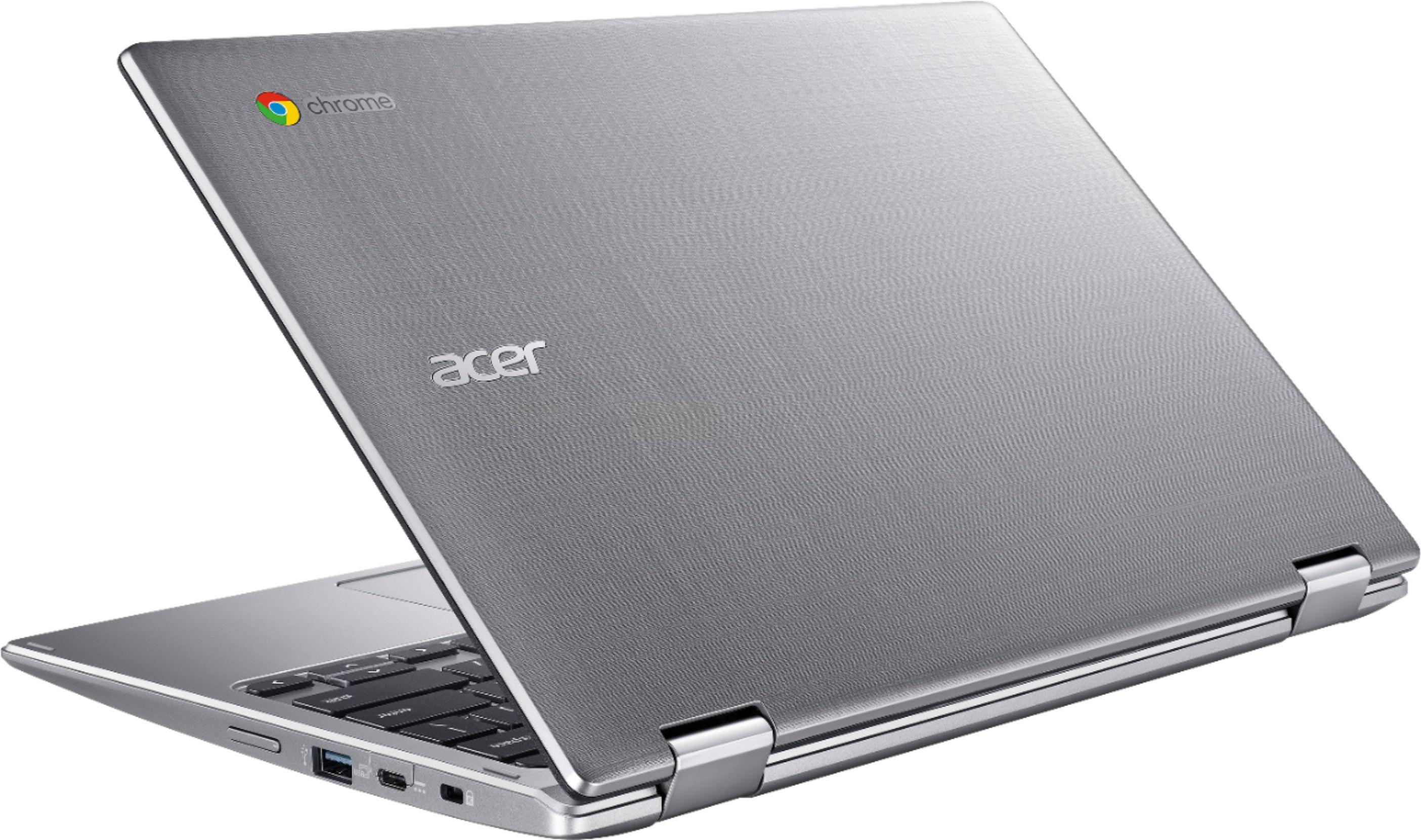
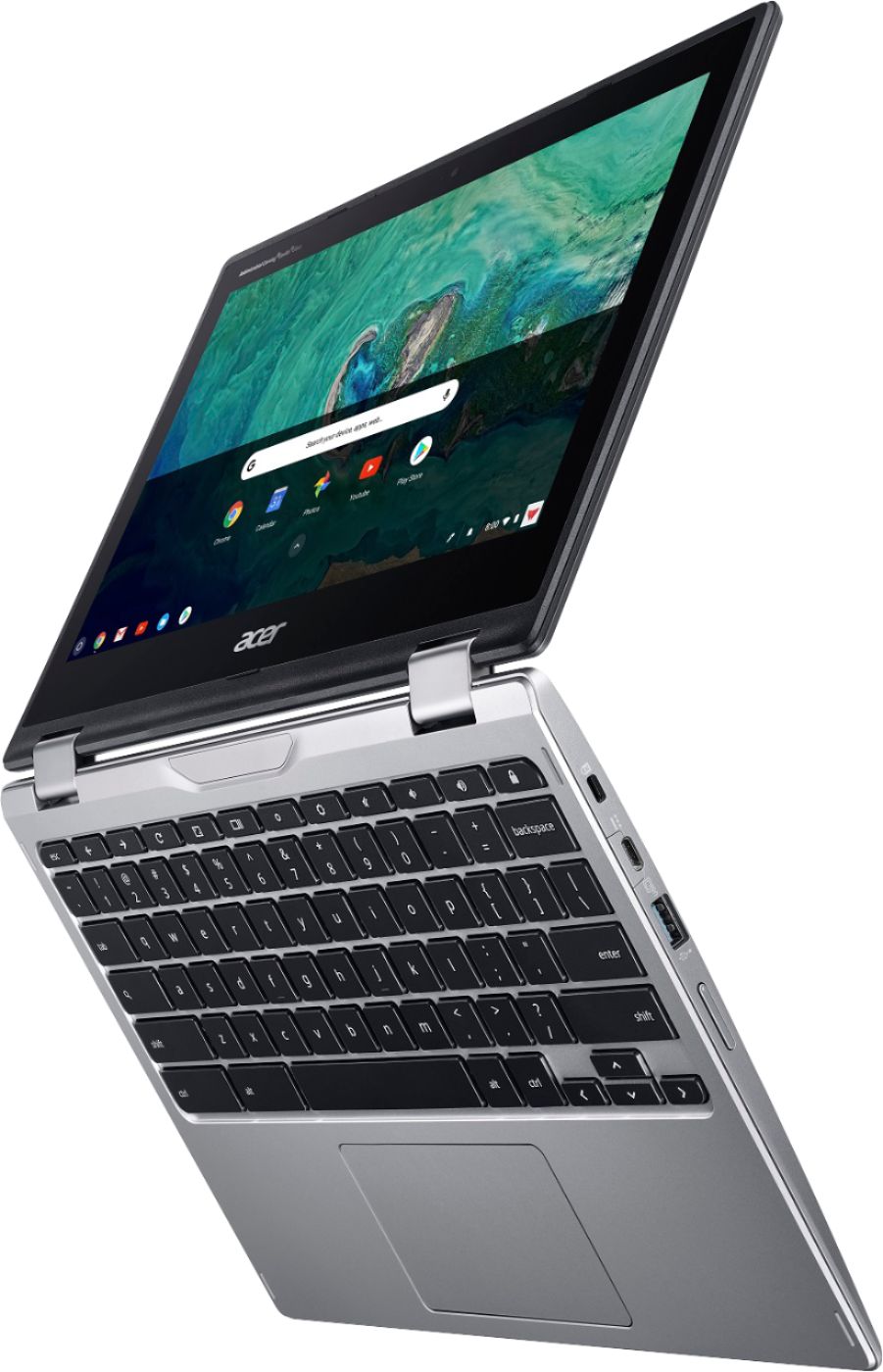
A:AnswerThis Chromebook has USB-C ports on either side to connect to a monitor with a USB-C connection. If your TV has USB-C 3.1 port, then you can connect it to the TV.
A:AnswerChromebooks run off apps so you cannot download/install .exe files onto this device. If it's available as an app from Google Play Store or Chrome Web Store, yes. If not, then a Windows laptop would likely suit you better.
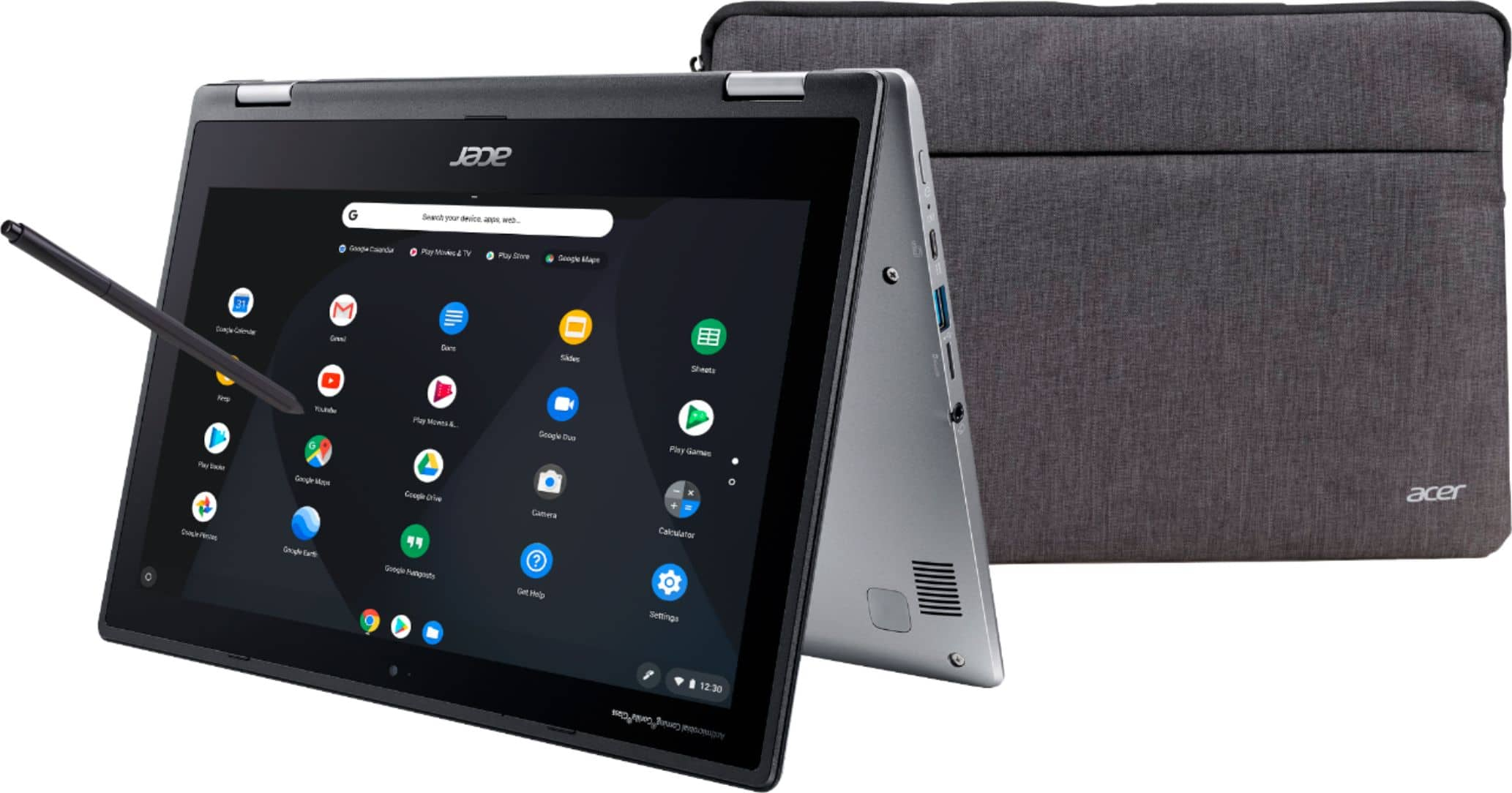
A:AnswerChromebooks run off apps like an Android phone or tablet. You cannot install .exe files onto a Chromebook. If the game you want is available from Google Play Store or Chrome Web Store, then yes. If the game must be downloaded and/or installed, then a Windows laptop would likely suit you better.