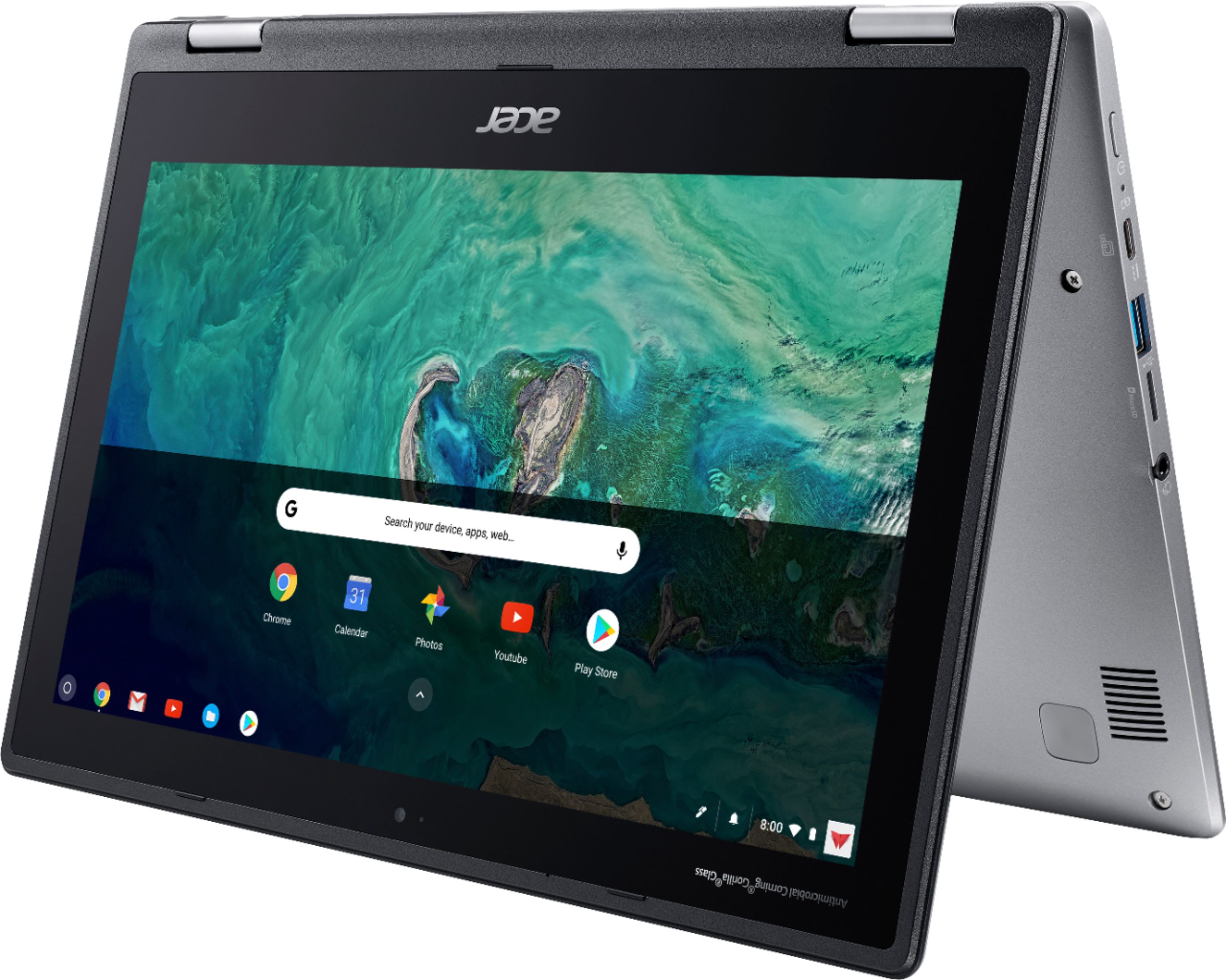
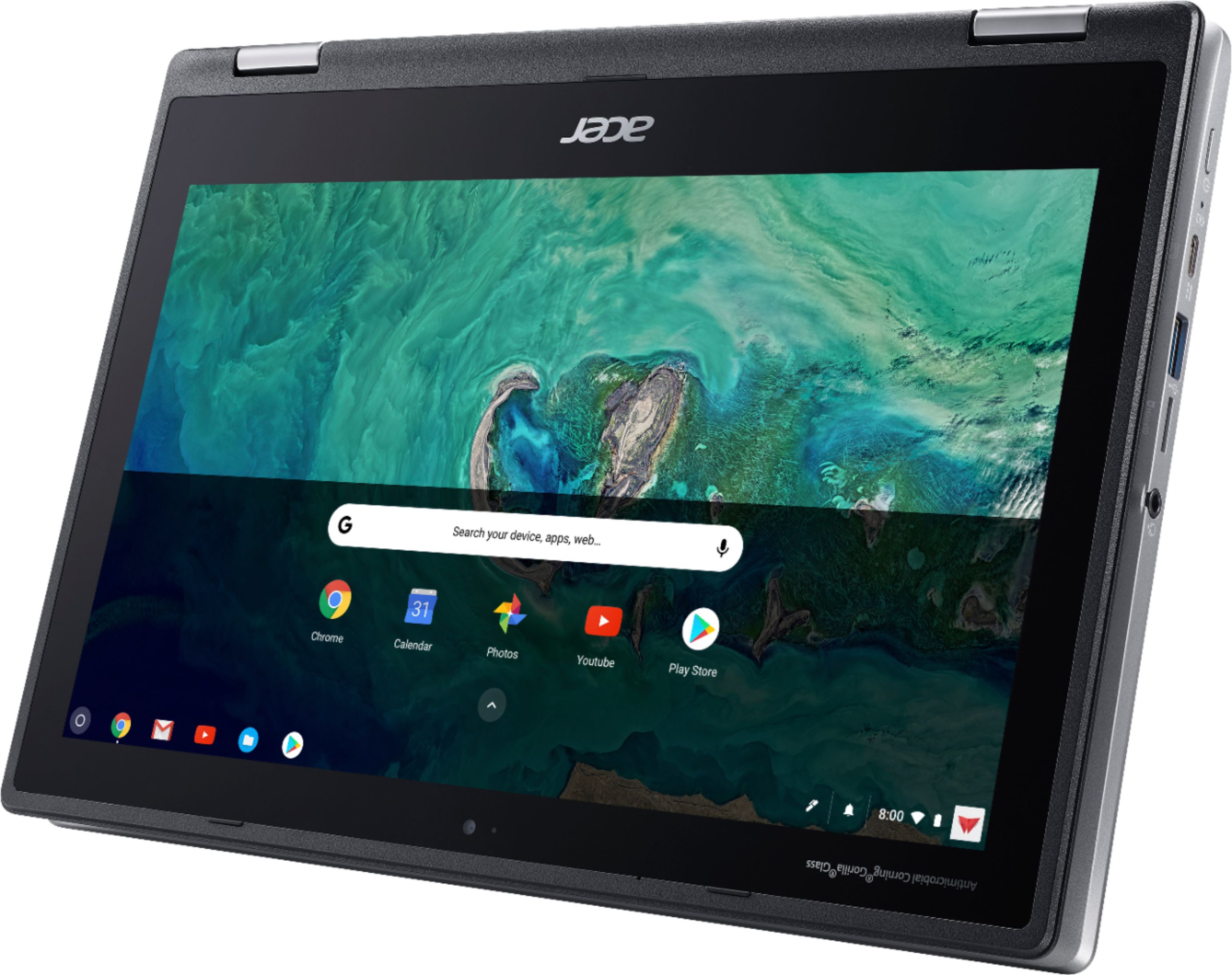
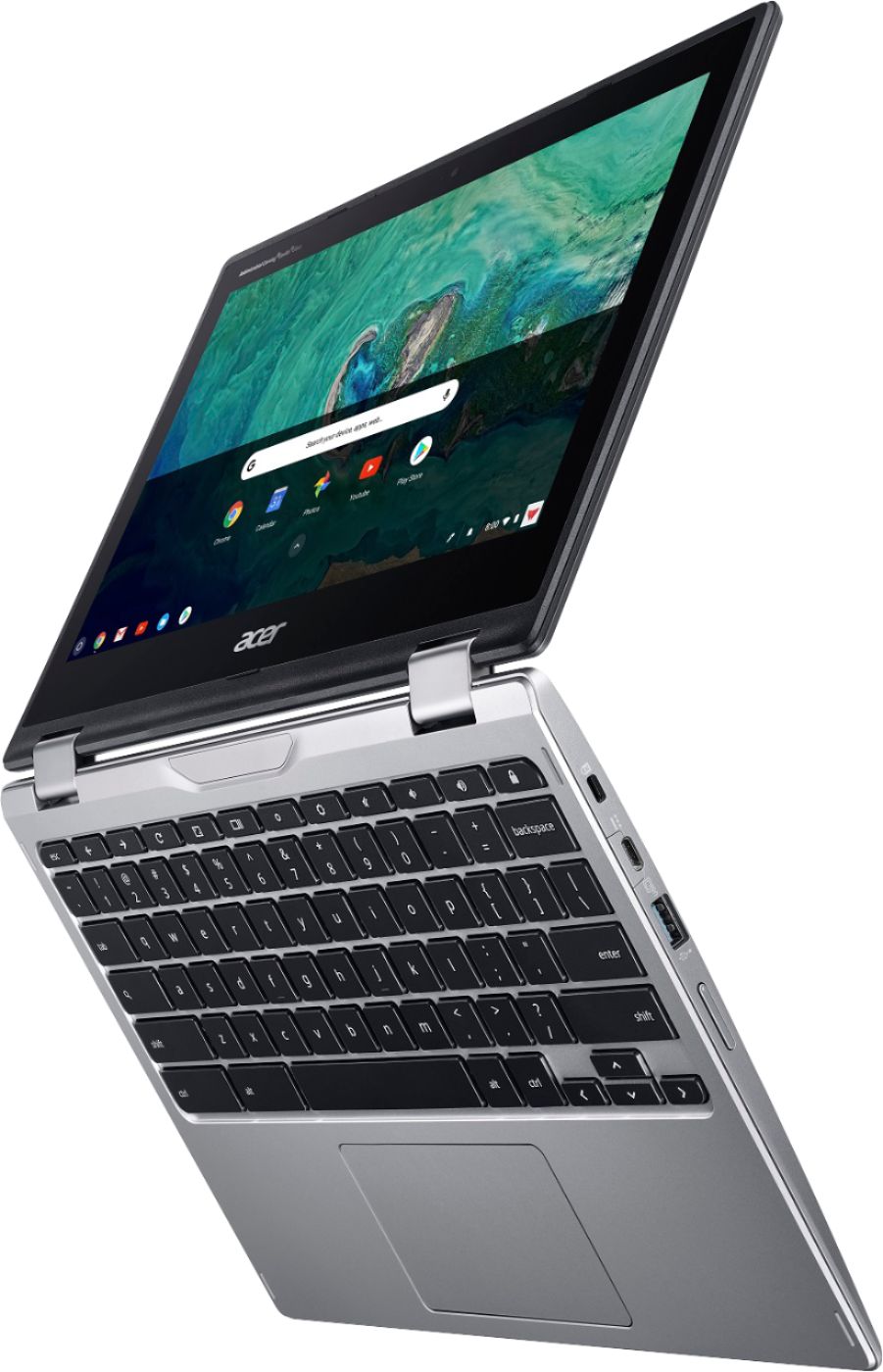
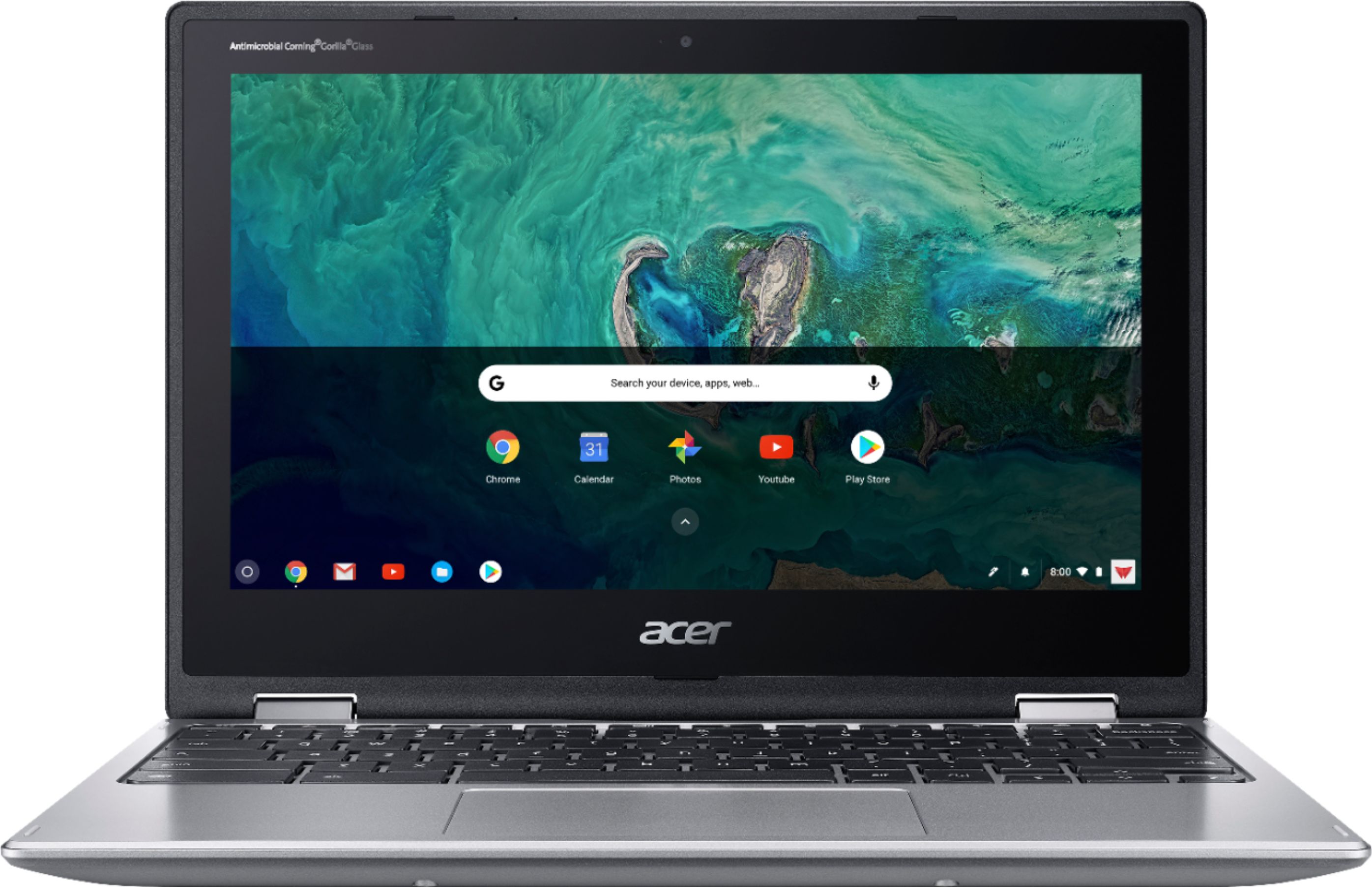
A:AnswerIf you are talking about the photoshop program made for windows, that program is not compatible with the Chrome operating system. However, Starting with ChromeOS version 53, Chromebook users now have access to the Google Play Store and the Android applications available on it, including all the Adobe Photoshop apps. Android versions of Photoshop apps are not the same as the traditional windows or apple photoshop program. There are 5 different apps that perform Photoshop-Like edits. An alternative is Polarr, which is a stand-alone program developed for Android, iOS, Windows, Mac, Linux, and Chrome. Also , take a look at Pixlr Editor.
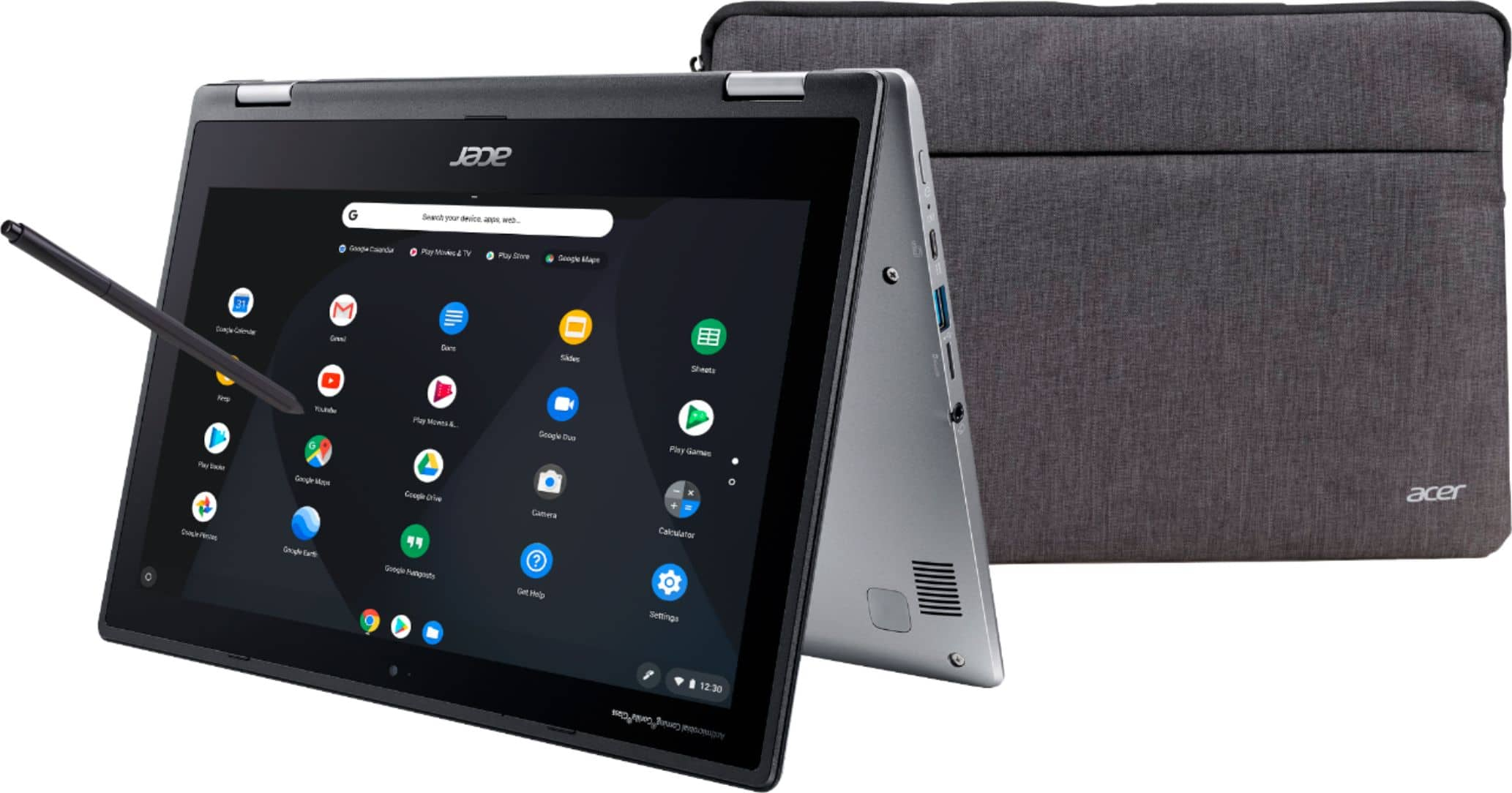
A:AnswerThe sleeve is well padded and has an extra zippered pocket on the exterior that is great for earbuds, etc.. I feel confident the laptop is protected when in the sleeve but usually also carry it in well padded laptop backpack.
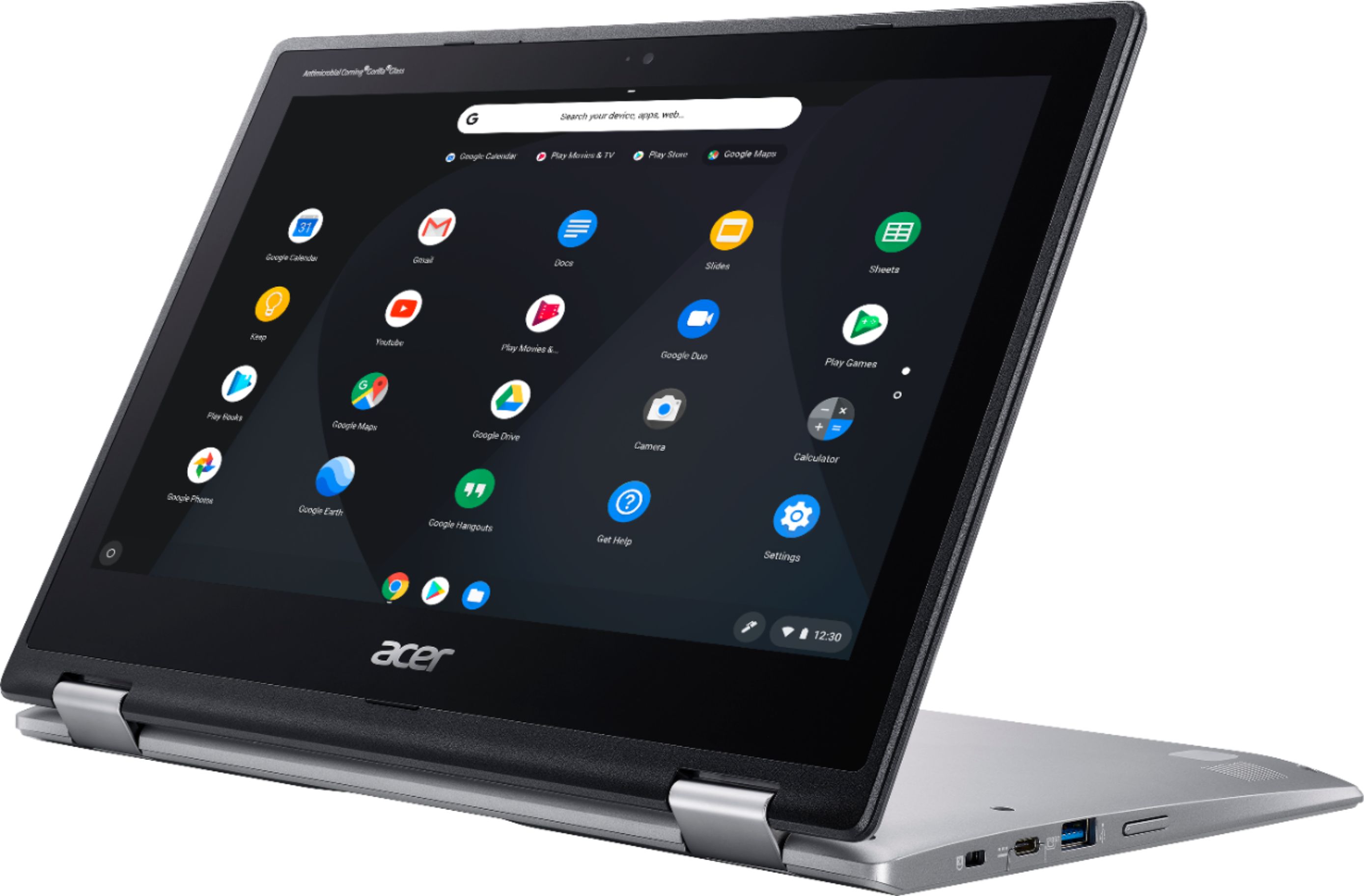
A:AnswerThe pen is great! Barely touch & its got power. I overall rate this worthy.. Nothing cheap about this laptop & pen.. outside price but its affordable but well put together
A:AnswerHello thank you for the question! I went ahead and looked up some softwares on the play store because I love to animate as well! I found only a couple softwares that you can test on a iOS phone ! The one I found that I think would be best is flip a clip ! Feel free to check it out
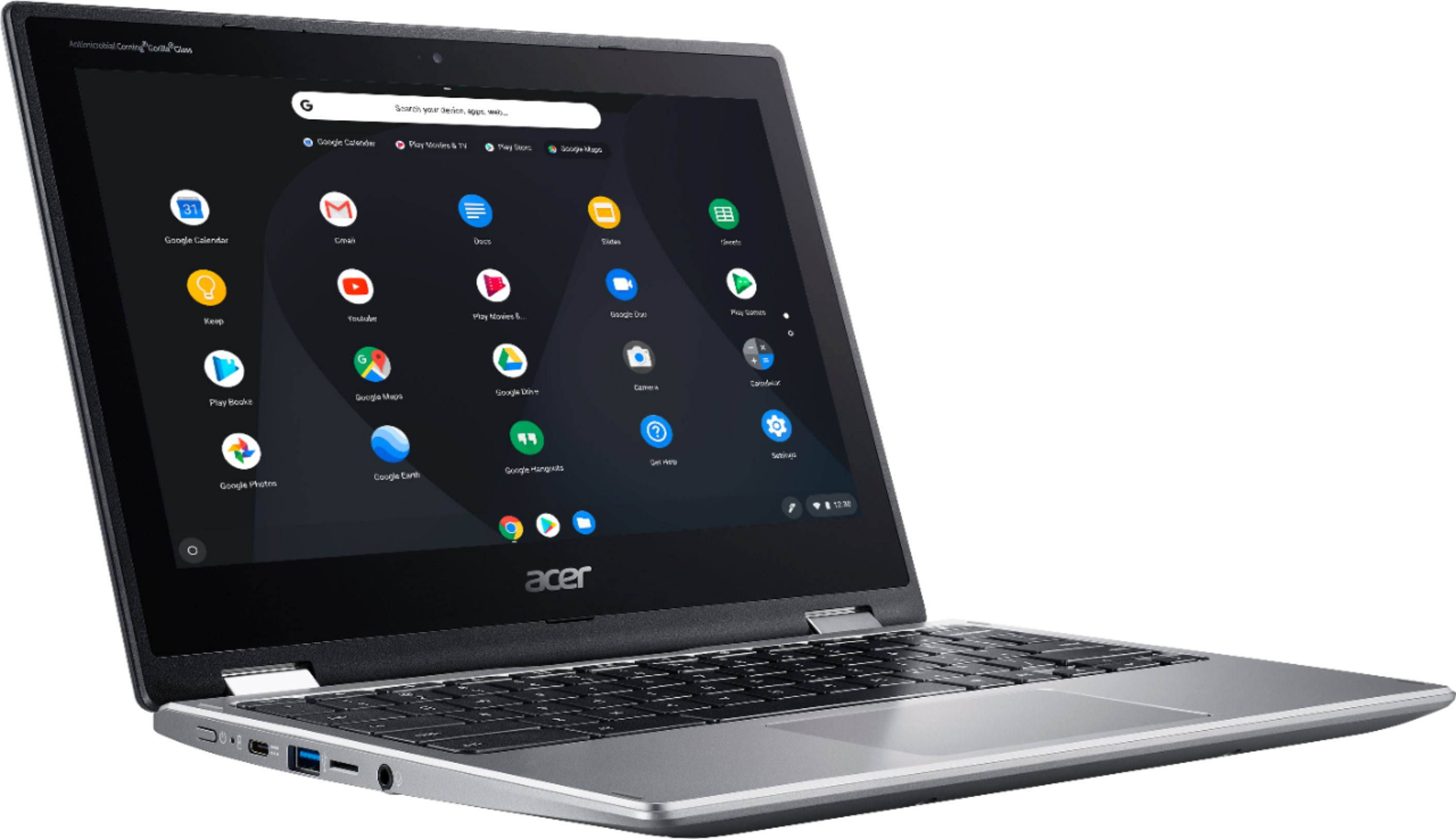
A:Answerspecifications clearly state that it does not include any optical (CD, DVD) drive. However it does have usb ports that may support a portable usb connected optical drive.
A:AnswerThe AC adapter is 45W 20V 3-PIN. The Acer part number is KP.04503.007. You can get price and availability at the Acer store by going to https://store.acer.com/en-us/, then scroll to the bottom of the page and under Support, click the link for Chat With Us.
A:AnswerI have the same question. I had the chance to visit a local store and found that there was no camera on the display unit.
I think the display unit is also the actual unit as it did not say "display unit" or anything extra on the model sticker.
I think Acer made a few variants of this and some do not include the "World facing" camera which is what I am also looking for. Samsung's CB that is similar to this has a camera facing out, but there's a bug in the software that does not show the image correctly (it's mirrored like a face camera does, but this is the "world facing" camera and should not be mirrored, that's another thread...)