


Questions & Answers
Page Showing 1-10 of 10 questions
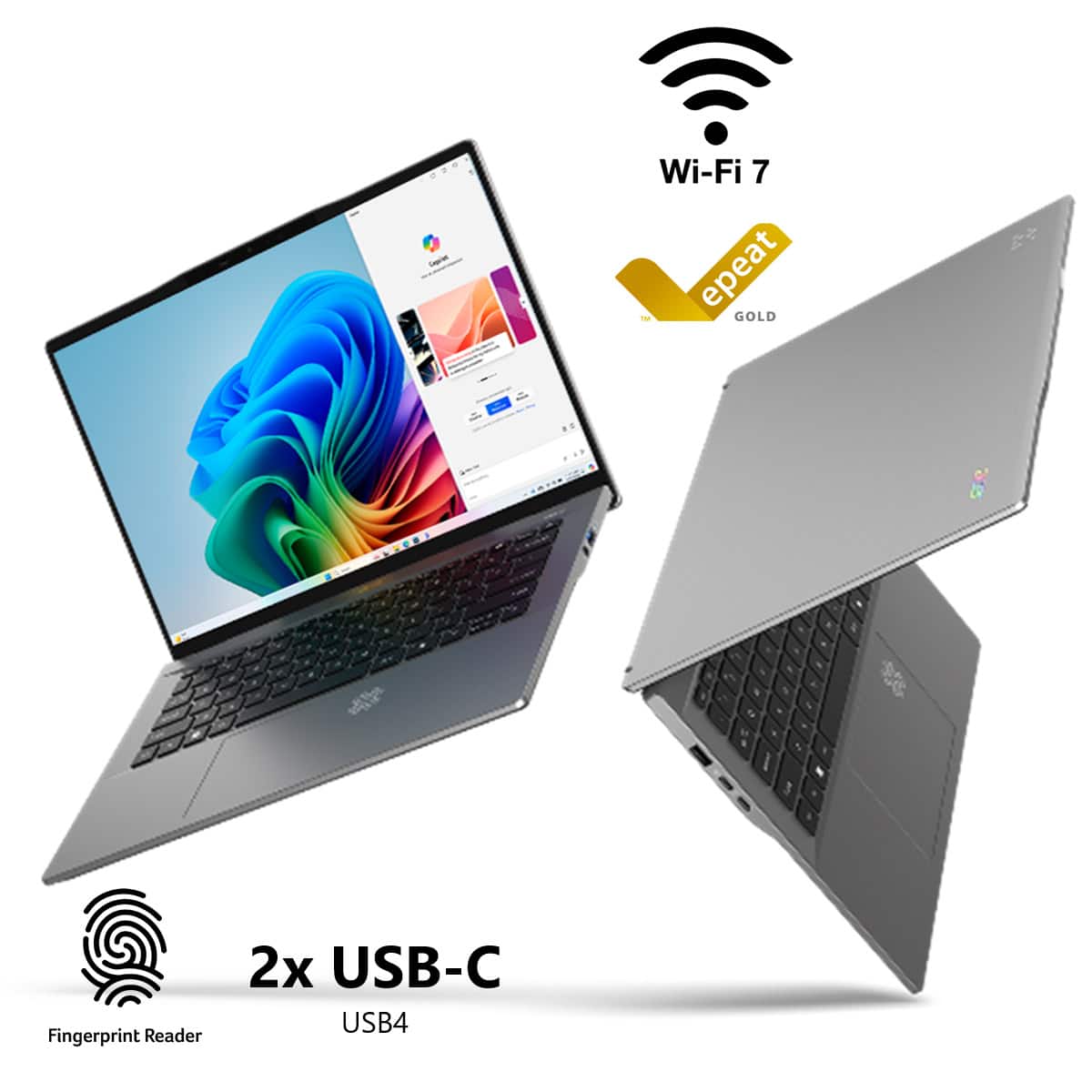
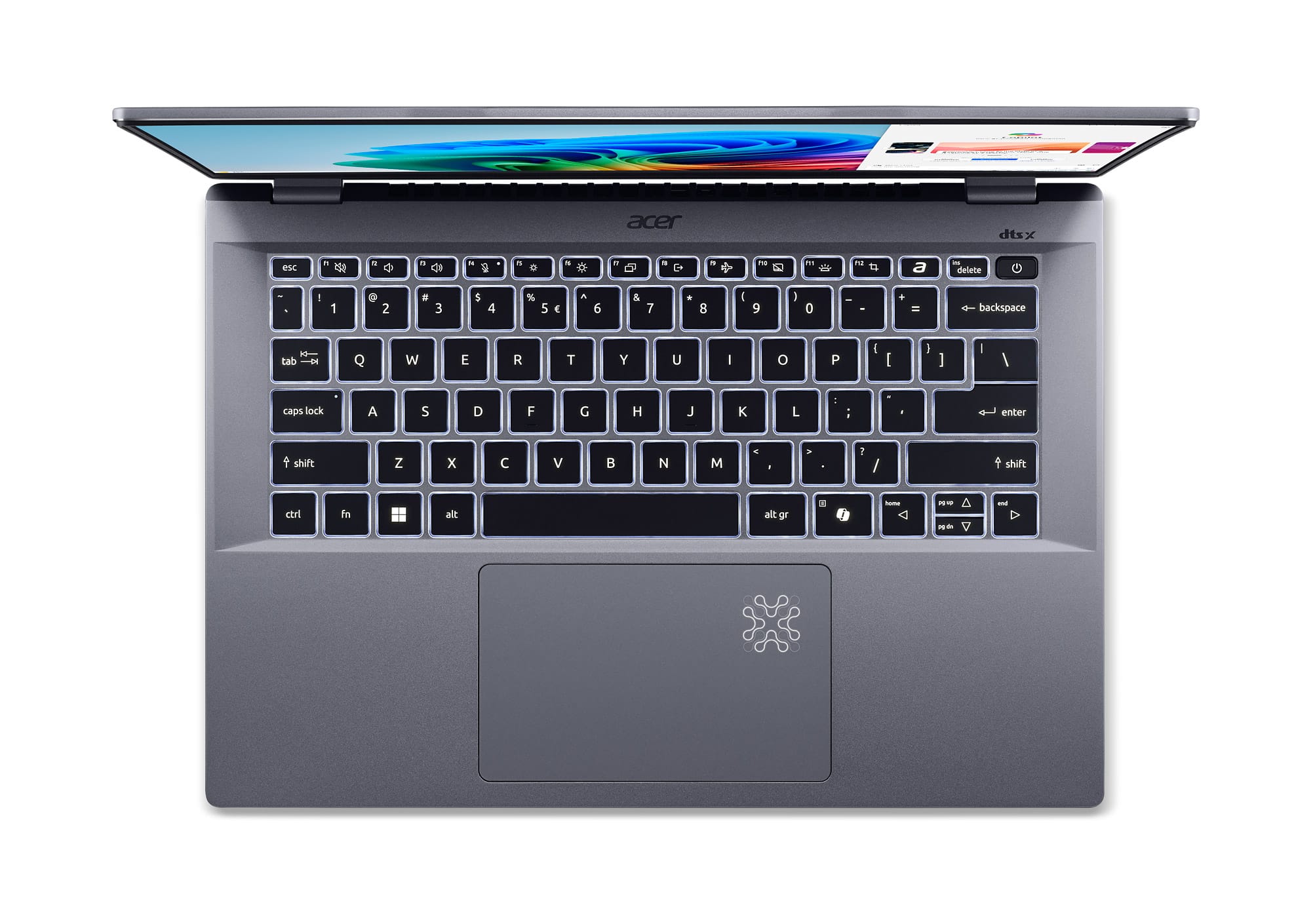
Q: QuestionDoes the laptop have a built-in fingerprint reader?
- A:Answer This laptop does have a fingerprint reader.
This question and answer was generated by AI based on customer and product data.Q: QuestionWhat is the maximum performance of the Neural Processing Unit?
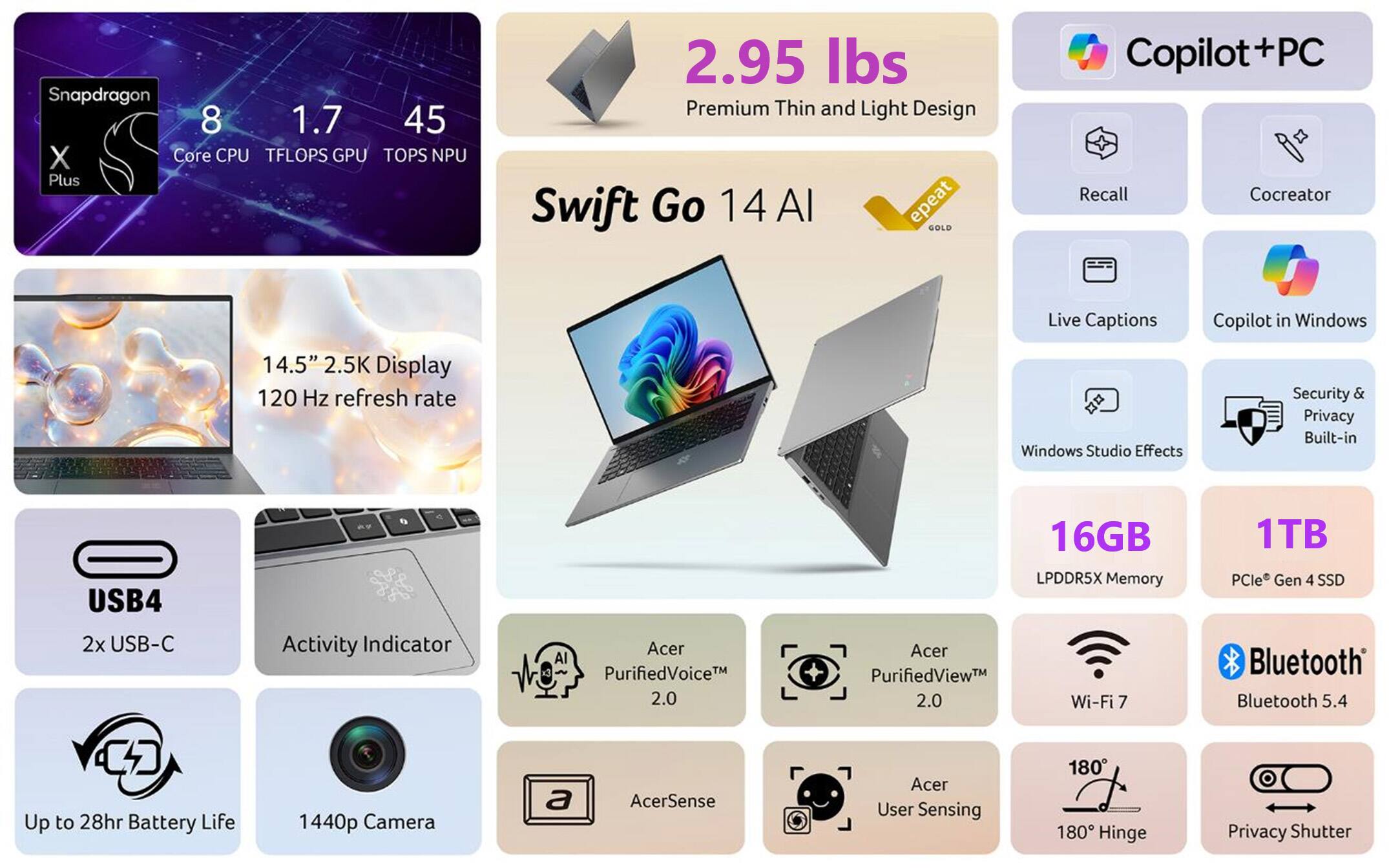
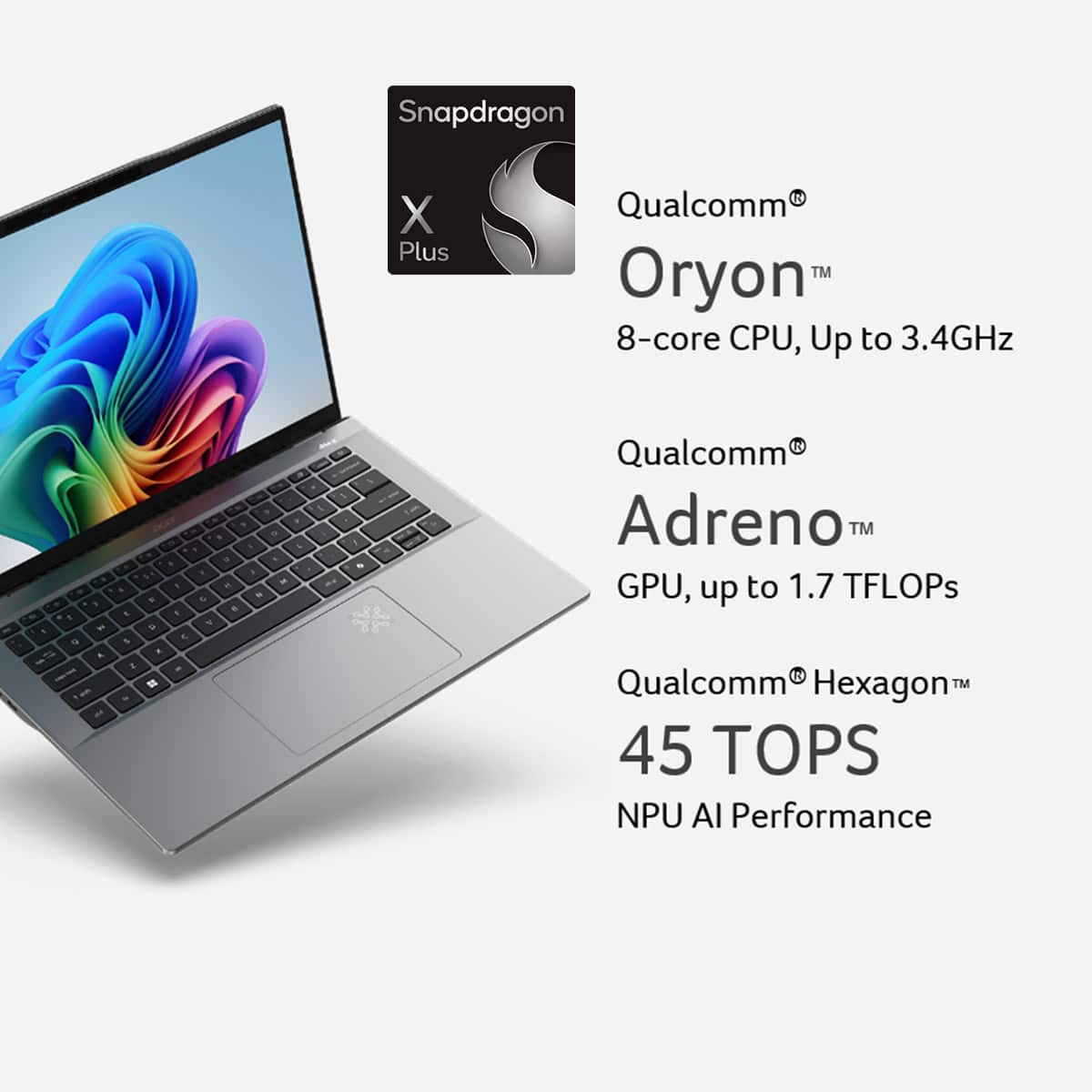
- A:Answer The maximum performance of the Neural Processing Unit is 45 trillion operations per second.
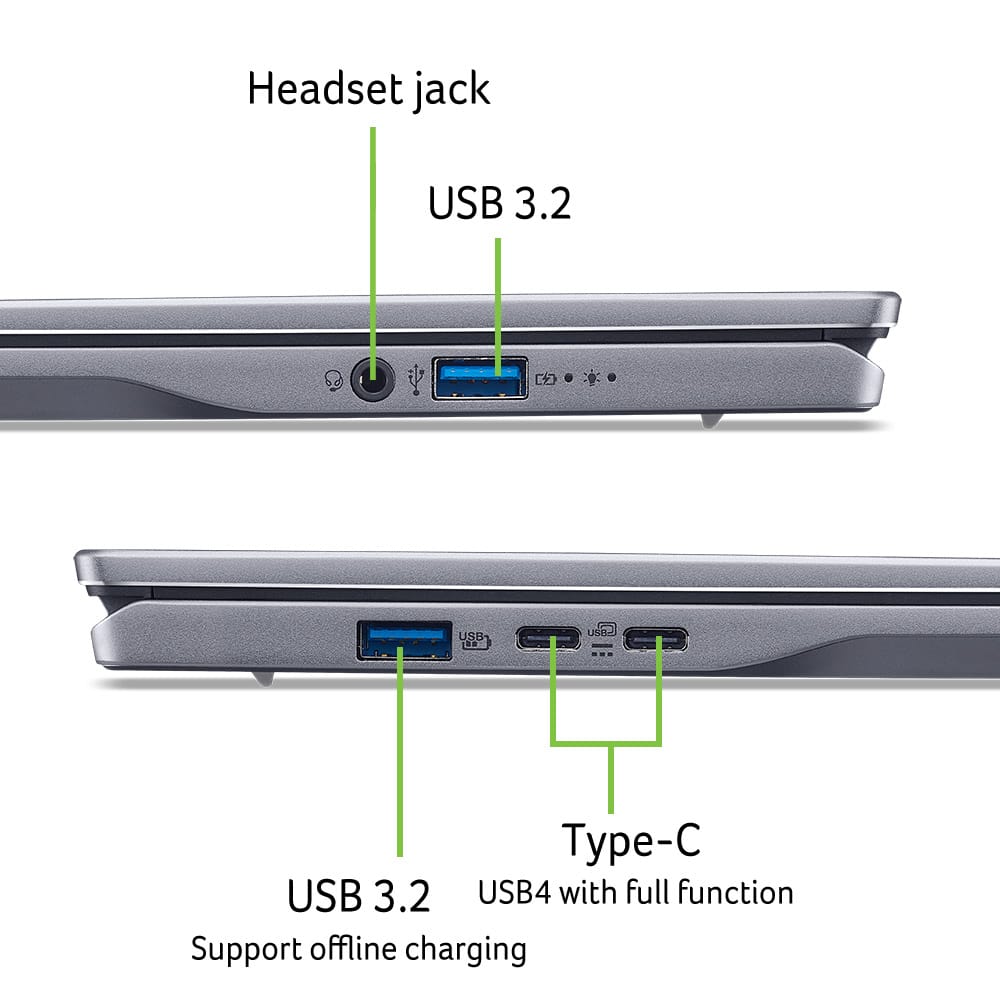
This question and answer was generated by AI based on customer and product data.Q: QuestionDoes the laptop have any USB-A ports?
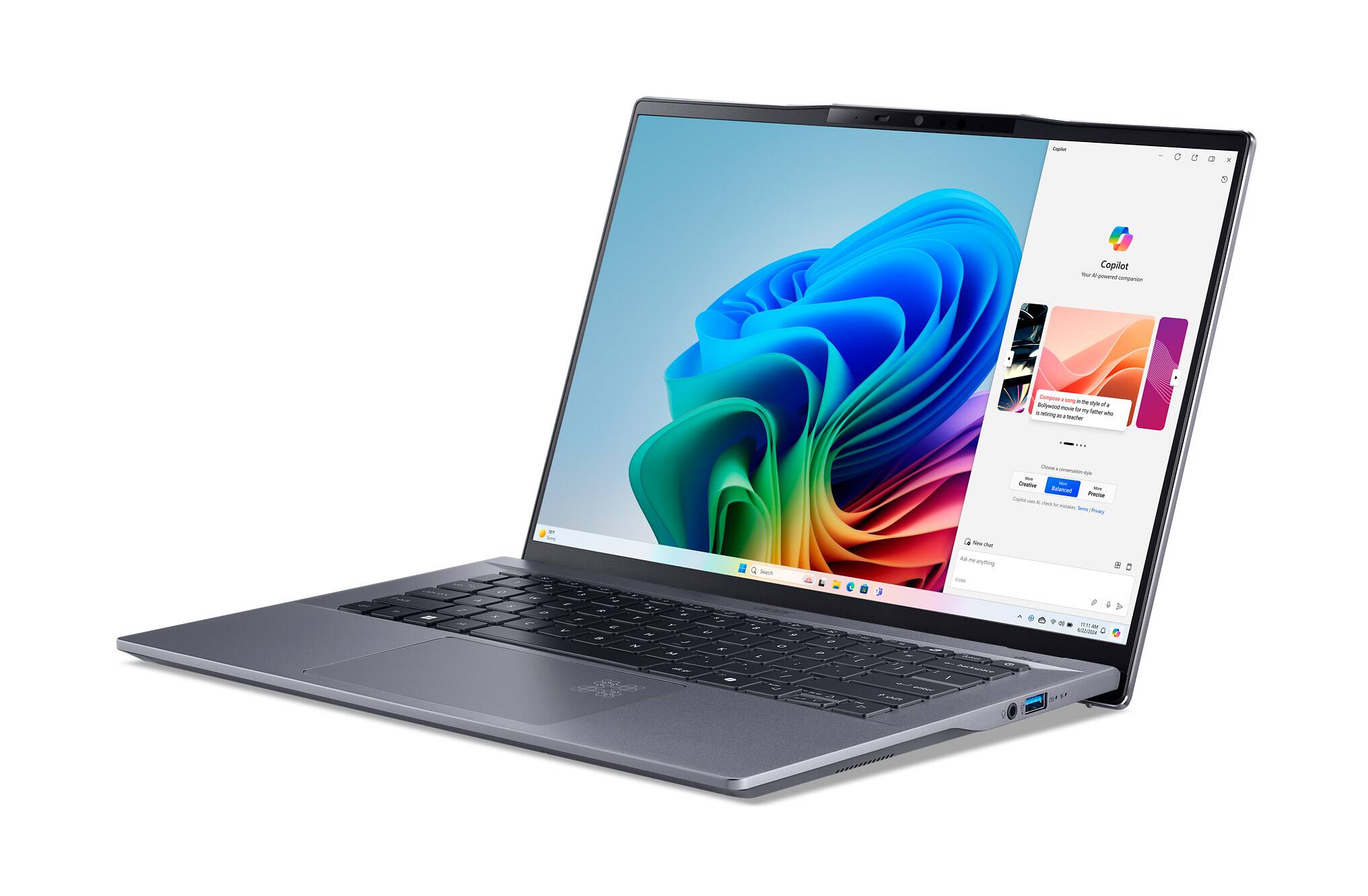
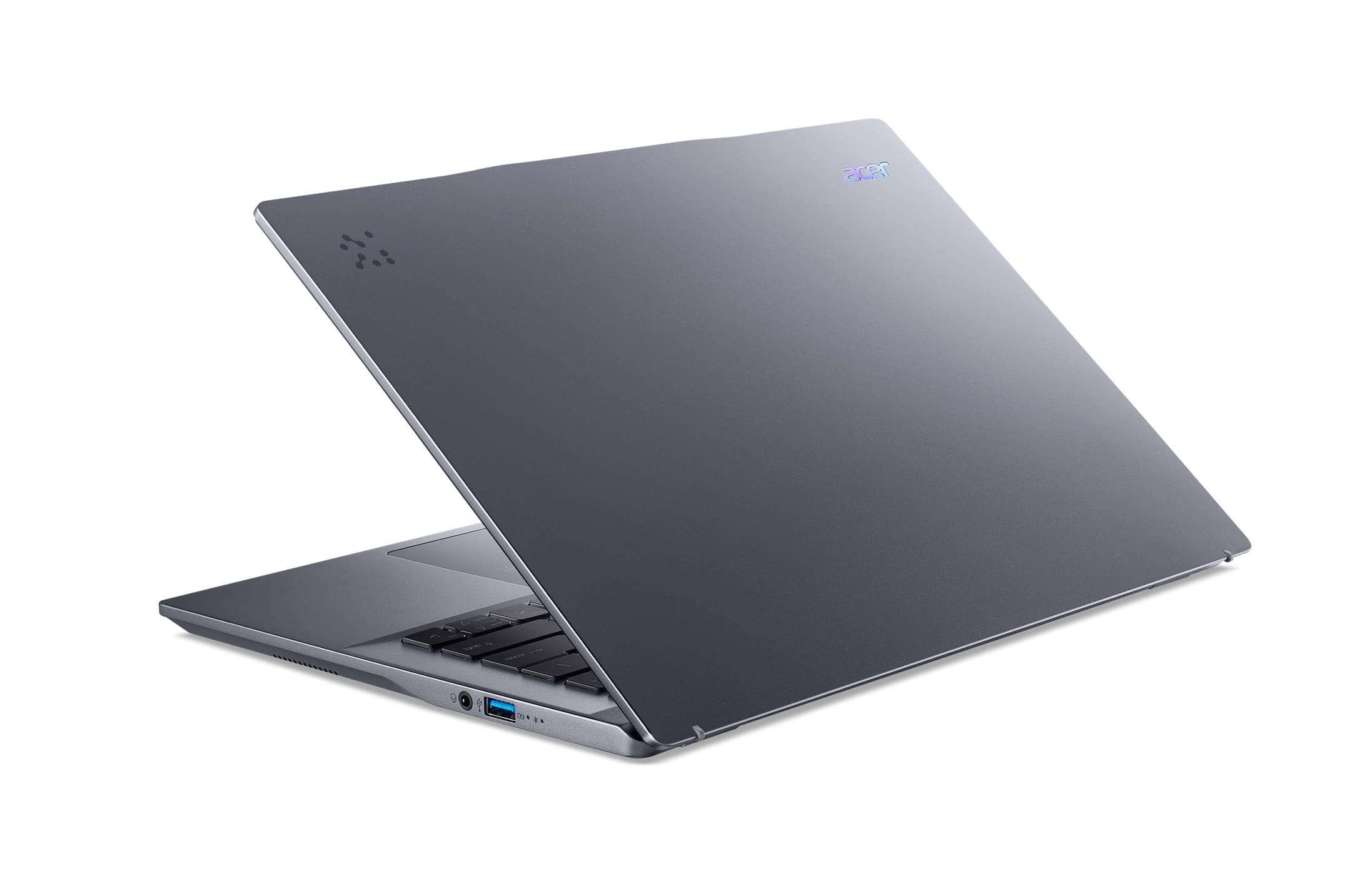
- A:Answer The laptop has one USB-A charging port.
This question and answer was generated by AI based on customer and product data.Q: QuestionWhat is the battery life?
- A:Answer The battery life of this laptop is up to 28 hours.
This question and answer was generated by AI based on customer and product data.Q: QuestionCan the laptop connect to Wi-Fi 7 networks?
- A:Answer This laptop supports the Wi-Fi 7 wireless networking standard.
This question and answer was generated by AI based on customer and product data.Q: QuestionWhat type of cooling system does the laptop use?
- A:Answer The laptop uses an air cooling system.
This question and answer was generated by AI based on customer and product data.Q: QuestionDoes it have HDMI out capabilities or Port?
Asked by BigDave.
- A:Answer This laptop has two USB-C ports supporting DP 1.4.
Answered by TeamAcer

Q: QuestionDoes this come with windows 11 pro
Asked by Anonymous.
- A:Answer This Swift Go laptop comes with Windows 11 Home.
Answered by TeamAcer

Q: QuestionCan you upgrade the laptop? And increase the gigabyte?
Asked by C.
- A:Answer The memory is onboard and not upgradeable. There is one M.2 SSD slot and the highest capacity tested/qualified by Acer is 1TB.
Answered by TeamAcer

Q: QuestionCan you switch the screen from 120 hz to 60 hz? Or is it locked to 120 hz?
Asked by Tim.
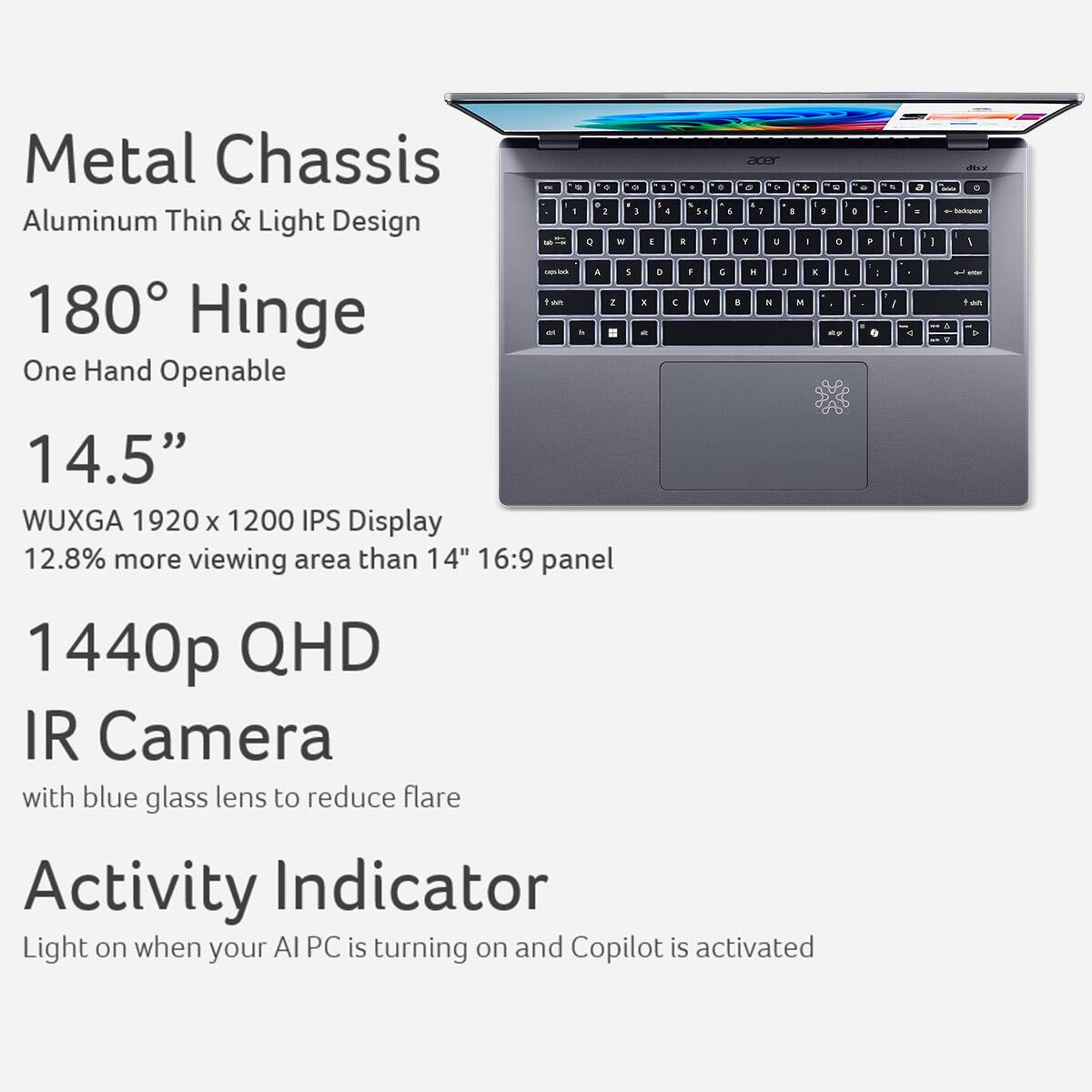
- A:Answer Yes, you can switch the screen refresh rate from 120 Hz to 60 Hz on the SFG14-01-X006 in Windows 11, it's not locked to 120 Hz. You can do this through the Windows display settings.
Answered by TeamAcer

Page 1, Showing 1-10 of 10 questions