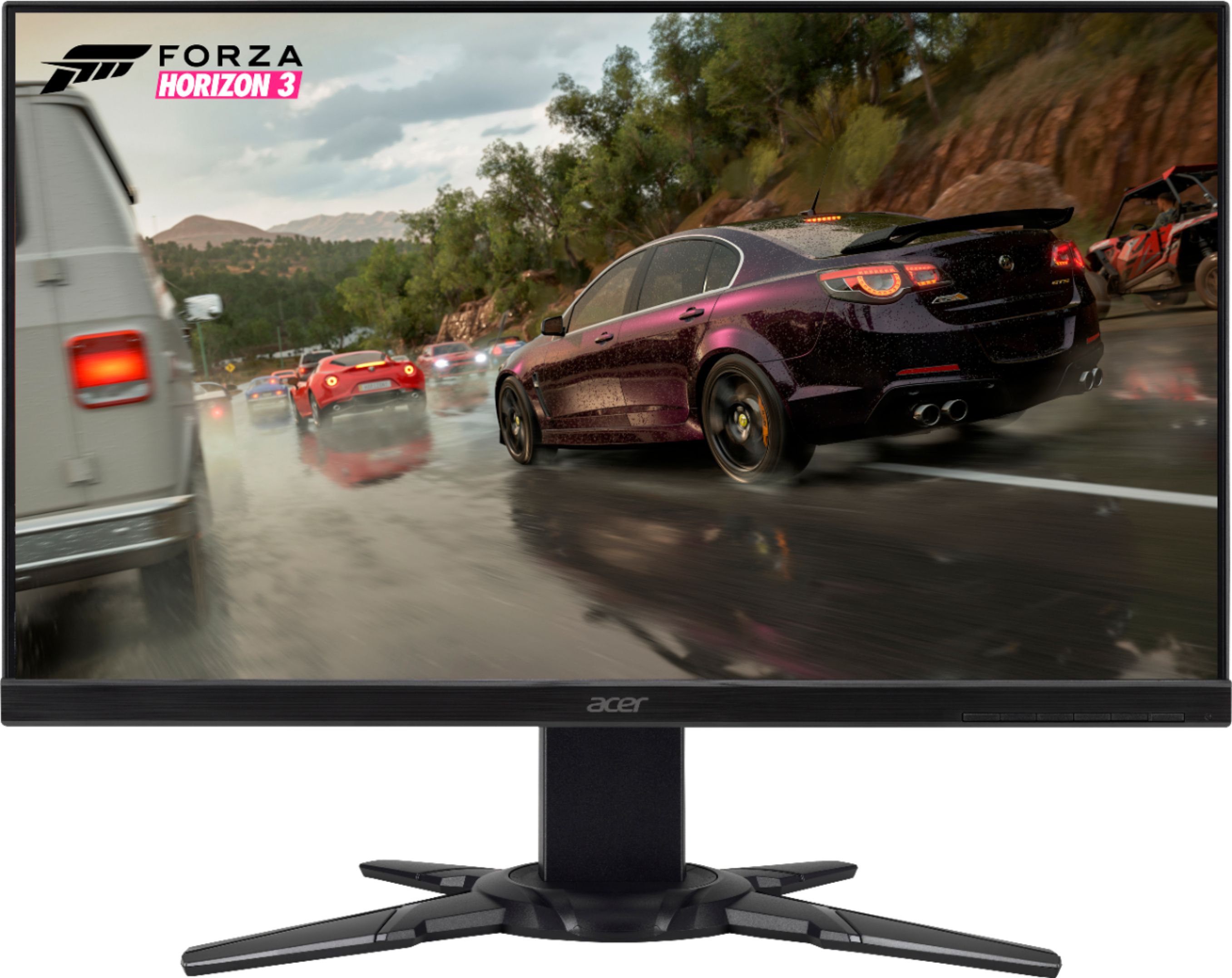
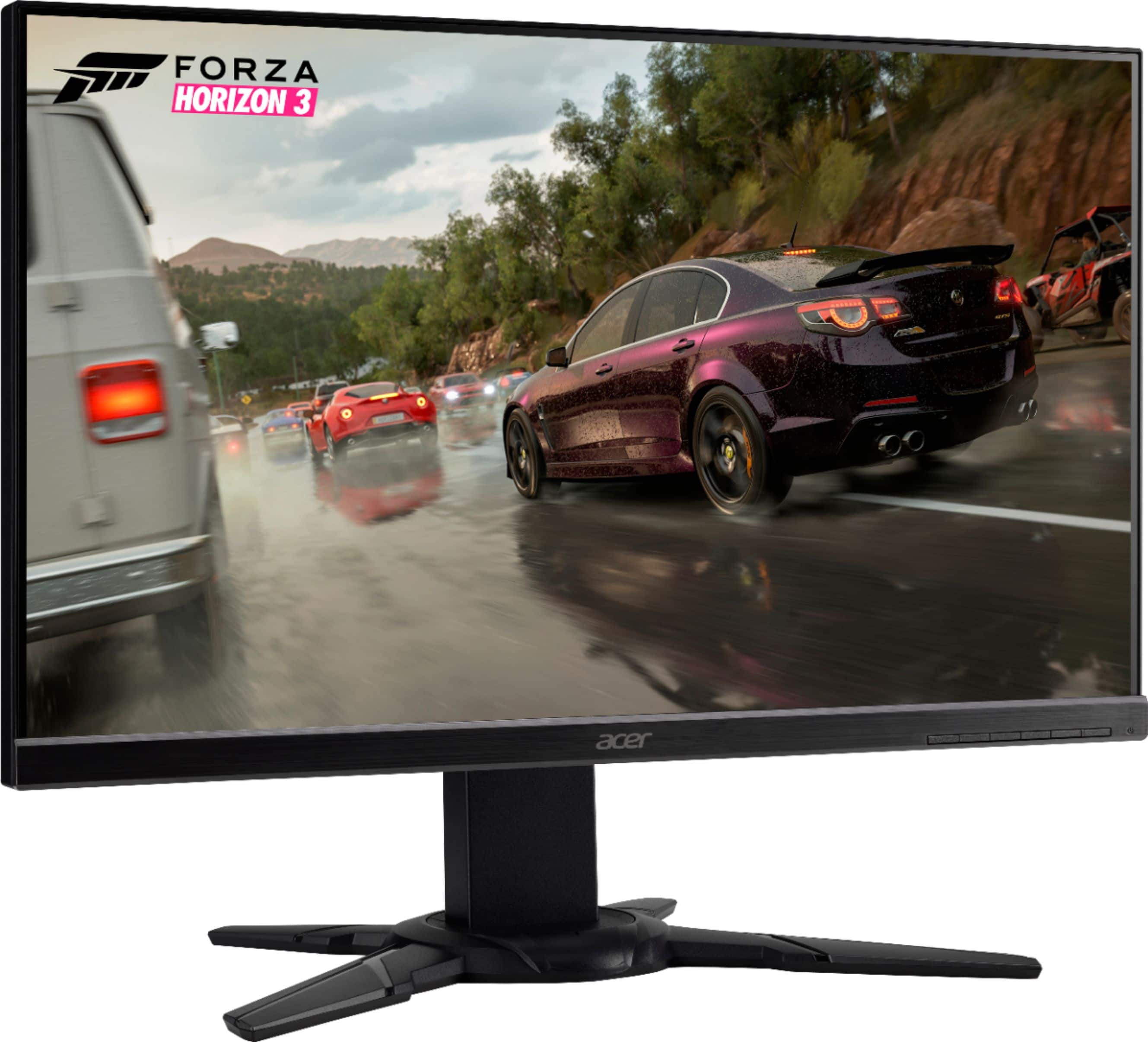
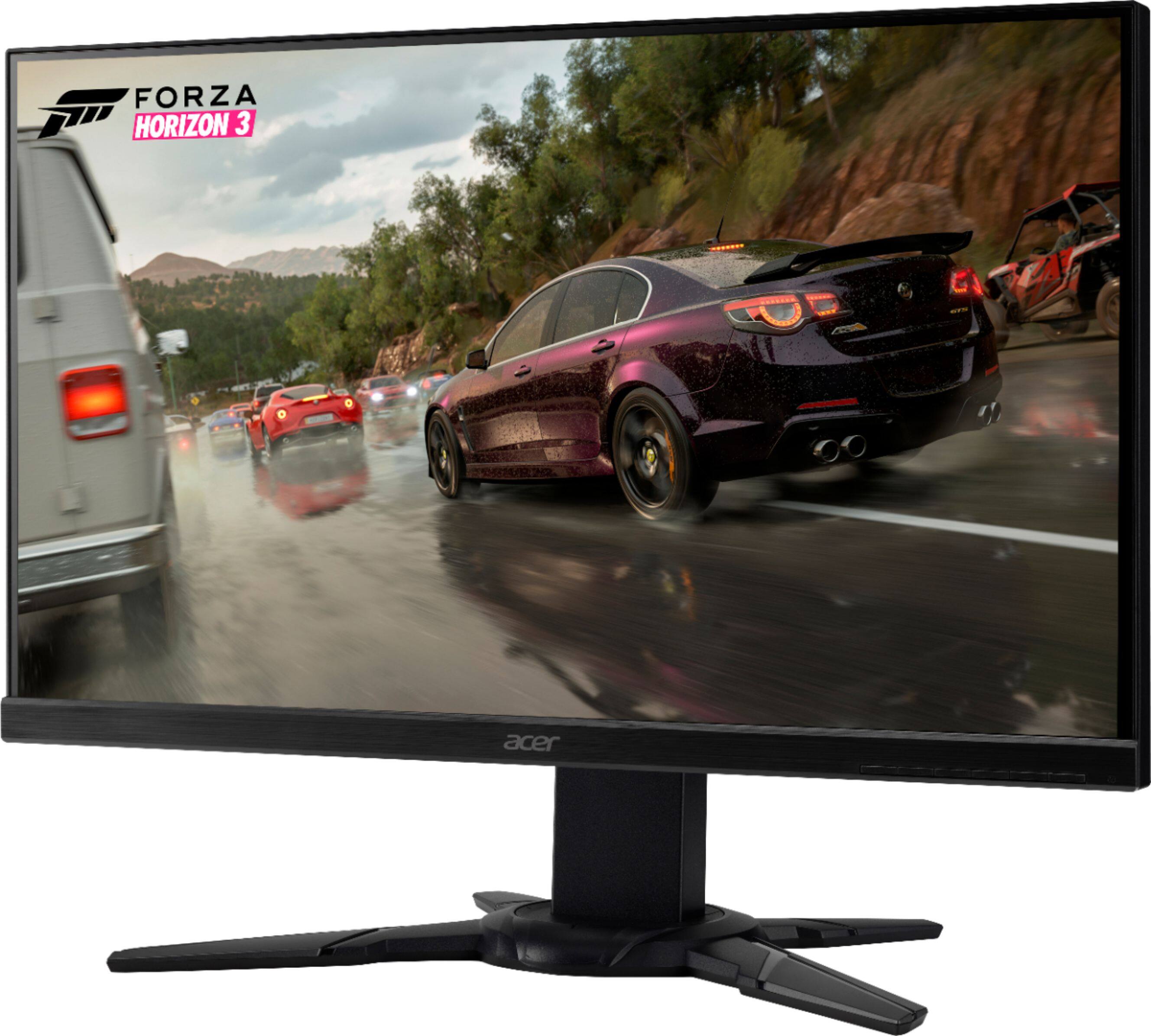
A:AnswerIt's 75 Hz. I went through the same thing. If you look at Acer's website, the top blurb for this monitor series (XF) says something about being 144Hz, but there is a superscript 2 that leads you to the bottom where it states specifications vary depending on the model. This is one of the models that varies. It is 75Hz.
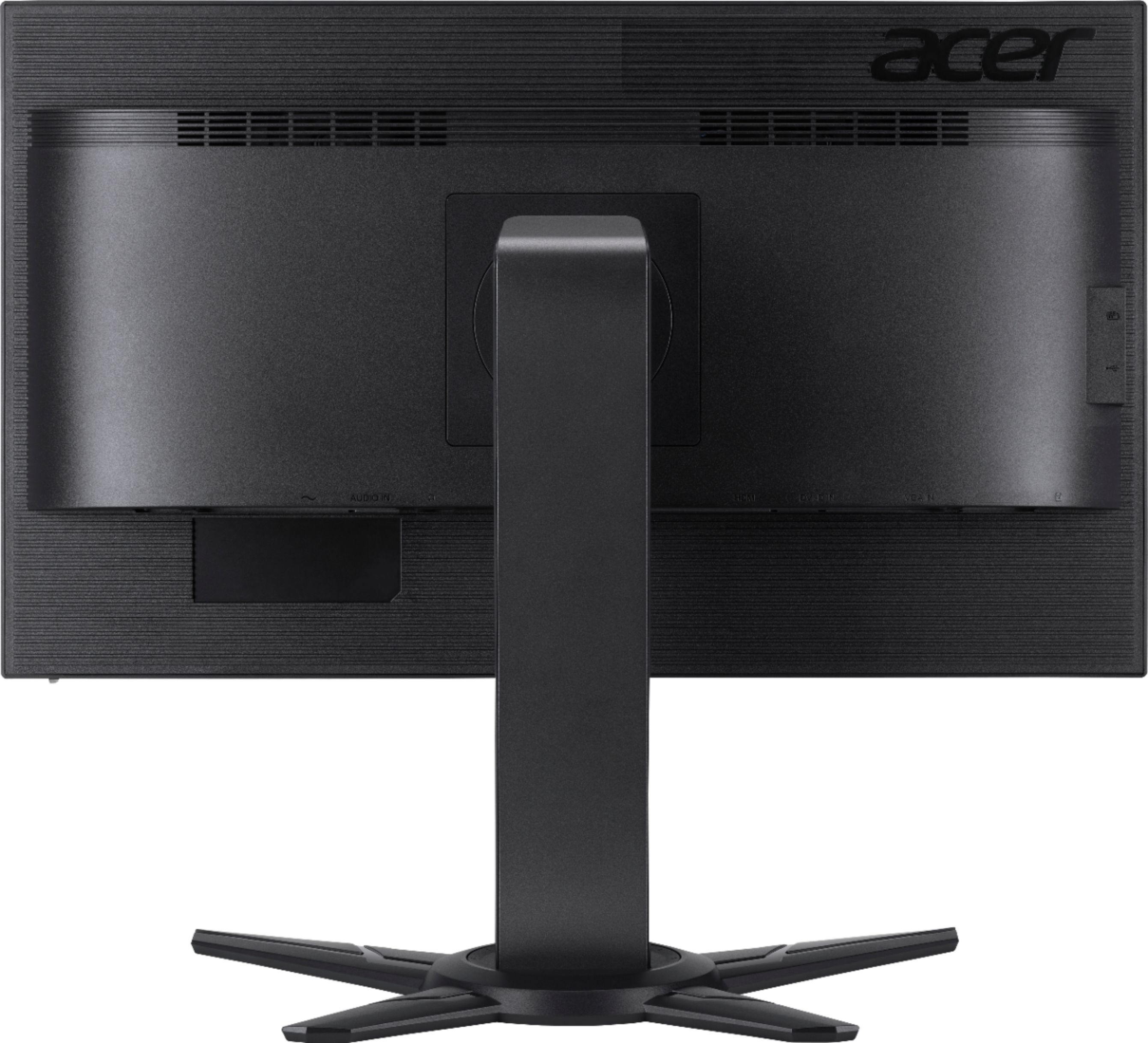
A:AnswerAnswering my own question --- Yes. UPS delivered yesterday and I inserted an Amazon Fire TV stick into one of the two HDMI ports and connected Fire stick and monitor to AC outlets. When I turned on the monitor the Amazon Fire home screen immediately appeared. I will use external speakers to get adequate volume.
A:AnswerLay the monitor on its back with the bottom of its stand facing you. See picture 1. Place base against monitor stand with long (front) legs above short (back) legs. See picture 2. Use two screws with wire handles (like the handle on a paint can) to attach base to monitor. Fully tighten screws by hand. See picture 3.
A:AnswerThis monitor has HDMI and VGA connections. You will need a cable to go from the back of each monitor to the video port on your PC. Your video card needs to have two inputs to support two of these monitors.