Questions & Answers
- Model:
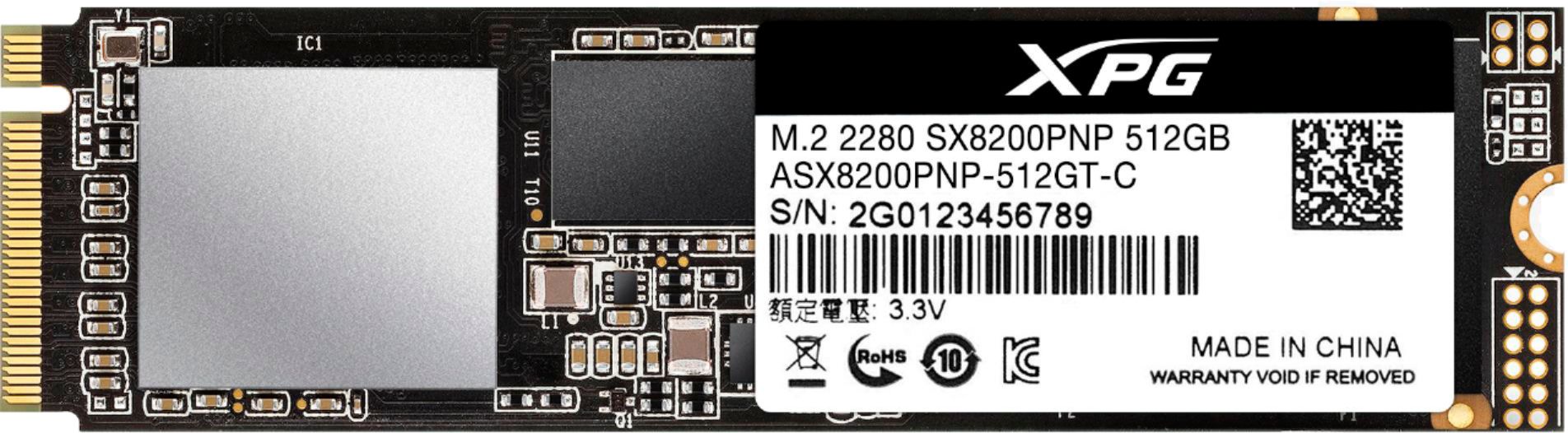
- ASX8200PNP-512GT-C
- |
- SKU:
- 6423384
Highly rated by customers for: Speed
Page Showing 1-4 of 4 questions
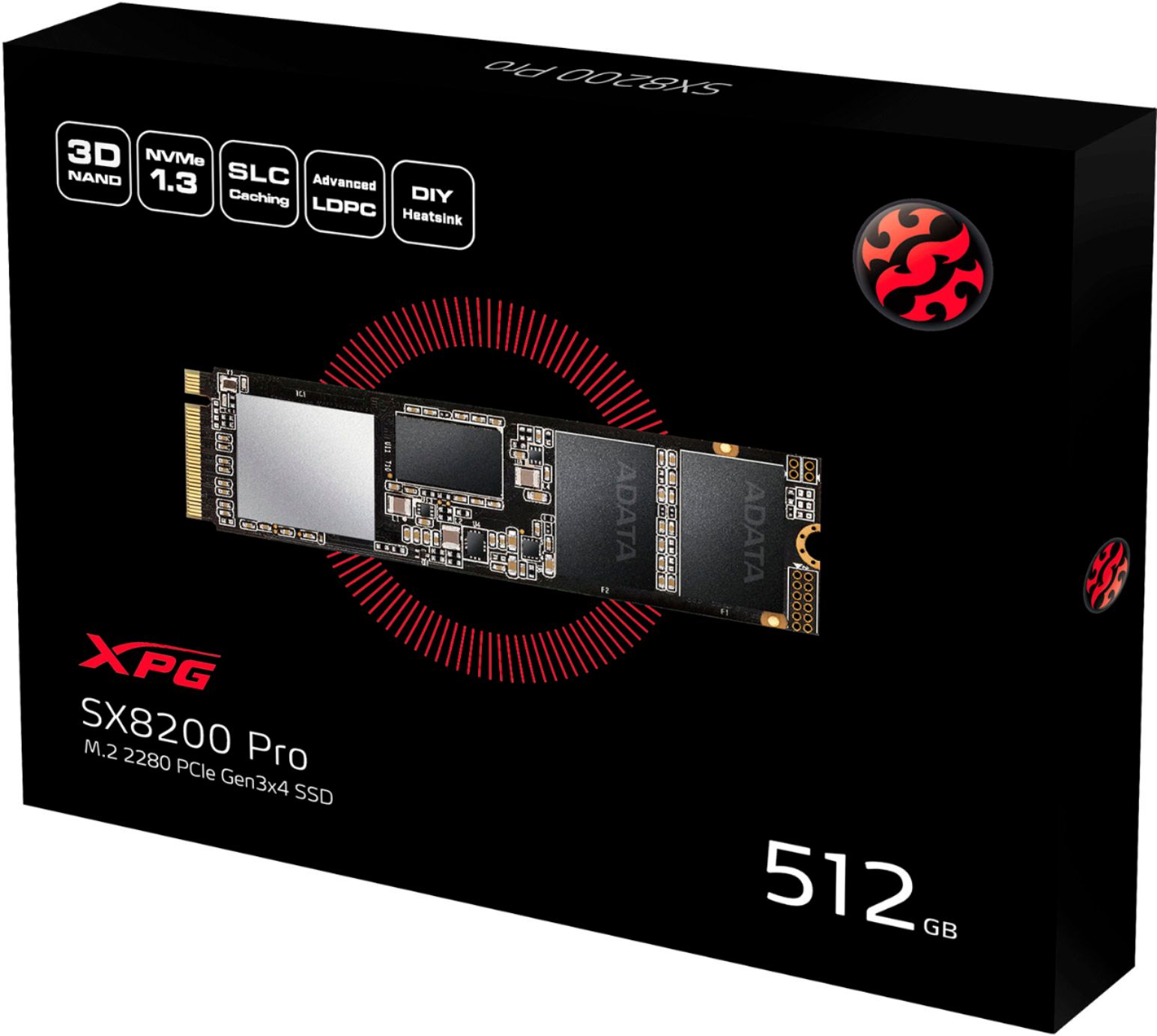
Q: QuestionCan Anyone Tell me How Hard it is to change laptop SSD, what steps do I have to take to prepare this so that the laptop will boot up? How do I transfer the data etc? I am going from 256 to 512 on asus x712
Asked by Sarah.
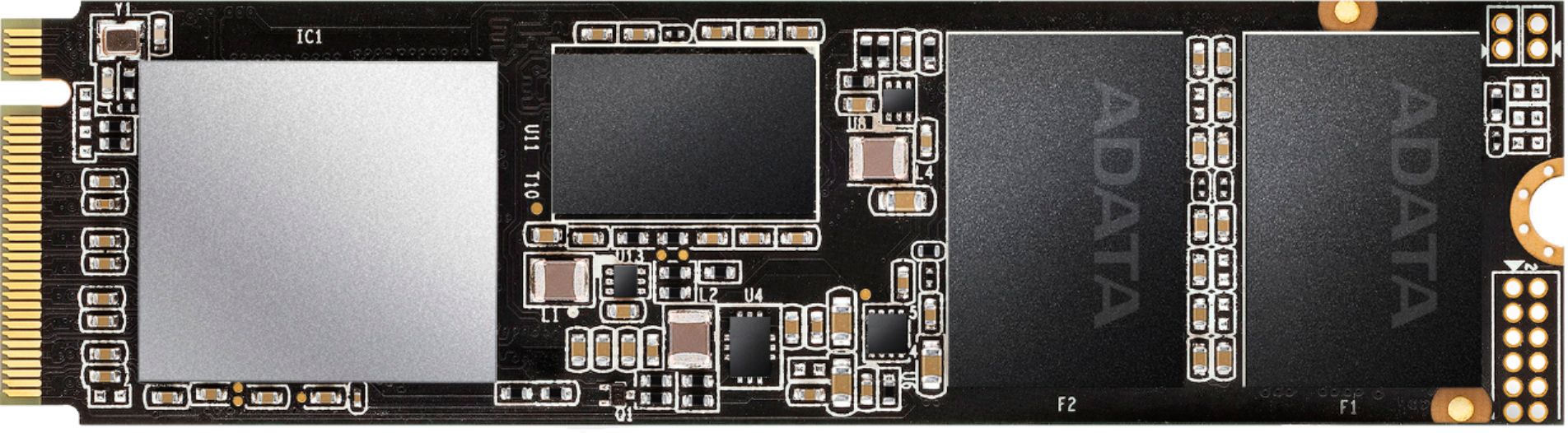
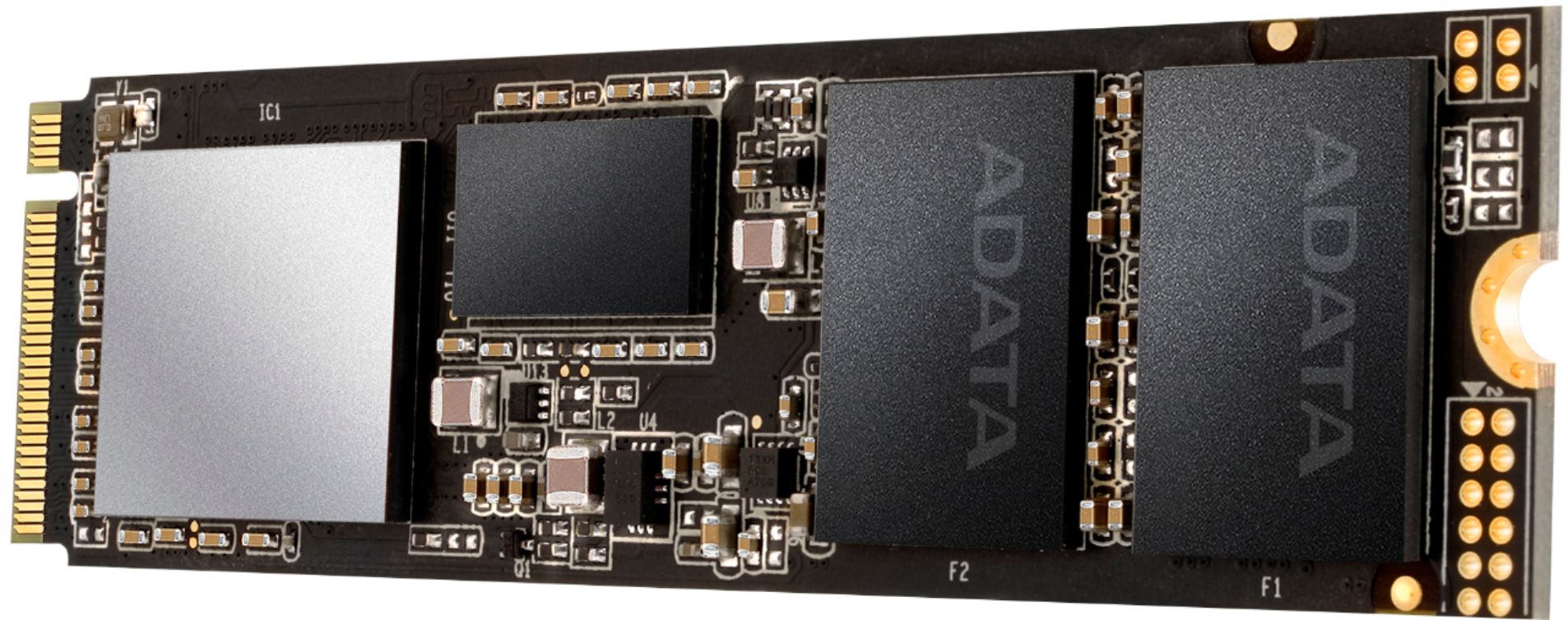
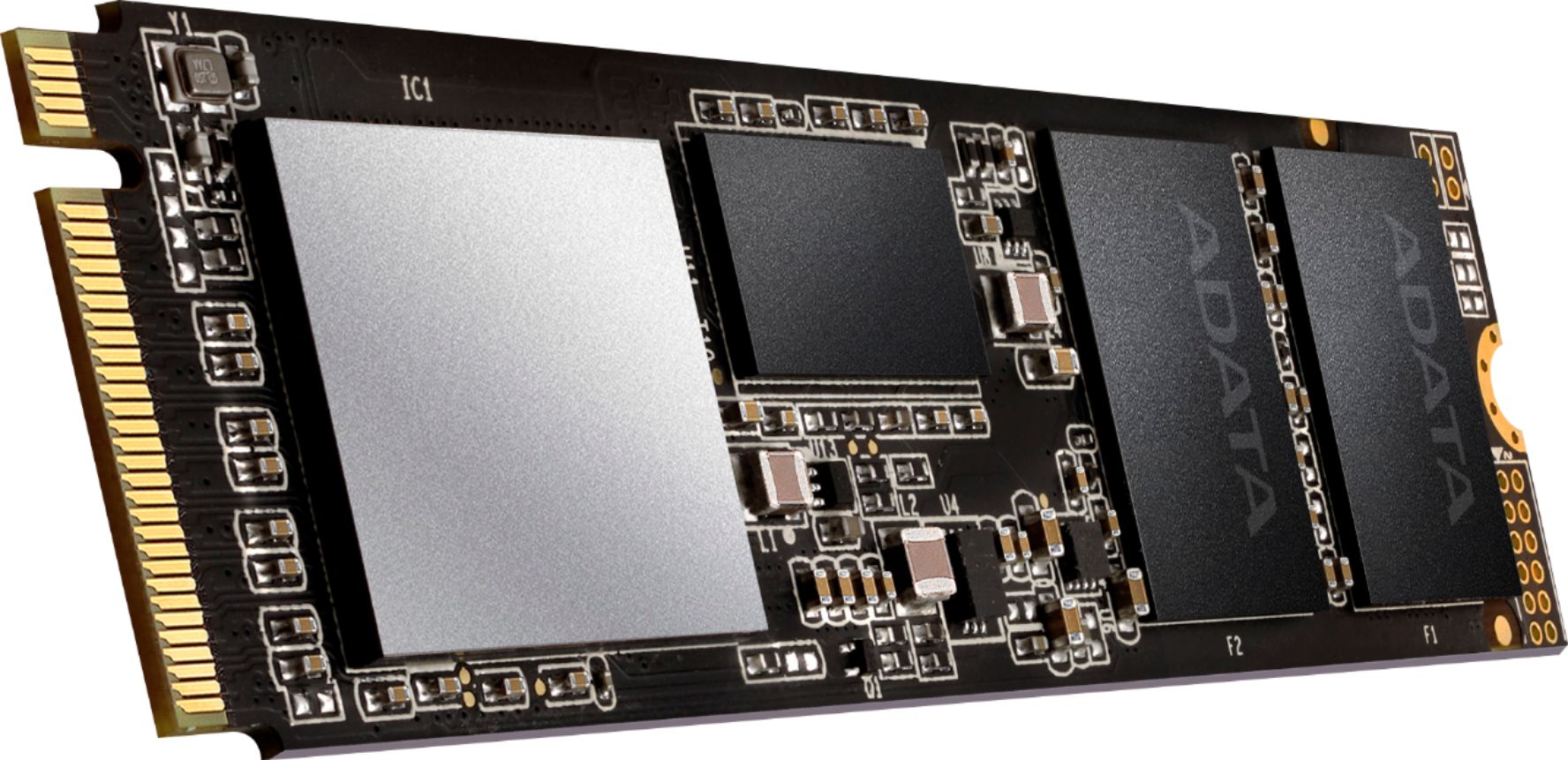
- A:Answer Hello, When replacing a laptop SSD, you must clone your existing harddrive/SSD onto the new drive (SSD). This may require that you purchase an external enclosure to be able to copy your existing data onto the new drive. ADATA has teamed up with Acronis to offer a cloning service for your convenience. You may find the Acronis software link here: https://www.adata.com/rs/support/consumer?tab=downloads The process requires some tools, but is relatively easy to install after copying your OS and files onto the new drive (cloning). Please refer to your laptops owners manual to see if your laptop is compatible with traditional SSD expansion or m.2 expansion. Hopefully this offers some insight into the process. Have a great day! Sincerely, The ADATA/XPG team
Answered by Adata Technology Team

Q: QuestionI have an HP ZBook 15 G6, it has 512 G SSD, can I install another 512G or 500G and does the 500G impact to 512G. Your quick response is very appreciated.
Asked by Tim.
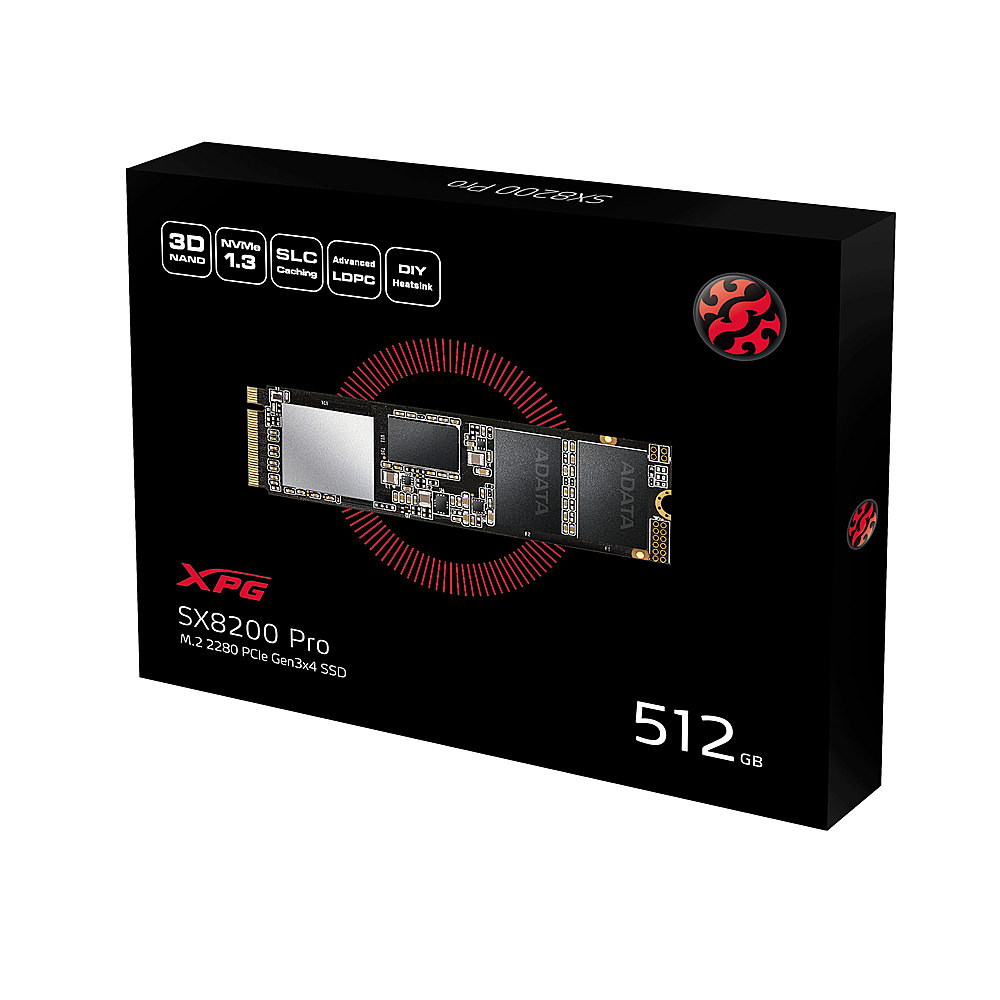
- A:Answer Hello Tim, Currently the ZBook 15 G6 does support our SX8200 Pro 512GB drive as a replacement for the drive currently inside. We recommend you reach out to your laptops Manufacturer to request information regarding expandability of your laptops storage or to see if there are any extra M.2 slots inside the unit.
Answered by Adata Technology Team

Q: QuestionCan I install this SSD 512 G to my HP ZBook 15 G6
Asked by Tim.
- A:Answer Hello Tim, Currently the ZBook 15 G6 does support our SX8200 Pro 512GB drive as a replacement for the drive currently inside. We recommend you reach out to your laptops Manufacturer to request information regarding expandability of your laptops storage or to see if there are any extra M.2 slots inside the unit.
Answered by Adata Technology Team

Page 1, Showing 1-4 of 4 questions
Best-selling Best Buy
- $299.99$299.99The price was $349.99
- $59.99$59.99The price was $99.00
- $199.99$199.99The price was $349.99
- $14.99$14.99The price was $19.00
- $24.99$24.99The price was $29.99
- $14.99$14.99The price was $19.00
- $139.99$139.99The price was $149.99