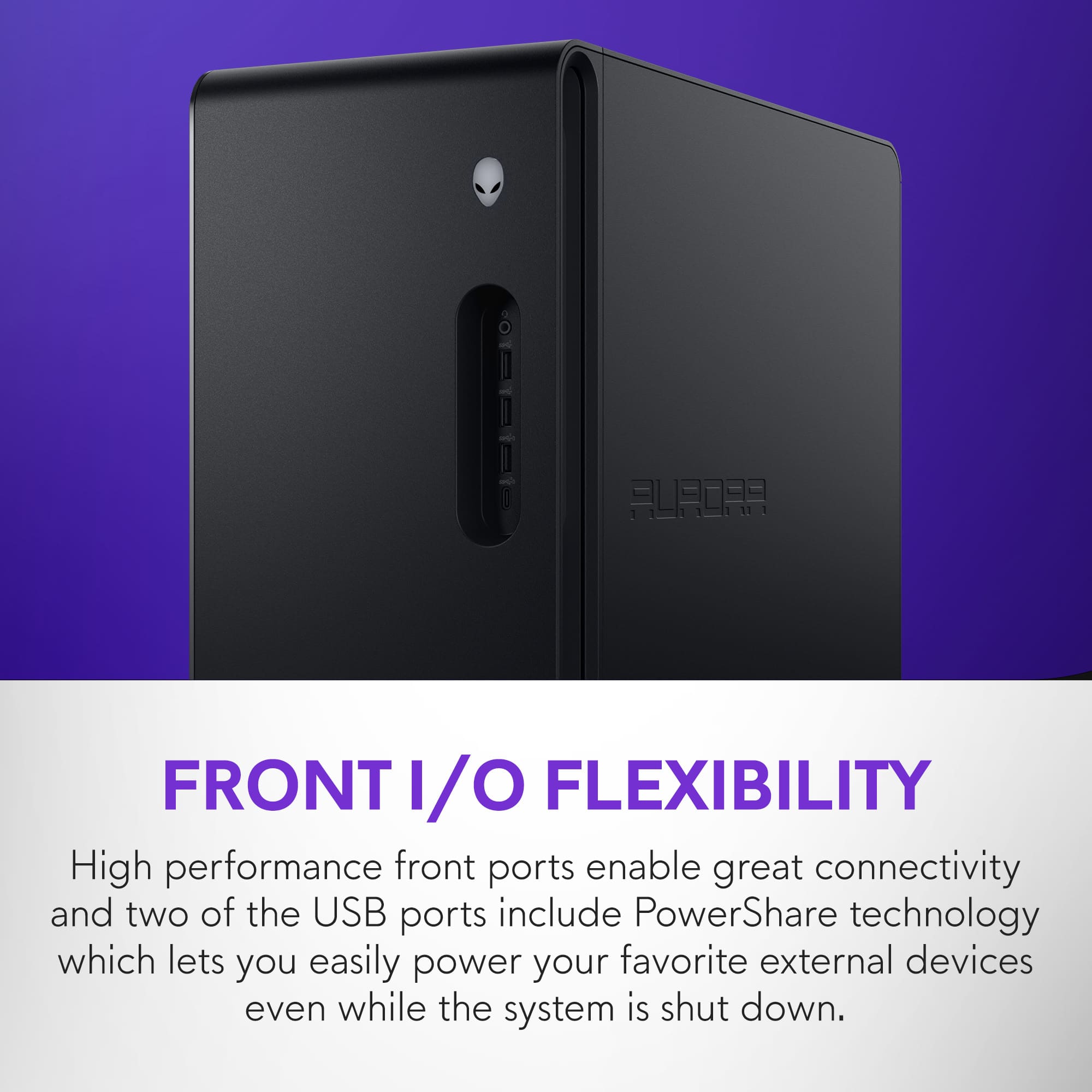
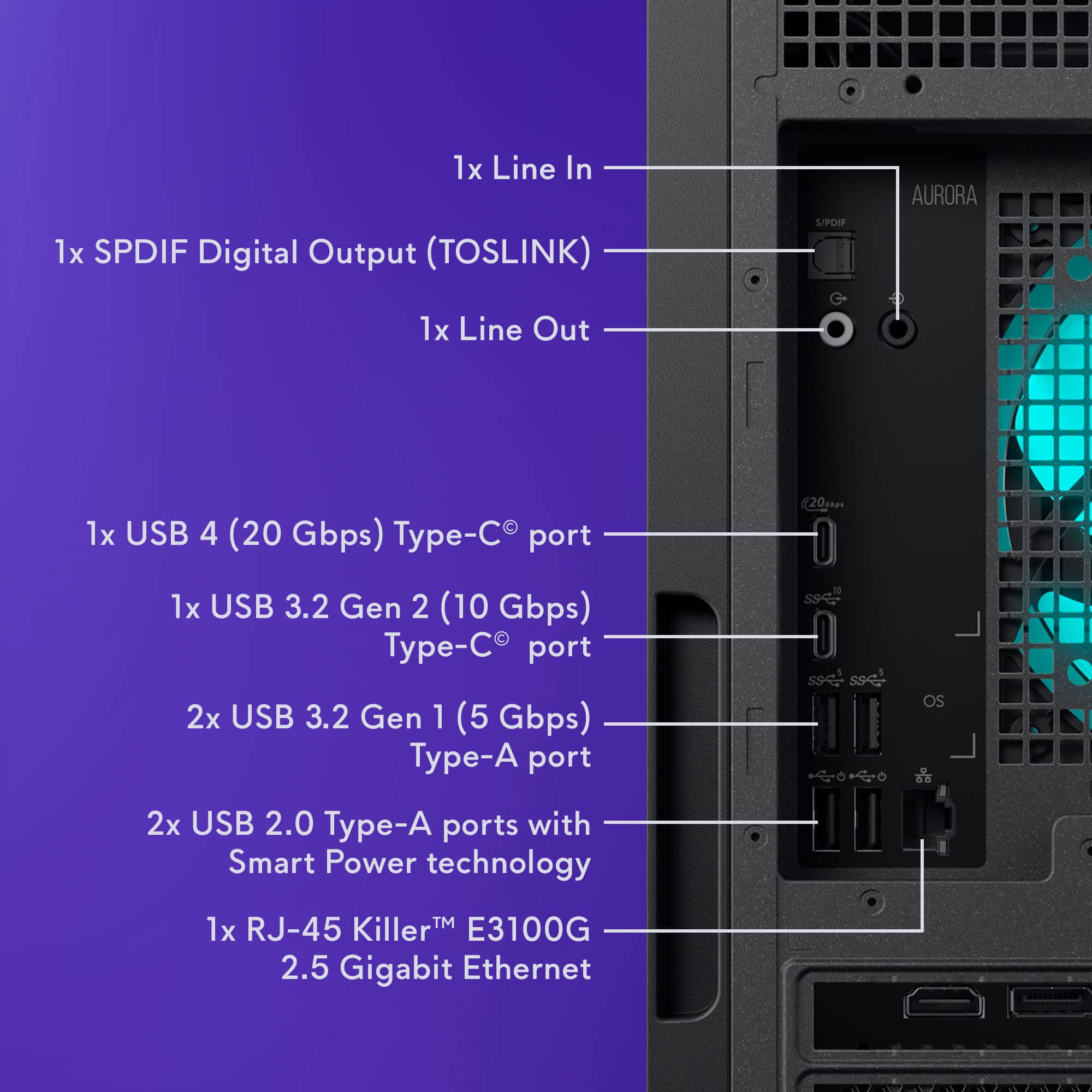
A:AnswerYes. The rear USB-C 4 (Thunderbolt-class) port can support a docking station, including external monitors, depending on the dock and display configuration used.
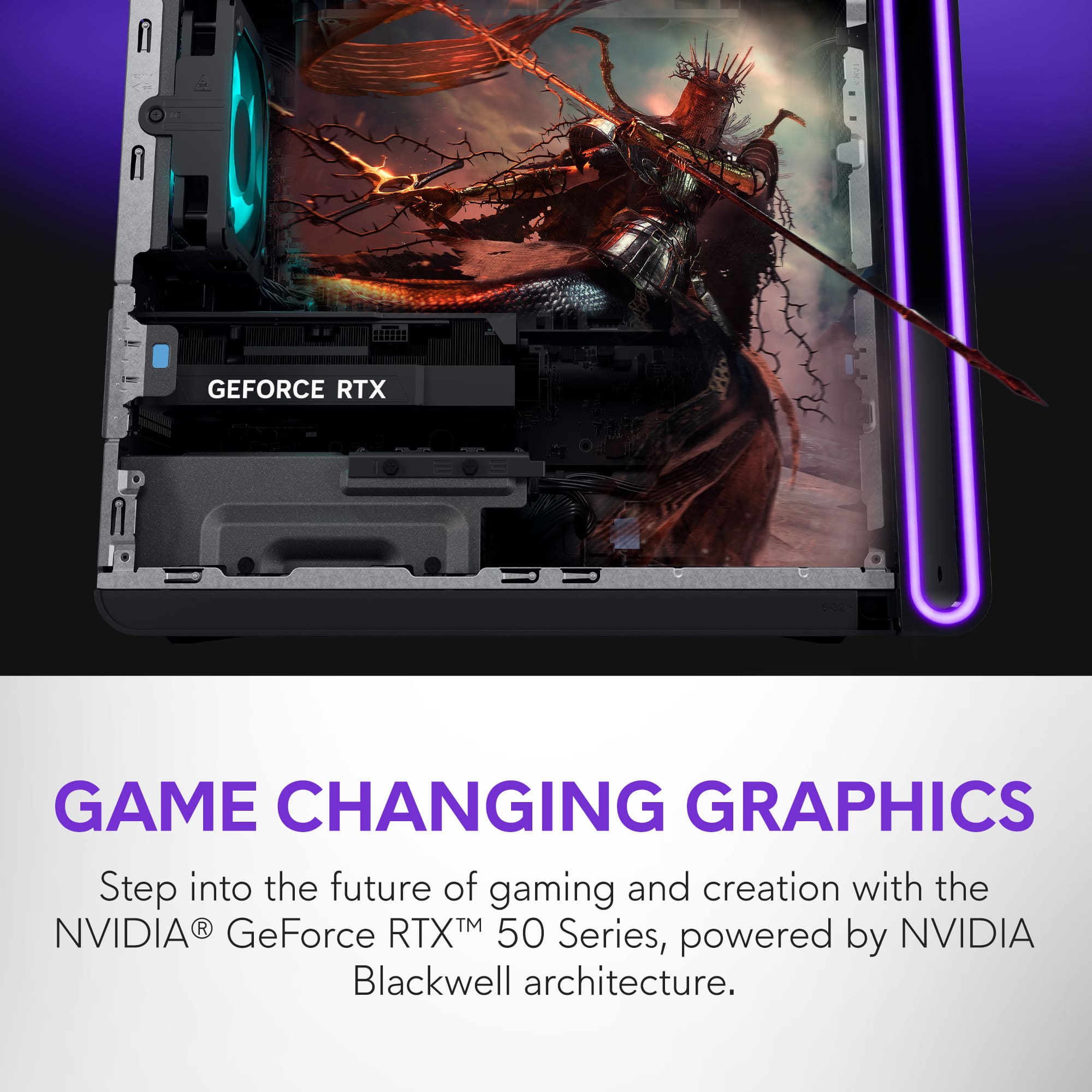
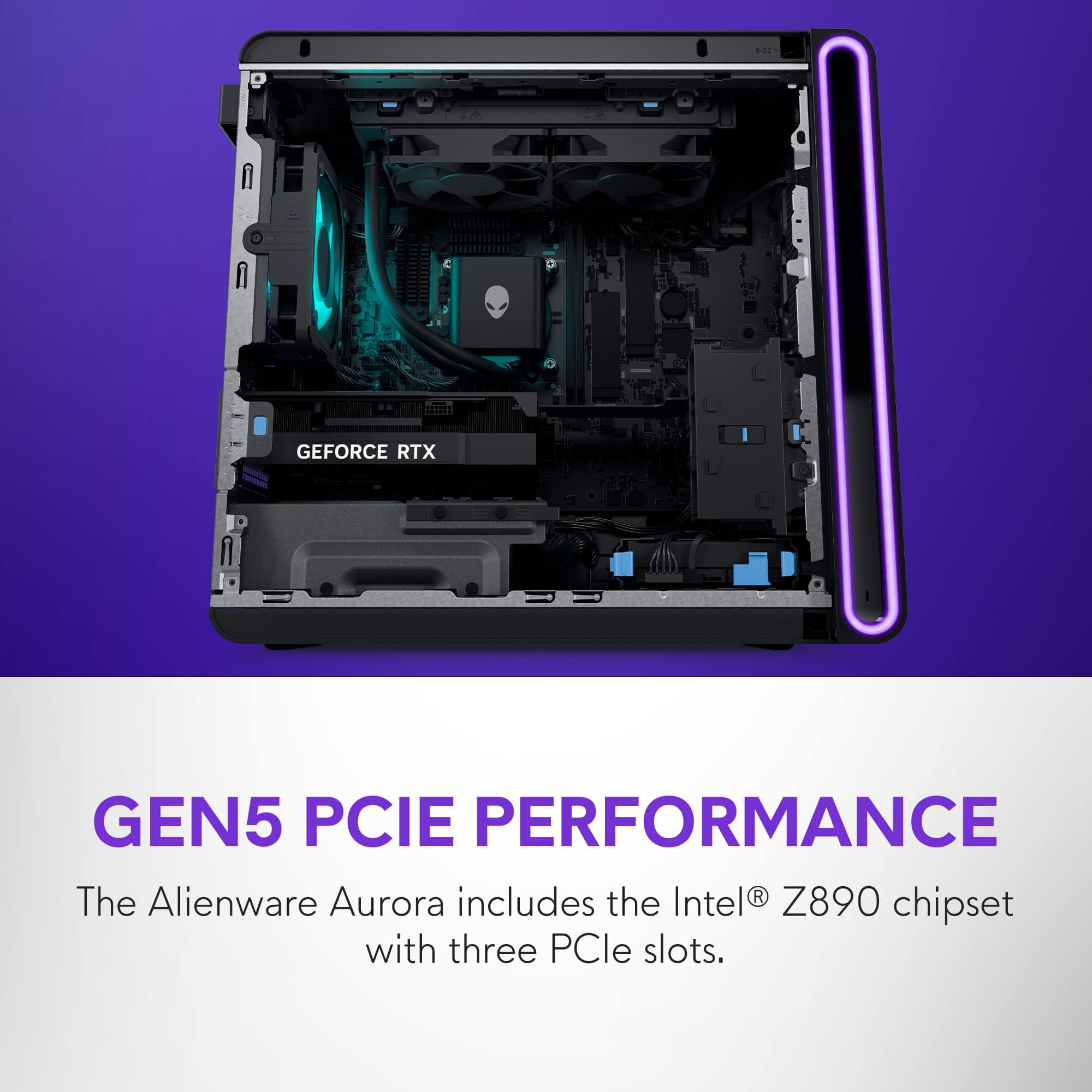
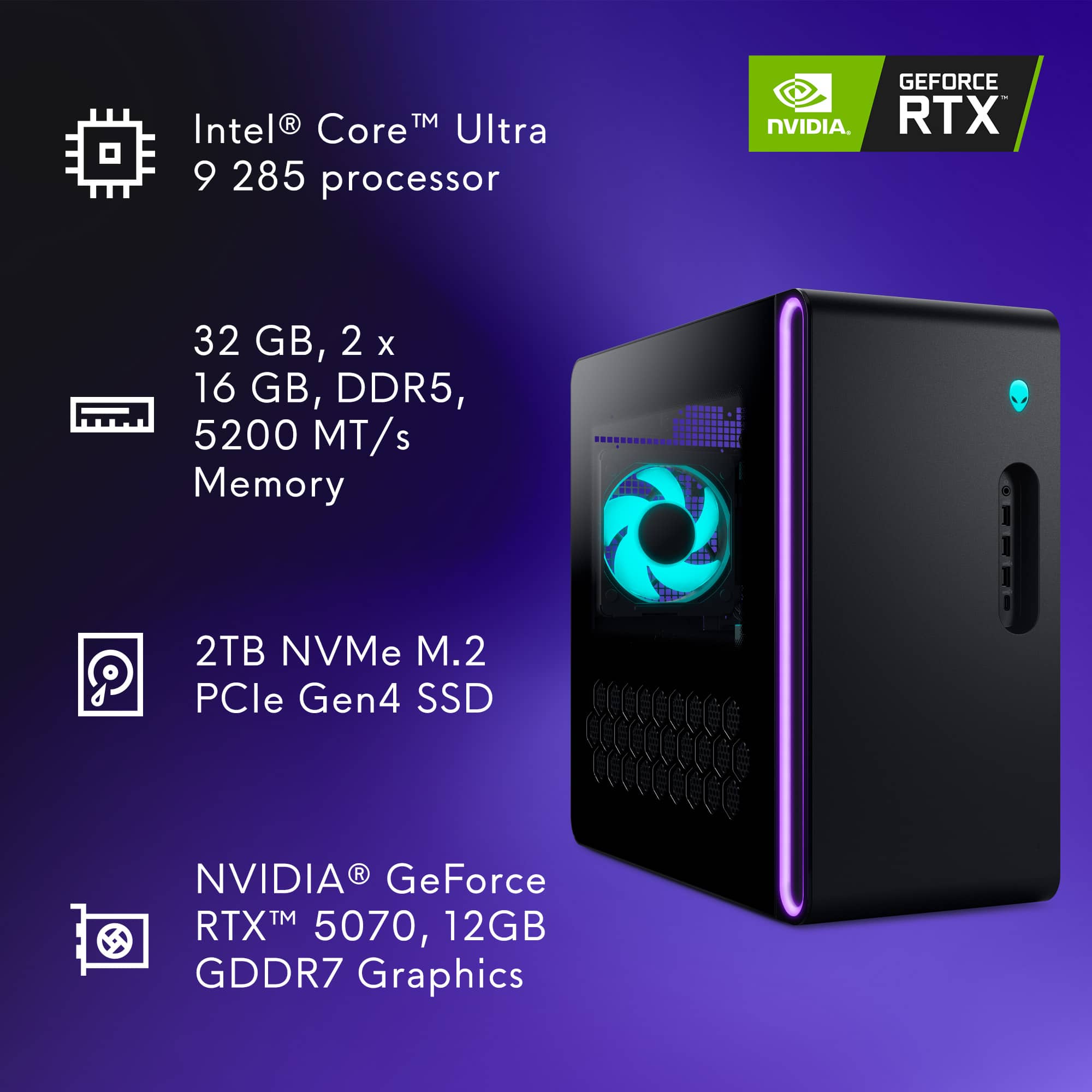
A:AnswerNot recommended. The Aurora chassis and power configuration are compact and optimized for the included GPU. Large cards like the ASUS TUF RTX 4090 may exceed size and power limits. Always check Alienware’s official GPU compatibility before upgrading.
A:AnswerThere are only 2 RAM slots and both are already in use. To upgrade, youd need to get rid of the two 16gig sticks the system comes with and add 2 32 gig sticks.
A:AnswerAbsolutely. Modern AAA games run smoothly at ultra settings and 60 FPS (often higher), especially at 1440p. Performance may vary slightly by title and resolution, but overall it handles new releases extremely well.