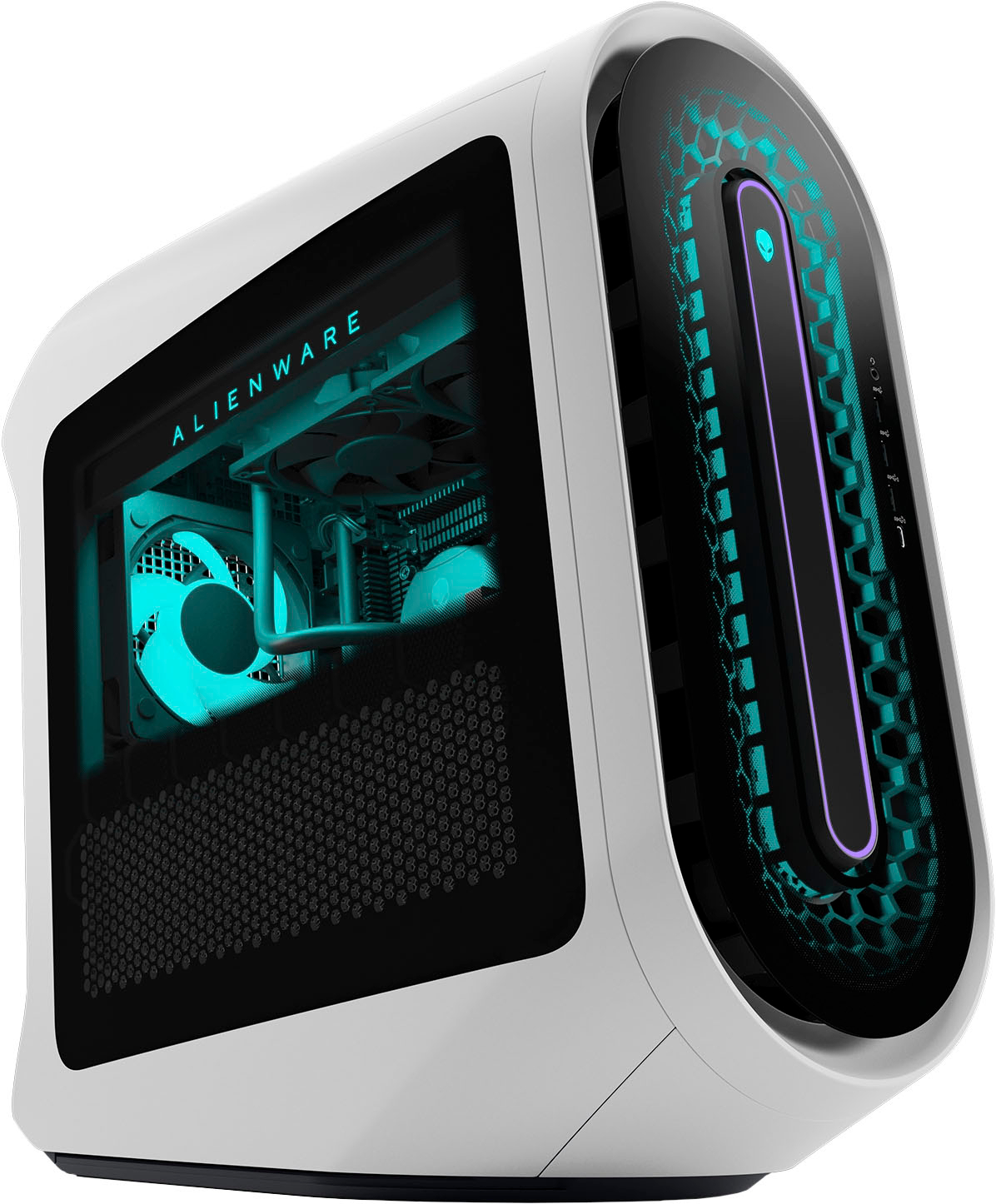
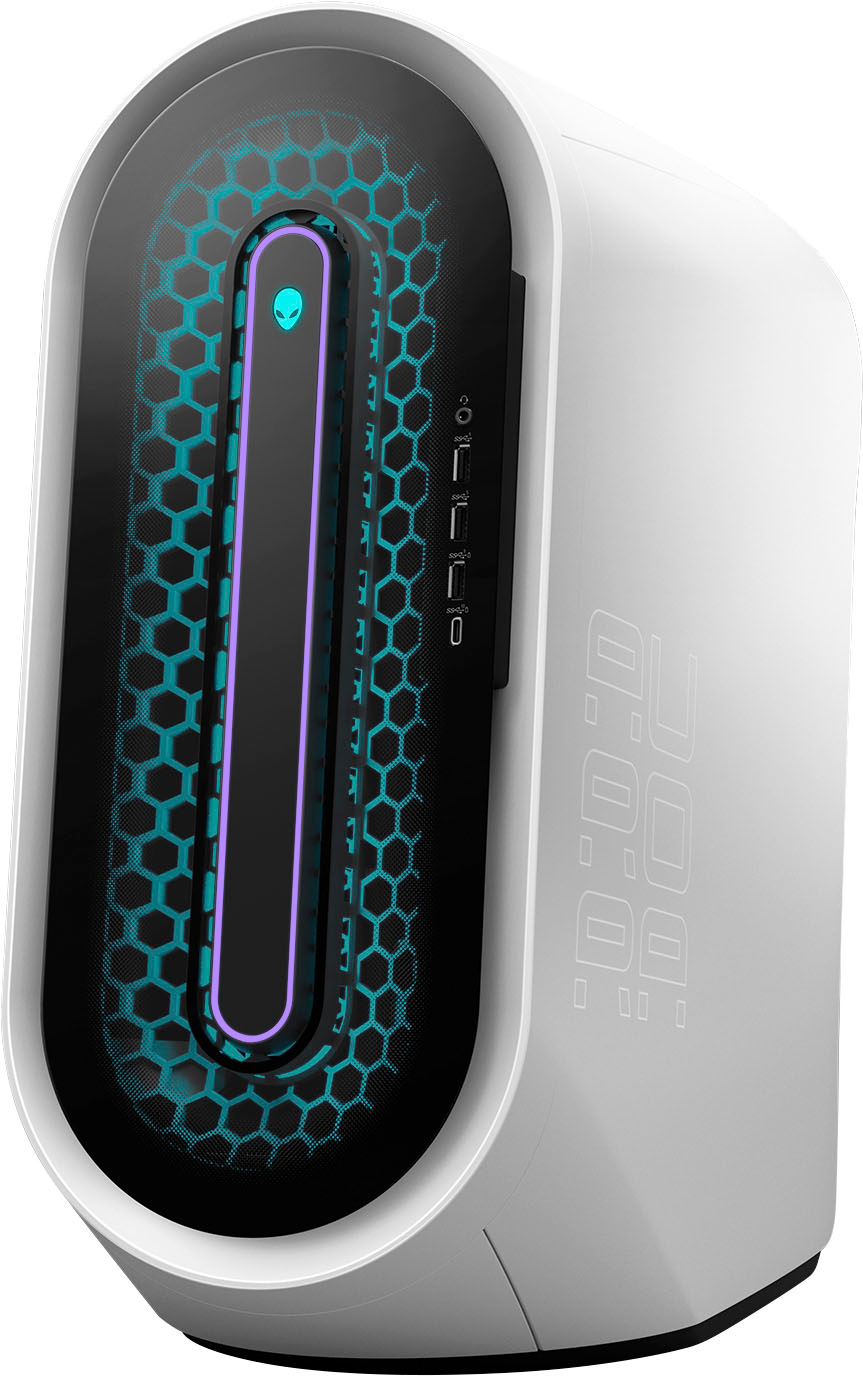
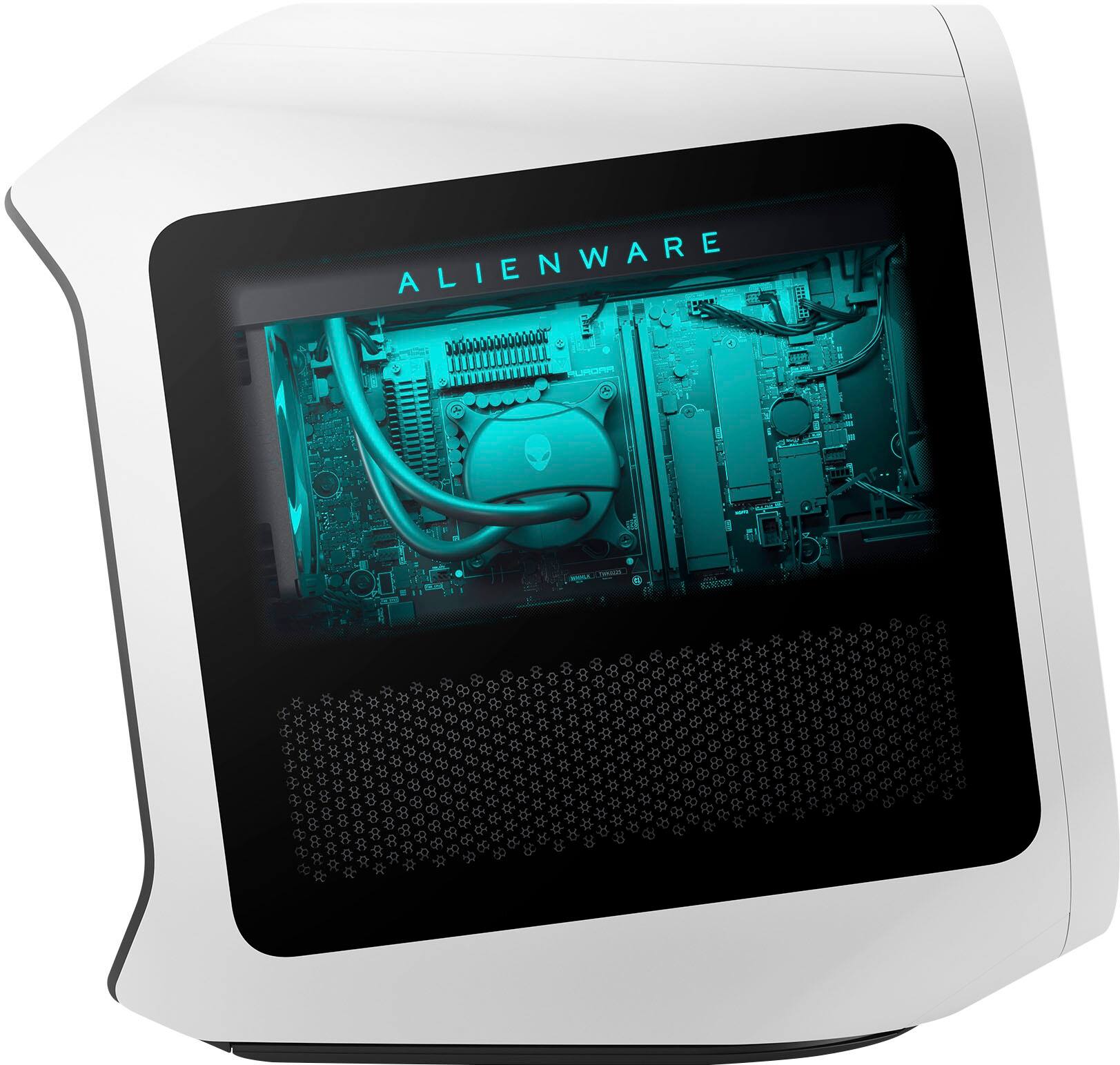
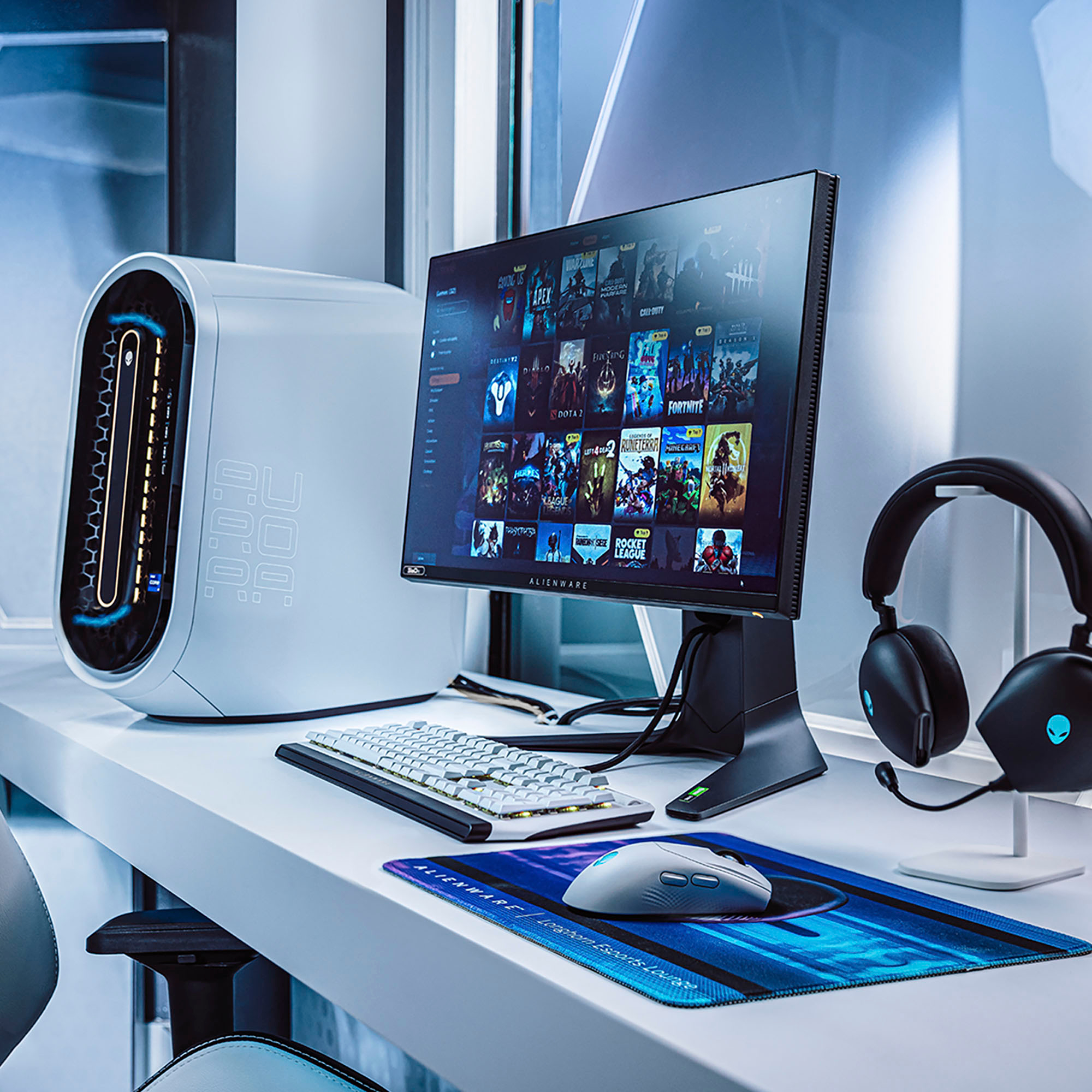
A:AnswerI haven't tried or even knew what a Meta quest 2 was but i looked it up. This computer has an RTX 4090 and i didn't see any mention of the the 40 seiries as compatible/supported. Don't know why it would not be though. My guess is meta has not updated the page to keep up with the times. Good luck on your search for information.
A:AnswerThis desktop will work well as per its configuration after years of use. For technical assistance on this desktop, we recommend contacting the Dell Technical Support team after the purchase. They are available on Facebook and Twitter(@Dellcares).
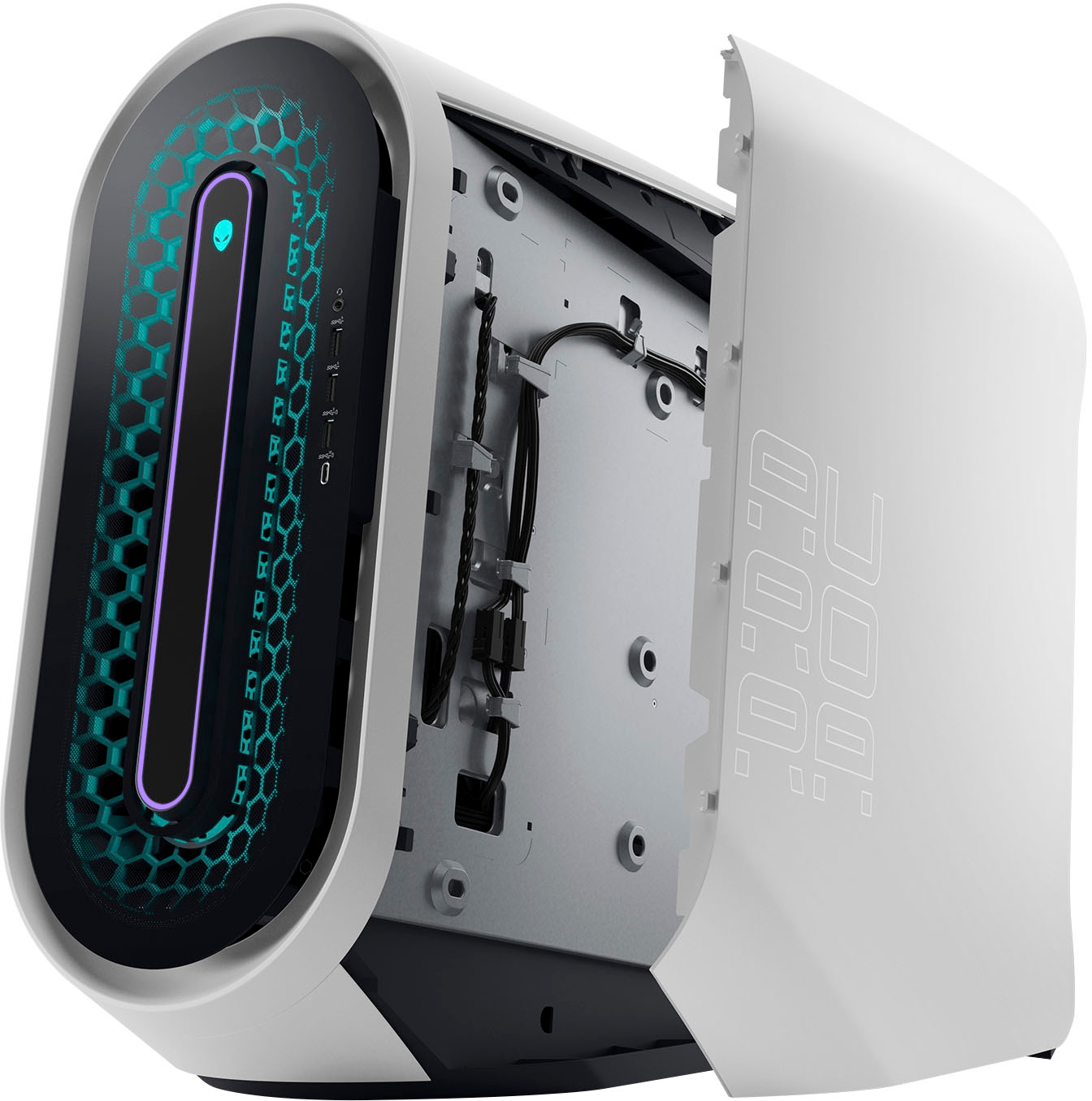
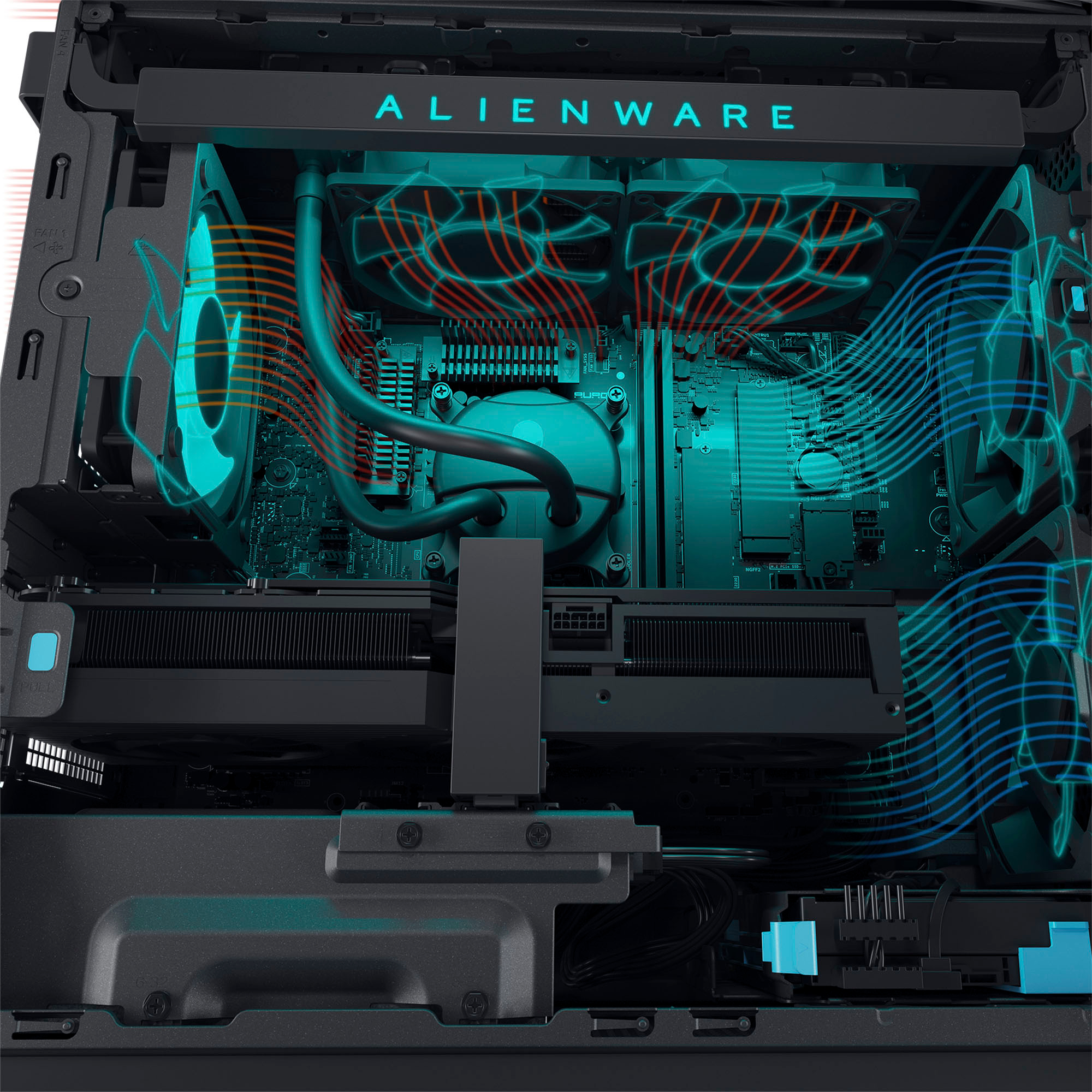
A:AnswerIt's so quiet I can barely hear it at all. Even during heavy 4k gaming sessions with everything maxed out the fans are almost silent. You won't need noise cancelling headphones, the R15 is a silent monster!
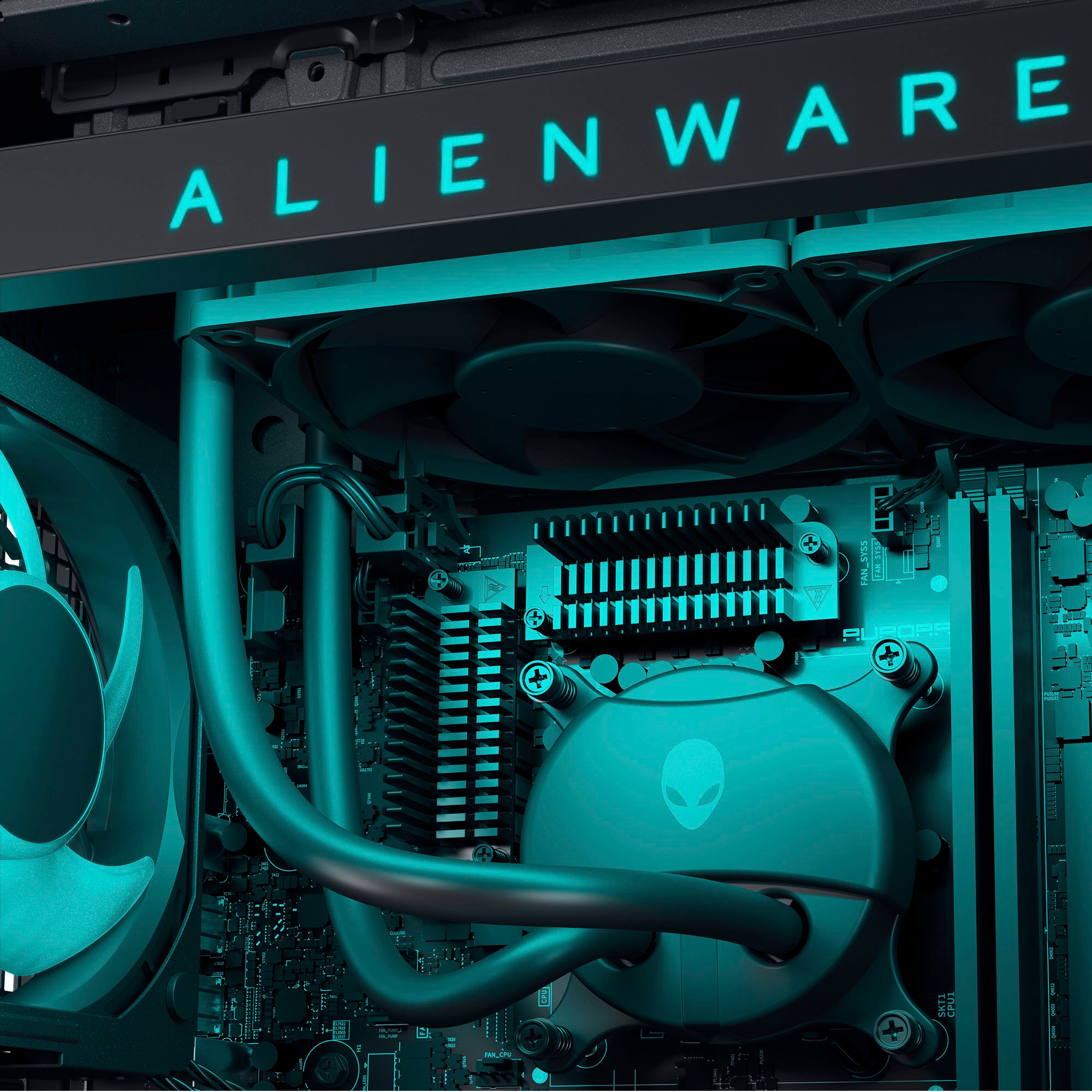
A:AnswerThe standard liquid cooling option has been just fine with my rig, temps are good and it's all but silent. The only thing you don't get is the extra RGB on the cooler itself.
A:AnswerYes, the storage on this desktop is upgradeable. For assistance on parts upgrade as per your requirements, we recommend contacting the Dell Technical Support team after the purchase. They are available on Facebook and Twitter(@Dellcares).
A:AnswerFor technical assistance on this desktop, please contact the Dell technical support team after the purchase. They are available on Facebook and Twitter(@Dellcares).
A:AnswerFor assistance in upgrading parts on this desktop, please contact Dell Technical Support. They are available on Facebook and Twitter(@Dellcares).
A:AnswerFor technical assistance on this desktop, we recommend contacting the Dell technical support team after the purchase. They are available on Facebook and Twitter(@Dellcares).
A:AnswerWe are sorry for the experience. We recommend contacting the Dell technical support team for technical assistance. They are available on Facebook and Twitter(@Dellcares).
A:AnswerGreetings from the Intel team. Thank you for your question.
Based on the support documentation provided on the Manufacturer's website, the Alienware Aurora R15 has two memory slots and supports a maximum memory configuration of 64 GB (up to 4800 MHz/5600 MHz (XMP)); for memory configurations supported, check the setup and specifications documentation:
https://dl.dell.com/content/manual14712466-alienware-aurora-r15-setup-and-specifications.pdf?language=en-us
Alienware Aurora R15 documentation:
https://www.dell.com/support/home/en-us/product-support/product/alienware-aurora-r15-desktop/docs
For detailed information about the Intel® Core™ i7-13700KF processor, visit:
https://ark.intel.com/content/www/us/en/ark/products/230489/intel-core-i7-13700kf-processor-30m-cache-up-to-5-40-ghz.html
Thank you for choosing Intel! Emilio_Intel
A:AnswerFor assistance in the PSU upgrade, we recommend contacting the Dell technical support team after the purchase. They are available on Facebook and Twitter(@Dellcares).
A:AnswerThis desktop does not have any unusual noise, if you experience any, we recommend contacting the Dell Technical Support team for assistance after the purchase. They are available on Facebook and Twitter(@Dellcares).
A:AnswerFor assistance in upgrading parts on this desktop, please contact the Dell technical support team. They are available on Facebook and Twitter(@Dellcares).