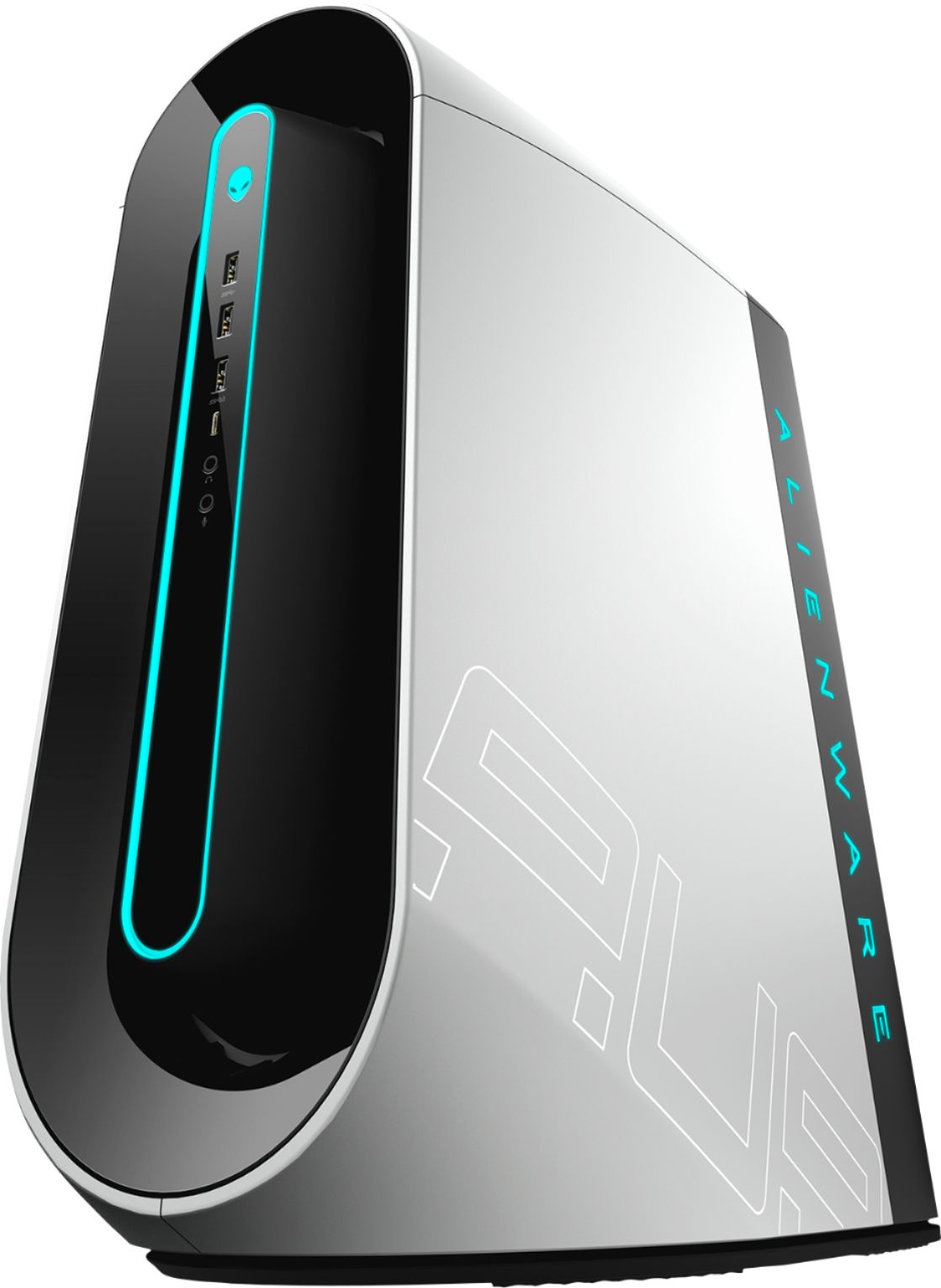
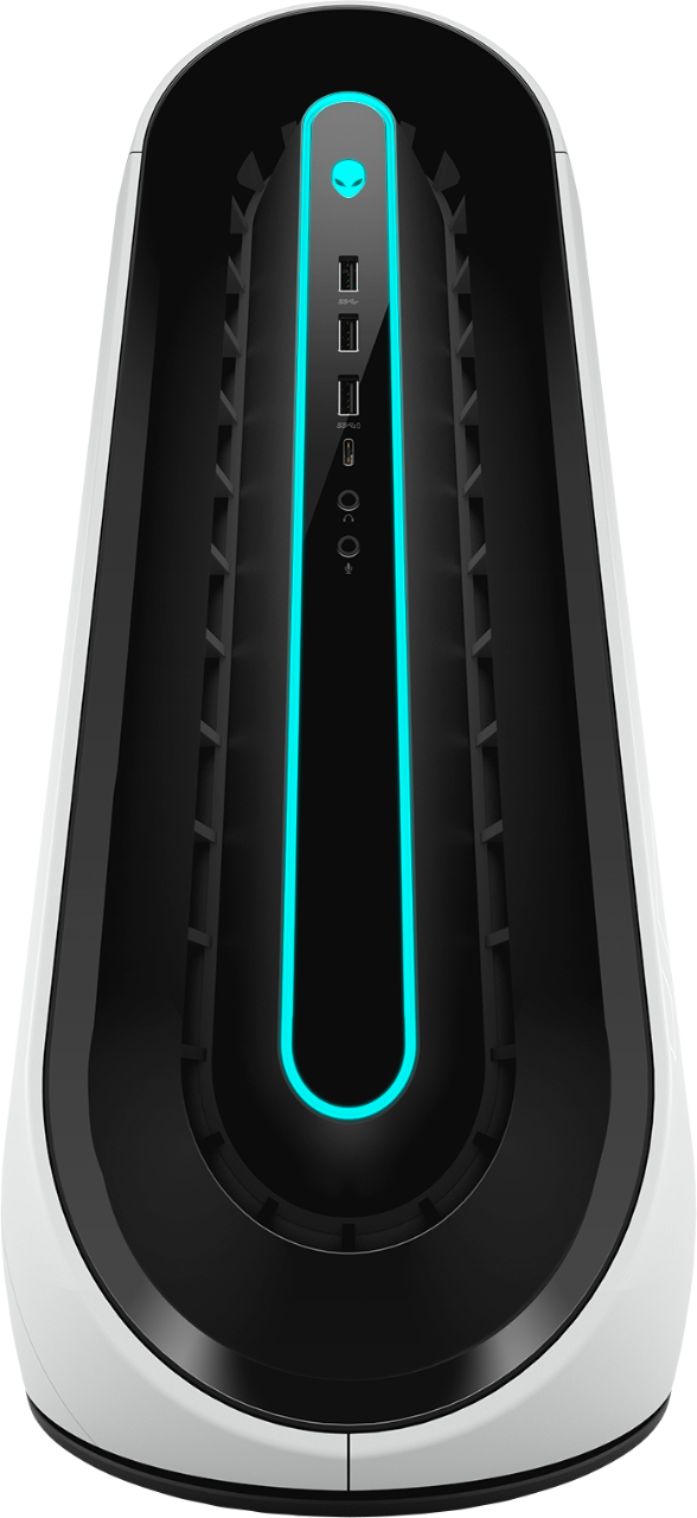
A:AnswerNo, that is absolutely normal as the hardware on this system is made to handle high temperatures while gaming. However, we suggest you to keep the drivers and firmware updated on the system regularly from the Dell's support website.
A:AnswerYes, the Corsair H60 AIO. I did it mine. Super easy. I also upgraded the front and top fans to Corsair ML120 pros (non-rgb/led), which will not throw startup codes. Stays nice and cool (peaks at 72 degrees under heavy load) with the AIO and whiter with the fans. I set a custom more aggressive fan curve for the GPU using MSi Afterburner. GPU stays under 70 degrees.
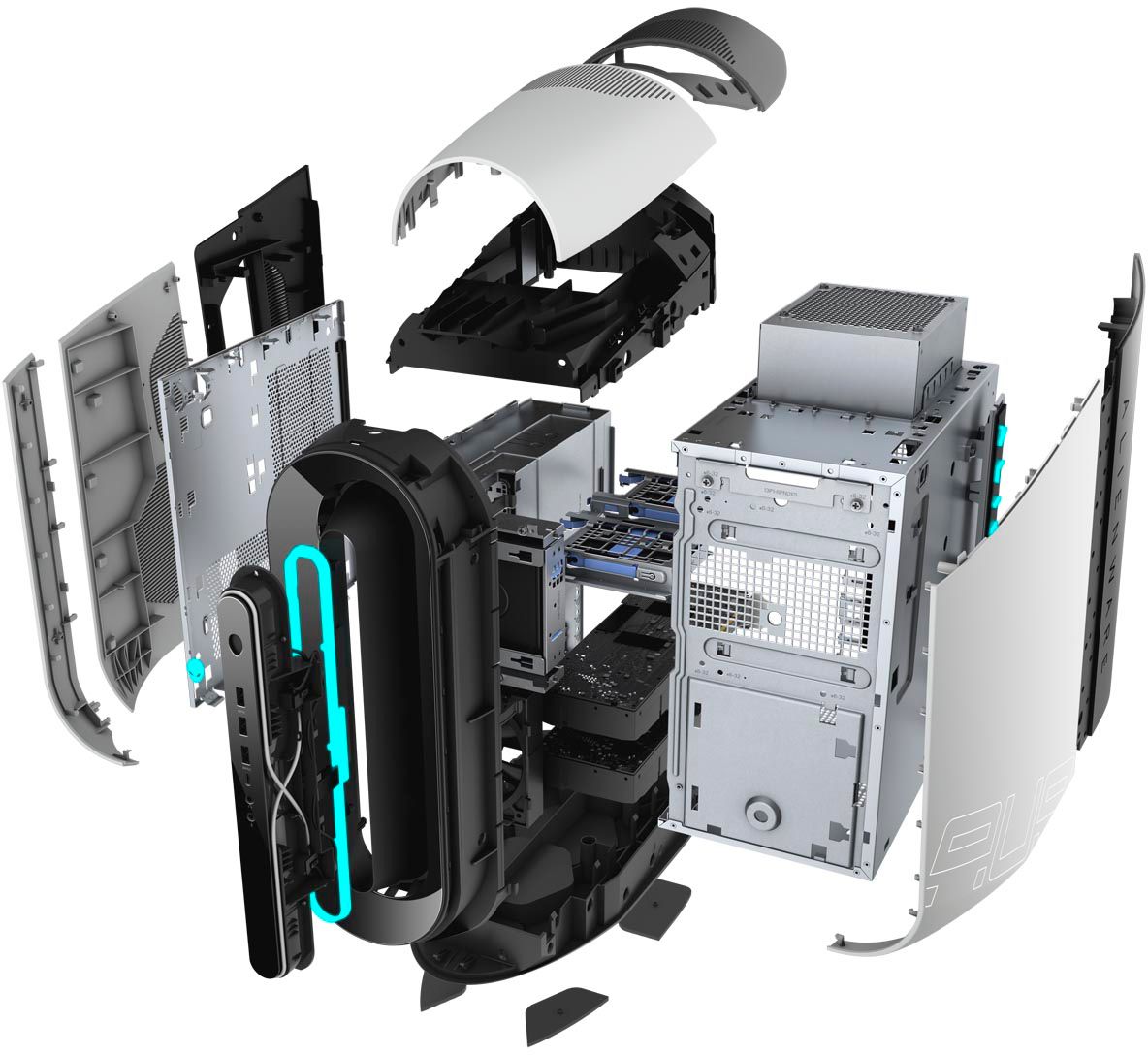
A:AnswerYes, you can upgrade the CPU and the GPU. However, any aftermarket upgrades will void the system warranty. You can contact the Best Buy customer care team or the Dell's customer care team to upgrade the system parts.
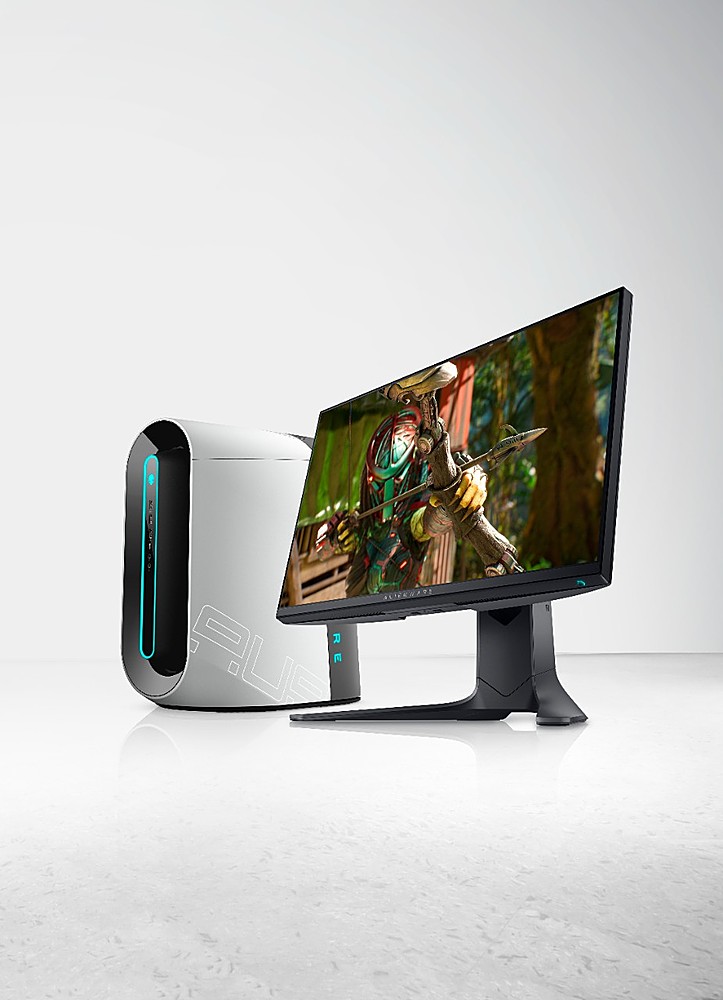
A:AnswerThis system is built to give you the best gaming experience everytime you game. You can expect the game to run as smooth as butter on high video settings.