A:Answeryou can't change the rate on the monitor, just the source. But it will look great. If you plan to have an Xbox and a computer connected this is a great option. Otherwise, just buy a TV with a good refresh rate and save the money for more games.
A:AnswerNo, you will need to change input source of the monitor every time you switch between a laptop and a desktop as they one active connection at a time.You can use the dimensions in the manual to plan your future desk purchase, link to the manual: https://dell.to/3eYPljA
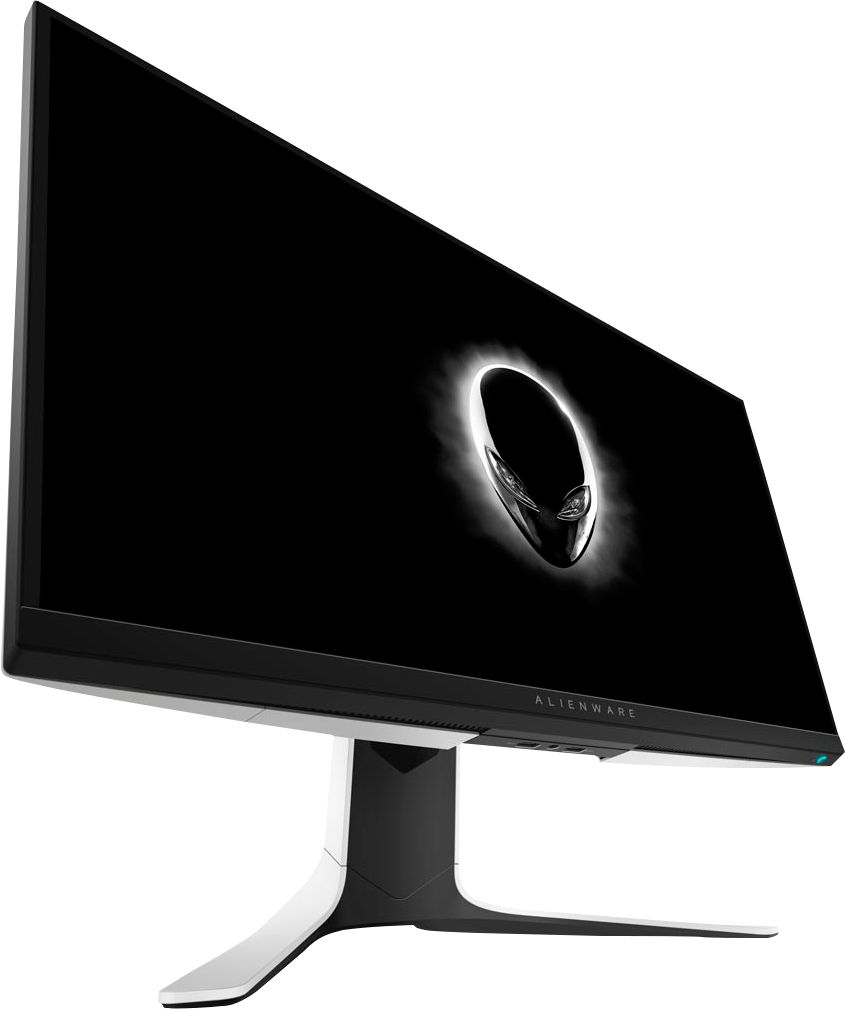
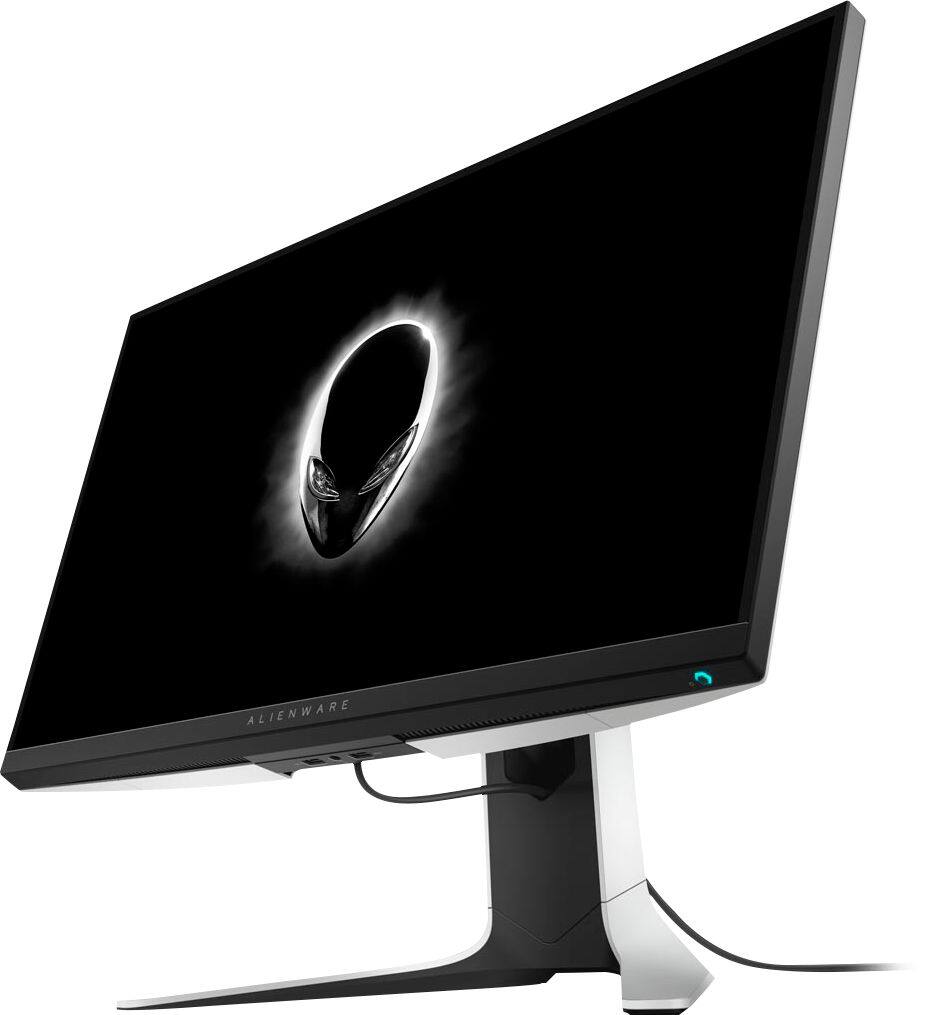
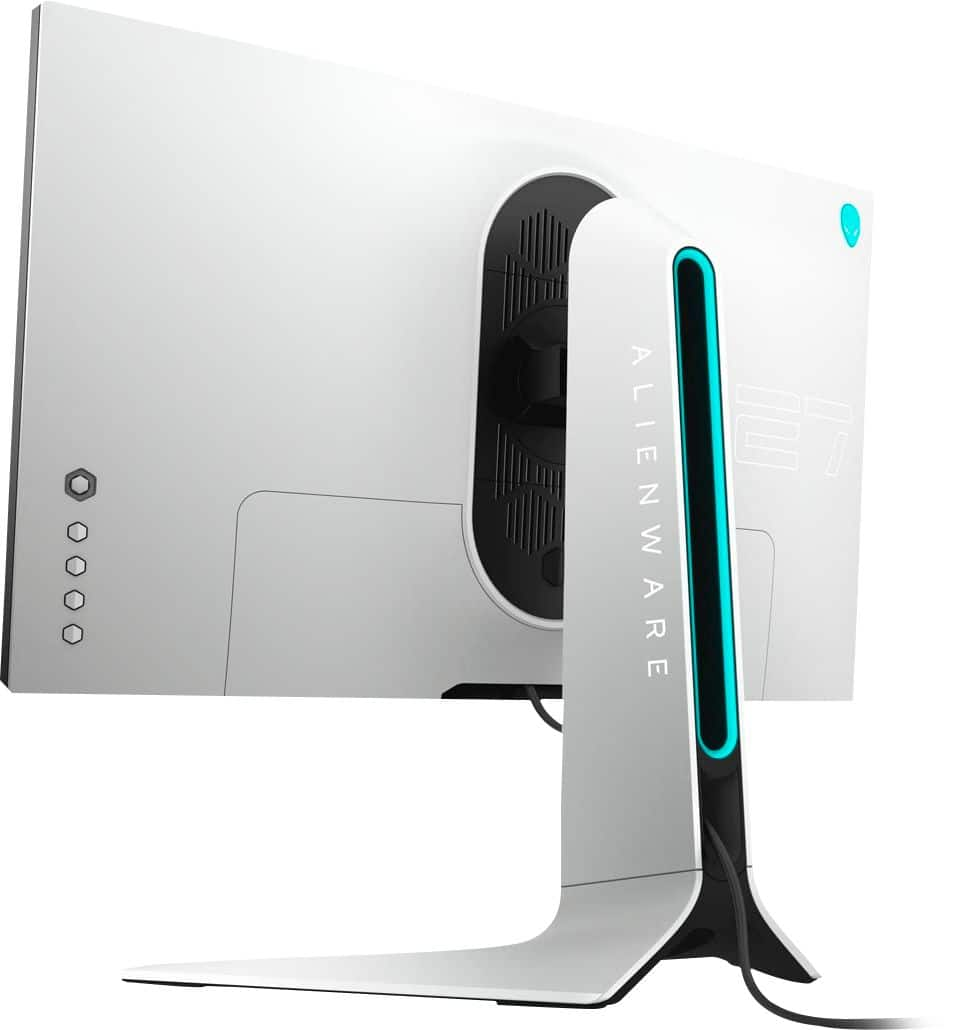
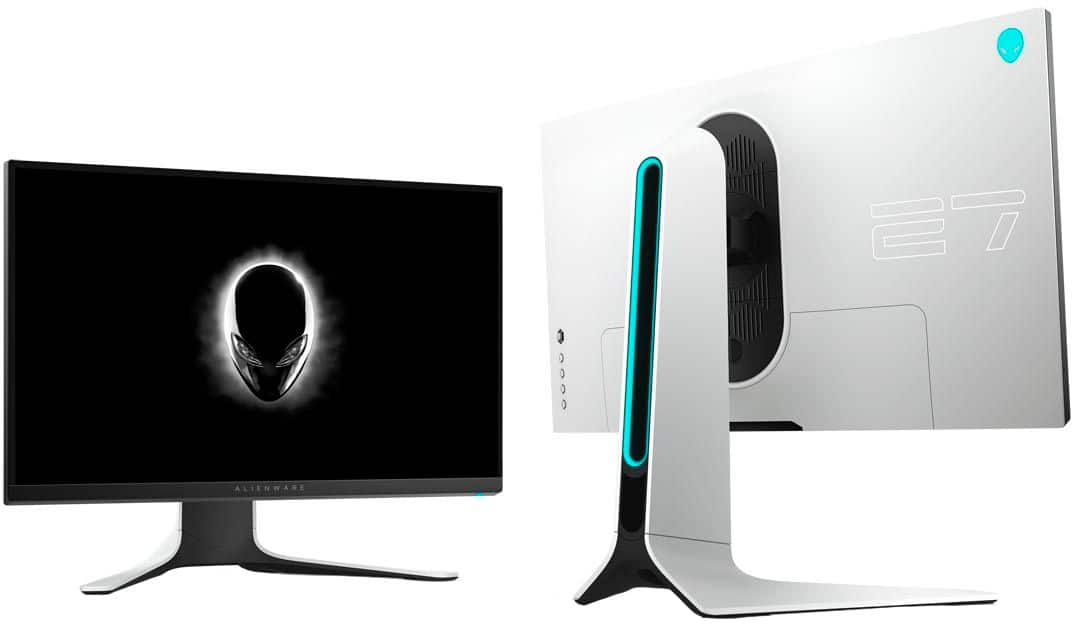
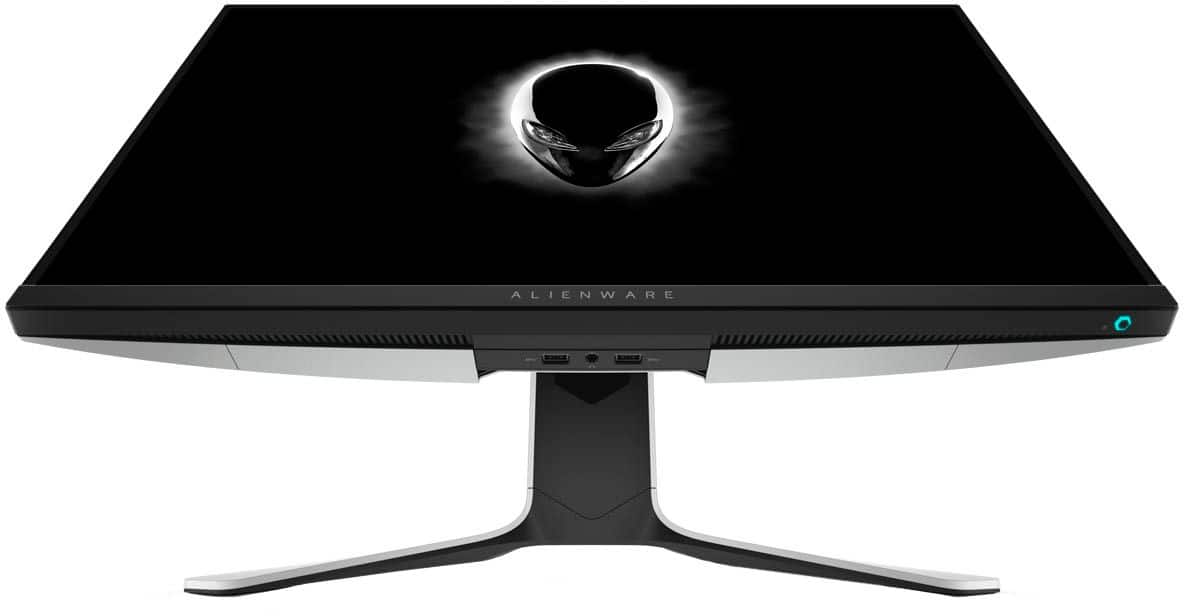
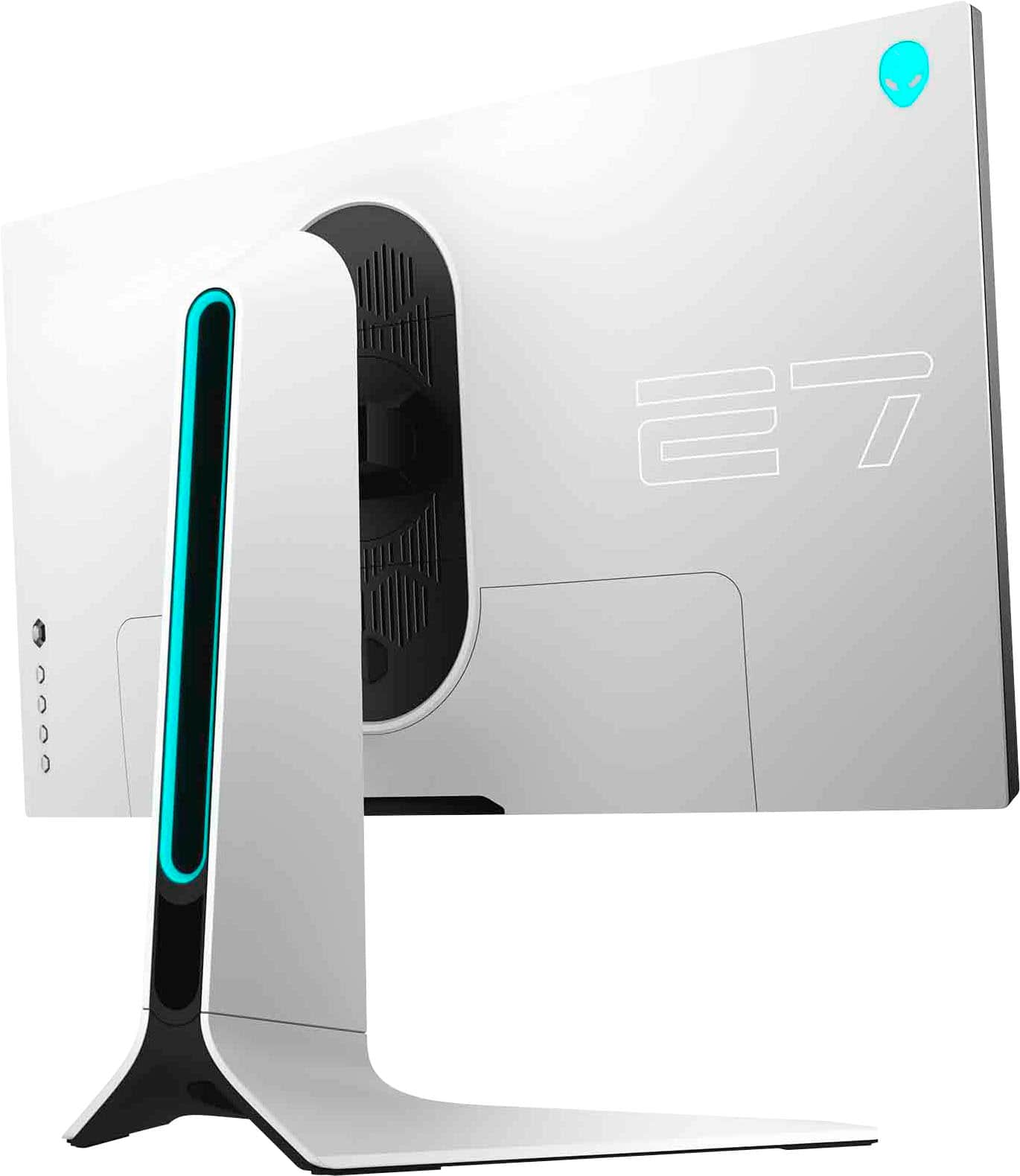
A:AnswerThe following things come with the monitor: 1.Power cable, 2.HDMI cable, 3.DisplayPort cable,
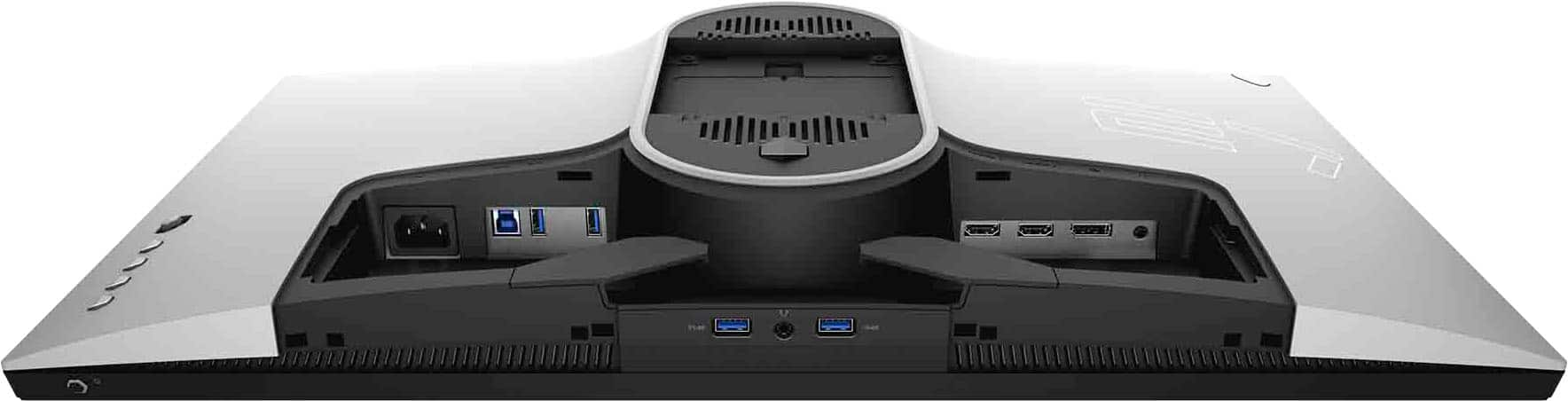
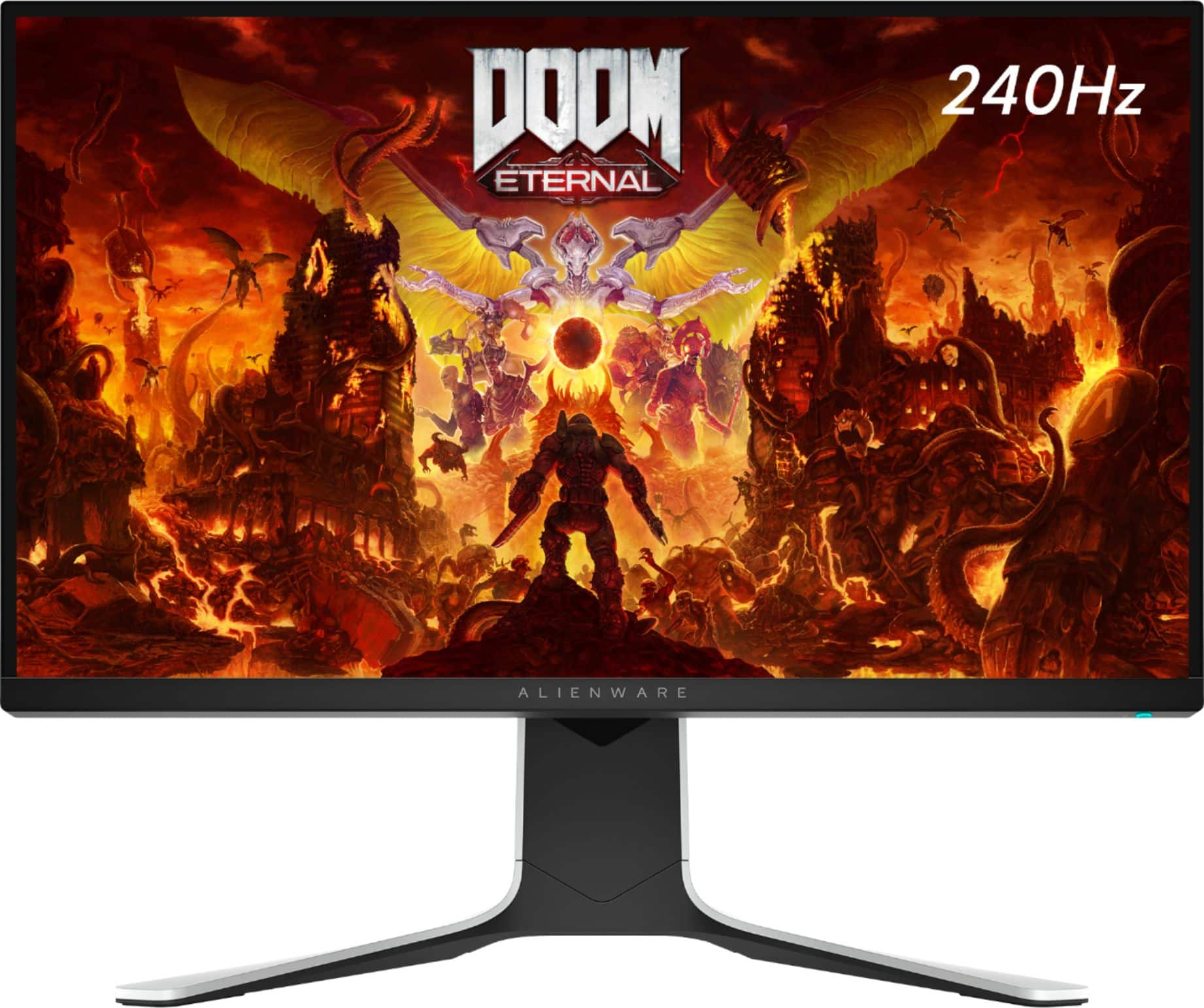
4.USB 3.0 upstream cable, 5.Stand riser, 6.Stand base, 7.I/O cover & 8.Owner's manual. It will be able to work with the ryzen system and it has the following inputs: 1. Power | 2. USB upstream | 3. USB 3.1 Gen 1 (x2) | 4. VESA mount | 5. USB 3.1 Gen 1 with Power Charging | 6. Headphone jack | 7. USB 3.1 Gen 1 | 8. HDMI (x2) | 9. DisplayPort | 10. Audio Line-Out.
A:AnswerYour 2070 Super has 1x HDMI port and 3X Display Port outputs, so all you need is 2 Display Port cords which come with the monitor and you'll be set up. After that, it's just a matter of setting the displays up in your Windows settings, and you're good to go.
A:AnswerYou can use this monitor as well for flight simulation but if you are looks for an high end gaming monitor then the Alienware AW3420DW or AW2720HF will be a good choice.