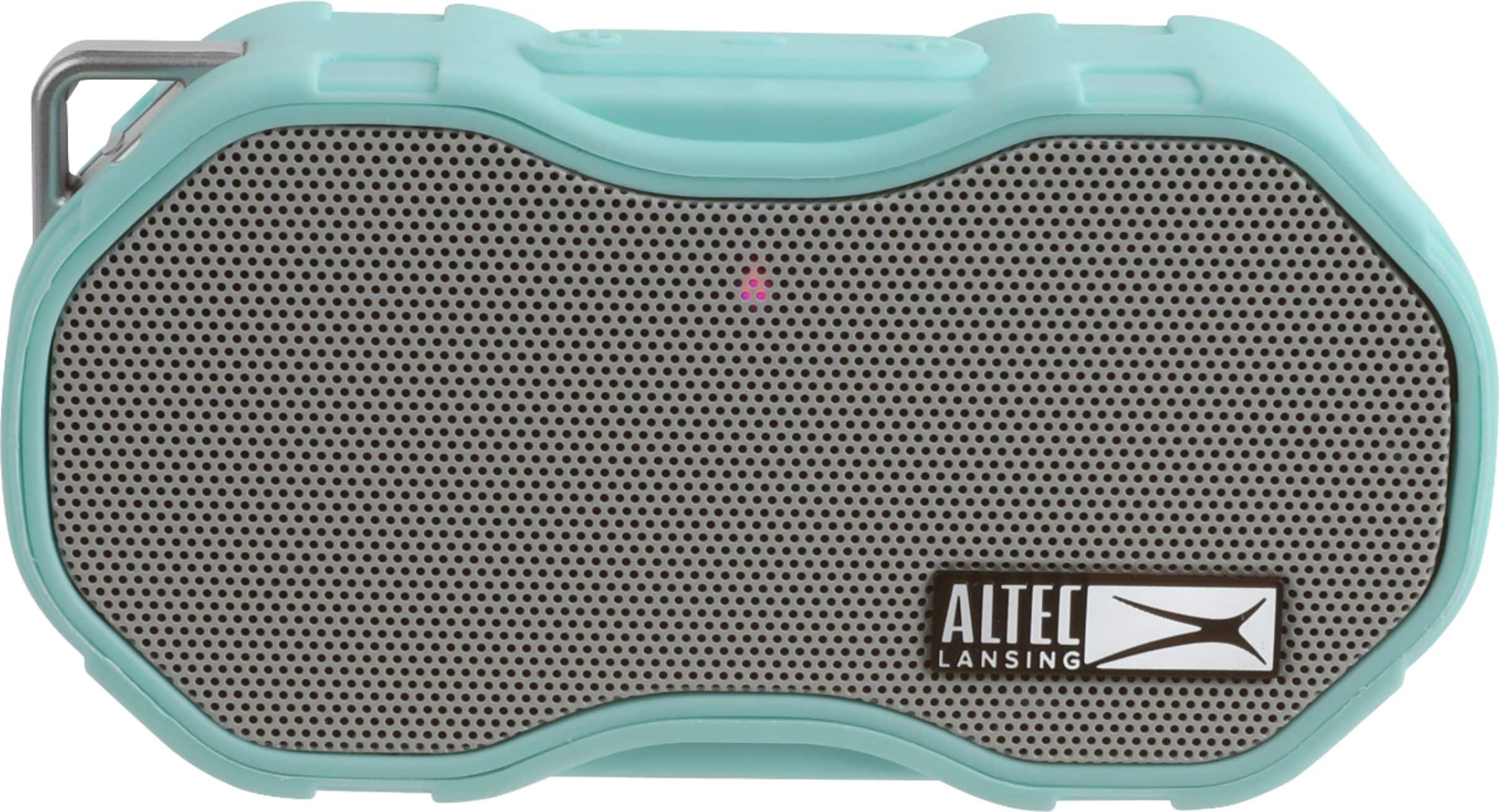
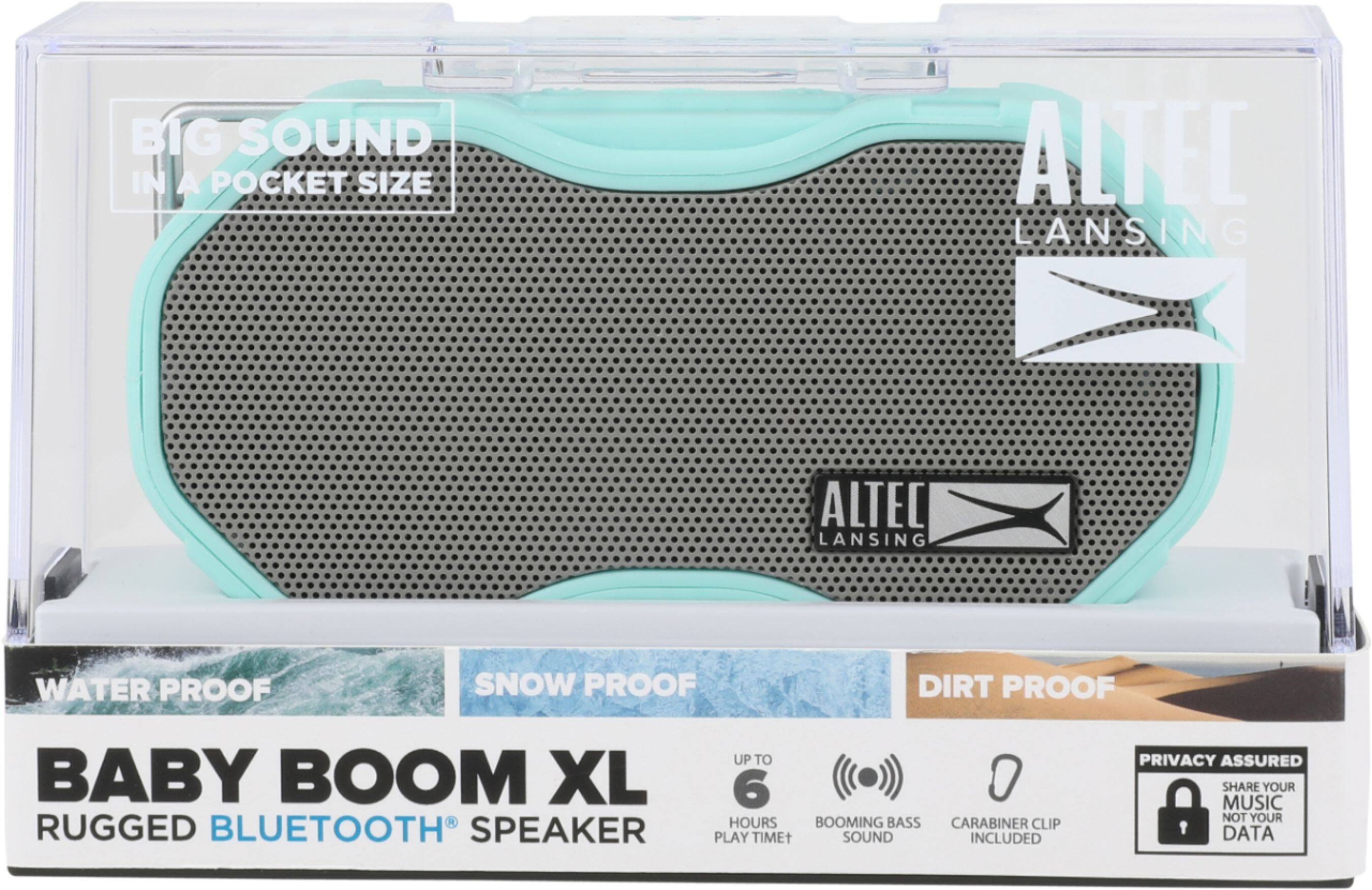
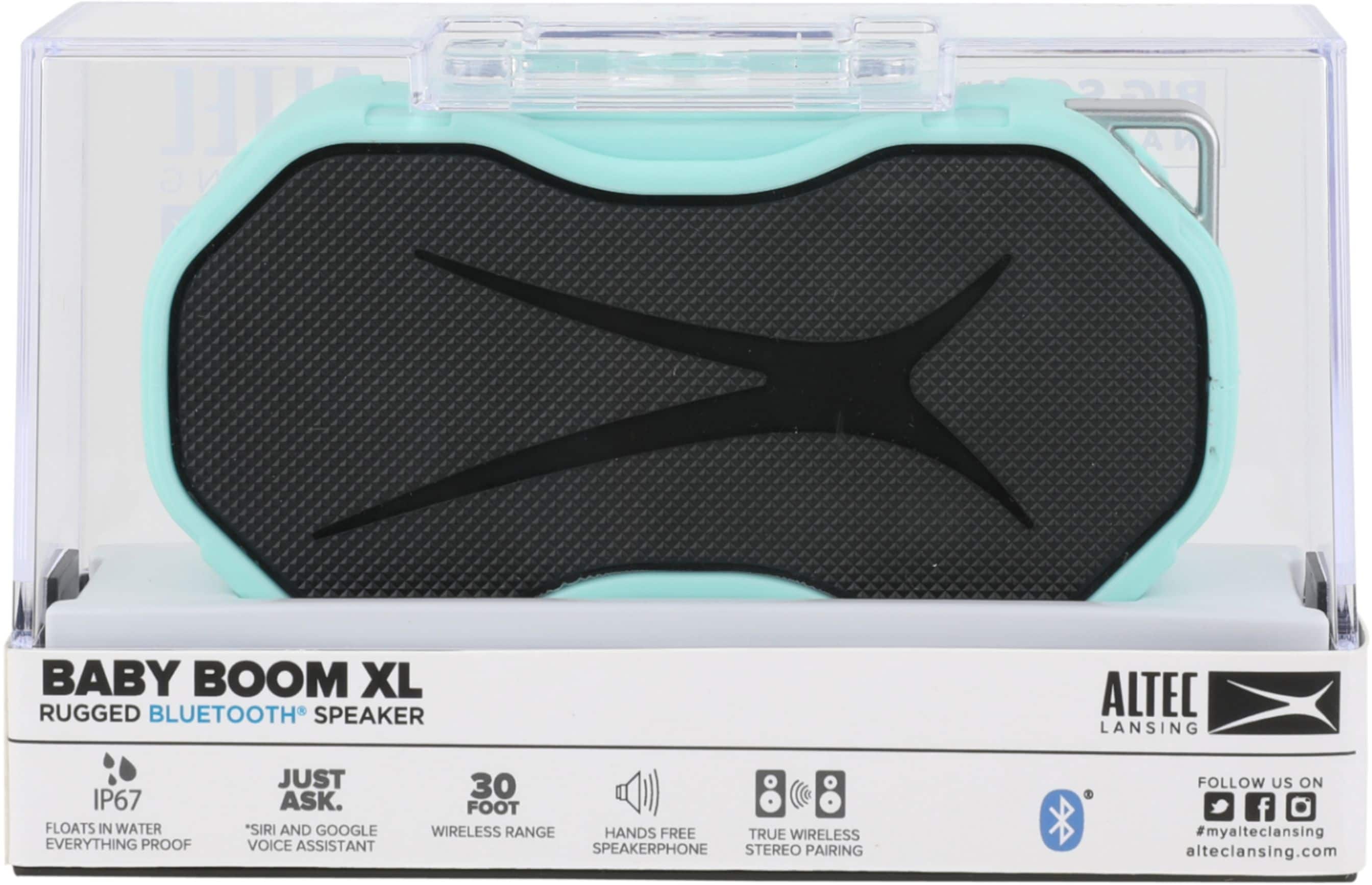
A:AnswerI checked the website and the XL came out after the Baby Boom. The only difference I could find is that the XL can be paired with another XL to give better “stereo” sound. I hope this helps.
http://alteclansing.com/product-category/all-speakers/
A:AnswerI do not think this would work very well in the setting you describe. This speaker is designed for more personal use. For an outdoor event such as you are describing, I believe you should go with something bigger and more powerful... there are many to choose from, and a geek squad member could point you in the right direction
A:AnswerHi there - thanks for the question! If the music is downloaded onto your phone you can ask Siri or Google to play the song or next song. But if streaming from Pandora or Spotify you cannot.
A:AnswerHi there - thank you for the question. Our first suggestion would to be to "Forget the device" on your smartphone and try repairing. If this doesn't work - please contact us at 1-855-292-4087 and we can assist you further!
A:AnswerHi there - Thank you for the question! Pairing our speakers with computers typically depends on the make and model of the computer. If you have Bluetooth installed and are able to link up an external mouse or keyboard, you should be able to link up to our speaker! Follow these steps:
How to pair a new Bluetooth device in Windows 10
1. Open Settings.
2. Navigate to Devices.
3. Click Bluetooth & other devices in the left sidebar.
4. Set the toggle switch at the top to On.
5. To add a new device click add Bluetooth or other device.
6. Select Bluetooth.
7. Choose the device from the list.
If this doesn't work - please reach out to us at 1-855-292-4087 and we'd be happy to assist you further!
A:AnswerHi there - We're sorry you've experienced this with our IMW270 Baby Boom XL . Please contact us by phone at 1-855-292-4087, by our social media channels (Facebook: @alteclansing, Instagram: @alteclansingoffical), or by e-mail at [email protected]. We'd be happy to assist you!

A:AnswerHi Bob - Happy to help! You can power on the Baby Boom XL by pressing and holding the power button a top the speaker for 5 seconds. A welcome message will sound noting that it is indeed powering on. If you need to charge the speaker first, please locate a micro USB plug and plug the speaker into a wall outlet to charge for 2-3 hours!
A:AnswerHi there - We're sorry you're experiencing this with our IMW270 Baby Boom XL speaker. Please contact us by phone at 1-855-292-4087, by our social media channels (Facebook: @alteclansing, Instagram: @alteclansingoffical), or by e-mail at [email protected]. We'd be happy to assist you!