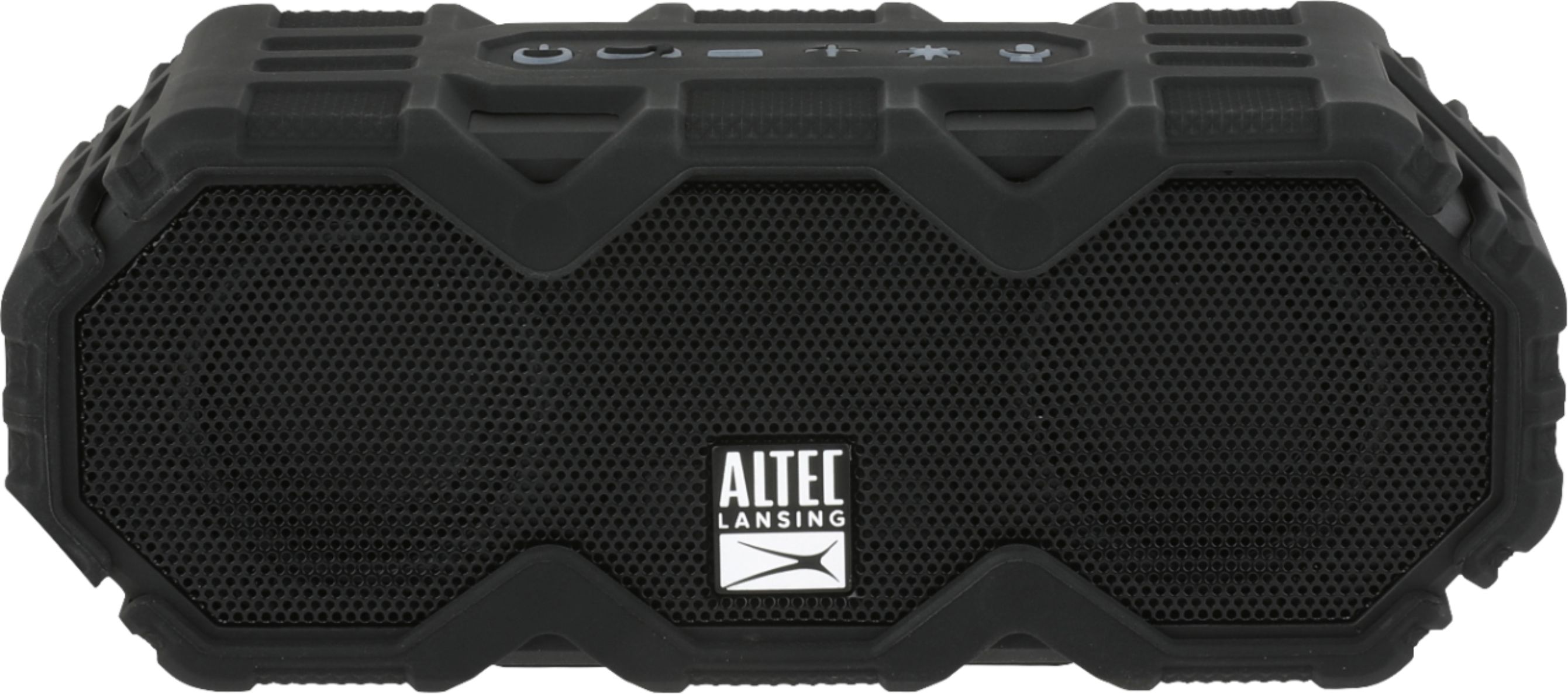
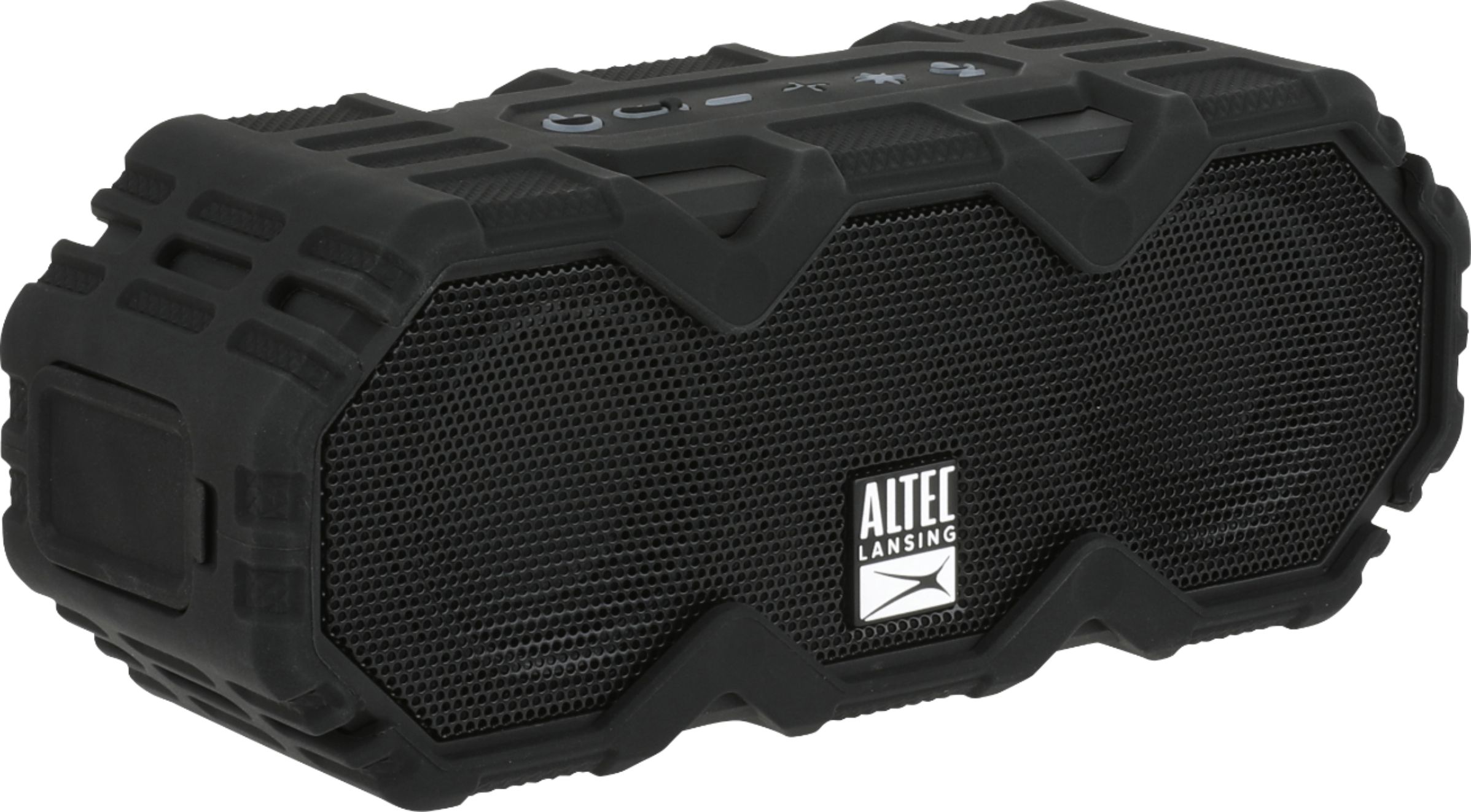
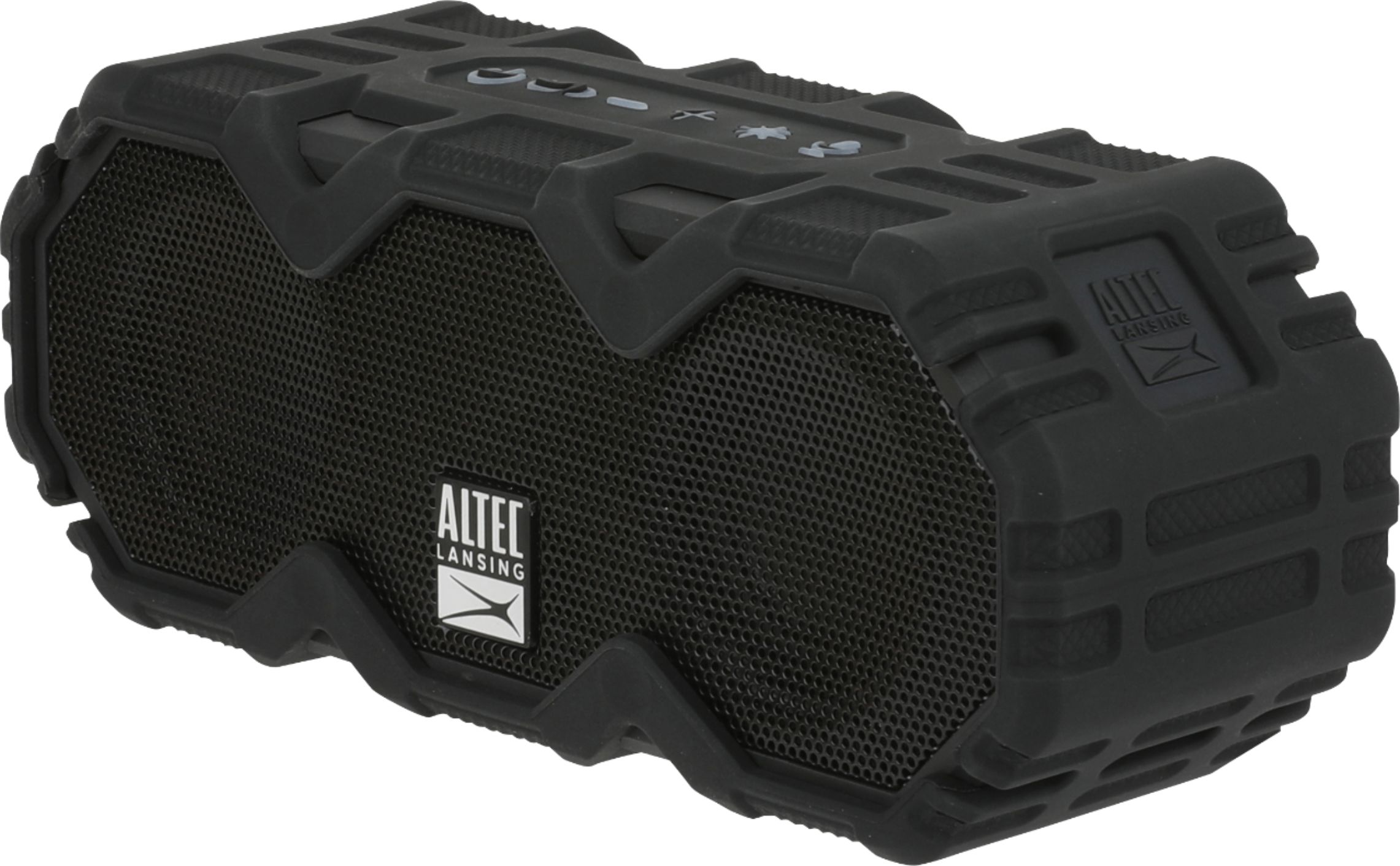
A:AnswerHi There - We're sorry you are experiencing this with our speaker. Please contact us on our social media channels by DM, by phone at 1-855-292-4087 or by e-mail at alsupport@sakar.com. We'd be happy to assist you!!
A:AnswerYes. You may have to use the Alexa app on your phone to pair it the first time, but after that, anytime you want to use the speaker, activate the echo (turn on music, or whatever), then turn on the speaker and it wil pair.
A:AnswerHi there Maddy - Unfortunately, no you cannot aux-in your projector. The use of the aux-port is for music devices that do not have Bluetooth capabilities, such as an mp3 player, to then play music through.
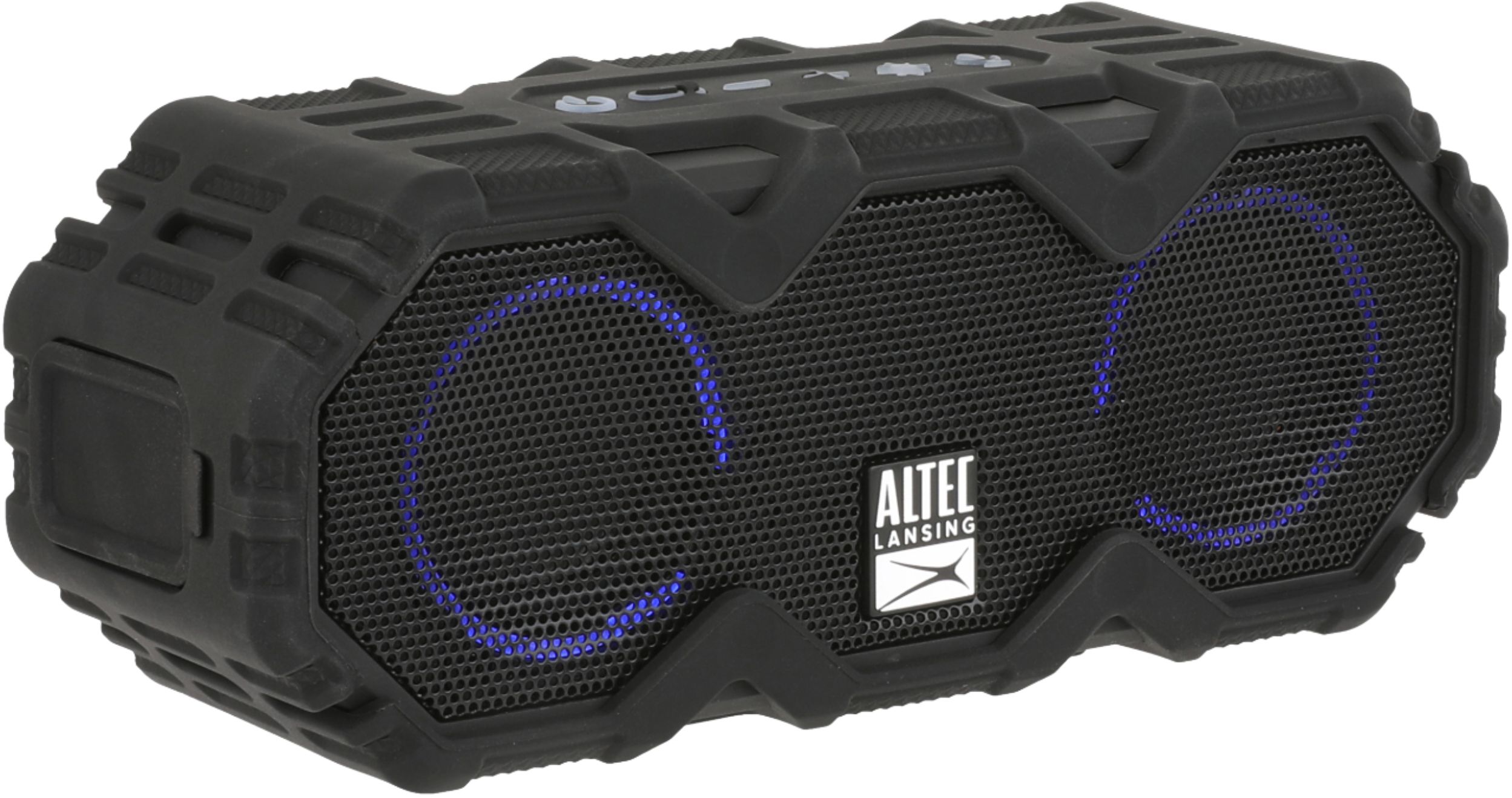
A:AnswerHi there - thanks for the question. If the Bluetooth button is flashing, it means it's not connected to a device. Please follow these steps to connect:
1. Turn your Bluetooth on
2. On the speaker, press and hold the power button through the welcome message. The Bluetooth link button will rapidly flash Blue and Red.
3. On your device's Bluetooth list, please select 'Mini LifeJacket Jolt' and click pair.
4. Wait a few seconds and your device should pair to the speaker and the link button should be a solid blue color.
A:AnswerHi there - if you're playing music the speaker will stay on. Unfortunately, if there is no music or activity with the speaker the speaker does have an auto-off function to save battery and this cannot be shut off.