A:AnswerThanks for the note. If your bike already has the CarPlay or Android icons built into the stereo, even without phone connected, then usually these devices will work well. You can certainly try the unit out and return it if it does not work. Feel free to contact [email protected] for trouble shooting.
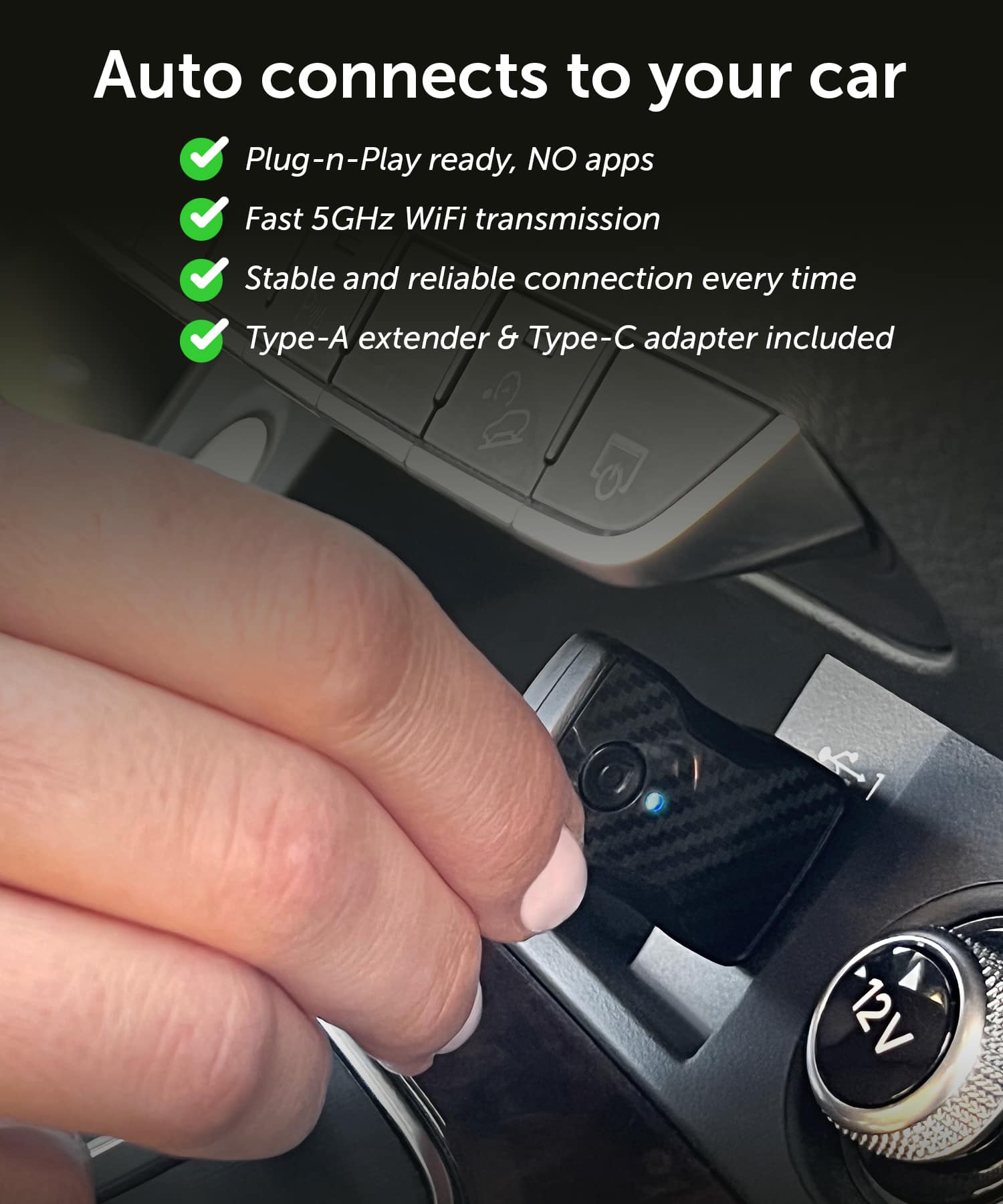
A:AnswerIn some cases not all USB ports are connected to the stereo for audio input. Some may be just for charging. So it has to be inserted into a USB port for both charging and direct connection to the stereo INPUT. If you get one be sure to try it out. You can always take it back if it doesn't work. We love them. Contact [email protected] if you need some tech help.
A:AnswerNot sure. I don't know enough about the Alexa Auto specs. If the CarPlay or Android Auto icon on your car shows even when the phone is not connected via USB cable then this should work well. Some vehicles only get the app from the high-speed USB connection on the phone. Contact [email protected] for assistance. You do get a 30-day return period with us and Amazon, and I think 14 days with Best Buy.
A:AnswerUsually they work best on models built from 2015 - 2025. You can try, but don't wait too long to take the unit back if the unit is not recognized by the vehicle stereo.
A:AnswerIt should work. As long as the icon for Apple or Android is showing on your stereo even with the phone not connected then you should be OK. Contact [email protected] if you need help.
A:AnswerIt might. In general models built from 2015 to 2025 work best. Try it out but don't wait too long if you can get the vehicle to recognize the unit.
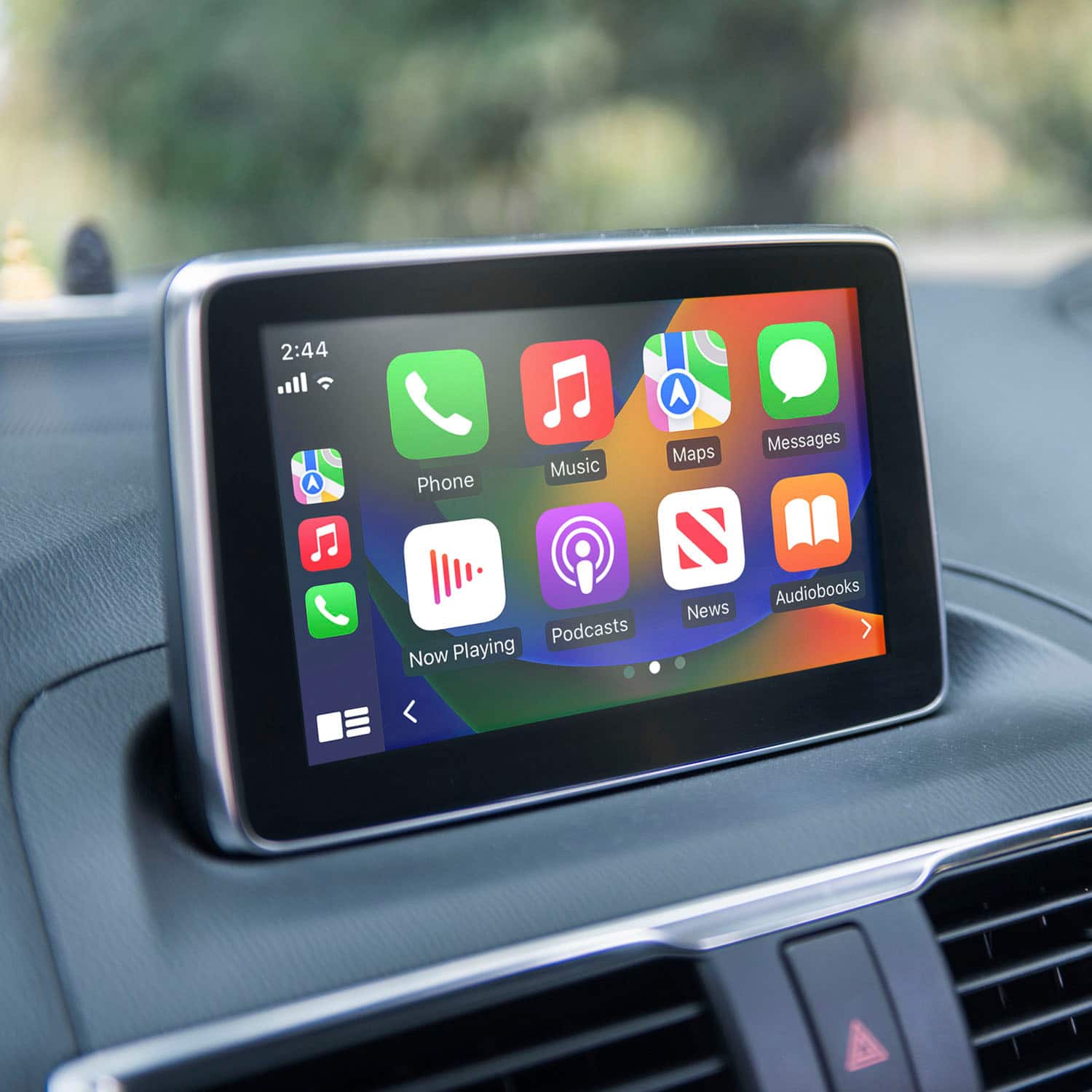
A:AnswerNot sure but I don't think so. It's mostly designed to show your music app, maps, and messages. If you try it out contact [email protected] if you have issues.
A:AnswerThis should work unless the Android and Apple icons are not built into the stereo even with the phone disconnected via USB. If you need further support just write us at [email protected].
A:AnswerMake sure your hands-free is turned on in the car. Then pair you phone with the adapter and see if that helps. Depending on how the vehicle's stereo had Bluetooth implemented it is possible that if the icon does not appear on the vehicle for Android Auto or for Apple CarPlay then the unit may not work. Be sure to test the unit with hands-free turned on and off before taking the unit back.
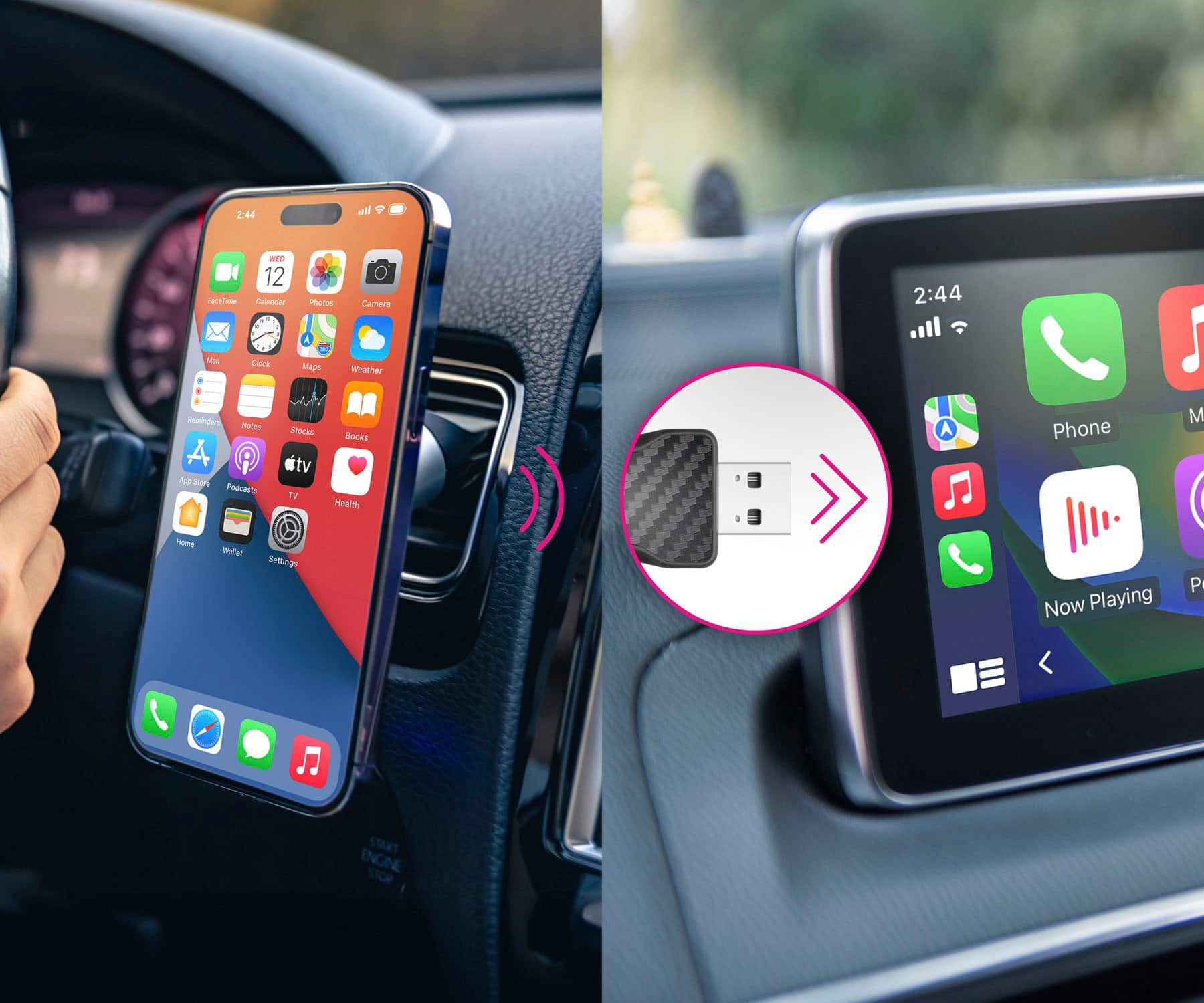
A:AnswerIf the CarPlay or Android Auto icon on your car stereo is showing even when your phone is not connected to the car via USB then you should be OK. Just connect via Bluetooth from your phone to the Aluratek adapter. Make sure to have hands-free turned on in the car stereo settings. Contact [email protected] for more information.
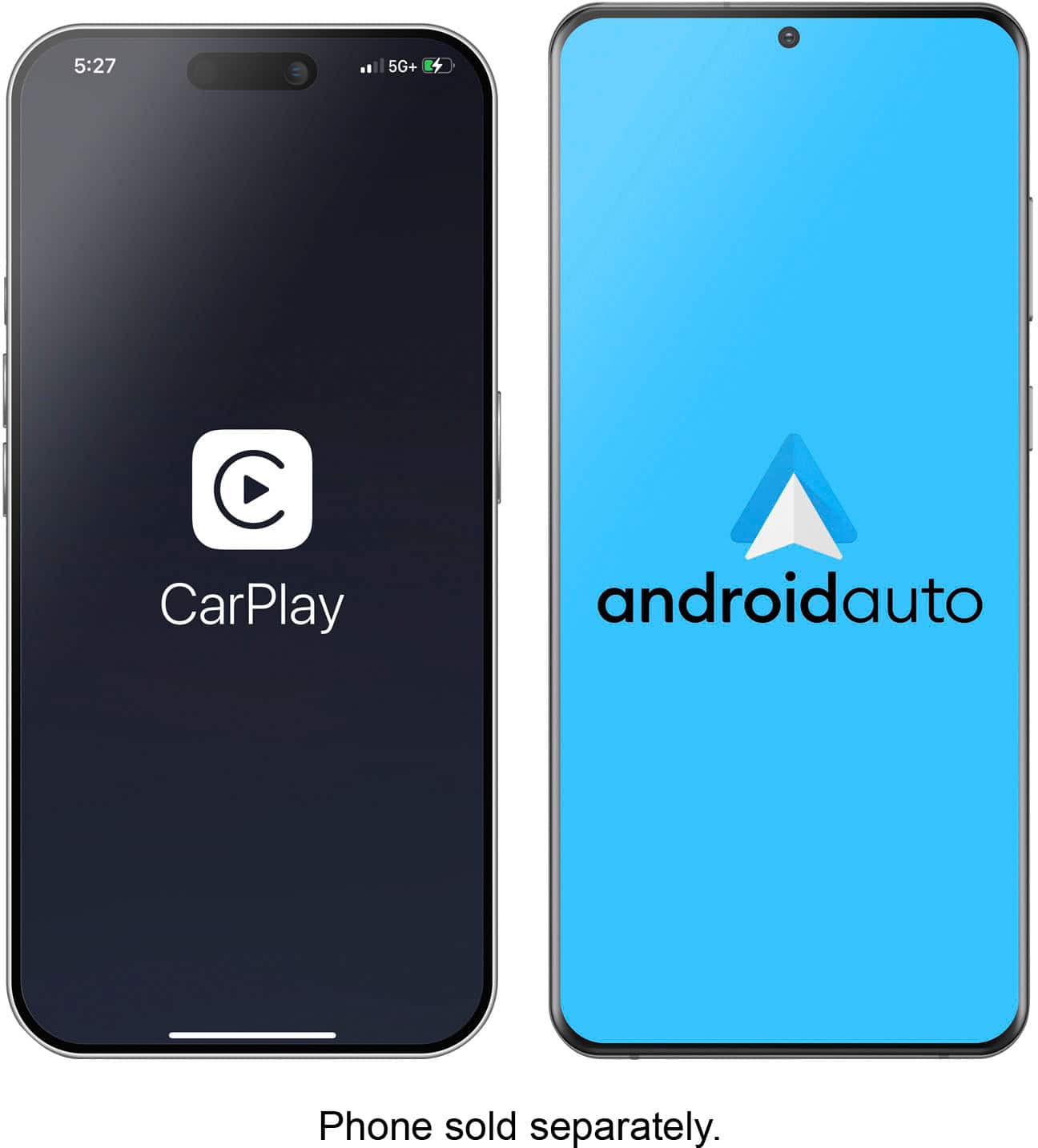
A:AnswerIt will work for the Apple CarPlay. Usually the Android Auto needs the Android icon and settings to be included in the stereo. Try it out and let us know if you need support. Contact [email protected].
A:AnswerIt should. If the CarPlay or Android Auto icon on your car shows even when the phone is not connected via USB cable then this should work well. Some vehicles only get the app from the high-speed USB connection on the phone. Contact [email protected] for assistance. You do get a 30-day return period to try out the product.
A:AnswerIt should work. As long as the icon is showing on your stereo even with the phone not connected then you should be OK. Contact [email protected] if you need help.