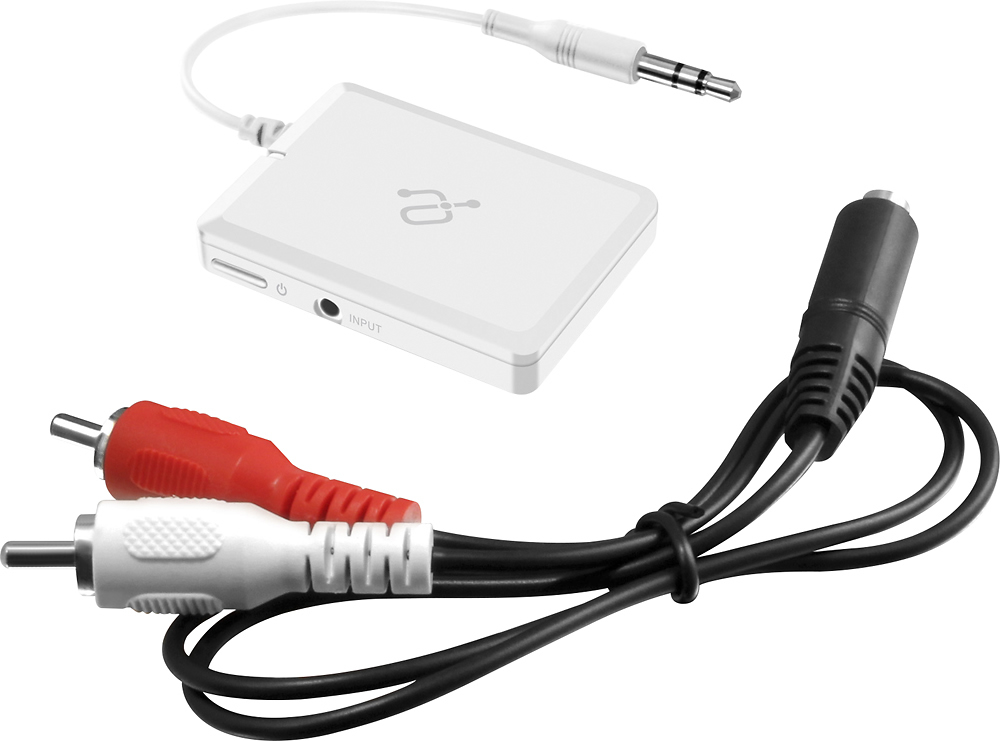
A:AnswerSince this is a transmitter, normally you will not able to see the name when pairing it. You just need to make sure the device you are trying to pair to such as a Bluetooth headset or Bluetooth speaker is in pairing mode and the devices will pair automatically.
A:AnswerI got this because my new car was not reading my old Ipod nano. So I read that I could make the iPod Bluetooth capable with this device then try to connect to my car that way. I couldn't believe it worked! Music came through the car speakers and everything!
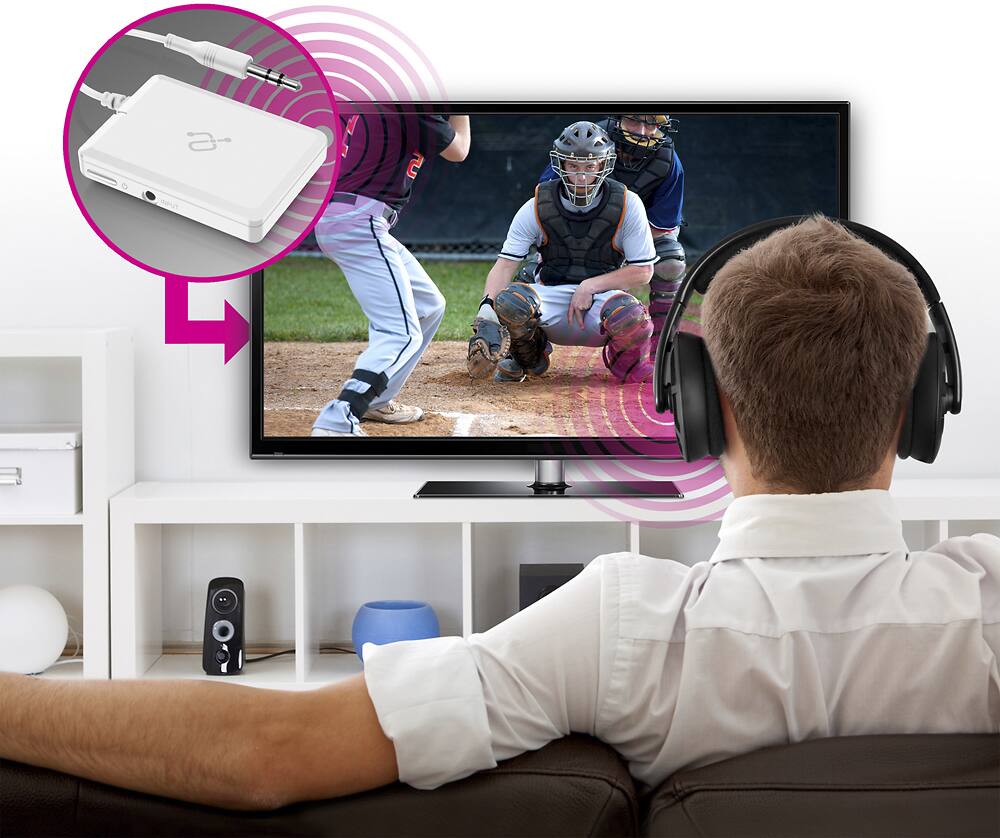
A:AnswerYes, if you have Aux/headset port on your TV, you can use this transmitter to send the audio to wireless headphones. For audio on the TV to work at the same time as the transmitter, please check the user manual for your particular TV model as some TV's allow the speakers to work at the same time but some TV do not.
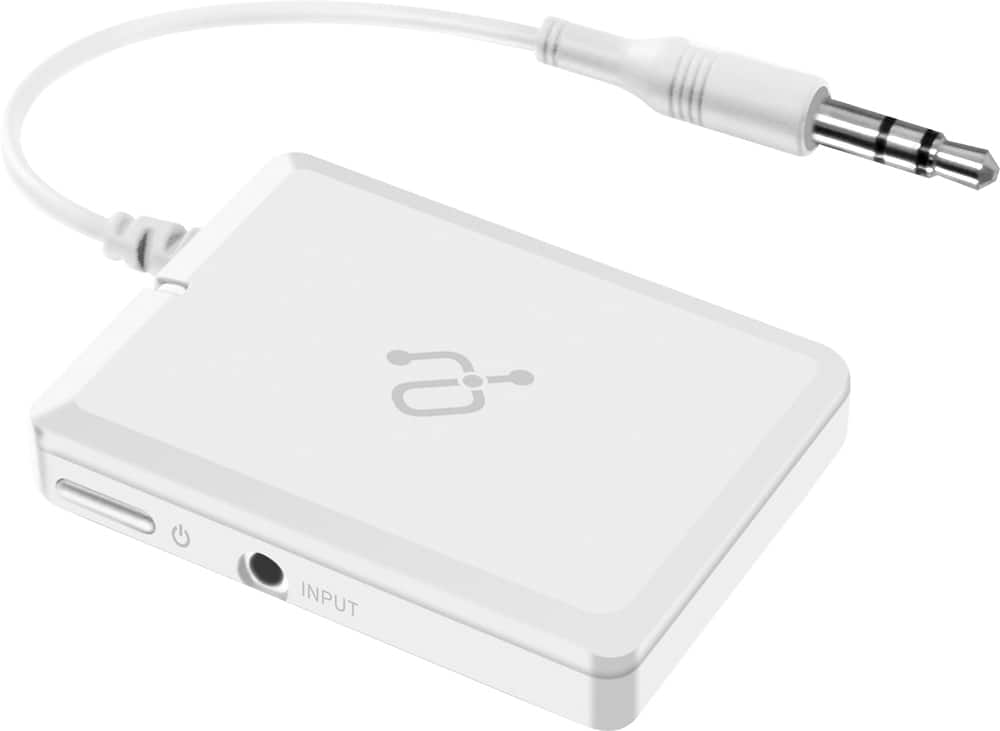
A:AnswerYou can use this with the Aux port on the controller but you will only able to listen to the audio from Xbox and not for communication because there is no microphone on this transmitter.
A:AnswerYes it will providing your hearing aids are A2DP profile compatible. This is the most common Bluetooth profile. However many hearing aid companies use a proprietary profile to only work with their BT units. So check with your earbud makers.
A:AnswerIt can but it depends on the connection profile that your sound bar uses. You may also need to reset the ABT05F. SImply turn the unit OFF, then hold down the Bluetooth button on the unit for 10 seconds. Then let go. Fully charge the unit (always best to charge with the unit turned off). Then pair again. It should hold the connection, but as I said, in some cases the profile they use to connect may be slightly different. In those cases you will have to pair each time.
A:AnswerThis is only for pairing with Bluetooth headphones that's why it won't pair with your phone, the instructions tell you how to pair the transmitter to any Bluetooth headphones just by putting them both into pairing mode and holding them near each other and they will connect
A:AnswerYes, as long as your hearing aids are A2DP profile compatible. Some hearing aids require a phone to connect, but you need to connect directly from the Aluratek to your aids and most likely should turn your phone's Bluetooth off.
A:AnswerYou can connect the transmitter to the headset/3.5mm output or RCA output on the TV that you connected the PS3 to stream the music to the Bluetooth speaker.
A:AnswerYou will need a Bluetooth Receiver, not a transmitter. Get the AIS01F BT receiver. That will work and pair to your phone. Or you can get our ABC01F. That unit can operate in TX mode or RX mode. You would use RX receive mode for pairing to the phone. Then hardwire directly into the stereo on your bike.
A:AnswerYou would need a bluetooth RECEIVER on the Peavey. This particular item is for transmitting only. And your iPhone would need a 1/8" stereo output jack.
A:AnswerOnly if you are trying to send the audio from the Bose to Bluetooth headphones or to a BT speaker. The ABT05F is a transmitter only. If you are trying to receive audio from a phone, tablet or computer and send that into the BOSE then you need a Bluetooth Receiver like the AIS01F or our ABC01F which can use both TX and RX mode.
A:AnswerThis unit is the ABT05F transmitter. You will need a BT receiver to send from phone. Get our AIS01F receiver, or get the ABC01F transmitter and receiver and just use it in RX mode. Phones can only pair to Bluetooth receivers. The receiver connects directly to your Stereo INPUT. That should work for you. Contact [email protected] if you need further setups tips.