A:AnswerI think there's no option to change that but I can suggest that when you set the recordings use weekly (so its just one time setup) & about the time just add 12 to set to PM. Ex. 1pm + 12 = 13:00. 2pm + 12 = 14:00 & so on & so forth.
A:AnswerNo, it only records over the air broadcast signals. It may record from the RF out on your cable box but that would probably be a SD signal, not HD. The similar Iview converter box records from some but not all cable systems.
A:AnswerI have three of these and a roof antenna / they work perfectly / the instructions are terrible but you can figure the basics out just keep trying
A:AnswerYou can type in the channel number manually for access to any channel, but I don't know of any other channels than the ones that the channel up/down buttons show me. Presumably it scans to know what channels are available? I tried some old channels that used to be in this area, but I guess they're no longer available as they don't lock onto any signal.
A:AnswerNO. Nor can you line up the channels in the LED to the channel you are watching, because the channel in the LED is the number of the channel in the download. That's OK because the channels in the TV guide are correct.
A:AnswerYes, as long as you're close enough to the broadcaster's towers to receive the over-the-air digital signals. It will NOT decode a cable feed - it's only for digital OTA, and requires an antenna be hooked up to receive the OTA signals.
A:AnswerI recommend you use USB thumb drive, generally 32Gb or 64GB in size. The box has to format a portion of the drive to FAT32 for recording. So anything larger could be an issue with format or may just not work at all. A 32GB drive will provide plenty of recording time and you can backup the recordings onto your computer for later storage, freeing up space as you record me. I use a 32GB FAT32 drive.
A:AnswerI bought this and it died completely after less than 6 weeks. You'll have to send it back to Aluratek (at your expense) for a replacement. Terrible product. Terrible company.
A:AnswerMine died in less than 6 weeks. I had to send it back to Aluratek (at my expense) since the 30 day return window had passed. AWFUL product. AWFUL customer service (they were very rude). AWFUL company.
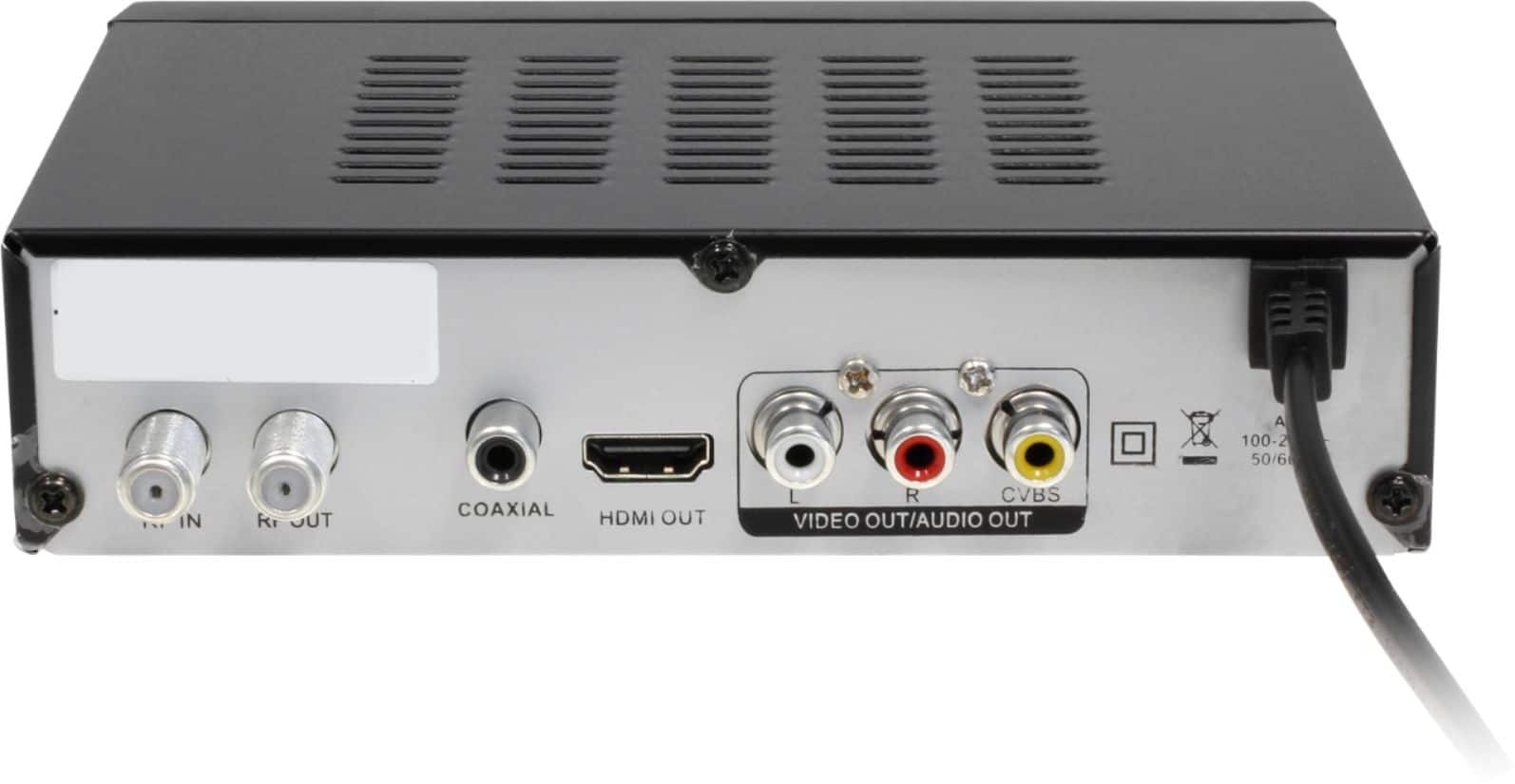
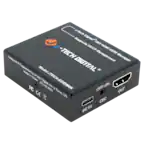
A:AnswerIt should. You do not need cable for this box. You connect an indoor antenna to this unit then connect the HDMI or RCA (red, white, yellow) cables to your TV input. Boot up, run a channel search, and the unit converts your local TV channels. It should work on your projector too as long as you have the correct input.
A:AnswerThat's what they claim but it's limited to channels within the parent channel, i.e. CH2, CH2.1...2.5. You can't watch channel 5, as an example while recording CH2.x The only way to watch CH5 is to change the TV's input to TV, assuming you're using only an OTA. Meanwhile, the PVR is recording whatever channel it is tuned to. My PVR is connected to the TV via HDMI, which is it's own input; toggle between the 2, no problem.
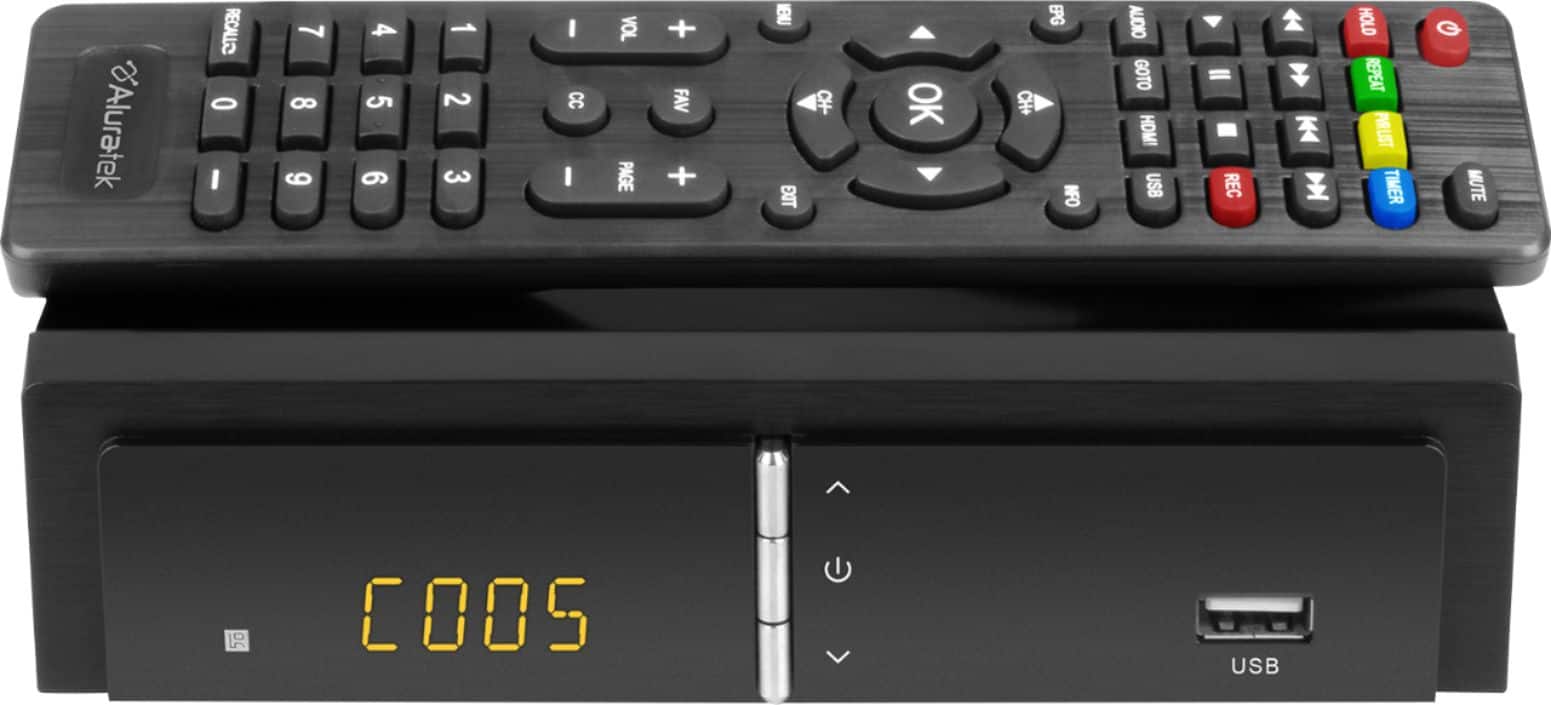
A:AnswerGo to your remote, tap on USB. This will bring up the MULTIMEDIA menu. Arrow over to PVR, hit OK. This will bring up your menu of everything on your USB drive. Here you want to look for a folder called HBPVR. Go inside that folder and here is where you will see all your recordings. Arrow up or down to choose a recording. Hit OK to watch. If you wish to see the recoding in full screen mode tap the HOLD button on the remote control. Tap again to go back to the small window. If you wish to delete a recording you tap the EPG button on the remote. This will place a check mark next to the recording you wish to delete. Tap OK and a confirm box will open on the screen. Tap OK again to delete.
A:AnswerYes. It should convert the signal so you can see NTSC channels. If your going to use this as nothing more than a converter box then it's good. Try to use it as a recorder, then it's not a good choice.