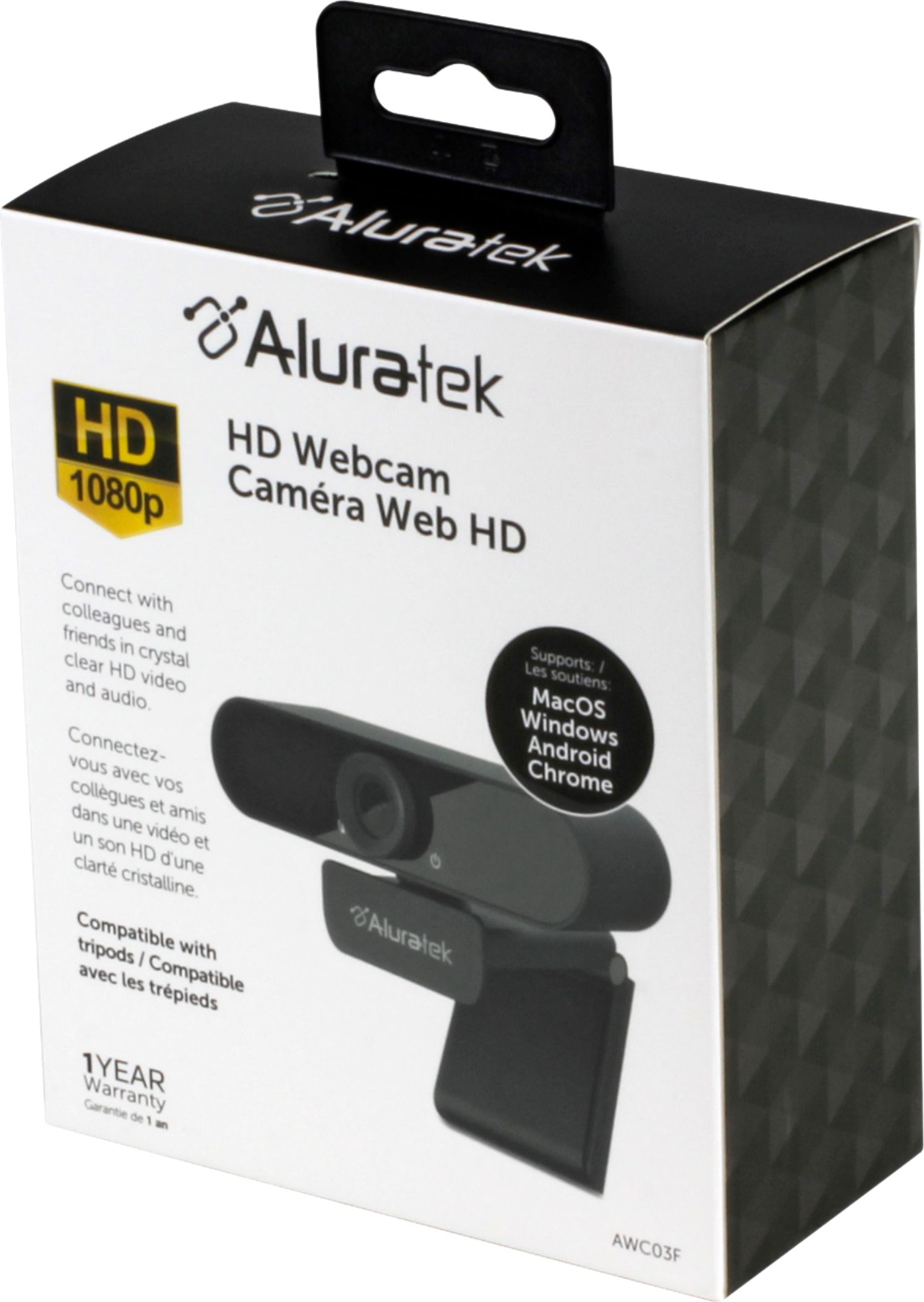
A:AnswerYes. It crashes on almost every meeting usually after 10-20min. On Teams it creates an echo and then crashes. Zoom mostly works but Google meet usually crashes.
Never buying this brand again!
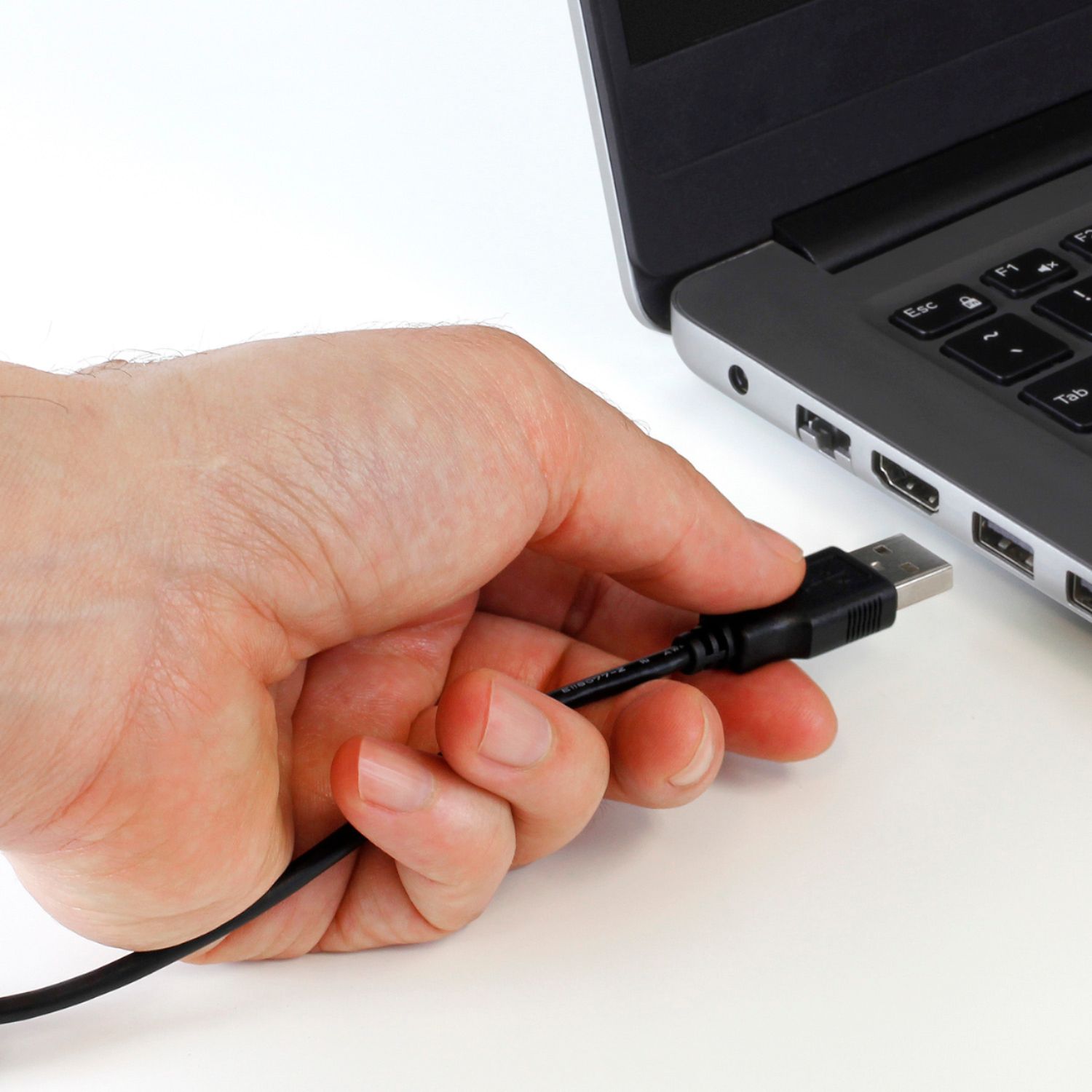
A:AnswerOn our computers, first a Dell now an HP, running Windows 11, it simply uses the Windows camera driver. We never had to download a separate driver.
A:AnswerThis camera says it's compatible with Xbox. But doesn't state specifically if it is Yuy2. You’ll need a webcam that has a YUY2 or NV12 format to broadcast with it. Most Logitech and Microsoft LifeCam webcams have this format. If you’re not sure which format your webcam has, check with the manufacturer.
A:Answer1. communicate by video and audio with friends and family
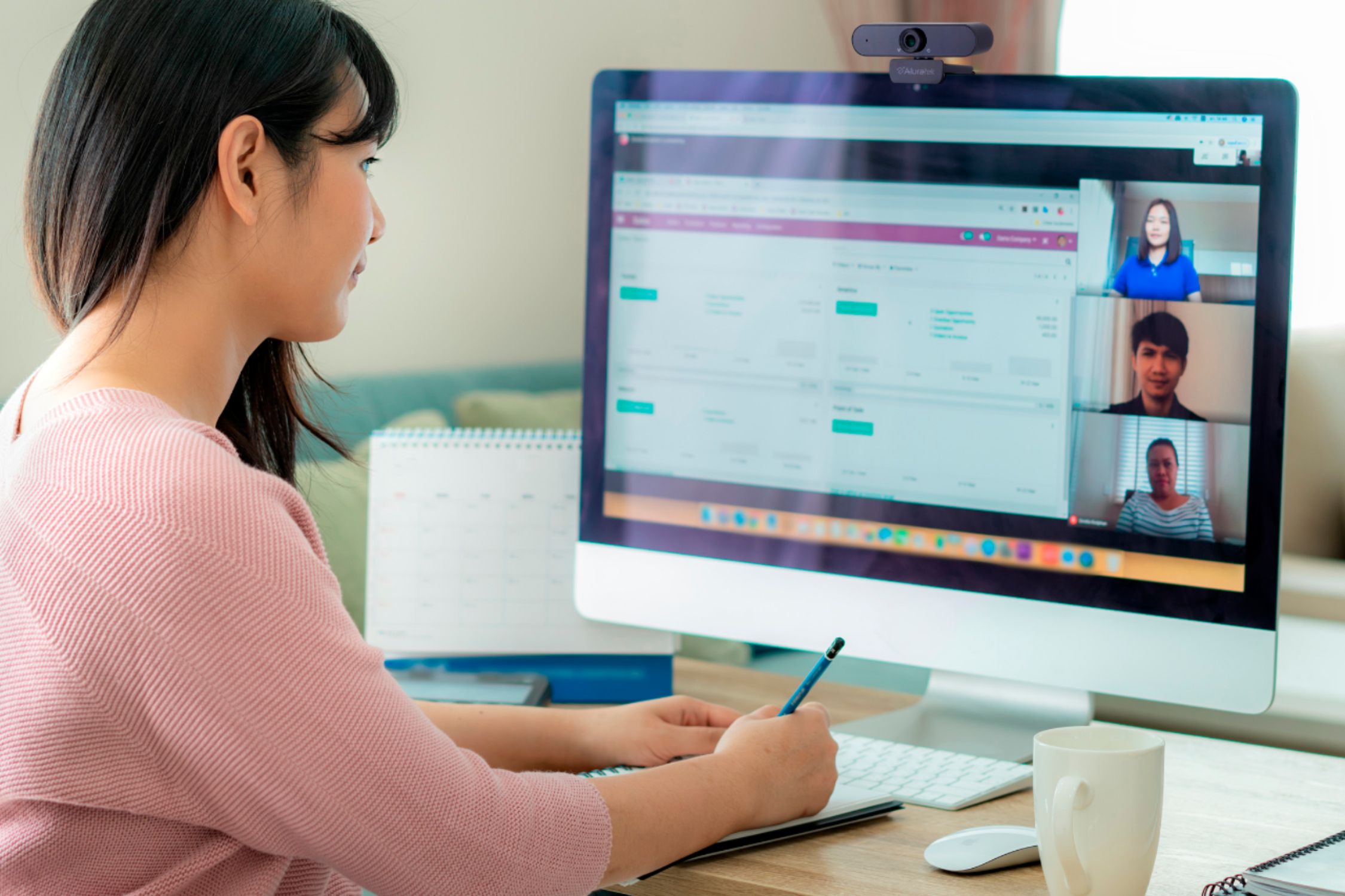
2. use for remote meetings for work
3. Use for creating your own content with audio and video
4. monitor your home (little more complex to setup if you never have)
5. take still pictures for whatever purpose
A:AnswerThis webcam does not come with software. It is intended to be used with Zoom, MS Teams, Skype or any other video application. The cam comes with install instructions.