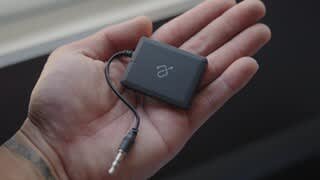
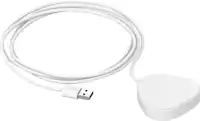
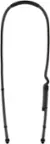
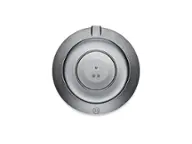
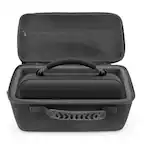
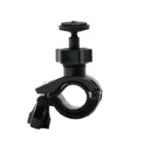
A:AnswerA micro usb cord powers the unit (Included with purchase) I plugged the usb end into a usb cigarette lighter socket inside my arm console. Everything is tucked away clean and easy.
A:AnswerThe unit is charged using the included micro USB cord. I use the 12v charger in my car Will not charge using the audio jack.
Do have an issue with a hum when audio signal is not being sent from my phone.
A:AnswerIf you're planning on using this device to hook up the TV to an amplifier, then likely yes. It depends on what kind of audio inputs your amplifier has. I have never seen an amplifier that doesn't at least have RCA input. I have seen several amplifiers which have stereo 3.5mm inputs. So the answer is... It depends... On what you're going to connect the TV to.
A:AnswerThis product is an audio RECEIVER only; not a transmitter. For your purpose you will need an Aluratek Bluetooth Wireless TV Streaming Kit (transmitter) model ABT01FKIT. I've used this transmitter for that purpose. Need to turn off TV speakers to get around the inevitable echo.
A:AnswerIn short I do not believe it does support the iPod classic mainly because if I'm not mistaken the iPod Classic does not have a Bluetooth transmitter.
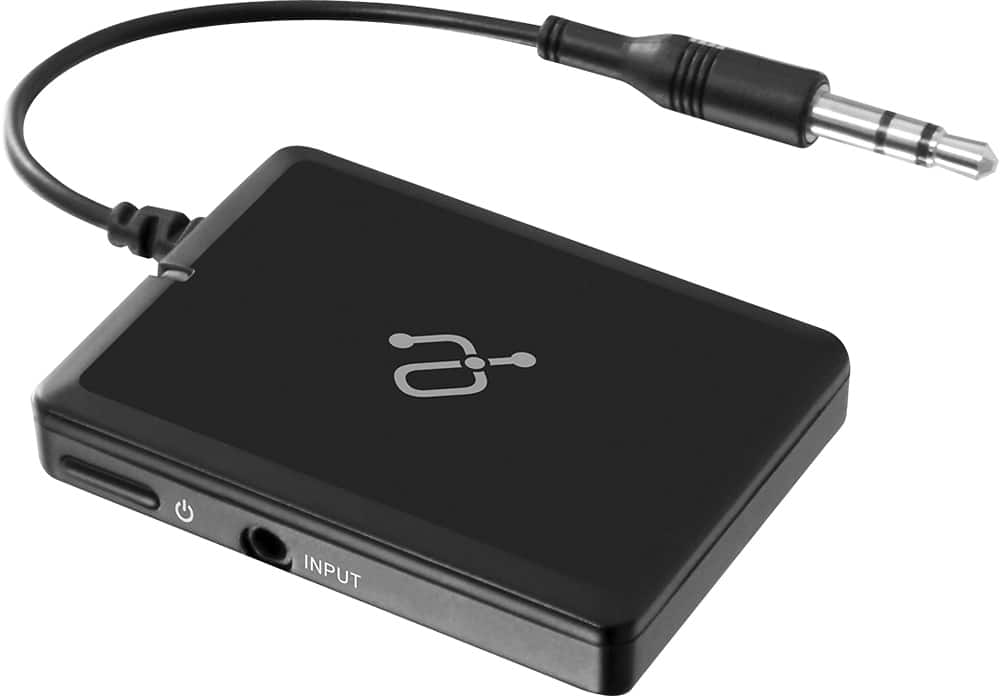
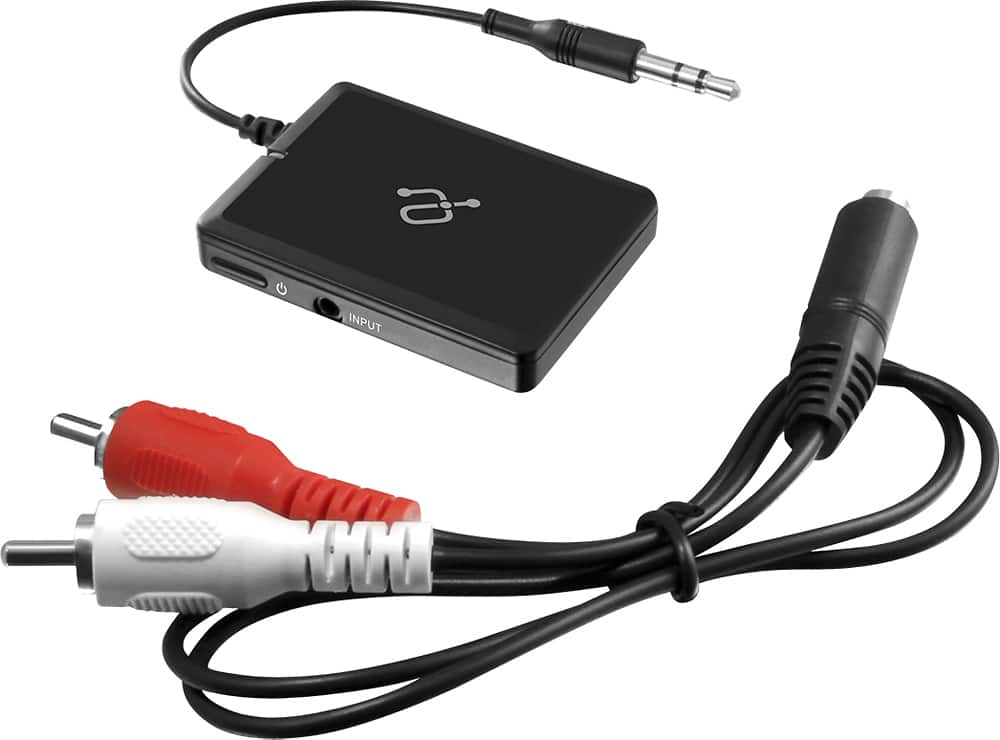
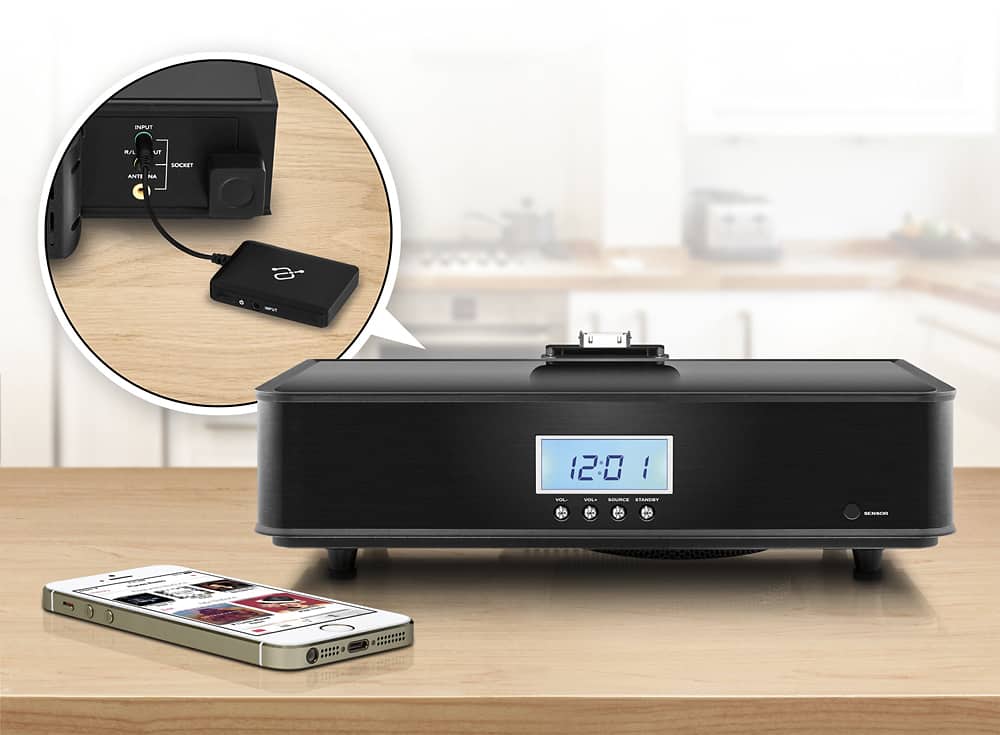
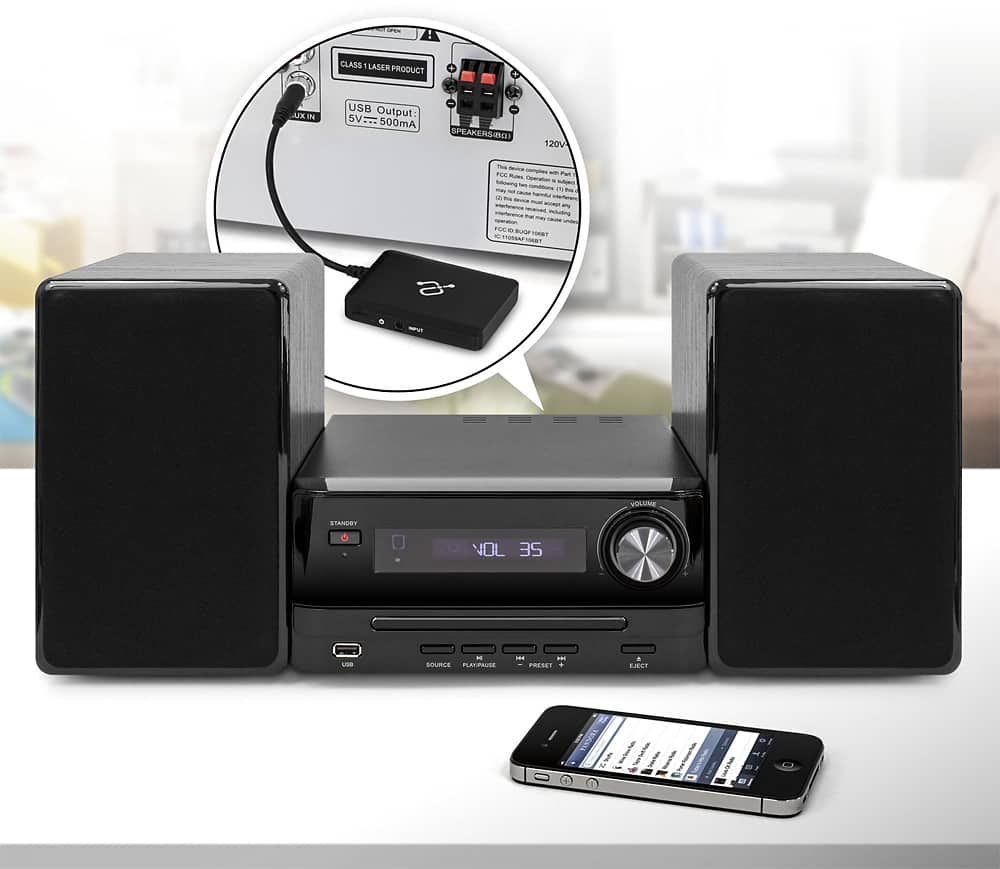
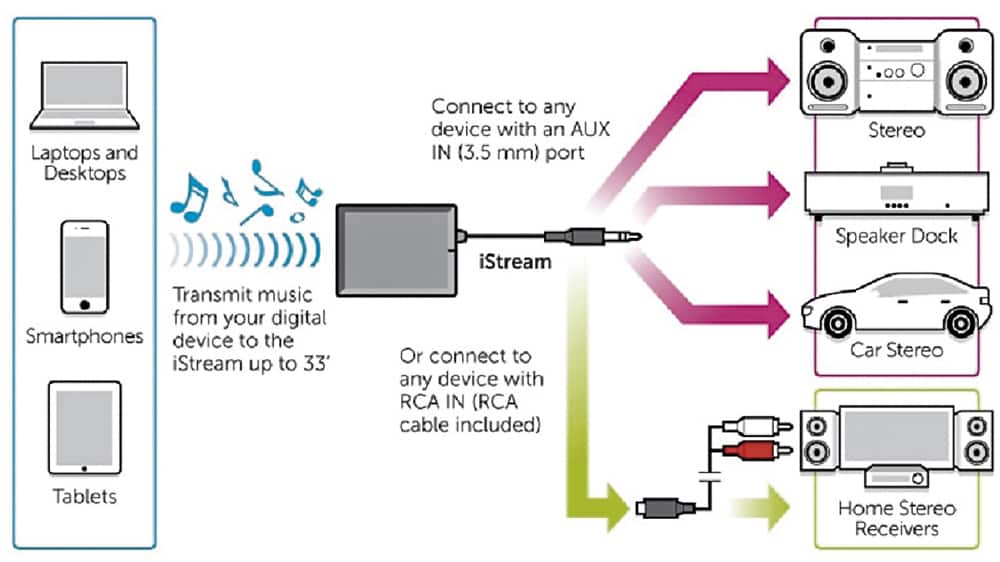
This is a Bluetooth receiver to auxiliary adapter essentially. It is designed to be plugged into your auxiliary port on a stereo or car stereo auxiliary headphone jack like most car stereos have. Like me if you do not have a newer sound system in your car but have the auxiliary Jack this works perfectly and you can pair it to any mobile device that has Bluetooth capability. It pairs just like pairing a Bluetooth headset to your phone. Very easy to use and we'll work on Android and Apple alike As Long as That device has Bluetooth.
A:AnswerUSB. There should be a USB cable that comes with the unit. Connect the small end to the unit (usually microUSB) and connect the type A end to a wall outlet adapter or to a computer USB port. It needs 5 volts to charge. So even a USB port on a TV will charge the unit as long as the TV is on. Contact [email protected] for more info.
A:AnswerYes, it should. The iStream is a Bluetooth receiver which is what you need to connect to a phone. Charge the unit, turn on and once it goes into pairing mode you will connect with your iPhone's Bluetooth. You need to go to Bluetooth settings on the iPhone and when the AIS01F model number shows you tap on that to connect. Now you put the receiver into an INPUT on your stereo. Contact [email protected] if you need further assistance.