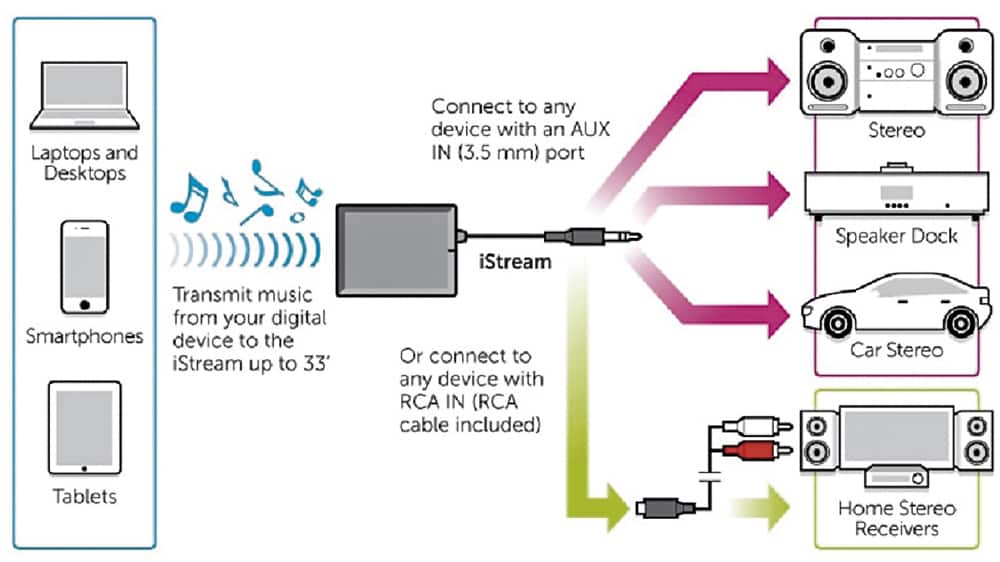
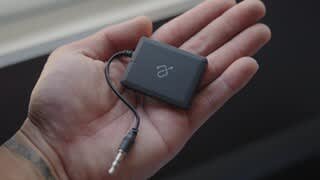
A:AnswerI'd say no. This device only plays music into the device that it is plugged into. If you had a device each plugged into each of the boats, it could be possible for them to both play from the same source
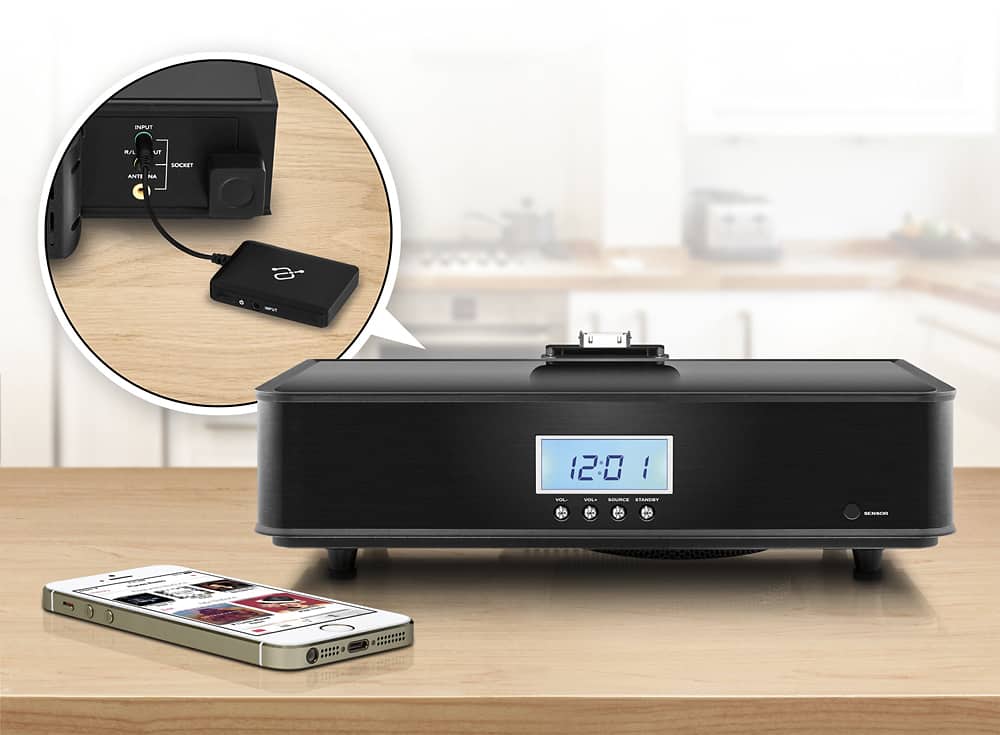
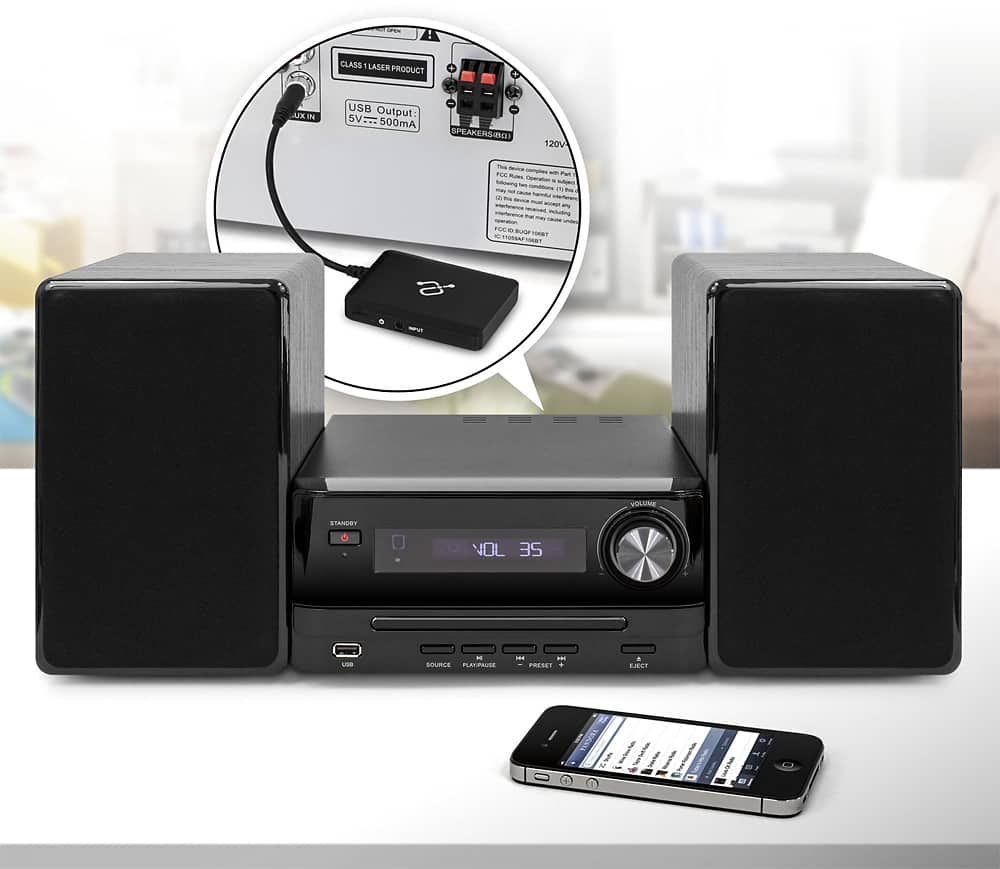
A:AnswerIf your receiver has an 1/8" audio input port, then yes. Remember that this device is a receiver as well via bluetooth and the connector is for an input on your device not an output. And, if your receiver has only a 1/4" input say for your headphones, you can buy an adaptor that will have an !/4" male to 1/8" female so you can then use the Aluratek.
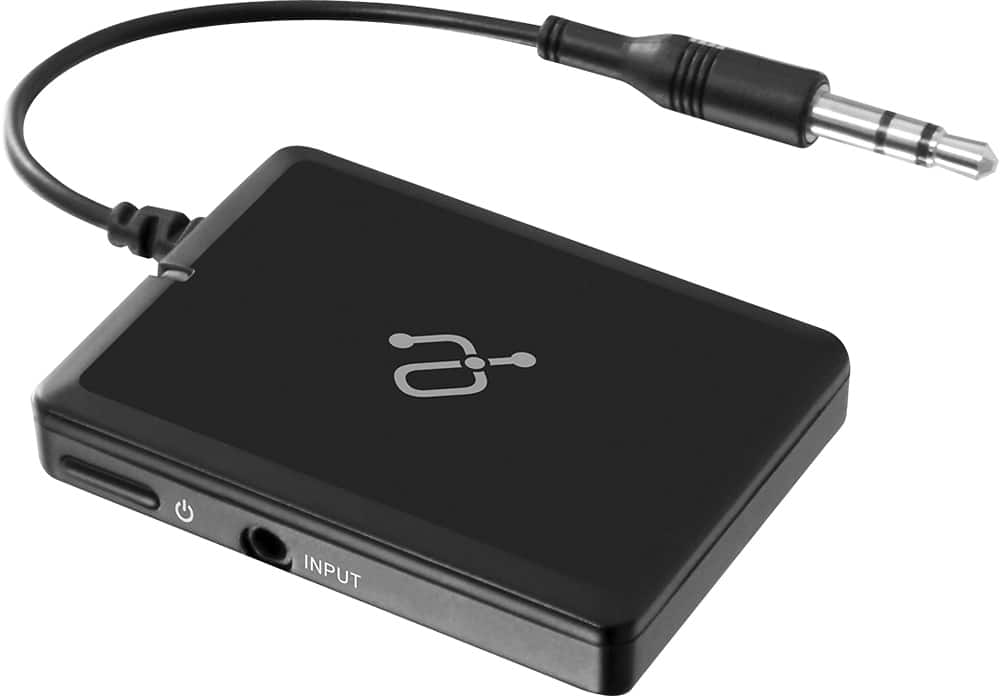
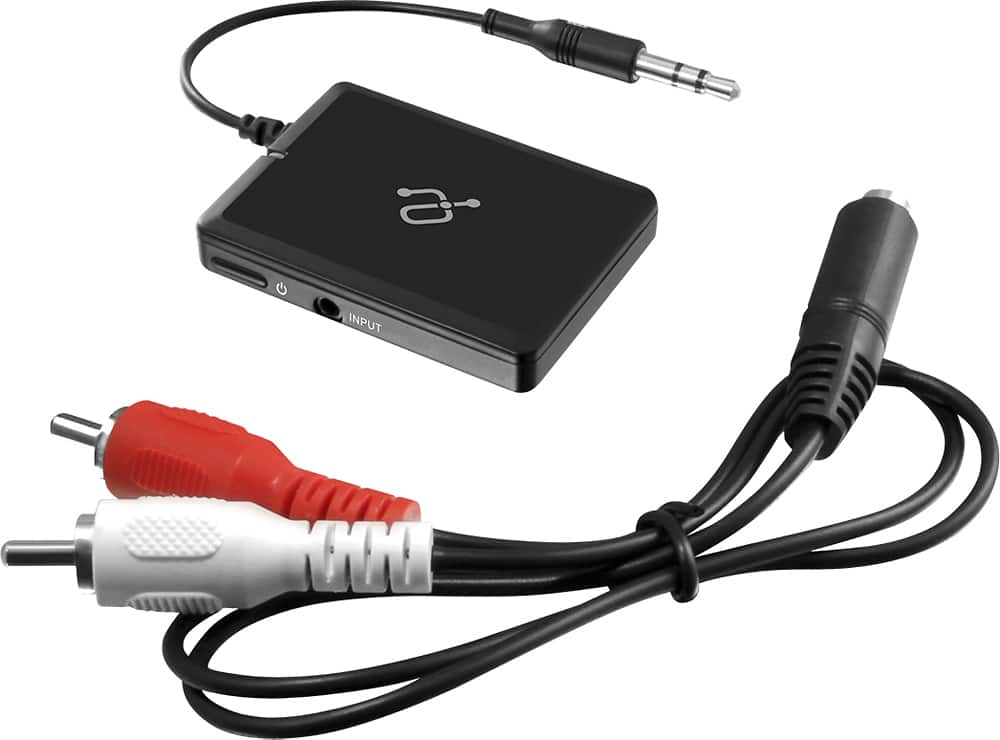
A:AnswerI would think you would want to plug it into inputs rather than the headphone jack which is an output. My receiver has video inputs on the front with both left and right channels. A cable is included with the Bluetooth devise that splits from the 3.5 mm jack into the 1/4” inputs. Very happy with the way it works.
A:AnswerI had difficulty at first with no sound when using my MacBook. I had to change the output from the built in speakers on the MacBook to the devise. I was baffled at first myself, but it works very well even though some sound quality is lost which is expected. I also use the video/aux in jacks on the front of my receiver. Not sure if the head phone jack will work as an input.
A:AnswerYes, to receive a bluetooth signal. Note, however, that you might be wanting a bluetooth TRANSMITTER if your gial is to send your computer's sound to a Bluetooth-enabled speaker or headphones.
A:AnswerYes you need to get a Cable it will have two male RCA on one end of the cable and the other end of the cable will have a female 3.5 mm inlet that will hook up to the bluetooth for your reciever