A:AnswerHello Wayne! You can try a couple different options to troubleshoot. You can go to Settings>Alexa>Wakeword and verify that "Alexa" is selected as the word to use to wake Alexa. Next you could check to make sure you have the latest software version by going to Settings>Device & Software>About>Check for Updates. Lastly, you can power cycle your TV by going to Settings>Device & Software>Restart. This will shut it down and bring it back up like rebooting a computer. If none of that helps and you have confirmed that the Mic button is on, then I would recommend contacting Amazon Customer Support for them to be able to troubleshoot your specific issue further. I hope this helps and that you have a phenomenal day!
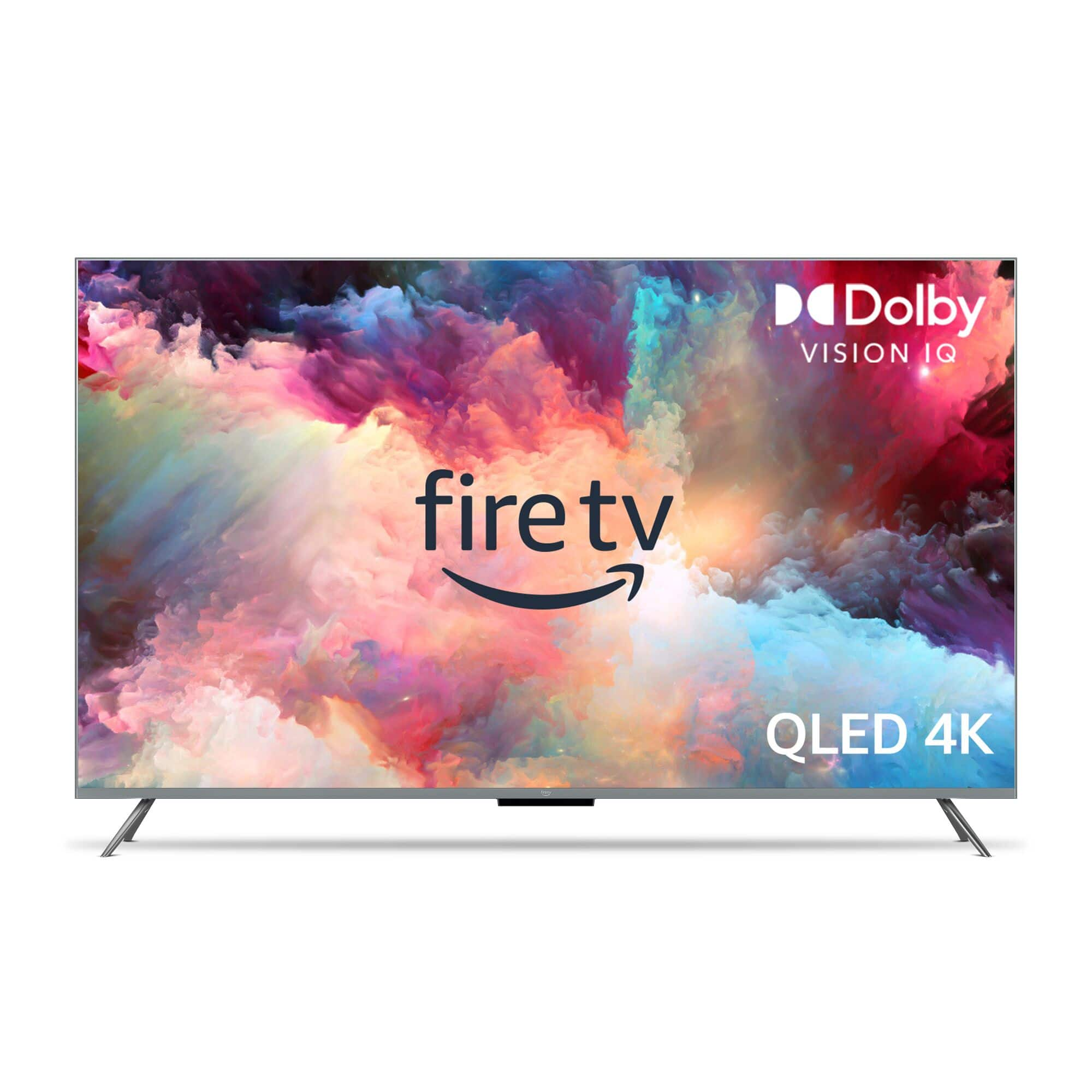
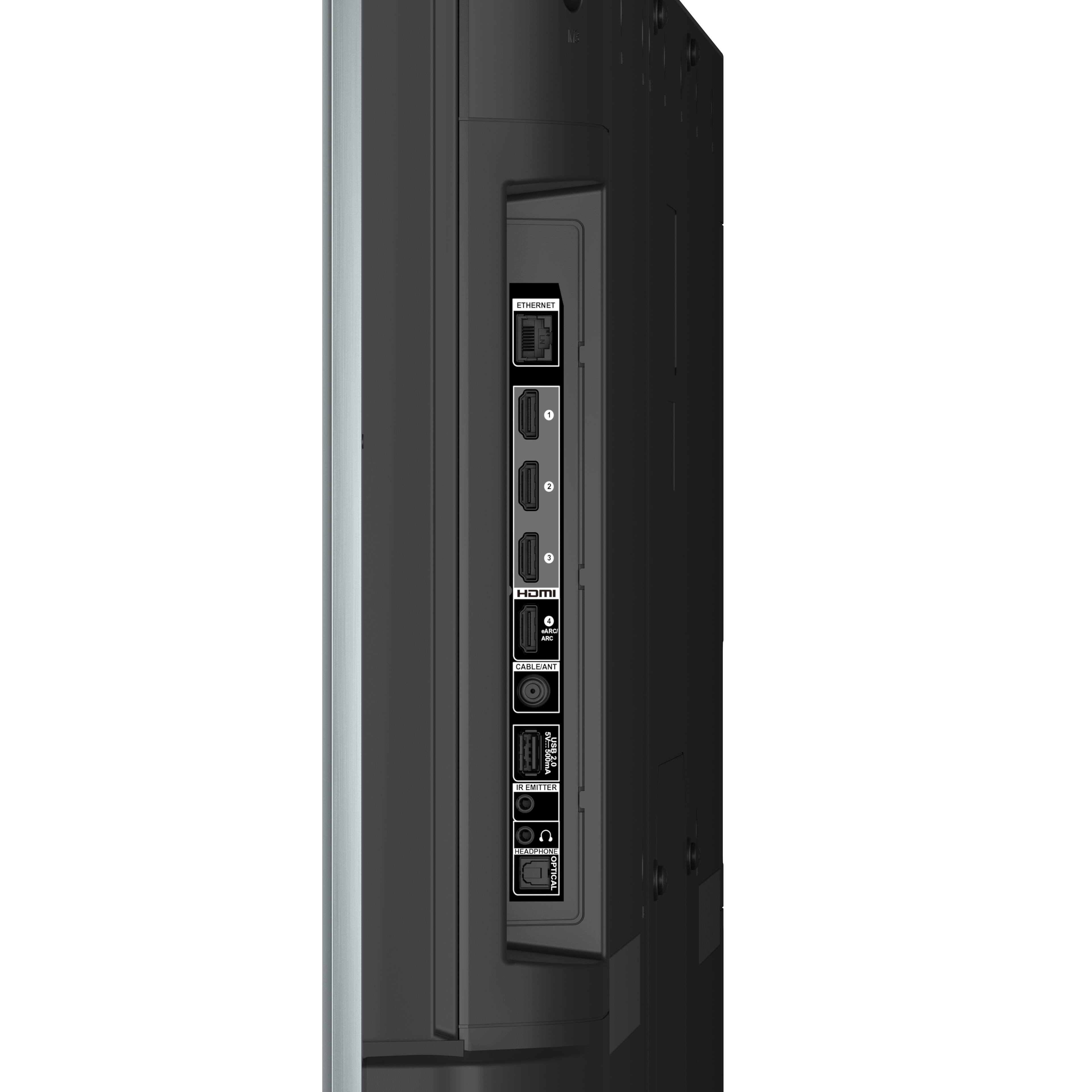
A:AnswerHello! This TV doesn't have a tuner built in, however, there is another way to watch live TV on this TV. You can watch live TV on supported apps and browse what's airing from the Fire TV home screen or the Live tab. Some apps do require a paid subscription. To watch live TV on your device: 1. Download apps that offer live TV content from the app store. You can also pair a Fire TV Recast to watch over-the-air TV. 2. Browse what's currently airing from the On Now row on your Home screen or the Live tab. You can also use the channel guide button on your remote. The panel is a QLED LCD. Have a great day!