DoorBOOsters are hereExclusions apply. Ends 11/2/25.Shop now

Main Content

Questions & Answers

Your price for this item is $119.99
Clearance
The comparable value price is $149.99
Page Showing 41-60 of 395 questions
  • QuestionWhat is the serial number to this item

    Asked by Shebe.

  • Questionis it possible to get live tv on these? Not streaming, but actual live shows.

    Asked by myshka.

    • Answer Yes when it works good luck

      Answered by DeeDee

  • QuestionHi! Is there a way my child can use Zoom and Rodblox at the same time? The zoom with her friends logs her out if she starts playing the game. Anything can be done so this does not occur?

    Asked by Anonymous.

    • Answer Hello and sorry to hear you're having issues with Roblox and Zoom being used at the same time. For further assistance on this please contact Amazon customer service to assist personally with your situation. I hope this helps and that you have a tremendous day!

      Answered by Amazon Devices Customer Support

  • QuestionCan you set up email and can you shop at stores like kohl’s and target

    Asked by Grandmamary.

  • QuestionHow long can a battery last with continuous movie play?

    Asked by cglover.

    • Answer Hello, cglover! The battery on the Fire HD 10 will last up to 12 hours of reading, browsing the web, watching video, and listening to music. Have a great day!

      Answered by Amazon Devices Customer Support

  • QuestionDoes this particular tablet have a built-in Wi-Fi?

    Asked by Anonymous.

    • Answer Hi there, This tablet runs on Wifi, but does not have its own signal. You would need Wifi in the home or business to be able to connect this tablet to the internet. Hope this information helps. Have a great day.

      Answered by Amazon Devices Customer Support

  • Questionis facetime available?

    Asked by Anonymous.

    • Answer FaceTime is an Apple only app and not available on Fire Hd 10… If your looking to make vid calls with the Fire Hd 10 consider Skype because it’s available on Fire OS, Android, Google Chrome, and IOS

      Answered by TechJunkie

  • QuestionIn order to get Wifi, I would need to be around Wifi or add Wifi to the tablet with a carrier, correct?

    Asked by Alli.

    • Answer To my knowledge Fire Hd 10 does not have a cellular option so you would have to use WiFi-Hotspots and you can use your internet provider to find out where those hotspots are.

      Answered by TechJunkie

  • QuestionDoes this have bloatware like amazon apps that cannot be uninstalled?

    Asked by Josh.

    • Answer Yes, if you're tech savv you can find a utility (which I don't think I can mention here) that will help you with that. It would of course void your warranty but honestly even with the Amazon bloat it's not a terrible device.

      Answered by Hemalurgist

  • QuestionCan I attach a keyboard?

    Asked by Tina.

    • Answer I have no idea . Maybe through a micro usb ? Doesn’t look like it would be much of an office type tablet.

      Answered by Great

  • QuestionIs this tablet 2.4 or 2.5+5 ghz?

    Asked by Rick.

    • Answer Hi Rick, The Fire Tablets will operate on 2.4 or 5 ghz Wifi. Hope this information helps.

      Answered by Amazon Devices Customer Support

  • QuestionCan you increase the memory?

    Asked by Sunromer.

    • Answer By way of the microSD port, yes. I have a 32GB card installed in mine to expand the memory.

      Answered by Tigerhawk30

  • QuestionI’m thinking of getting this for my son. Are there parental settings so that I can restrict his web usage and what apps he can download?

    Asked by Stumpy900.

    • Answer Hello Stumpy900! With parental controls, you can help keep your child from accessing certain things, avoiding accidental purchases, and set time limits with on-device controls. Here are the things the parental controls let you restrict access to: -Web browsing -Email, Contacts, and Calendar apps -Purchasing from the Amazon Store or Amazon Shop app -Playing titles from Prime Video -Specific content types or titles (for example, books or apps) -Wireless connectivity -The camera -Location-based Services You can also use the daily curfew option to schedule when your child can use the device. Enabling Parental Controls does not remove Mature or Adult-rated content from the device. You may encounter such content in Apps and Games, Music, and Books, or in Amazon store search results. To restrict the content available on the device, you can: -Create an Amazon Kids+ child profile and select which apps and content are available to that profile. -Block access to content on the device (for example, "Apps and Games," "Books," and "Music") by going to Amazon Content and Apps menu under Parental Controls and selecting the button next to each category to say Blocked. I hope that information helps! Have a great day!
      Answered by Amazon Devices Customer Support

  • QuestionIt appears this Kindle comes with a case if purchased from Amazon at the same price. Does it come with a case at Best Buy?

    Asked by Villager.

    • Answer Hi Bill! This tablet does not come with a case unfortunately. Sorry about that. Have a great day!

      Answered by Amazon Devices Customer Support

  • QuestionWondering if the Amazon Fire HD 10 is compatible with square products. Thank you.

    Asked by DawnFC.

    • Answer Hello DawnFC! Thank you for your question regarding Square products and our Amazon Fire HD 10 compatibility. Currently, at this time, Square's apps are not available on the Amazon Appstore nor are the products compatible on any of our Fire OS lineup. Thanks again for your interest and I hope you have a great day!

      Answered by Amazon Devices Customer Support

  • QuestionCan I read my nook books on this fire?

    Asked by lucillemagill.

    • Answer Hi Lucillemagill, Unfortunatley Nook books are in a format that is not one that a Kindle can read, but I did a little digging around and did find this info: While Amazon's Appstore doesn't offer apps from competing bookstores such as Nook or Kobo, it does offer third-party reading apps. One of the most popular is the Aldiko Book Reader. This app has a free version and a $2.99 premium version that supports EPUB and PDF formats as well as Adobe DRM-encrypted e-books. Hope this info helps. Have a great day. While you do have to take the extra step of loading your non-Amazon books onto your Kindle, an Amazon-approved third-party book reader is an easy solution.

      Answered by Amazon Devices Customer Support

  • QuestionCan you bluetooth speakers ?

    Asked by Jim.

    • Answer Hi Jim, Yes, you can use this to connect to a Bluetooth speaker, and then the sound would come out of that said speaker and you could talk to the Alexa to change what is being played through the Bluetooth speaker. You can also Bluetooth to it, and play music from your phone through the Alexa if you have a play list that you do not want to play through a streaming app from the actual Alexa. I hope this info helps. Have a great day!

      Answered by Amazon Devices Customer Support

  • QuestionCan you download windows & Microsoft Word?

    Asked by MeeMee.

    • Answer Hello, Windows is not available for download via the app store, nor is MS Word. The tablet does not have the proper operating system built in like a computer to have that perform at its best. I hope this info helps. Have a great day.

      Answered by Amazon Devices Customer Support

  • QuestionDoes this have Google Maps and or GPS System

    Asked by Mj.

    • Answer Hi MJ, You can access Google Maps via the web browser on this tablet. For a GPS, there is not a GPS switch to turn on and off via the toggle button in settings like in a phone, and must have Wifi to access internet. But if you put in the two points in Google maps while on Wifi, you would get the directions. Hope this info helps. Have a great day!

      Answered by Amazon Devices Customer Support

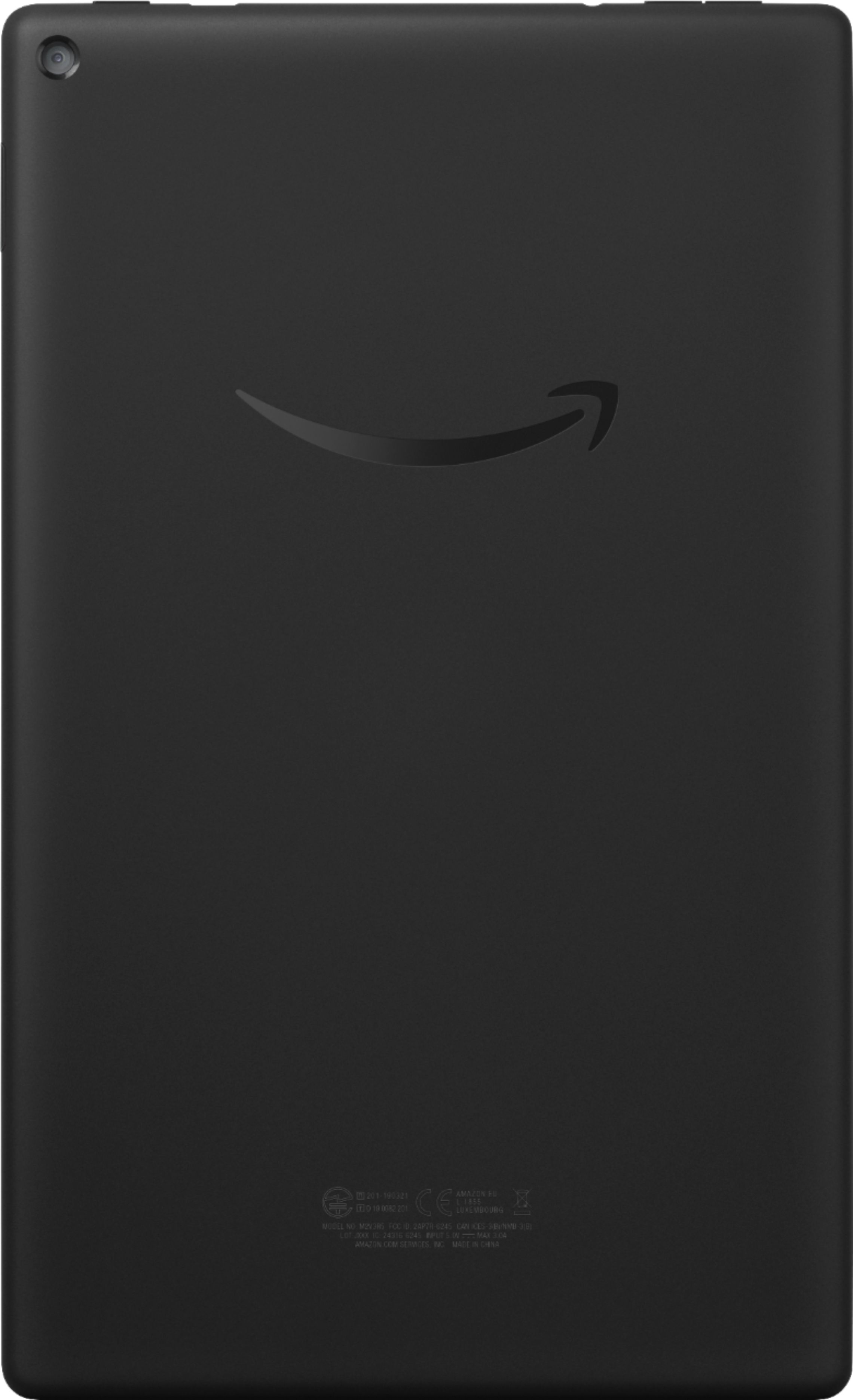
  • QuestionDoes the camera have flash?

    Asked by Anonymous.

    • Answer Hi there, The front and rear camera on this device do not have a flash. I hope that info helps. Have a great day.

      Answered by Amazon Devices Customer Support