A:AnswerYes... the case will recharge the batteries several times... before you need to recharge the case itself. While they last 4+ hours when used together.. i occasionally use one at a time.. especially during the night.. and then get 8 hours of uninterrupted use.
A:AnswerHello Lois, this is a standard tablet with a backlit LCD display. You can adjust the brightness by swiping down from the top of the screen or going into the settings.
Hope that answers your questions, have a great day!
A:AnswerHi Shadowman,
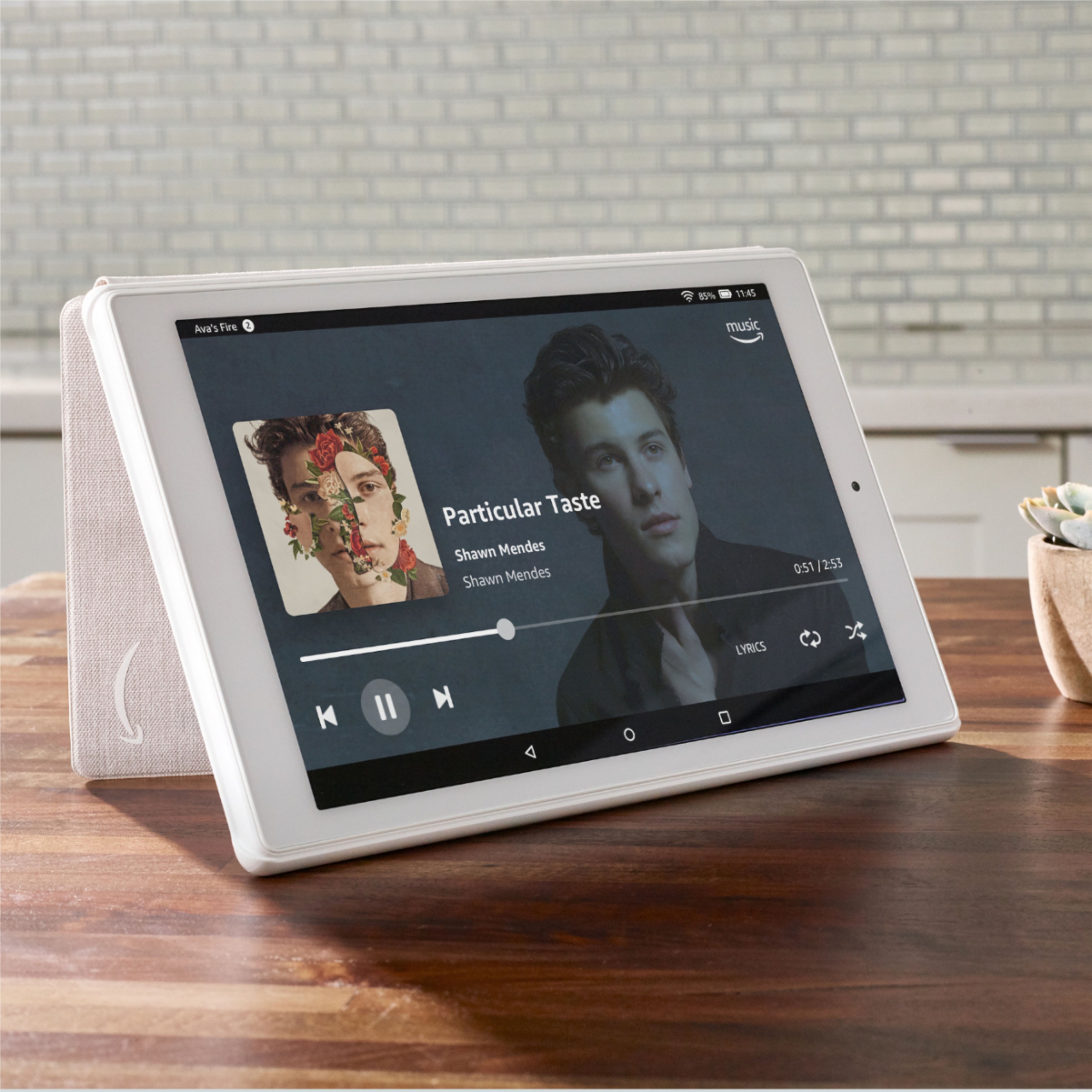
If you are using Amazon Music (for instance) to play downloaded music, then yes, you can make a playlist or shuffle. Depends on what app you are using to play the music.
A:AnswerI bought this tablet for my 10 year old granddaughter. We live on the Gulf Coast, 30 minutes from Alabama and Florida beaches. She uses her tablet outside all the time with no issues.
A:AnswerHi Moca! The Amazon account is free to set up on this device. You can download Zoom through the Amazon app store on this device. I use it and it works great! You can also read books on this tablet as well. Hope this helps!
A:AnswerHello RaiderMike, Yes the Fire HD 10 is a great tablet for both audiobooks and e-books. It has the Kindle app installed and if you're already purchasing books with Audible or through Kindle, when you sign in with your Amazon account your purchases will be available to sync to your new device. Hope this helps!
A:AnswerHello Mitzi, all digital books purchased through Amazon will be stored in the cloud and will automatically appear on your new Fire tablet when you log in with the same account. No additional transferring is required.
A:AnswerYou have a few options when it comes to making video calls. The Alexa app will allow you to make video and voice calls to any Alexa user both on Echo devices and iOS and android devices. You can also use Skype, Zoom, Facebook Messenger, etc... for video calls.
A:AnswerHello! To register your Fire HD 10, you would need to have an Amazon account. It is free to have an account, and the setup process walks you through starting an account if you do not have one. You also don't need a Prime Membership-Just an account through Amazon.com. I hope that helps! Have a great day!