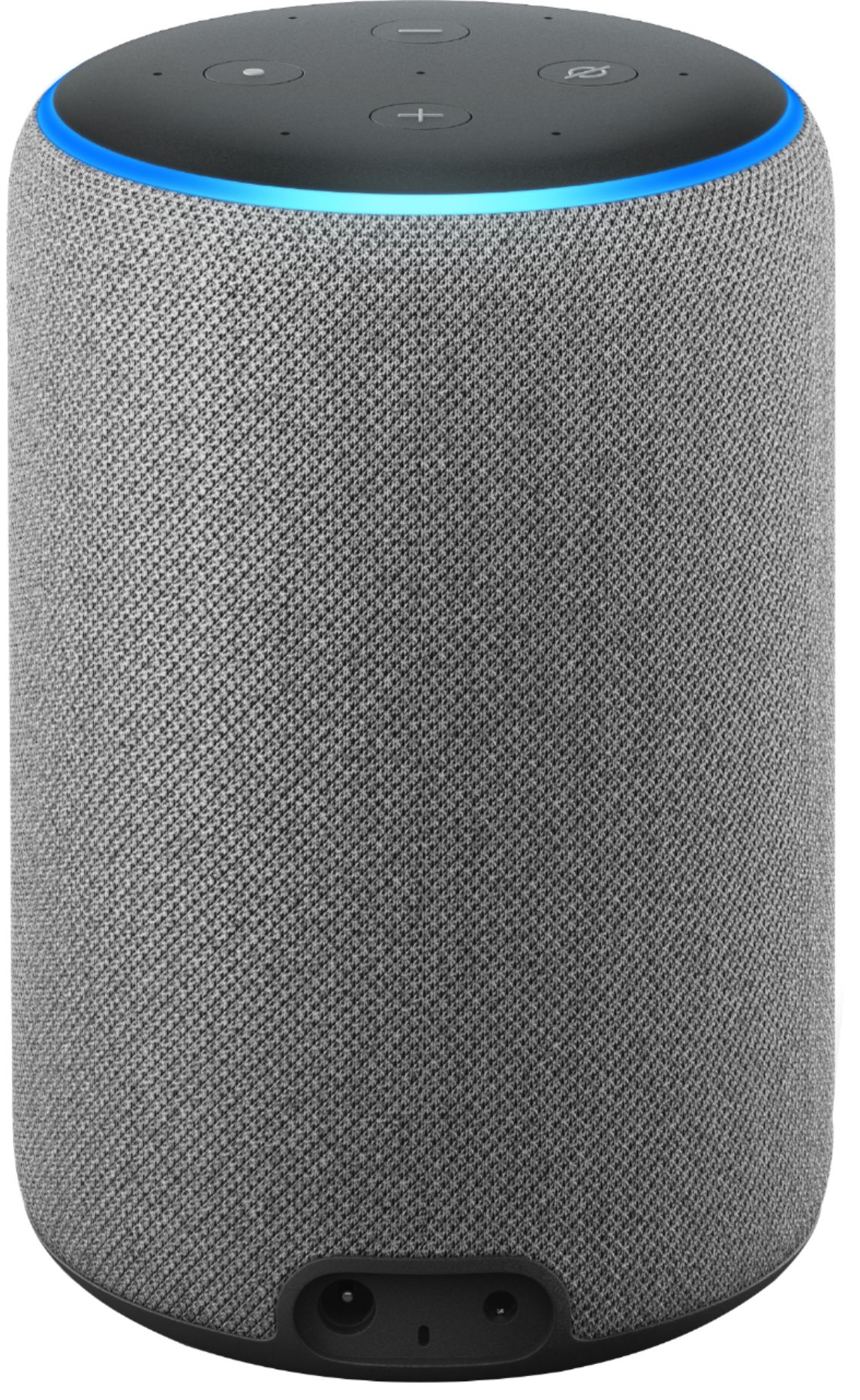
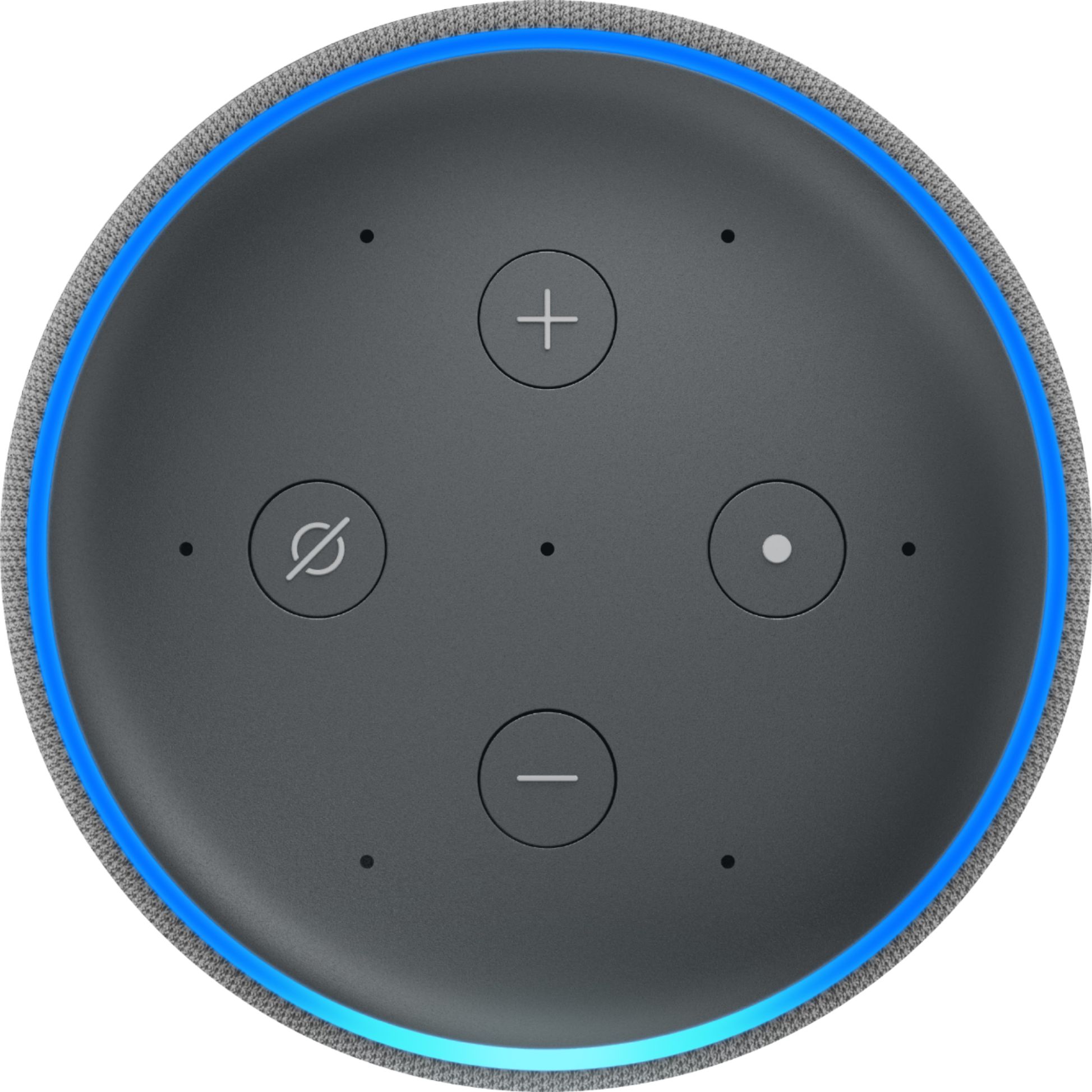
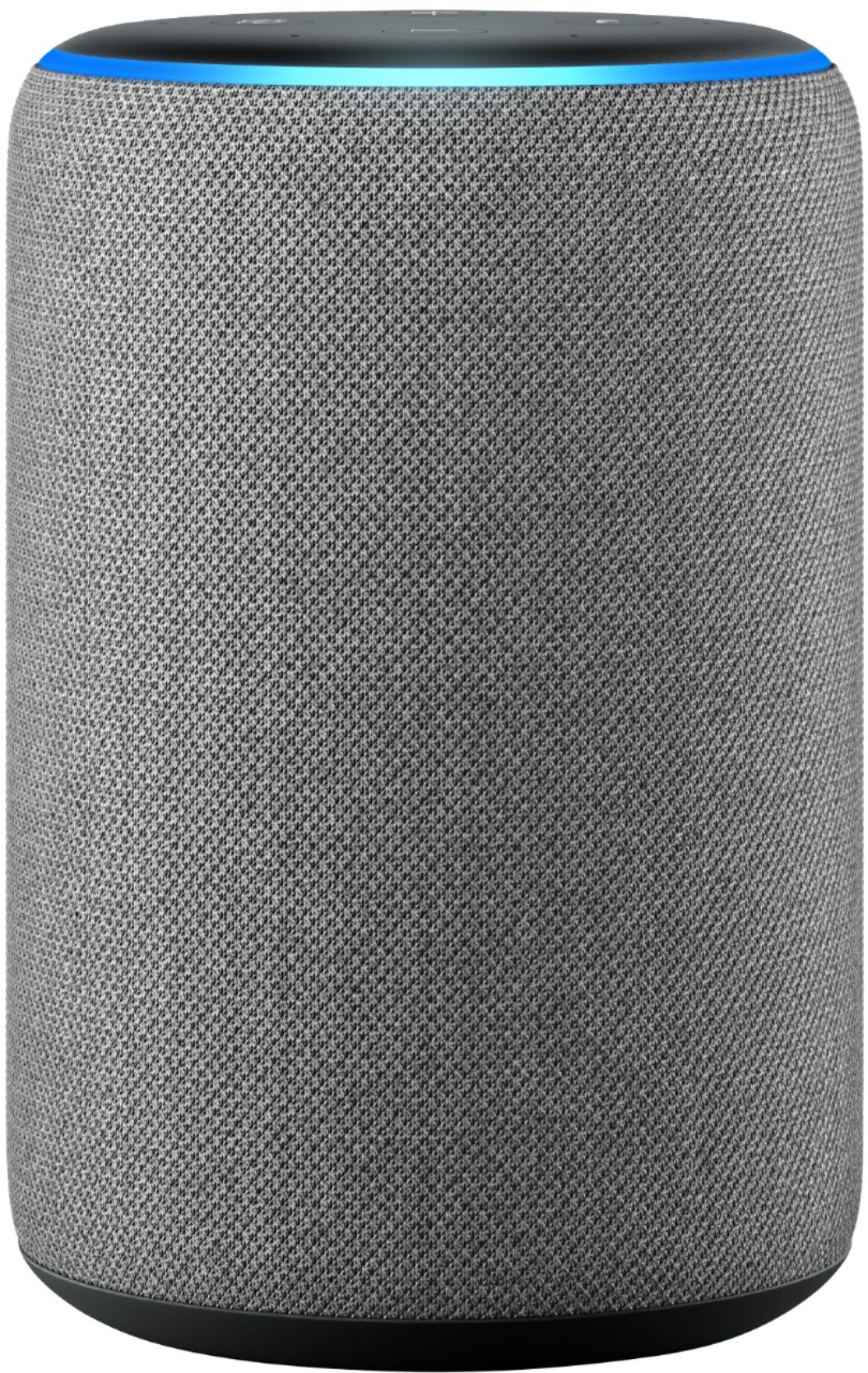
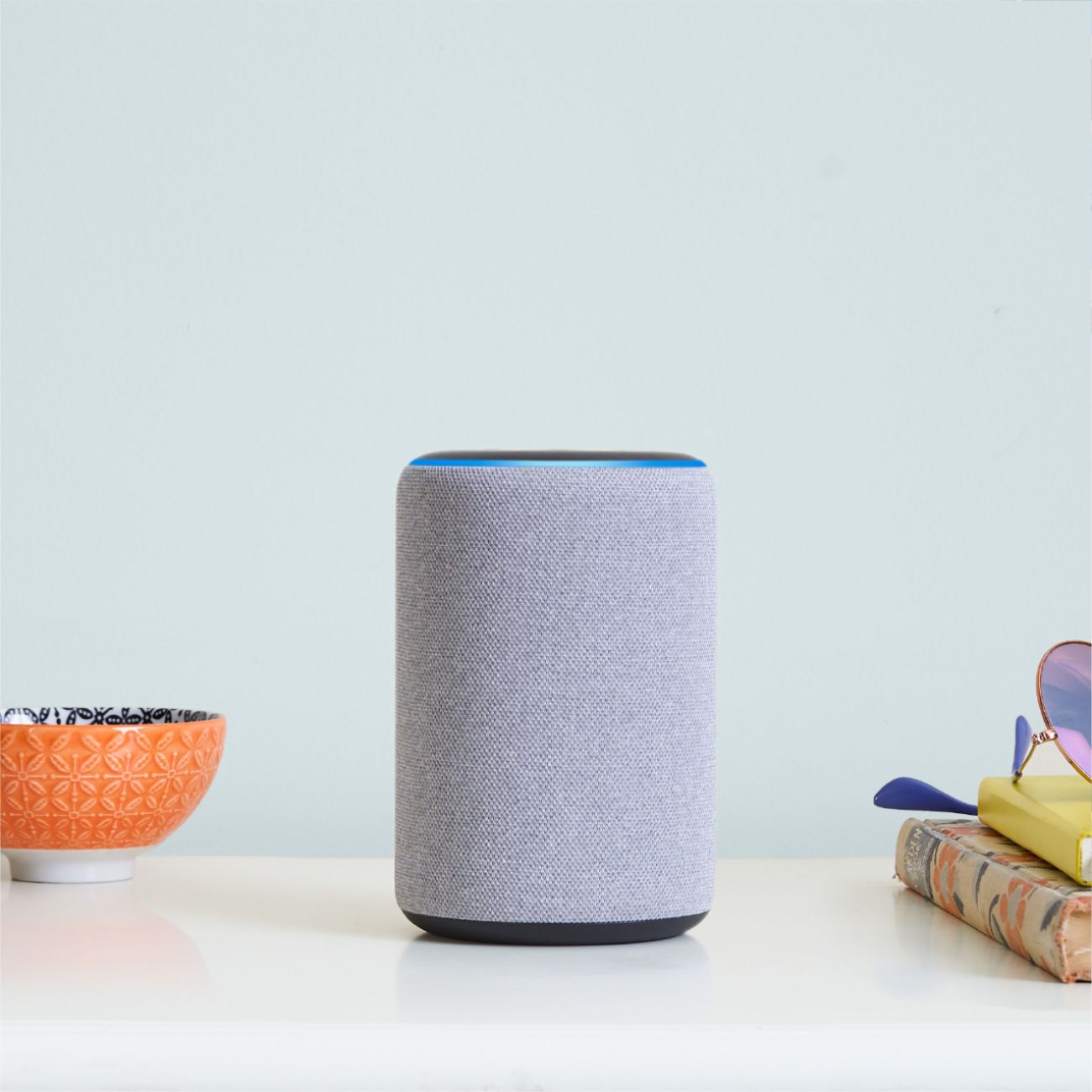
A:AnswerAlexa is the name of the artificial intelligence person you talk to..On an echo devise....to .answer questions and control smart devices in your home
A:AnswerYes, you can use it as a Bluetooth speaker. Go in your settings and Bluetooth in your phone and add the Alexa device. Then you just have to ask Alexa to connect to your phone.
A:AnswerYes, but, It all depends on the tv make/model and the designated smart tv apps needed. For example:
Alexa is compatible with the SmartThings Hub. This allows you to connect your Samsung Smart TV to Alexa. The process is easy and once completed, it will allow Alexa to control your Samsung Smart TV remotely.
A:AnswerHello Sam, Yes Alexa is a cloud based voice assistant, she will respond when you speak to her and can answer questions, set up your calendar appointments, add items to your shopping list and even play games with you! Hope this helps!
A:AnswerDid you buy online? If so it should have been in an email following your pick up or delivery. If in store check for a promo or link to the promotion. Hope this helps.
A:AnswerHello Nick, everything can be set up through the Alexa App on your phone. When you purchase an Echo device you'll be walked through the install of the Alexa app and set up of your device. Any smart devices including lights and plugs will also be linked to Alexa through the app. Once the Alexa app is installed, if you would like additional tips and tricks they can be found by pressing the 3 line menu at the top left corner of your screen, under "Things to Try" and "Help and Feedback". Hope this helps!
A:AnswerHello Kat, Yes Spanish is one of the languages Alexa speaks. If your device is set up in English you can simply say "Alexa, Speak Spanish" to change the default language to Spanish, or say "Alexa, Speak English and Spanish" to have Alexa respond in either language spoken to her. Hope this helps!
A:AnswerAs dementia progresses, your mother may not be able to use Alexa for more than one command. RememberIng multiple options, not to mention employing them, will go from challenging to impossible. At some point, she may also find music too overwhelming to enjoy. I say this as a matter of fact, not to discourage you. If she can still activate and enjoy music of her choice, go for it.
Despite the above, the device will be a godsend, even if your mother cannot operate it at all. That’s because “drop in” on your free Alexa app allows you to speak to her directly from your cell phone just as if you were standing in the room. All she need do is speak to you in return. Drop-in has been a wonderful aid in communicating with my wife, who is now in a memory care facility. Definitely BUY it; you will not regret it.
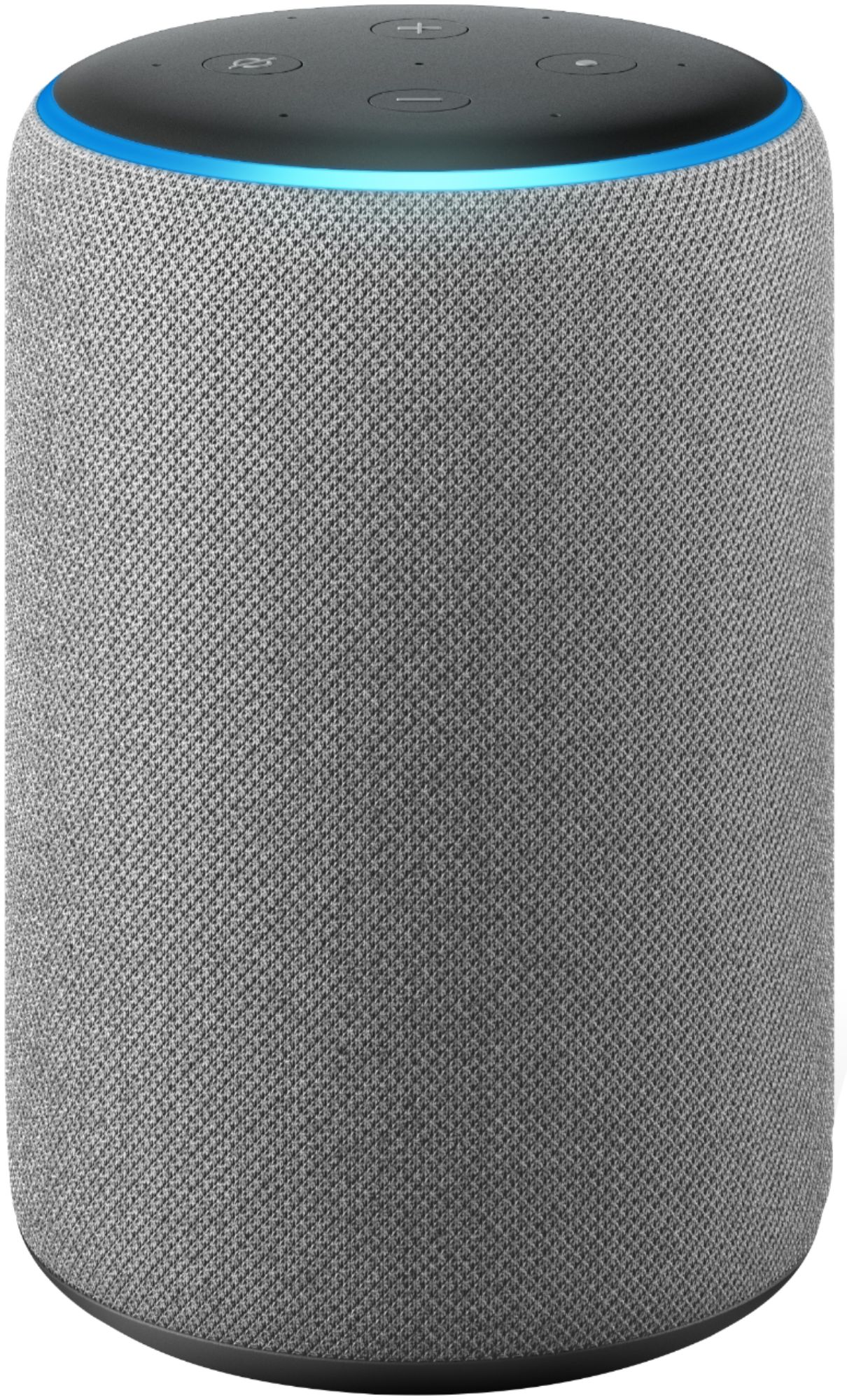
A:AnswerThese devices require a constant wireless internet connection. You connect this to the wireless router in your house. You need to have a wireless router in your house.
A:AnswerIf you want music in multiple rooms you will need to purchase a separate device for each room. You can add your Sirius Radio account to the devices along with several other music apps. Amazon Prime is not necessary. There is no monthly cost to using Alexa devices.
A:AnswerHello, Gp! Yes, you have access to Alexa on your phone through the Alexa app. If you wish to control the devices in your home from another city, you can also do that through the Alexa app. Have a great day!