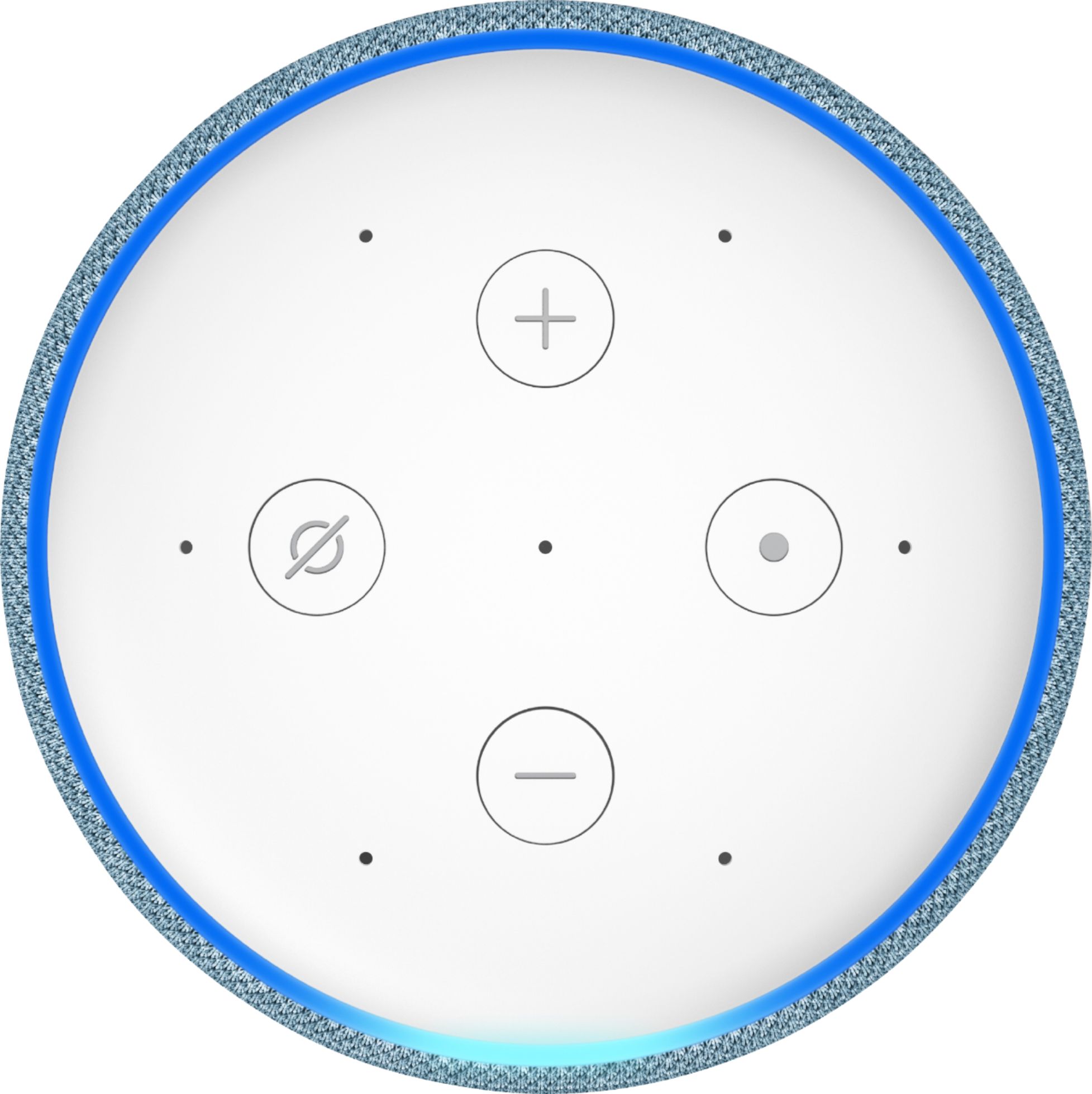
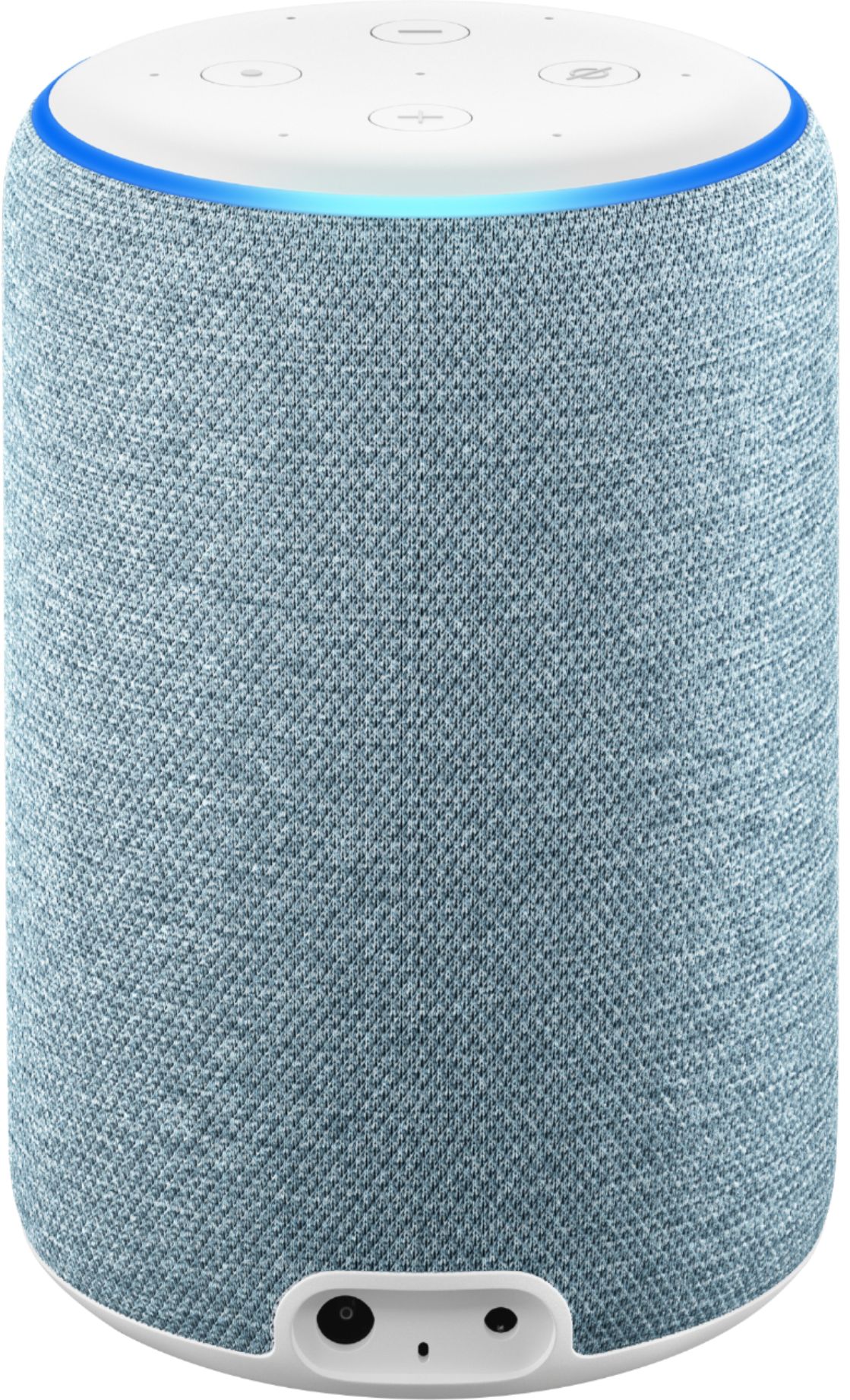
A:AnswerOnce Alexa is plugged in, you will need to have the Alexa App on your smart phone to begin the setup process. The device needs to connect with your WiFi signal most importantly. The music can then be summoned by voice if you have a music service on your phone for it to use. So, for example, you can download the free music service Pandora and ask it to play a genre of music, or play songs by artist. You can also use Apple Music, Amazon, Spotify, Tidal, etc, to call on your favorite music service.
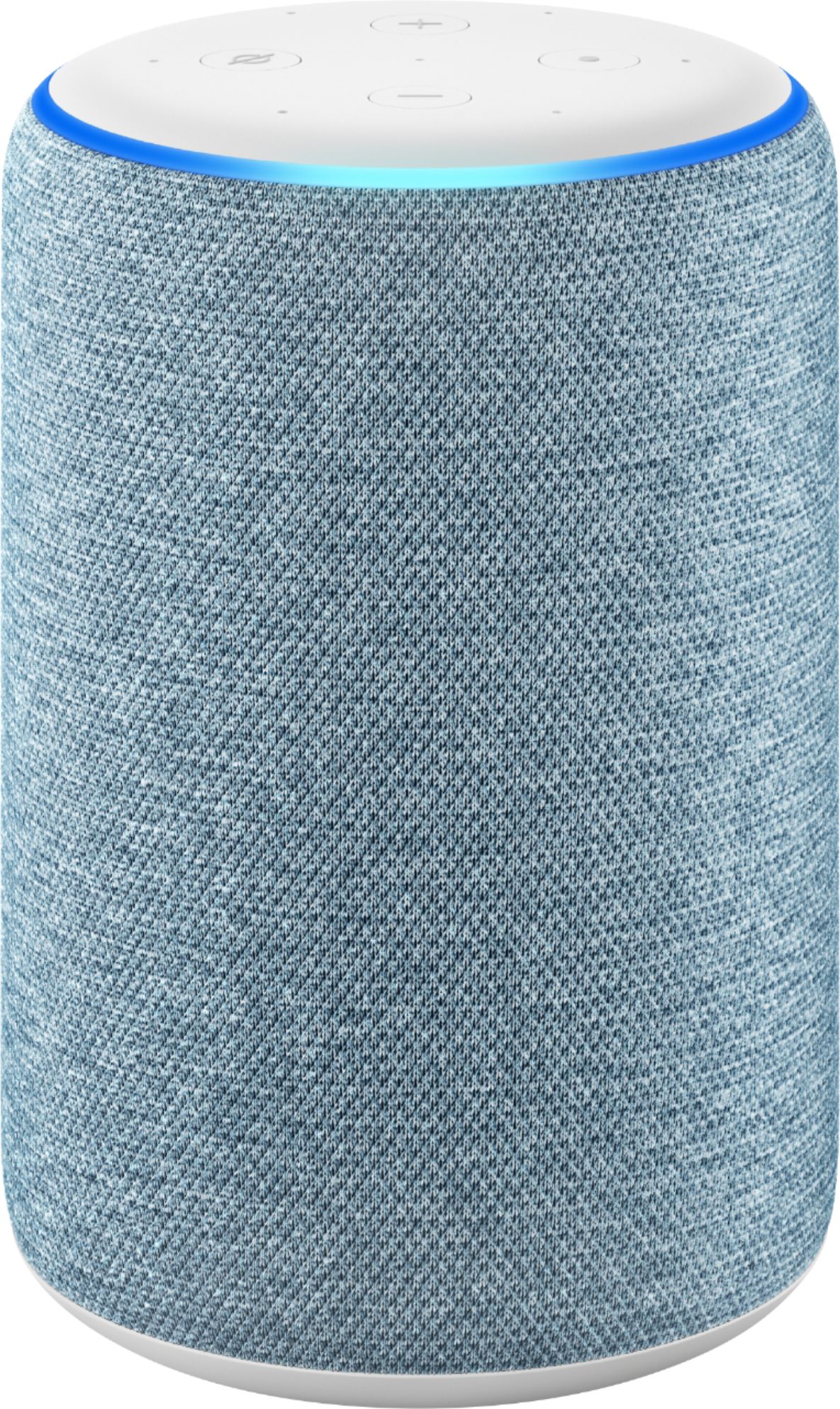
A:AnswerYou need WiFi connection for Alexa to work at all. Yes you can ask it to play a song. If you have Amazon Prime I believe you have access to more music. I ask for Christmas songs, Christian songs, or some times the name of one particular song.
A:AnswerYes it is possible to play Hide and Seek. however it is a feature that needs to be enabled by the parent or guardian. Alexa will be their imaginary friend and hide from you somewhere in the room. And YOU (the chlid) has to find her!
You start by saying: "Alexa, open hiding game"
I hope that helped!
A:AnswerYes it will. Make sure the Jawbone speaker is in pairing mode and then go into the Alexa App and find your Echo device. From there you will open the settings for your Echo Device and you will see an option to connect a Bluetooth Speaker.