Questions & Answers
- Model:
- B07KRY43KN
- |
- SKU:
- 6347256
Q: Questiondoes this change color and does is this waterproof and does this answer Question's?
Asked by bestbuyforeverlives.
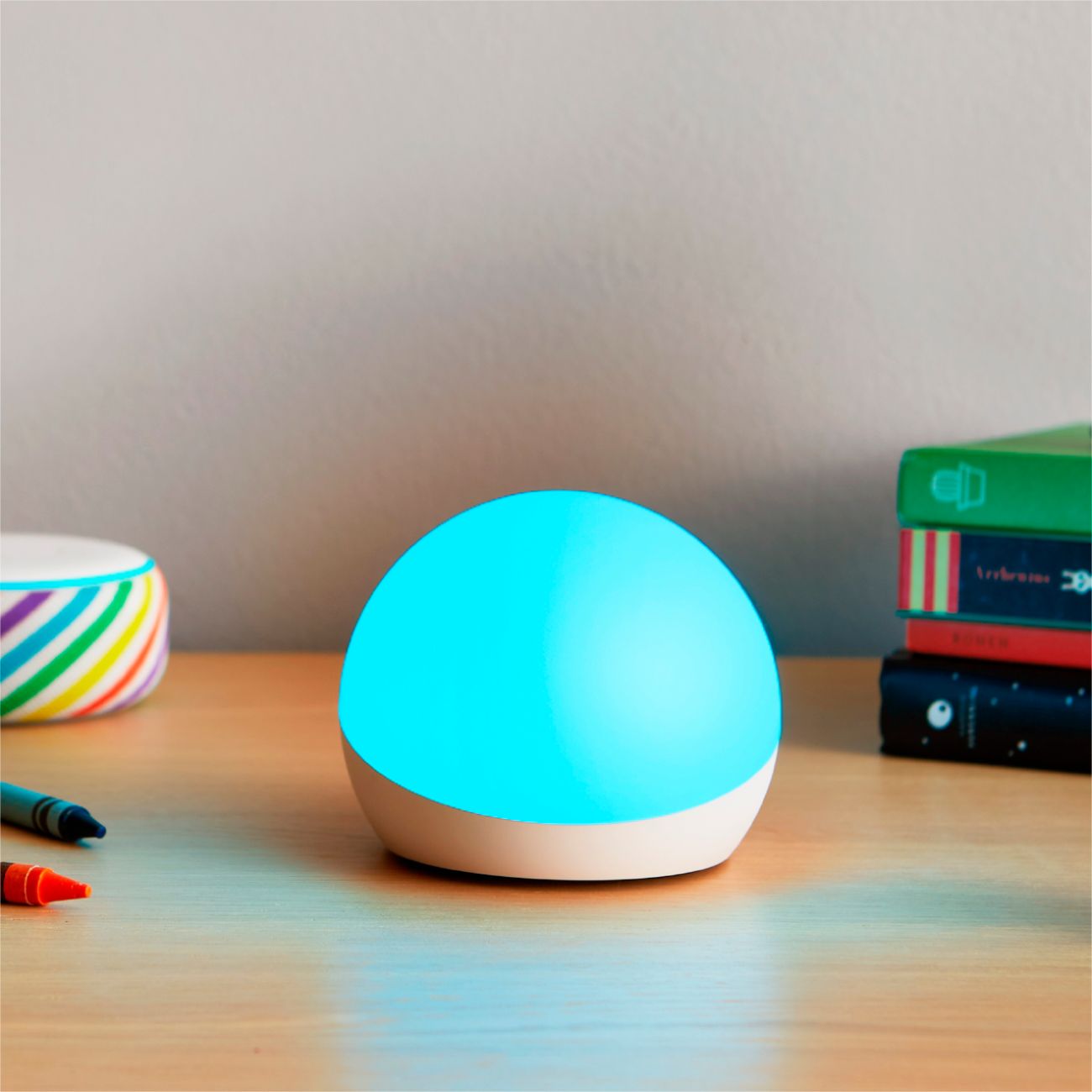
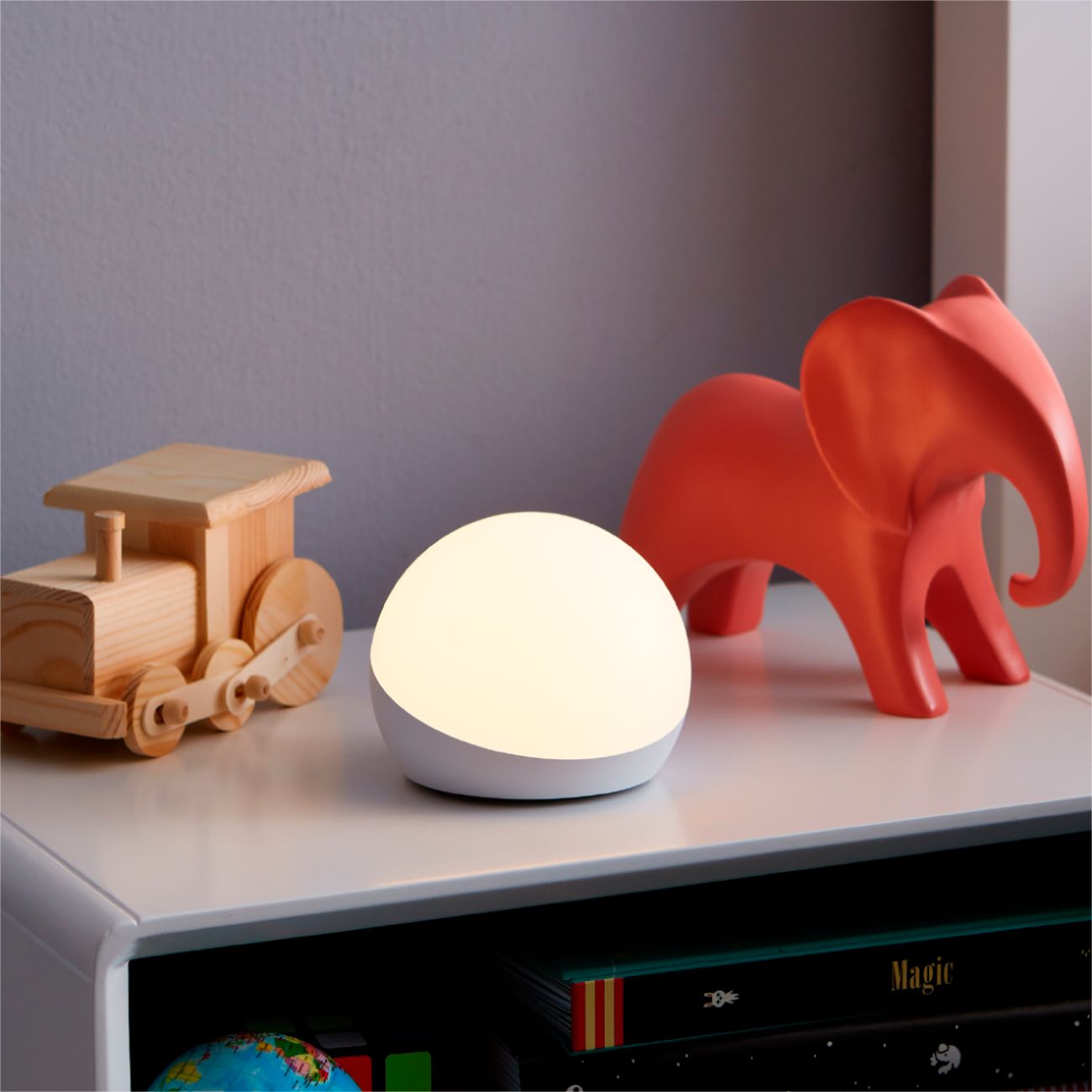
- A:Answer Hi there! This device is not waterproof as it has to be plugged in and does not answer questions. Here is a list of what it does: A smart lamp for kids - Pair with any compatible Alexa device to control color and brightness with your voice. Certified for Humans - Struggle-free, tinker-free, stress-free. No patience needed—it's actually simple. Make family routines colorful - Create lighting cues that help with counting down to dinnertime or setting a reading timer.Kids can create and choose - Give kids the freedom to add color and fun lighting while playing or listening to music. Unlock the magic of Rainbow Timer - As the colors of the rainbow change, kids get a visual reminder that can help morning and bedtime routines stay on track. Create and choose – Give kids the freedom to add colorful lighting or ask Alexa to start a dance party for a music and light show. Hope this helps!
Answered by Amazon Devices Customer Support
Q: QuestionDoes it work if I do not have an Alexa device?
Asked by Reema.
- A:Answer Hello Reema, controlling Echo Glow by voice requires a compatible Alexa-enabled device such as Echo Dot, Echo Plus or Echo Show 5. Echo Glow does not contain microphones or speakers.
Answered by Amazon Devices Customer Support
Q: QuestionCan the Echo Glow be given commands by a Nest Mini?
Asked by Robert.
- A:Answer Hi Robert, The echo glow can only be paired for voice control to an Echo product. Nest does not offer support for Alexa devices. Hope this helps. Have a great day.
Answered by Amazon Devices Customer Support
Q: QuestionCan you use these similar to friendship lamps where one is at one person’s house and the other is at a different person’s house but by tapping in it it changes the color of the other one at the other persons’s house?
Asked by Friendship.
- A:Answer Hello, Friendship! Unfortunately you would not be able to control someone else's lamp by touching yours, so they would not work the same way a friendship lamp would. The device light colors can be changed by touching the lamp, by using a compatible Echo device, or by using your Alexa app. I hope that helps answer your question. Have a great day!
Answered by Amazon Devices Customer Support
Q: QuestionDoes this make sound or just change color?
Asked by Nat.
- A:Answer no..it doesn't make any sounds..just changes colors
Answered by DottieL369
Q: QuestionCan I control this from my phone when I’m not at home?
Asked by Amanda.
- A:Answer Yes. You can control it with the Alexa App.
Answered by Rachel
Q: QuestionCan this smart lamp be used with an extension cord?
Asked by Zig.
- A:Answer Hi Zig! This should work just fine when plugged into an extension cord, though it won't give you any control over any other devices that might be plugged into that cord. I hope that helps, have a great rest of your day!
Answered by Amazon Devices Customer Support
Q: QuestionDoes it have a timer? Am I able to set it up to turn an off after an hour?
Asked by Drea.
- A:Answer Hi Drea! You can use Alexa to set a sleep timer on Echo Glow. All you have to do is say "Alexa, set a sleep timer for an hour on [light name]." Hope that helps, have a great day!
Answered by Amazon Devices Customer Support
Q: QuestionCan echo Dot glow take commands like echo Dot or echo show
Asked by Princess.
- A:Answer Hello Princess! The Echo Dot Glow is meant to be used in tandem with any other Echo device for full functionality. It does not function as a stand alone Echo Dot or Show. I hope this answers your question and you have a great day!
Answered by Amazon Devices Customer Support
Q: QuestionCan this device be set up to change colors at intervals with coordinating voice prompts? I want to help my autistic son complete steps of a task. I.e. showering. the device verbalizes, "wet hair" blue, "shampoo"- yellow, "soap sponge"-red, "face"-green...
Asked by Anonymous.
- A:Answer Hello and thank you for your question regarding the Echo Glow Smart Lamp. There are a plethora of accessibility options available in the Alexa app but currently this specific function is not an option. I hope this answers your question and you have an awesome day!
Answered by Amazon Devices Customer Support
Q: QuestionCould this be used for kids to signal each other from afar? I want each kid to have one, in different states, but to be able to control each others. Would this work?
Asked by Clarkash.
- A:Answer No
Answered by Pattie
Q: QuestionCan you hook up two lights to one echo?
Asked by Momof2.
- A:Answer Hello, You could create a group with the two glows, so that when you speak to any echo device, you could reference the group to do what you would like. Hope that helps.
Answered by Amazon Devices Customer Support
Q: QuestionCan this play music?
Asked by Anonymous.
- A:Answer No it’s just a night light that can be used with Alexa timers and routines.
Answered by Jboyd678
Q: QuestionDoes this item play music by itself or does it need another device to play music?
Asked by Lisa.
- A:Answer Hi Lisa! This device does not have a speaker so you will need to pair it with a compatible Alexa device to control its color and brightness with your voice. Get the ultimate nightlight with this Amazon Echo Glow smart lamp. The built-in LEDs deliver 100 lumens of white or colored light, and the simple tap controls make it easy to turn the light on and off. This Amazon Echo Glow smart lamp has a customizable Rainbow Timer feature that provides colorful reminders to help keep kids on schedule. Hope this helps and have a great day!
Answered by Amazon Devices Customer Support
Q: QuestionCan this be used as a light alarm clock to change to a certain color at a certain time in the morning?
Asked by Deathgod6191.
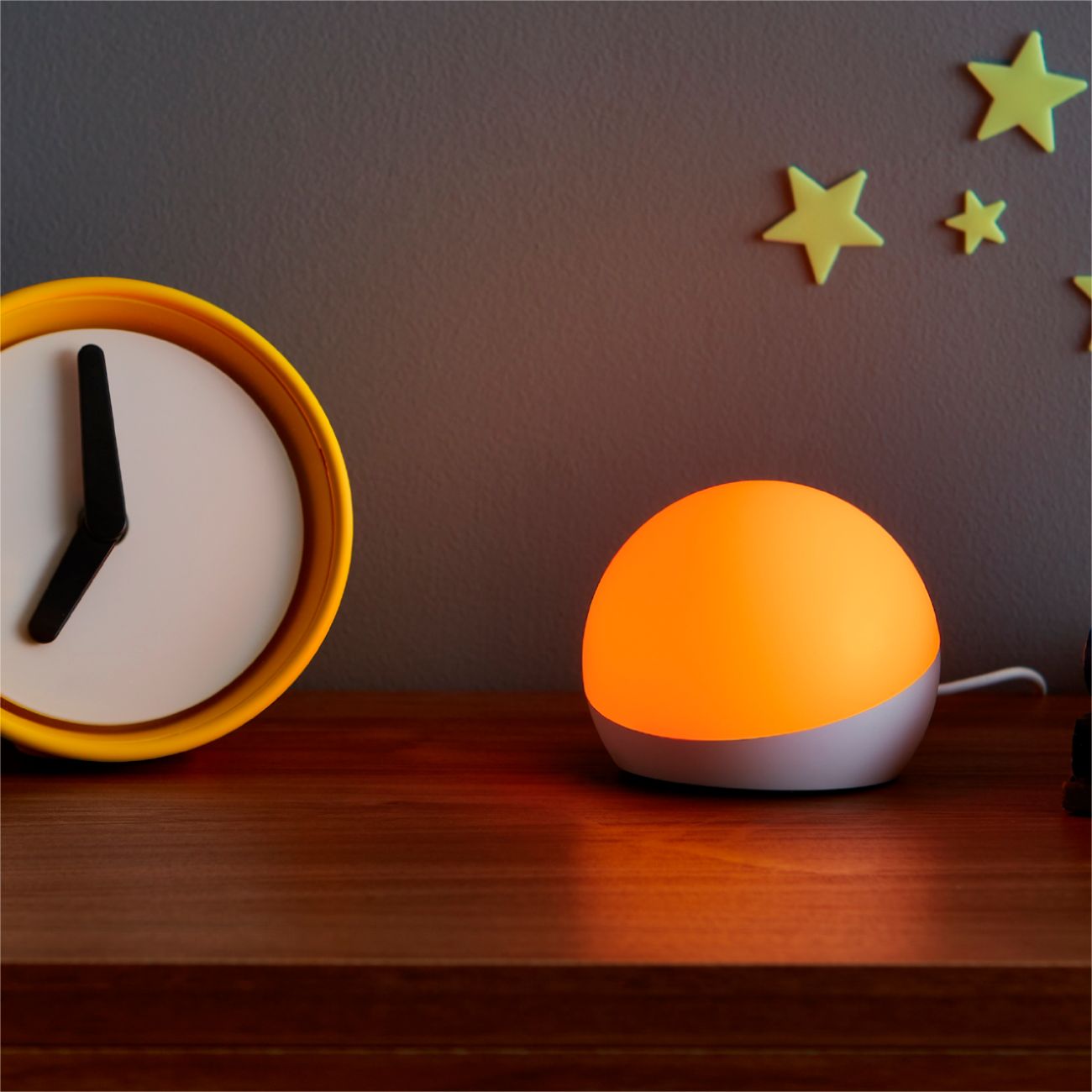
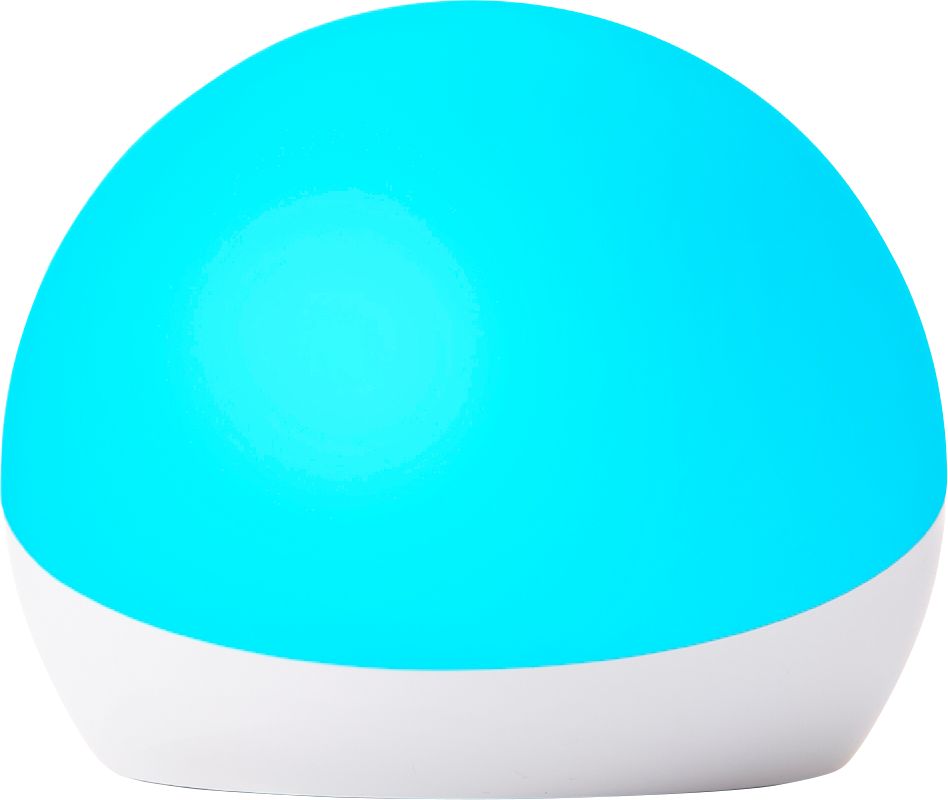
- A:Answer Hello, When paired to an Echo device, you can set custom Routines that can make your Echo Glow Lamp turn on with any color at any time that you wish. to get started on your Custom Routine: 1. Open the Alexa app 2. Select the "More" tab, on the bottom right corner of the screen 3. Select "Routines" 4. press the "+" symbol in the top right corner of the screen 5. Follow the on-screen prompt to Select your Routine name, when it happens, and what it does. Hope this helps!
Answered by Amazon Devices Customer Support
Most-viewed items
- $329.99$329.99The price was $469.99
- $149.00$149.00The price was $399.00
- $159.99$159.99The price was $179.99
- $1,149.00$1,149.00The price was $1,299.00
- $449.99$449.99The price was $649.99