Black Friday is hereAlso, shop the 24-Hour Flash Sale.Shop now

Main Content

Questions & Answers

Your price for this item is $50.99
Clearance
The comparable value price is $249.99
Page Showing 61-80 of 162 questions
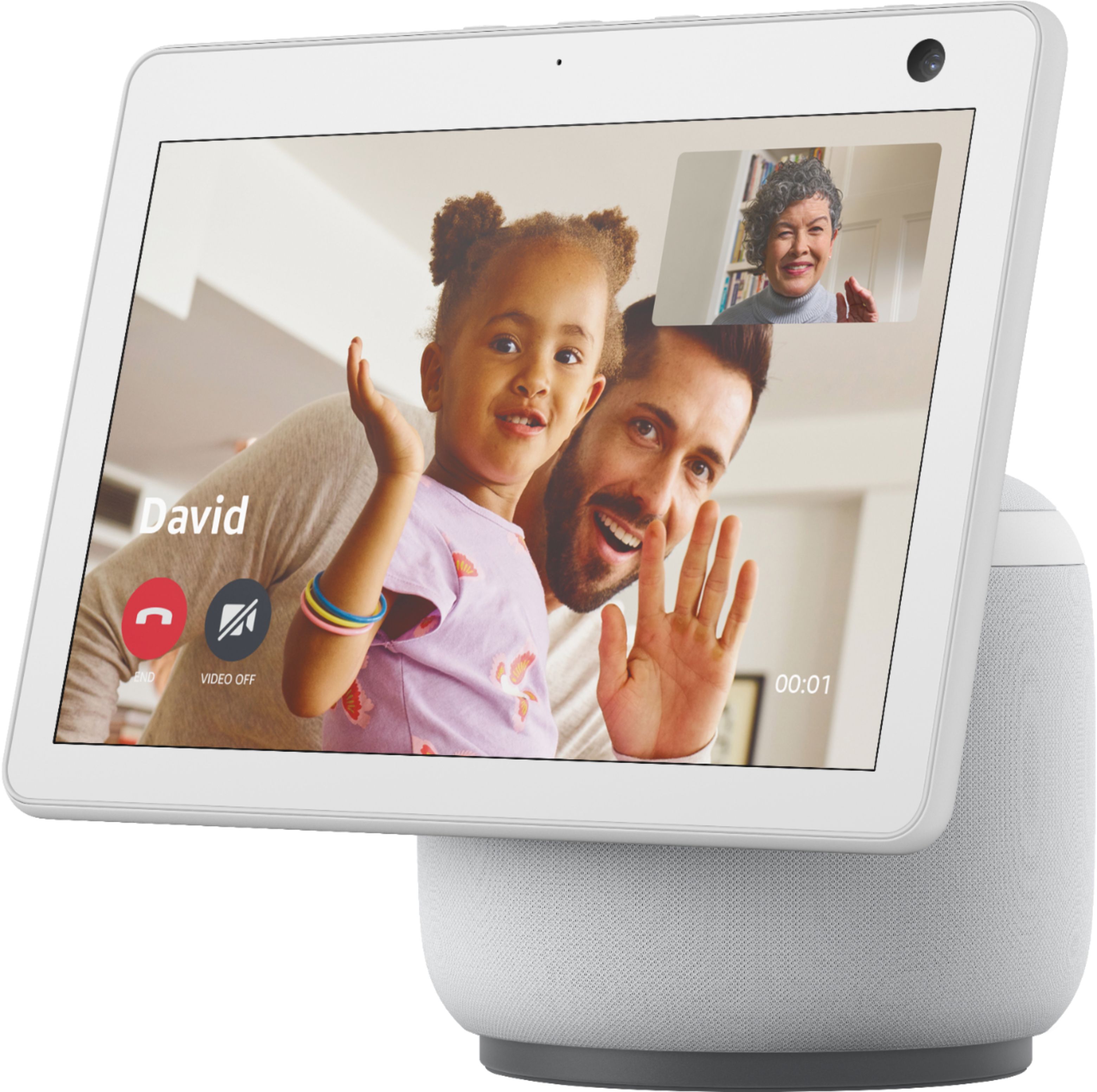
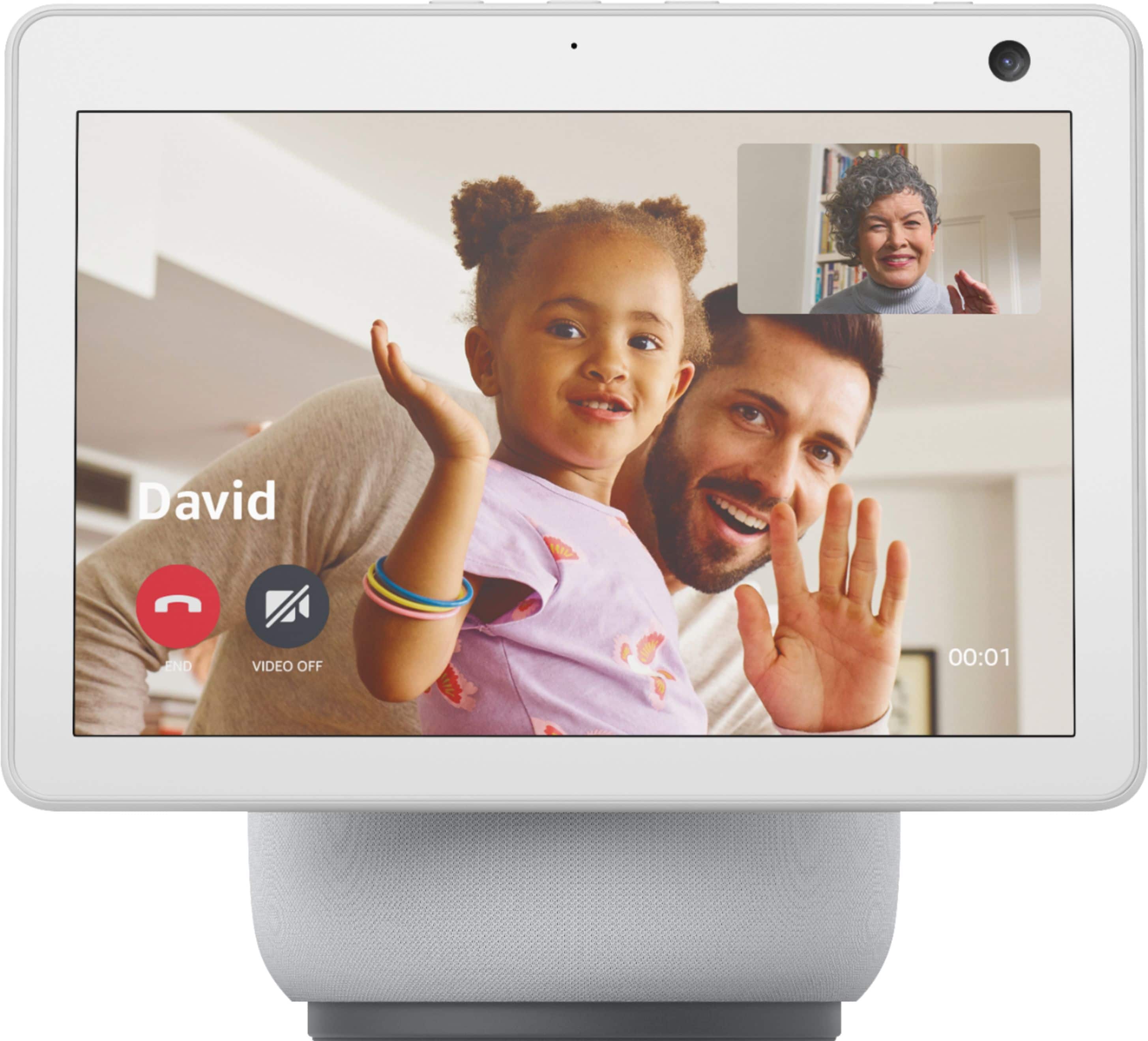
  • Questionis this device good for communication with your grandkids so that u can see them and they could see you

    Asked by ron.

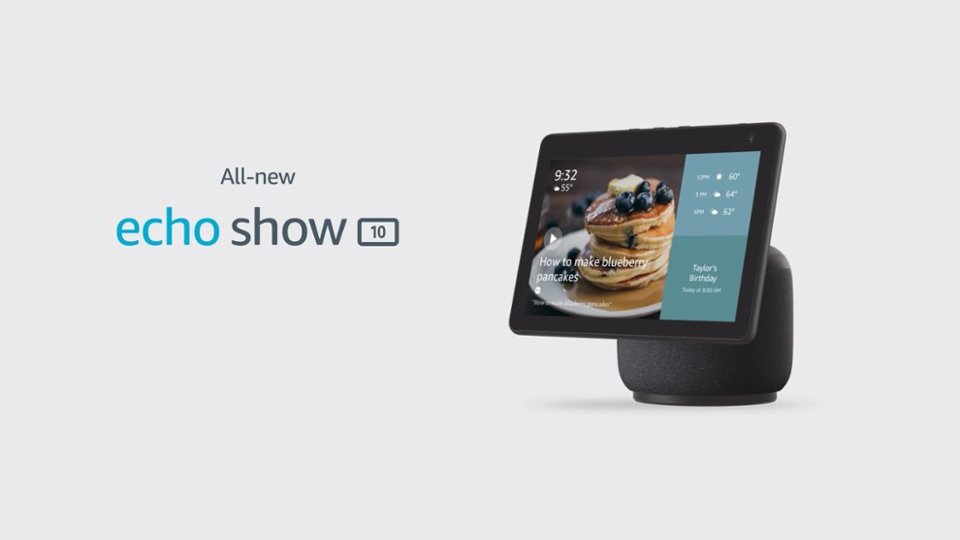
    • Answer Yes, it's okay for that. So far I've only been able to figure out how to connect from the Echo Show 10 to a person with the Alexa app on their phone. There may be a way to use Zoom on the device, but I haven't followed up on that. Basically any phone or tablet should be able to allow video calling, depending on what app/programs both parties have access to.

      Answered by andrewrnixon

  • QuestionWhat product is available that uses Alexa that I can also use as a digital Calendar for senior citizen with remind along with a wall timer for days of weeks?

    Asked by Kwavruk.

    • Answer Well, Echo Show 10 does have calendars, timers, notes, lists, etc., but it the screen/menus are not very easy to navigate. Alexa always seems to do the opposite of what you want, so this just might be more frustrating than useful.

      Answered by Anonymous

  • QuestionDoes Echo Show work with Reolink?

    Asked by Granola.

    • Answer Hello Reolink, thank you for your question. Reolink is compatible with Alexa and so you will be able to use your Echo Show 10 with your devices. Simply ask Alexa to "discover devices" or set up and pair directly through the Alexa app. Hopefully this was helpful. Have a great day!

      Answered by Amazon Devices Customer Support

  • QuestionDoes echo show 10 connect to lorex security cameras?

    Asked by NWPDX.

    • Answer Good morning NWPDX, Thanks for the question! The Echo Show 10 can connect with your Lorex security cameras by activating the Lorex skill through the Alexa App. This skill will enable access to both wired and wireless Lorex security systems using your voice to control functions, features and stream to Smart Home Amazon devices (eg. Amazon Echo, Amazon Echo Show). The skill functionality will allow to: • Display Lorex security cameras • via the recorder connected to a screen for wired systems • via smart home devices for Wi-Fi and wired cameras • via Amazon Fire TV or with an Amazon Fire TV Stick • Activate camera lights using voice commands through the smart home device • Activate camera sirens using voice commands through the smart home device To enjoy the Smart Home conveniences that Lorex devices have to offer, follow the set-up instructions below: 1. Download the Amazon Alexa app on your Apple or Android device. 2. From the Alexa app, go to Skills and Games and search for "Lorex Home" and tap Enable to use. 3. Log in using your Lorex Home credentials to enable the Alexa skill. 4. After discovering devices, you're all set! You are now ready to control your Lorex devices with Alexa. I hope this helps, have a great day!

      Answered by Amazon Devices Customer Support

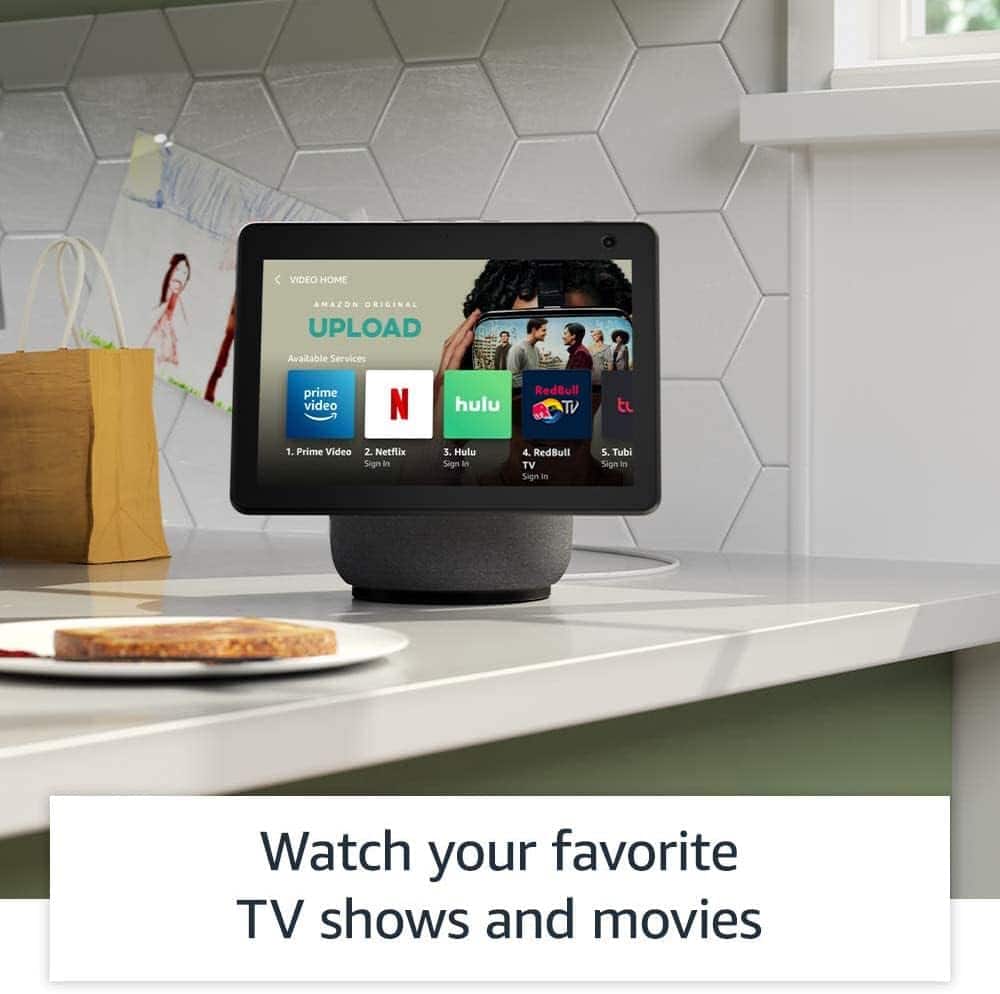
  • QuestionDo I have to pay for Netflix

    Asked by Robtosh60.

    • Answer Only if you want to watch movies and shows through the service, but you don't HAVE to do anything. It is not included with the device, which I assume is what you're asking. You can watch free Youtube videos through the device. Prime Video and Hulu are available on here, but you'd be paying to access those, and I think PlutoTV is on here, too, which is free.

      Answered by Anonymous

  • QuestionCan you watch TV on this device

    Asked by Midgee.

    • Answer Yes, you can watch Netflix and Amazon prime

      Answered by LynnA

  • QuestionDoes Echo Show 10 calendar sync to read/write with Google Calendat?

    Asked by WorksWithGoogleCalendar.

    • Answer Hi WorksWIthGoogleCalendar! You can link your Google Calendar to your Alexa account, which will give you access to it via the Echo Show 10. Keep in mind, this will give anyone who has access to your Alexa account (like others in your home) access to the linked calendar. Here's how to link them up: Open the Alexa app. Open More and select Settings. Select Calendar. Select your account provider, and then select Connect Account. Follow the on-screen instructions. Repeat these steps for each calendar you want to link. I hope that helps, have a great rest of your day!

      Answered by Amazon Devices Customer Support

  • QuestionDoes it work with I phone?

    Asked by Jan.

    • Answer You can download alexa app to monitor your smart devices. I haven’t had any problems doing the set up in my iphone and then alexa syncing it.

      Answered by chenchachional

  • QuestionCan o use echo show with 220V is south america Peru?

    Asked by Gaby.

    • Answer Hello! The Echo Show 10 power cord supports 110-220v so this will work, however, you will need an adapter to be able to plug it into the outlet in South America/Peru. Hope this helps and have a great day!

      Answered by Amazon Devices Customer Support

  • QuestionWhat does the person with the Alexa see when the other person has called them on their phone? How is the network kept secured among the people who are speaking with the person with the Alexa? Who determines if the camera will be turned on?

    Asked by RobertG.

    • Answer Hi RobertG! When using Alexa to call another Alexa enabled device with a screen, the default will be a video call. This works on phones as well. If you have the Alexa app on your phone, you can make and receive calls just like you were using an Echo Show device using your phone's built in mic and camera. Like many other video calling services, there will be buttons on your screen to enable or disable things like the camera or mute your microphone. As for the security, your call is encrypted by Amazon, and nothing is stored aftewards. I hope that helps, have a great rest of your day!

      Answered by Amazon Devices Customer Support

  • QuestionHow many watts is it?

    Asked by spiderman.

    • Answer Hi there! From looking around a little bit online, the Echo Show 10 has three speakers (a 2.0" woofer along with 2 1.0" tweeters) that each seem to be 10W. Hope that helps, have a great rest of your day!

      Answered by Amazon Devices Customer Support

  • QuestionWe just purchased the Echo Show 10, and it said that it had Disney+ plus streaming however it does not. How do we access that?

    Asked by medlock.

    • Answer Hi Medlock! I apologize for the confusion but the Echo Show 10 can not currently stream from Disney+. As of now Prime Video, Netflix, Hulu, and YouTube are all accessible on the Echo Show 10. The only Echo Show that can currently stream from Disney+ is the Echo Show 15, via the recent Fire TV update. Hope that helps, have a great rest of your day!

      Answered by Amazon Devices Customer Support

  • Questiondoes it work with blink camera?

    Asked by JDLAke.

    • Answer Hi JDLake! The Echo Show 10 works great with Blink products! You'll just have to link the Blink skill to your Alexa app. To do that open the Alexa app and select "More" at the bottom right. Next select "Skills & Games", and select the search icon (looks like a magnifying glass) at the top right. Search for Blink then select Blink SmartHome. Select Settings and sign into your Blink account. Next, you may need to search for new devices using the Device option at the bottom of the app. Once you've done that, you are good to go! Hope this helps, have a great day!

      Answered by Amazon Devices Customer Support

  • Questioncan the Echo Show 10 3rd generation be used without Alexa

    Asked by jessie.

    • Answer Hello Jessie, all of the Amazon Echo devices use Alexa to function. In order to use a function on the device one must say; "Alexa, and then a command." For example, you could say; "Alexa, play my party playlist." or "Alexa, turn on the kitchen lights." Have a great day!

      Answered by Amazon Devices Customer Support

  • QuestionHi! If i buy the echo show in the us can I use it in Denmark with all the features?

    Asked by Cris.

    • Answer Hi Cris! This model of Echo only supports operation with an address in the US, UK, Canada, Germany, Australia, New Zealand, Japan, France, Italy, India and Spain. The power connector will be for US-style outlets as well. Your location is based on where your Amazon account is set to, so even in the US connecting it to an account based in Denmark will limit the functionality. Hope this helps, have a great day!
      Answered by Amazon Devices Customer Support

  • QuestionIs it touchscreen?

    Asked by Lamont.

    • Answer Yes

      Answered by Melomano

  • QuestionIm a tax preparer. i would like to have video appointments is it possible with iphone and android

    Asked by cash.

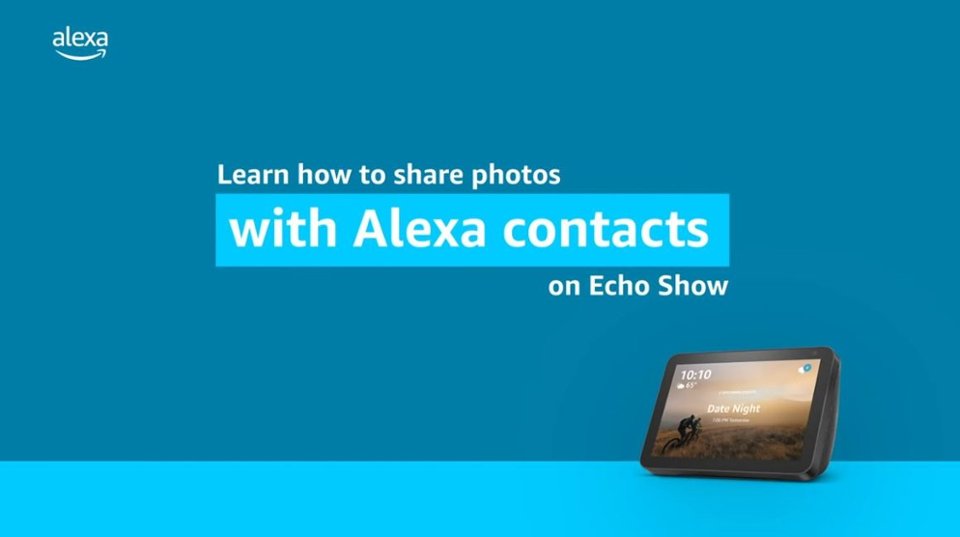
    • Answer Hi Cash. Great question. The answer is yes, as long as they have an Echo device or the Alexa App installed on their android or iPhone. With Alexa, you can make hands-free voice or video calls to anyone who has a supported Alexa-enabled device or the Alexa app. How to add contacts: 1. Open the Alexa app. 2. Select ‘Communicate’ from the bottom navigation bar. 3. Select the contact icon in the top right corner. 4. Select the menu icon in the top right corner. 5. Select ‘Add Contact’ to add individual contacts or select ‘Import Contacts’ to enable Alexa to upload contacts from your device’s address book. Hope this helps and have a great day!

      Answered by Amazon Devices Customer Support

  • QuestionCan I play my photos on echo show 10 from a USB? Any other options? Thanks.

    Asked by Jojo.

    • Answer No, from usb maybe Bluetooth but I recommended

      Answered by Game

  • QuestionAssume I do not want to use the Cloud to display photos in the Echo Show 3. Can I input photos thru a flash drive or some other device directly? If so, what is the internal storage capacity of the Echo Show 3 (3rd generation) to be able to store photos?

    Asked by Jeff.

    • Answer Hi Jeff! There is currently not a way to upload photos to the Echo Show 10 via any external connection. Thanks for your question, have a great day!

      Answered by Amazon Devices Customer Support

  • Questioncan i take to INDIA and use. need voltage adapter to connect

    Asked by raj.

    • Answer thanks.

      Answered by rajendran