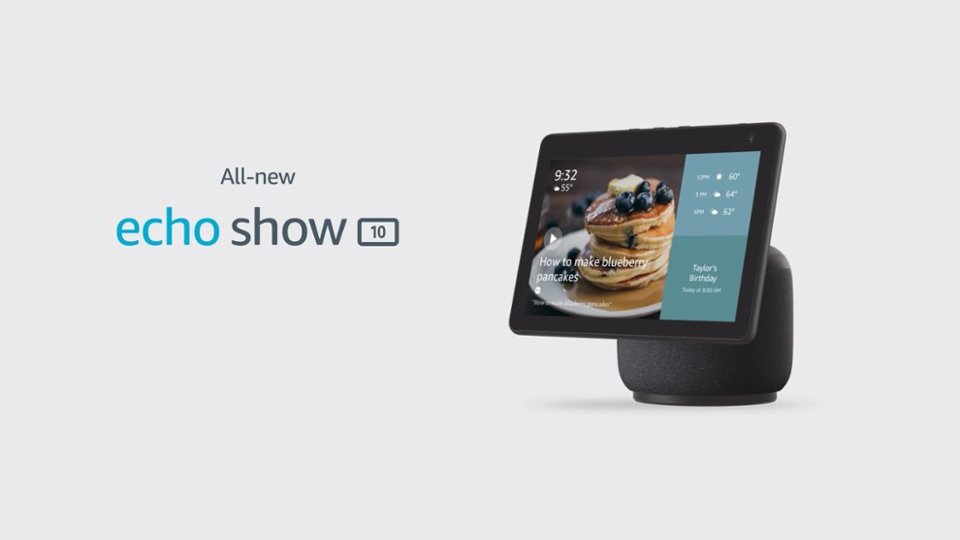
A:AnswerHello Chops007! The Alexa remote that comes with a Fire Stick, Fire Cube, or Fire TV is not an available option to use with an Echo Show 10. The Echo Show is fully touch screen enabled and voice enabled so you control it through touch or through Alexa. You can however sync your Echo Show with your Fire TV device in order to use it as a voice control for your Fire TV and/or as an added speaker for your it. I am not sure if that's what you mean. I hope this helps answer your question and you have a great day!
A:AnswerI would think it would work when you're plugged into electrical service at a campground and maybe when running the generator if you have one - since it requires a source of 120 VAC.
A:AnswerHi DebO,
Yes, Zoom is available on this device. All you need to do is say, "Alexa, open Zoom" and it will then prompt for the meeting id and password if required. Hope that helps. Have a great day.
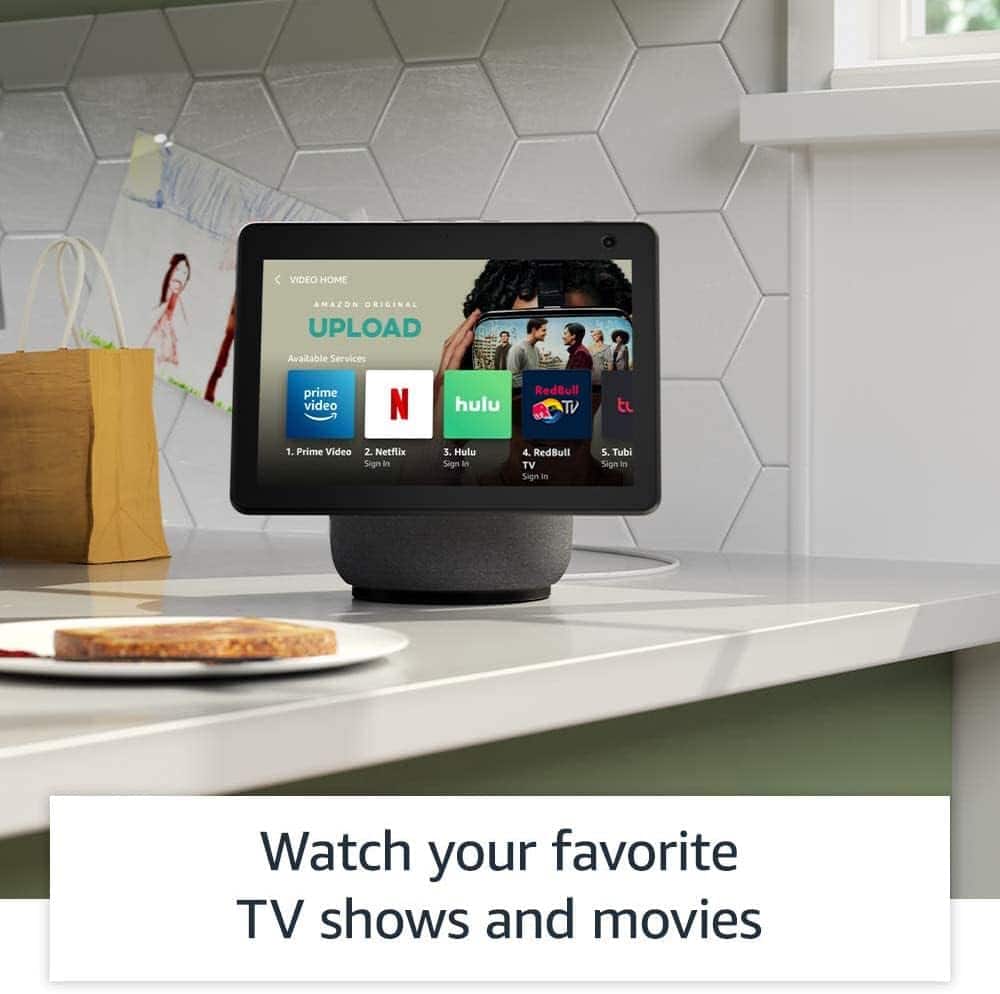
A:AnswerHello Mgri! Thanks so much for your question on our Echo Show 10. Currently you can utilize Skills (these are like apps for Alexa similar to apps on a smartphone) such as Netflix, Hulu, or Prime Video. We are adding new skills constantly but at the moment there are no cable TV provider Skills that available on this device. I hope this answers your question and that you have an awesome day!
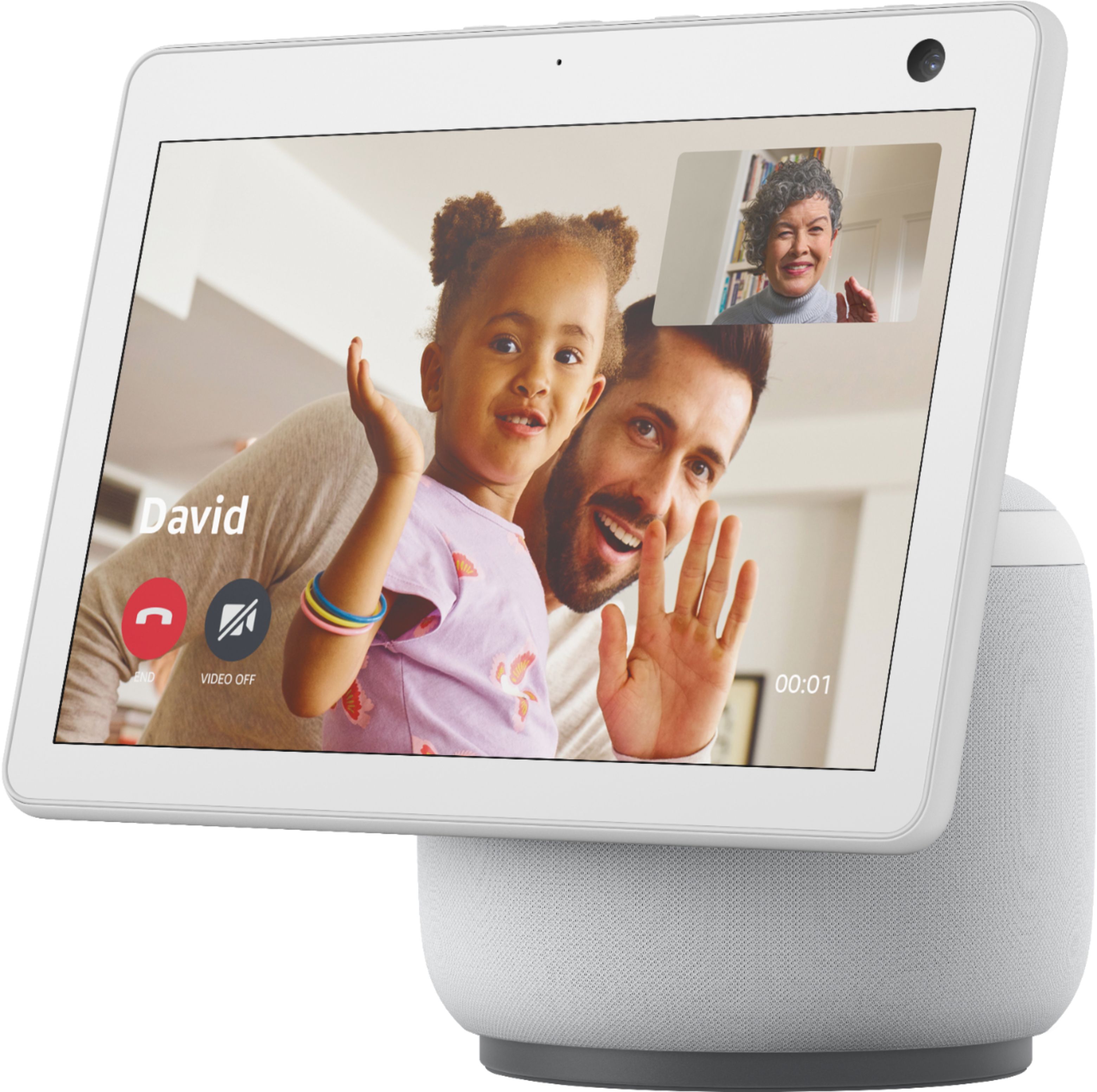
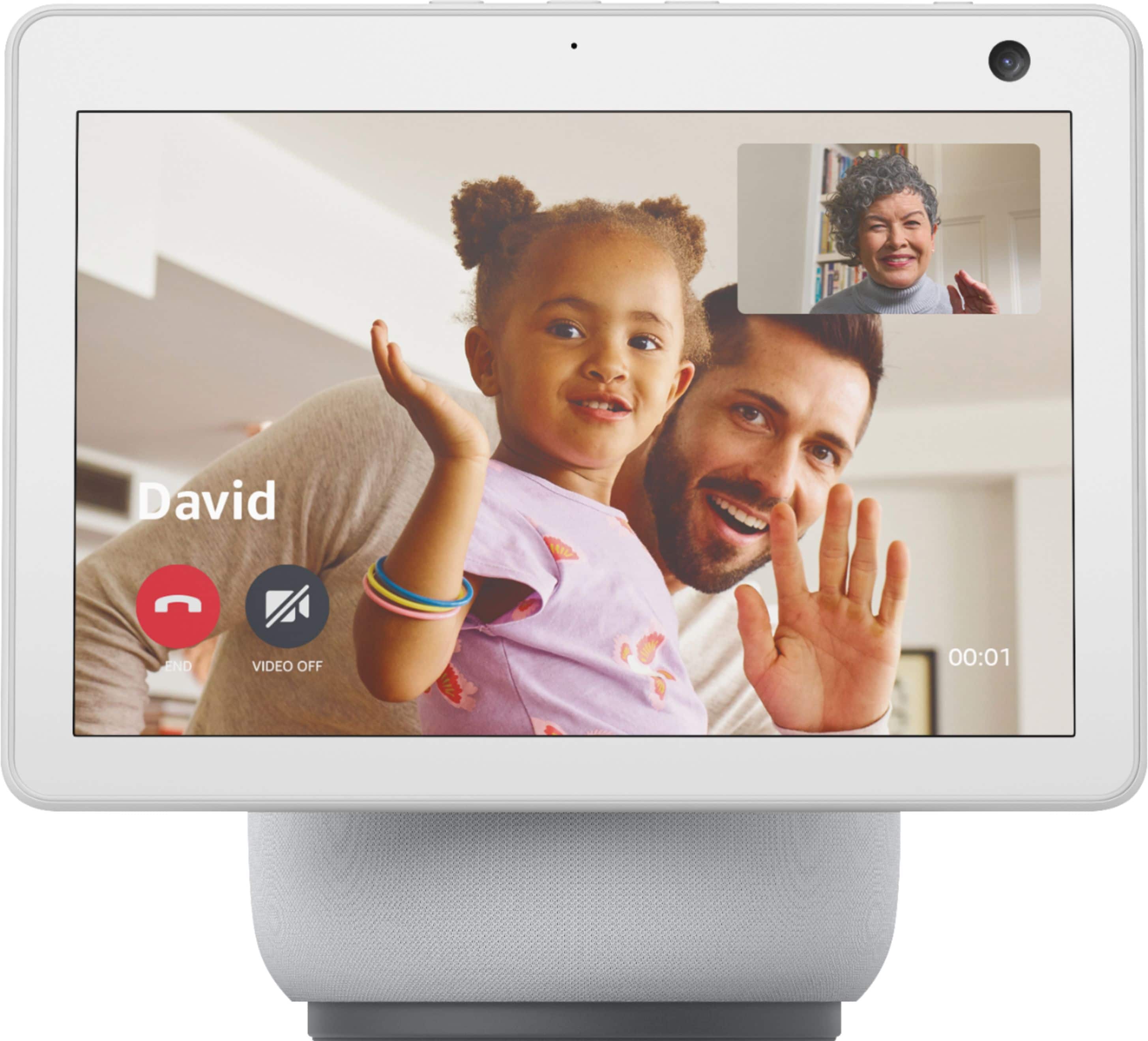
A:AnswerHello Tina! Thanks so much for your question! In considering your question, I assume that you mean are you able to have multiple people on a video call on this device and the answer is yes! First you would create a contact group in your Alexa app by tapping Communicate at the bottom of the screen, then tap the Contacts icon in the top right corner of the screen. It appears like 2 people standing near to each other. Then tap Add New and then Add Group. The only things to keep in mind are that the people in the group need to either have an Echo device or have the Alexa app on their phone logged in to be able to participate in the group call. I hope this helps answer your question and that you have a tremendous day!
A:AnswerHi Tripper,
There is some Nest support in the Alexa app, but I would say staying within the Nest Eco system helps their products perform better as that is how they were meant to be used.
A:AnswerHi Magmil,
If you are using Amazon Music, then yes, you will see the lyrics on this device when a song is playing just like if you were using the Echo Show 8. Hope that information helps. Have a great day!
A:AnswerMost of the time yes it is available. The easiest way to know for sure is to check online at bestbuy.com or through the Best Buy app and see if you can pick up today.
Hope this helps
A:AnswerHi Veronica,
Yes, you can use Pandora on the Echo devices. You would go into the Alexa app and follow these steps to make Pandora your preferred music provider:
1. More Menu
2. Settings
3. Music and Podcasts
4. Under default services- select and choose Pandora
Hope this info helps. Have a great day!
A:AnswerHi there!
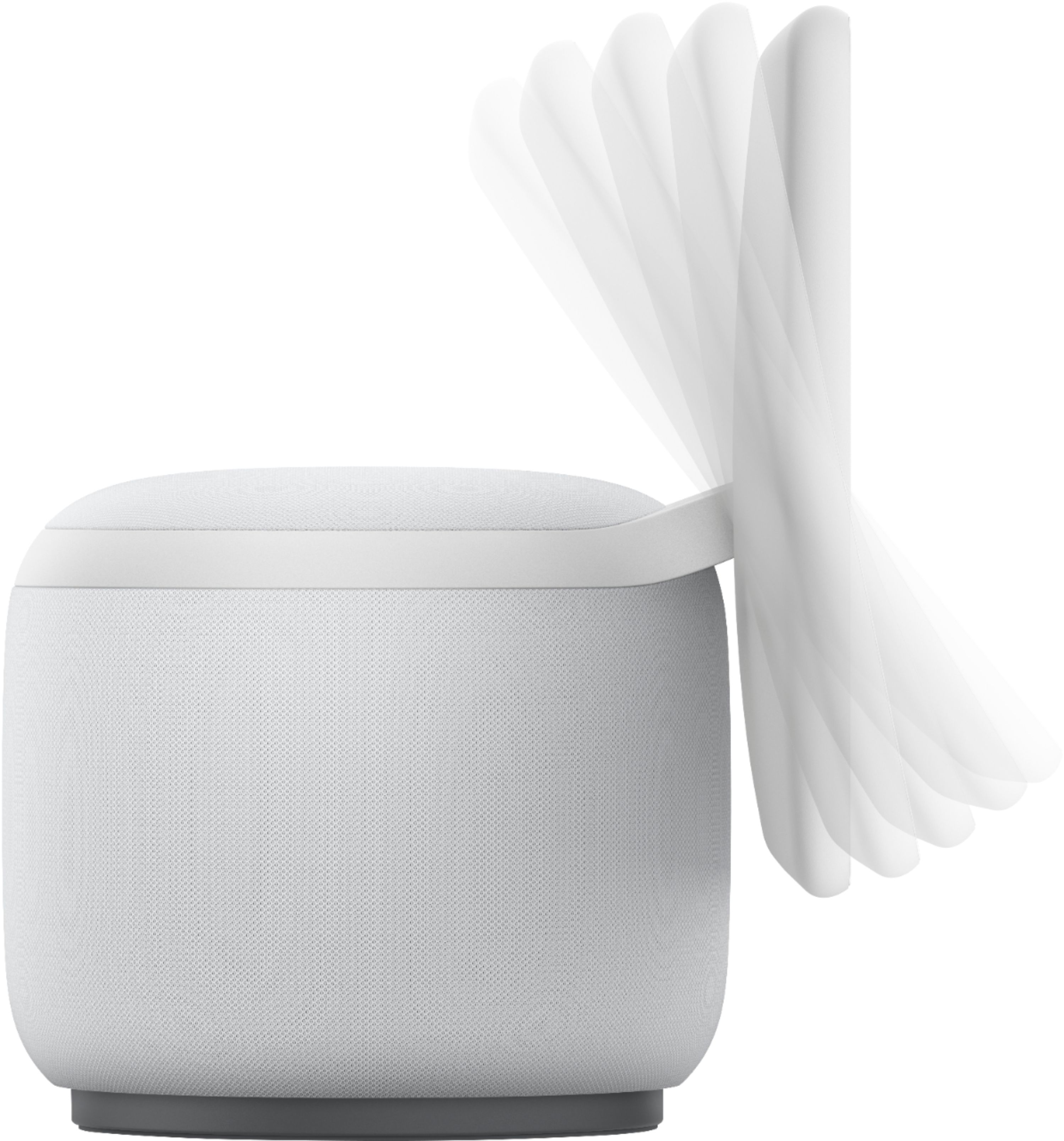
The recommended footprint for the new Echo Show 10 is 15" x10". It rotates around, so it will need that footprint clear so that it can fully function without hitting anything. The base it sits on is round, but there are no official numbers for that specific part as the footprint needed is larger that the base itself. I hope this information helps. Have a great day!
A:AnswerHello,
Yes, it sure does. You will be able to view your Blink cameras, and if they are the Blink XT2 or Blink Outdoor with 2-way audio, you could also talk to the person on the other side of the camera by enabling the microphone on the screen, as well as arm and disarm your cameras system. I hope this info helps. Have a great day.
A:AnswerHello,
If the Samsung Soundbar "works with Alexa" or has Bluetooth technology, then you would be able to pair the Show 10 with the soundbar, and what you asked Alexa to do, the sound would then come from the soundbar. As far as mimicking the screen of the Show 10 to the TV, there are no inputs or outputs from the back of the show 10 device, and screen mirroring is not an option on the Show devices as of now. The ability to connect the Echo to the Smart TV is just to voice control the functions that the TV allows, such as some allow power control, some allow you to change input and volume control, or find smart apps such as Netflix and Hulu that are built into the menu of the actual TV. I hope some of this information helps.
A:AnswerHi Cee,
I have had no issues with that. I would want to advise that if you are using battery powered Ring devices, that constantly staying on a live view could drain the battery power quicker, but the screen does not time out. Hope that info helps.
A:AnswerYes it does. You can go into your Alexa App and find the device. Under device Settings you can add photos to the Echo Show and have them loop. Mine constantly loops pictures of my dogs.
Have a great day
A:AnswerHi there Benmom5,
As of right now, you are only able to send a voice message through the Alexa App. You can still do drop in to devices you have been granted permissions to, as well as your own devices, and you can do video calls to anyone in your contact list that has a Echo Screened device of their own, or the Alexa app on their mobile device. I hope this info helps. Have a great day!