Early Black Friday DealsNew Doorbusters through SundayShop now

Main Content

Questions & Answers

Your price for this item is $199.99
Page Showing 21-40 of 116 questions
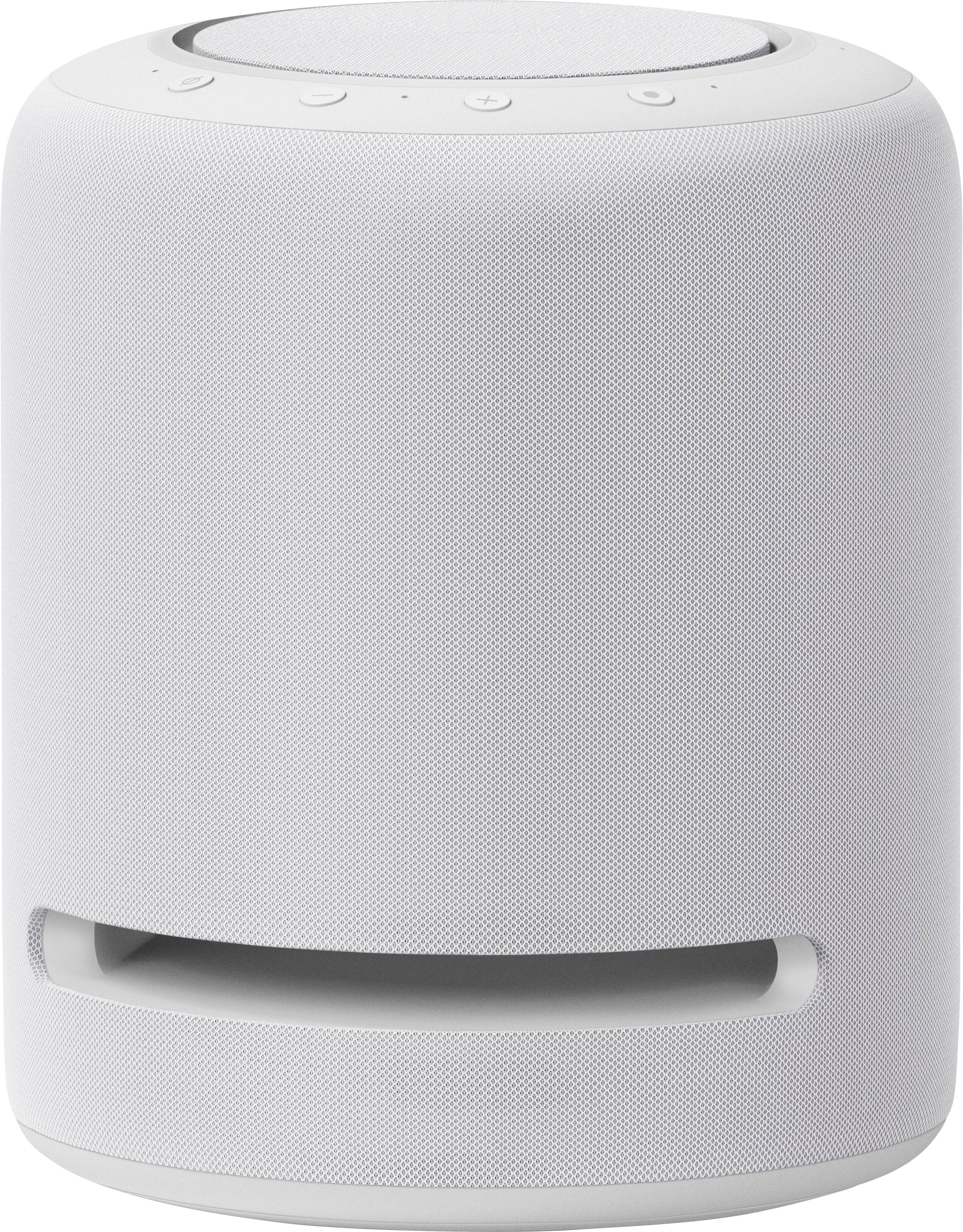
  • QuestionI just bought the Echo Studio a few weeks back. Works and sounds great. I heard its even better with the equalizer on. What do you have to do to turn that on?

    Asked by BigBruce.

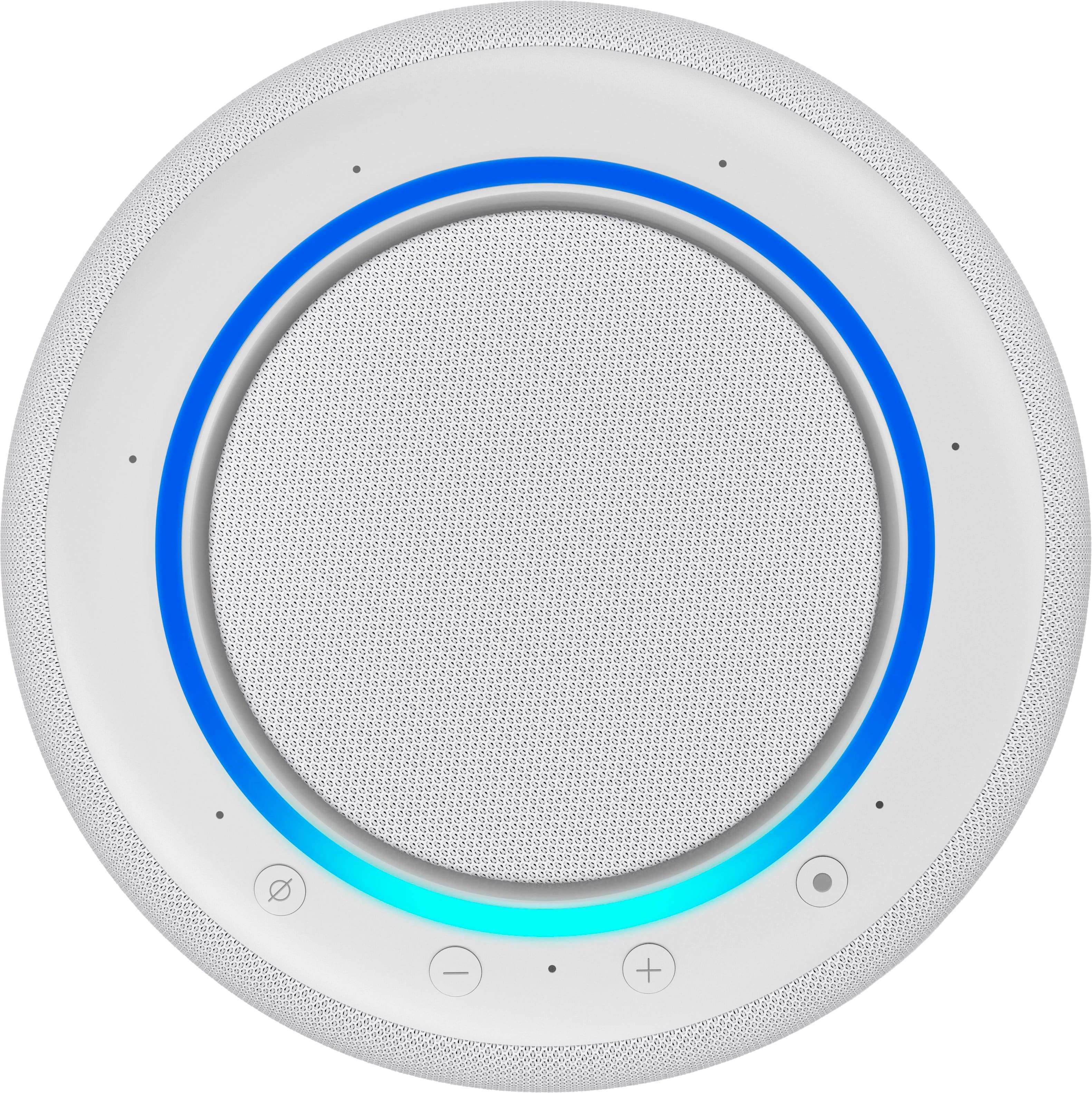
    • Answer You should have the Amazon Alexa app downloaded to your phone. Open it and tap the "More" button, bottom right. Find "Settings" with the gear cog icon. Tap that and find "Device Settings". Tap that and find the "Echo Studio". Select it and go to "Audio Settings". The volume slider is showing, but tapping "Audio Settings" brings up the extremely basic Equalizer. Also, you can toggle on or off the "Stereo Spatial Enhancement" feature. I have found that music on the Echo Studio varies widely in volume and how aggressive the processing of sound seems according to the genre, recording era, audio streaming quality, etc... I constantly adjust volume, because some recordings sound flat until the volume is raised, but others have to be turned down to avoid overpowering the room. The equalizer can be used to set a recording more to your tastes, but I've left mine with just one notch enhanced mid-range. You can set some of these by calling "Alexa" and asking that the volume, etc...be adjusted. With the equalizer, I think I read that you have to specify the level...like "set bass to plus two"...but I've only tried the volume. I have had luck saying, "Alexa, set volume to 70".
      Answered by TommySC

  • QuestionCan I pair studio with echo sub

    Asked by Pair.

    • Answer Hi Pair, Yes, you can pair your Echo Studio with Echo Sub! If you are setting up Echo Sub for the first time, you can follow these steps: Before setting up Echo Sub, make sure that you have a supported Echo device on your Amazon account. Verify it's online in the Alexa app. You will need your Amazon account log in information to access the Alexa app and a wifi connection! Place your Echo Sub on the floor in the same room as your Echo. Open the Alexa app . Select Devices . Select the plus icon. Select Add Device. Select Amazon Echo, and then Echo Sub. Plug in your device. Follow the on-screen instructions in the Alexa app to complete setup. If you're trying to add your Echo Sub to an existing speaker set or group that already exists in your home, delete the speaker set or group first and re create it including the Echo Studio and Sub! Hope that helps!

      Answered by Amazon Devices Customer Support

  • QuestionCan the Echo be paired/sync'd/linked with another Echo like the upcoming Apple speaker?

    Asked by Toodleloo.

    • Answer If you’re wanting to connect them to all play the same sound then yes! This feature has been around for a long time.

      Answered by JesLand

  • QuestionIs this the newest 2022 upgraded Echo Studio version?

    Asked by KimP.

    • Answer Yes it is.

      Answered by Melton

  • QuestionI have two echo like home theater. Work with the phone or tv. I can add the echo studio?

    Asked by trouble.

    • Answer Hello! To set up an audio system with your Echo devices, you can select 2 Echo devices and an Echo Sub, so you would not be able to add the studio to your current stereo pair. Have a good day!

      Answered by Amazon Devices Customer Support

  • QuestionIs it Spotify compatible?

    Asked by RUSAN.

    • Answer Hi RUSAN, thank you for your question. Echo Studio is compatible with the Spotify app. You can follow these instructions to set up: Open the Alexa app. Tap More, and then Settings. Under Alexa Preferences, select Music & Podcasts. Select Link New Service. Select Spotify and follow the on-screen instructions. Hopefully this helps. Have a great day!

      Answered by Amazon Devices Customer Support

  • QuestionIs it compatible with smart tvs

    Asked by Alley.

    • Answer Hi Alley, thank you for your question. You can connect your Echo Studio and TV speakers or receiver using the Alexa app. In the app, tap the Devices icon at the bottom and then select Echo & Alexa. Choose the Echo device you wish to use and then tap Bluetooth Devices. At the Bluetooth settings screen on your TV or receiver, wait for your Echo device to appear and then select it to connect the devices. Hopefully this helps. Have a great day!

      Answered by Amazon Devices Customer Support

  • QuestionIf I turn off spacial enhancement feature on the echo studio speaker does it ruin or stop Dolby Atmos sound, HD, or HD Ultra sound? Thank you very much.

    Asked by Pennella714.

    • Answer Hello Pennella714, thank you for reaching out with your question. Disabling the spacial enhancement feature will deactivate 3D Audio enhancements and reduce or disable other enhanced audio abilities of the device. Dolby Atmos supported films or other HD and Ultra audio will continue to play through the speakers but not at full potential.

      Answered by Amazon Devices Customer Support

  • QuestionCan I activate an alarm over the net to activate an alarm on this devise to wake up a sleeping teen from my work

    Asked by Anonymous.

    • Answer Absolutely. If you have the Amazon Alexa app, you can create any alarms to go off on the device. You can also drop in on the device and talk to people where the device is located using the Amazon Alexa app on your phone.

      Answered by Jenny

  • QuestionLove this Echo Studio, but I'm confused, I would like a speaker for inside the house and one on our porch. What speaker pairs to give me the same music at the same time? I paired my Bose mini sound Link but I can only play one at a time, not together.

    Asked by Bren.

    • Answer Hi Bren! You can have stereo sound and improved music playback in the left and right channels, pair two supported Echo devices. To set up an audio system, follow these steps: 1. Open the Alexa app. 2. Select Devices. 3. Select Plus. 4. Select Set Up Audio System. 5. Select Stereo Pair, and then follow the on-screen instructions. Alternatively, you can create a speaker group to play your music on all devices at the same time. Here's how: Fire up the Alexa mobile app, tap the “+” button in the top-right corner of the screen, tap Combine speakers, then tap the Multi-room music tile. Now it’s time to pick the speakers you’d like added to your new speaker group. On the next screen, you’ll see a list of compatible Alexa-enabled speakers. You can also Have a great day!

      Answered by Amazon Devices Customer Support

  • QuestionCan you play music and dance YouTube videos thru this from a laptop?

    Asked by Linny.

    • Answer Hello, Linny! Thanks for your question about the Echo Studio! Without knowing your laptop capabilities, I cannot give you a definite answer, but if your laptop has the option to connect a Bluetooth speaker to it, you would be able to connect the Echo Studio to your computer. If it is not able to be connected that way, you wouldn't be able to do that. Once connected, you would be able to hear whatever you stream from your computer through the speaker, including music and sound from videos. I hope that information helps. Have a great day!

      Answered by Amazon Devices Customer Support

  • Questionhow much does it cost to use each month?

    Asked by RodRon.

    • Answer Hello, RodRon! It is totally free to use the Echo Studio! All you need is the Alexa app to set it up and then begin using it. Certain music services do require a subscription, but if you have some you already use, or use free ones, then there is no fee for using the device. Have a great day!

      Answered by Amazon Devices Customer Support

  • QuestionWhat wireless speakers can this and an echo sub be paired with? Looking for some wireless options that might be compatible.

    Asked by luvmkyx3.

    • Answer Any bluetooth speaker can be paired. Even other smart speakers connected to the same network can be paired

      Answered by Mustak

  • QuestionCan you hook 2 to play together

    Asked by tony.

    • Answer Hi Tony, Thats a great question! Yes, you can pair two Echo Studio speakers together in two different ways: Stereo Pair: You can pair two Echo Studios to create left/right stereo sound This creates a wider soundstage and true stereo separation Both Studios must be in the same room The Studios must be on the same network Multi-Room Music: You can group two Echo Studios as part of a multi-room music setup They'll play the same music in sync Can be in different rooms Can also include other Echo devices in the group To set up either option: Open the Alexa app Go to Devices Select the + icon Choose either "Set Up Stereo Pair/Subwoofer" or "Add Multi-Room Music" Follow the in-app instructions Thanks for reaching out and have a great day!

      Answered by Amazon Devices Customer Support

  • Questiondoes it comes with a Aux port

    Asked by janie.

    • Answer Hi janie! Yes, the Echo Studio does have an Aux input. Hope this helps have a great day!

      Answered by Amazon Devices Customer Support

  • QuestionCan you use apps like YouTube Music, MyTuner & You Radio with this speaker?

    Asked by Anonymous.

    • Answer Hi there! You can use regular Youtube app on Alexa. As for "Youtube Music" and other mobile app, you can use it on you Amazon echo devices, but not directly. Simply connect your phone or tablet via Bluetooth to you echo device. After this step you open the app on your mobile or tablet and play your favorite music. Hope this helps! Have a great day!

      Answered by Amazon Devices Customer Support

  • QuestionDoes it tell you when you have packages from Amazon?

    Asked by Tj.

    • Answer Yes

      Answered by No1gal

  • QuestionHow many watts total?

    Asked by RR.

    • Answer 4

      Answered by AmyL

  • QuestionCan you use Sirus XM with this?

    Asked by Charjack.

    • Answer Yes.

      Answered by Nancy

  • QuestionCould work at 220 volts? Im using it in Latin America

    Asked by Nan.

    • Answer Hello Nan and thank you for your question! The Amazon Echo Studio is 110-240 volts, so it will work in the 220 volts. Hope this helps! Have a great day!

      Answered by Amazon Devices Customer Support