Early Black Friday DealsNew Doorbusters every Friday.Shop now

Main Content

Questions & Answers

Your price for this item is $159.99
Clearance
The comparable value price is $199.99
Page Showing 21-40 of 44 questions
  • Questionthis tables has a wi-fi

    Asked by Anonymous.

    • Answer Hello! The Fire 10 Kids Pro tablet does not have its own WiFi. To access the internet or download books, apps, and games you would need to connect the tablet to a WiFi connection. The tablet also does not allow for a cellular connection. I hope that helps. Have a great day!

      Answered by Amazon Devices Customer Support

  • QuestionWhat is the best screen protector for this model please? Thank you and Lord Bless

    Asked by Pennys.

    • Answer The one is coming with it.

      Answered by Sirak

  • QuestionMy child has the kids fire 7 and you can toggle between the adult and child user accounts on the device. Can this be done on the kids fire 10 pro as well?

    Asked by MomShopper.

    • Answer Hi Momshopper, The Amazon Fire 10 Kids Pro allows you to toggle between adult and child account as well. Thank you!!

      Answered by Amazon Devices Customer Support

  • QuestionCan someone please recommend exactly which memory card to buy. Prefer a 128 or higher. Thanks

    Asked by Finz.

    • Answer A micro SD CARD I find best price well do just find. I think it will take up to 256 GB

      Answered by Bobby

  • QuestionCan you download movies to watch while traveling in car

    Asked by Lolli.

    • Answer Hi Lolli, you can download movies through your Amazon Prime Video account or on Netflix and have them saved to watch later. A dedicated account is required for both. Thank you

      Answered by Amazon Devices Customer Support

  • QuestionDoes it come with the case?

    Asked by Ginger.

    • Answer I got the Interstellar package where comes with a thin case. But Best Buy does not carry screen protectors for this model

      Answered by BGrass

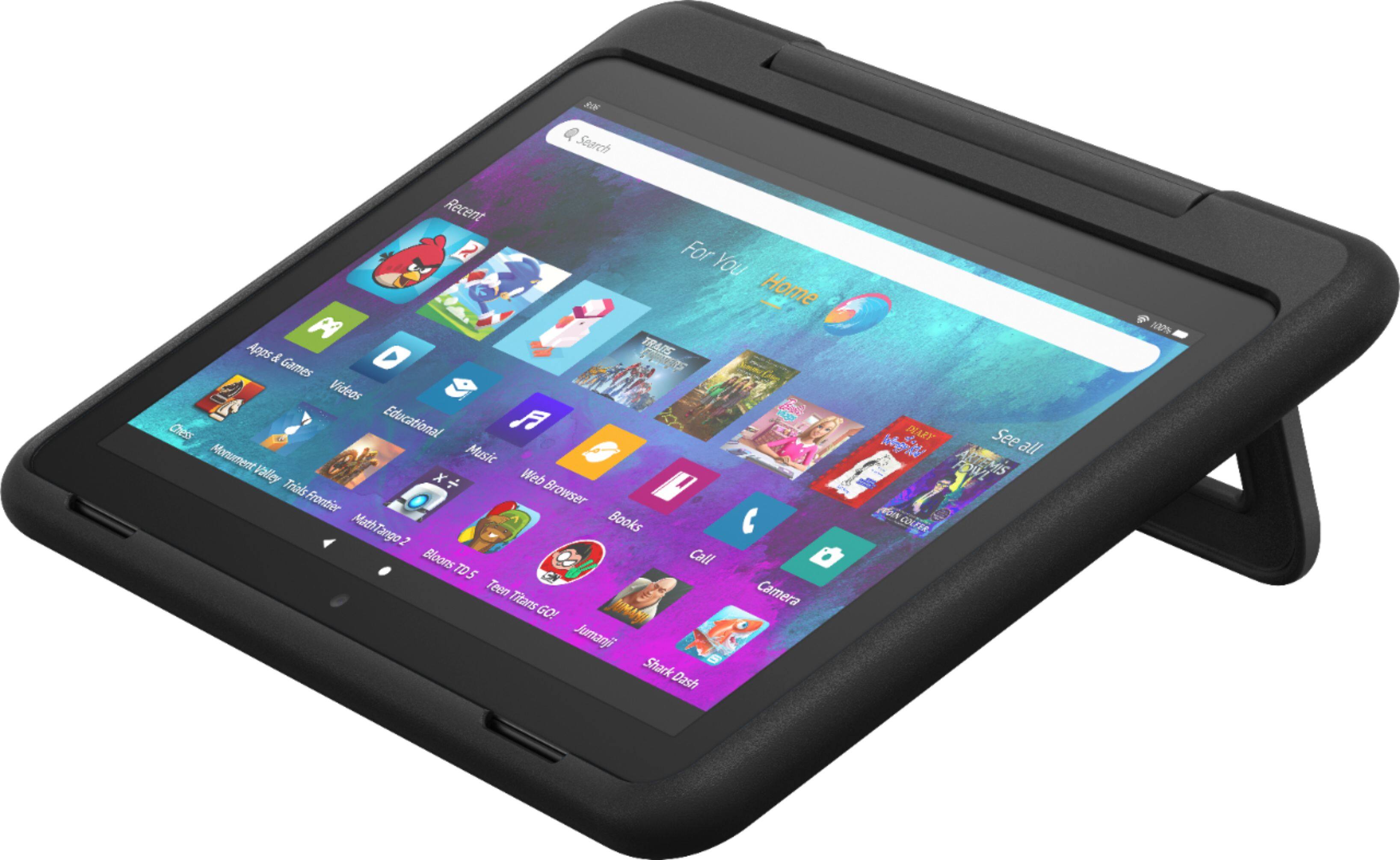
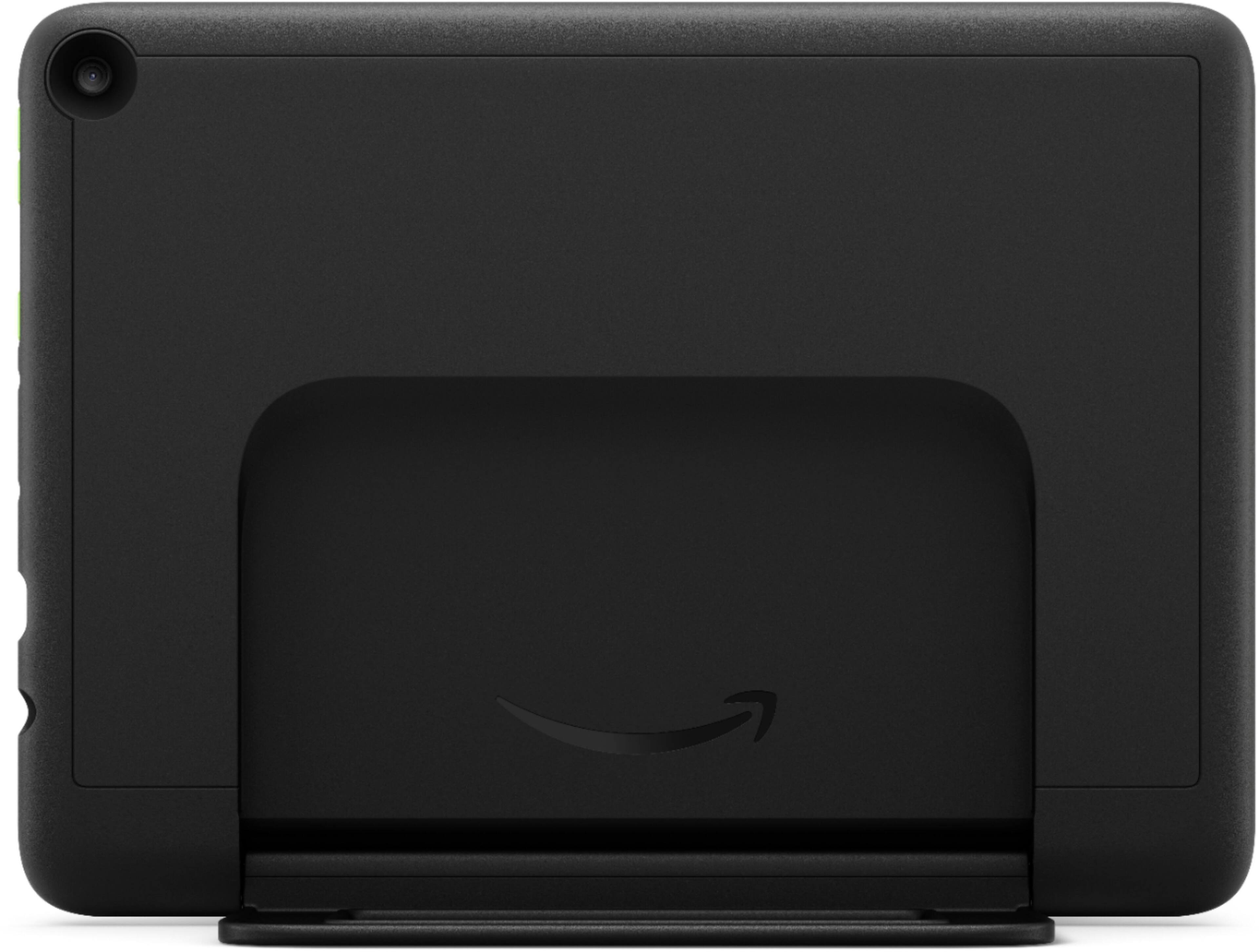
  • QuestionDoes the stand pull all the way up to be a handle for carrying?

    Asked by Granny.

    • Answer Yes

      Answered by GoBucks123

  • QuestionCan you add more storage?

    Asked by Boots.

    • Answer Yes it does have expandable memory via memory card

      Answered by Jophus

  • QuestionWith this tablet can the reading app learning ally be added?

    Asked by SC24.

    • Answer Hello SC24! The Learning Ally app is currently not available for download on the Amazon Appstore. Thanks so much for your question and have an amazing day!

      Answered by Amazon Devices Customer Support

  • QuestionCan you download the same games on this device as a regular droid phone?

    Asked by Triciam87.

    • Answer Hi Triciam87! You can download any games available in the Amazon Appstore to this tablet. I hope this helped answer your question, have a great day!

      Answered by Amazon Devices Customer Support

  • QuestionCan a child email using this tablet?

    Asked by Granny.

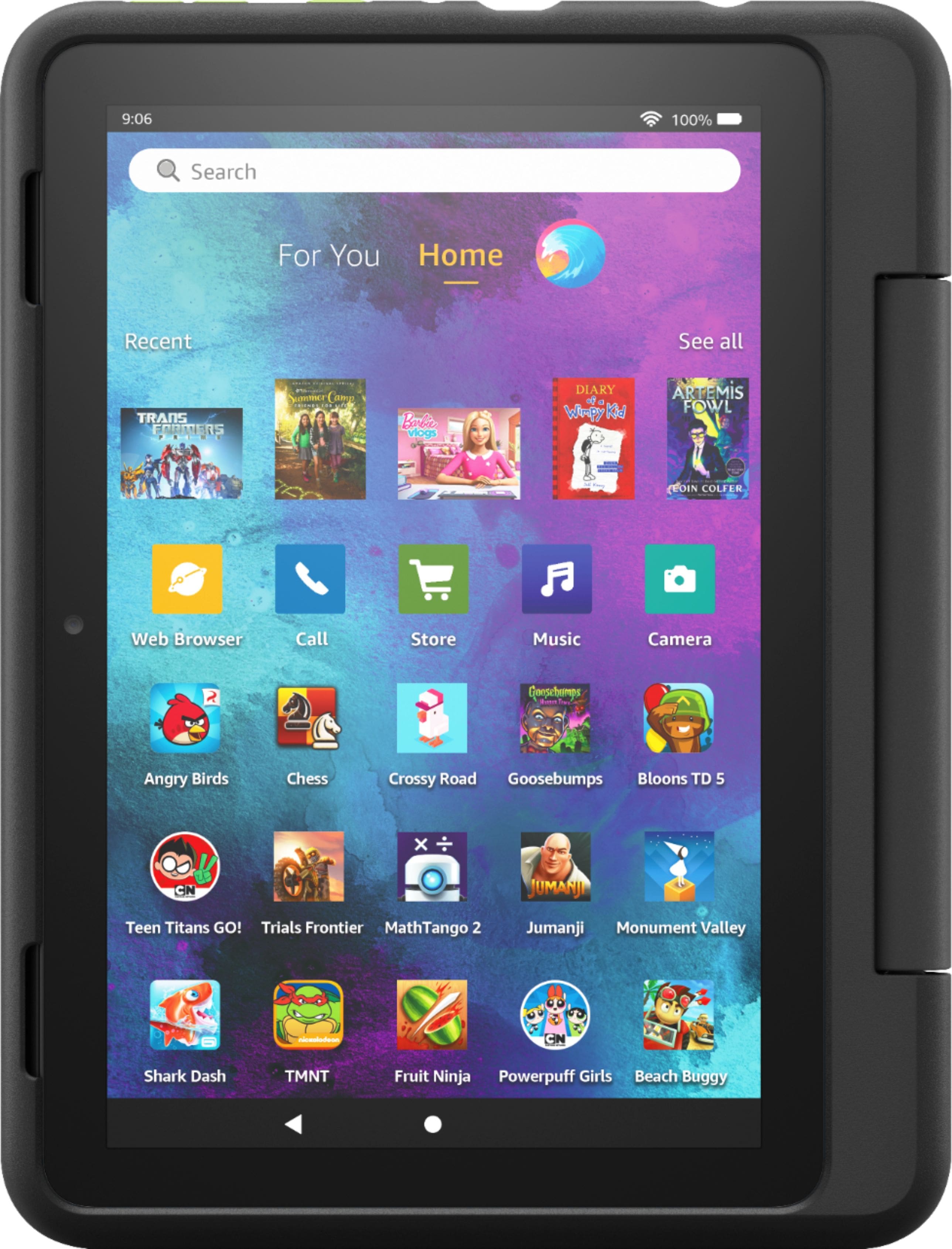
    • Answer Hi Granny, Yes, but parental controls must be adjusted! You can help keep your child from accessing certain things, avoiding accidental purchases, and set time limits with on-device controls. Here are the things the parental controls let you restrict access to: -Web browsing -Email, Contacts, and Calendar apps -Purchasing from the Amazon Store or Amazon Shop app -Playing titles from Prime Video -Specific content types or titles (for example, books or apps) -Wireless connectivity -The camera -Location-based Services You can also use the daily curfew option to schedule when your child can use the device. Enabling Parental Controls does not remove Mature or Adult-rated content from the device. You may encounter such content in Apps and Games, Music, and Books, or in Amazon store search results. To restrict the content available on the device, you can: -Create an Amazon Kids+ child profile and select which apps and content are available to that profile. -Block access to content on the device (for example, "Apps and Games," "Books," and "Music") by going to Amazon Content and Apps menu under Parental Controls and selecting the button next to each category to say Blocked. To add content to your Child Profile on a Fire Tablet, follow these steps: 1. Go to the Parent Dashboard 2. Navigate to the child profile you wish to manage and select Settings. 3. Select Add content. 4. Select the desired content category using the tabs above the list of content. 5. Add or remove content by toggling the switch next to them. Hope that helps!
      Answered by Amazon Devices Customer Support

  • QuestionCan you get u tube on this tablet

    Asked by Tab.

    • Answer Yes you can

      Answered by Jophus

  • QuestionI have a regular Echo Dot 4th Gen in my son's room. Since this comes with Kids+, can that subscription also be used to make the Dot a "kids" version? Or do I need to replace his Dot with a Kids Dot which has a second Kids+ subscription?

    Asked by gldoorii.

    • Answer Hello gldoorii! Yes you can toggle the Amazon Kids setting on any Echo Dot via the settings in your Alexa App on your smartphone. Once you toggle the setting to Enabled for Amazon Kids, it will ask you which child profile you would like to use it under. You would just select the same child profile you have set up for the Kids+ trial you get from this tablet. The setting can be accessed by doing the following on your Alexa App: Devices > Echo & Alexa > Select the Echo Dot you'd like to enable Kids on > Settings icon (looks like a gear) in the top right corner > Under General select Amazon Kids > Toggle Enabled and then follow the on screen directions to select the child profile. I hope this helps and you have a fantastic day!

      Answered by Amazon Devices Customer Support

  • QuestionHow do you setup phone calls in it

    Asked by Jmcleod.

    • Answer Hello, the Amazon Fire Tablets do not have cellular capabilities. They use wifi to connect online and do not make phone calls. There are several apps available through the Amazon App store that you can download and make video or audio calls through when connected to wifi. Have a great day!

      Answered by Amazon Devices Customer Support

  • QuestionCan kids play roblox or watch YouTube.?

    Asked by a.

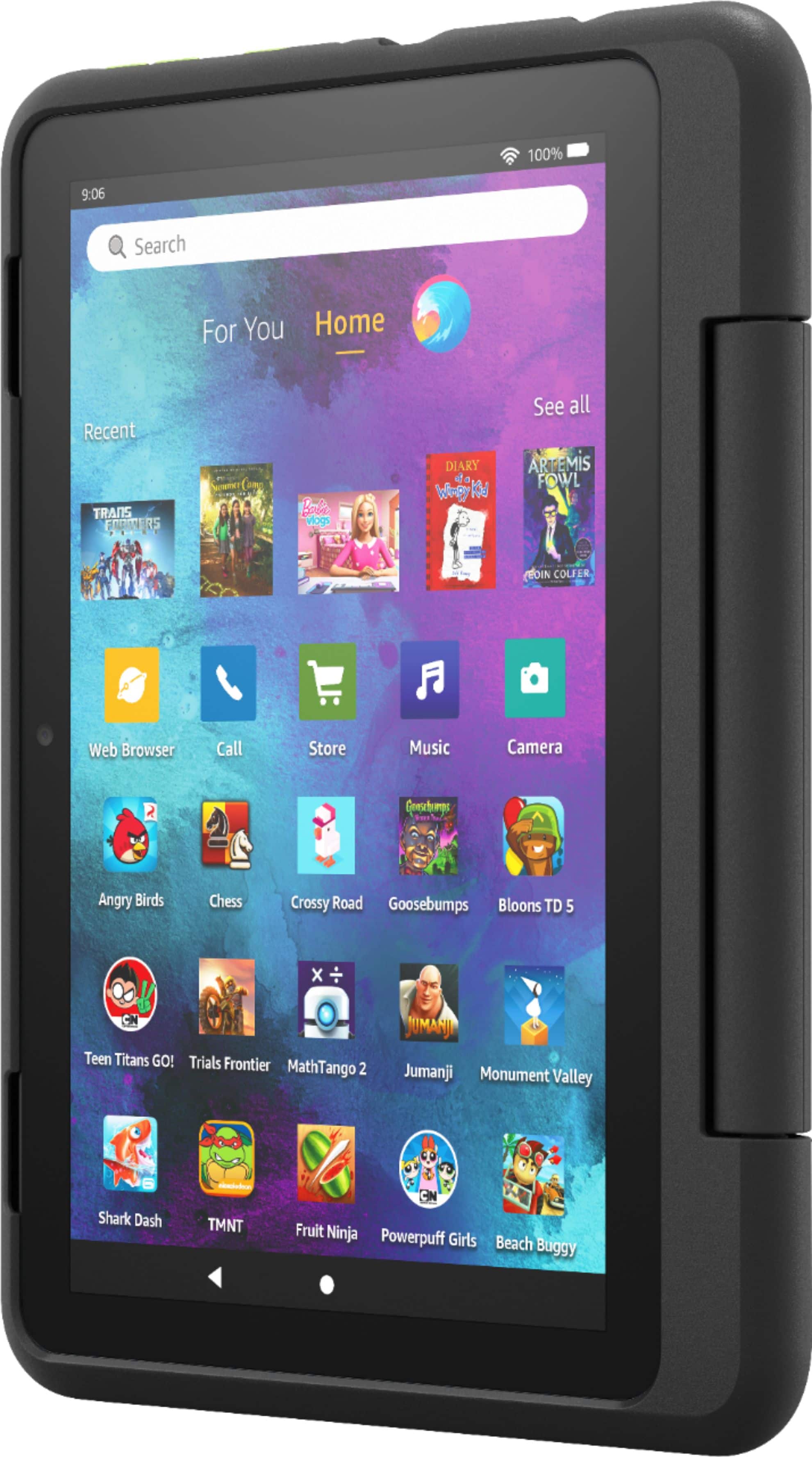
    • Answer Hello! The Kids Pro Fire Tablet is designed specifically for kids ages 6–12 that includes 1 year of Amazon Kids+, parental controls, a slim protective case, and a 2-year worry-free guarantee. In addition to Kids+ content, Kids Pro tablets include access to a digital store. Kids can request apps, while parents approve purchases and downloads. The web browser comes with built-in controls designed to help filter out inappropriate sites and let parents add or block specific websites at any time. Roblox is available as well as YouTube, I hope that helps explain the Kids Pro tablet! Have a great day!

      Answered by Amazon Devices Customer Support

  • QuestionDoes this have a parental lock on it ?

    Asked by MJS.

    • Answer We do not know how does the parental control works on this?

      Answered by Stopworking

  • QuestionCan you download ABC mouse and noggin??

    Asked by Kate.

    • Answer Hello Kathy! Thanks so much for your question on the availability of ABC Mouse and Noggin on your Fire 10 Kids Pro! ABCMouse.com is available for download from the Amazon Appstore and Noggin currently has a "Noggin Preschool Videos" app available for download from the Amazon Appstore. You can find them both by searching the Amazon Appstore on a parent profile on the tablet or by clicking Apps & Games on the child profile and searching for them in the search bar. I hope this answers your question and you have an amazing day!

      Answered by Amazon Devices Customer Support

  • QuestionDo you the carry pouches for Fire 10 Kids pro tablet

    Asked by Susan.

    • Answer Hello Susan, We do sell cases for the Kids Pro Tablet in store and online at Best Buy or bestbuy.com . As far as 'pouches', you can go on Amazons website and find several options via third party that may work for what you are looking for, I hope this helps! Have a great day!

      Answered by Amazon Devices Customer Support

  • QuestionWhat is the ages that can use it?

    Asked by Rachel.

    • Answer Hello Rachel! Thank you for your question on our Fire HD 10 Kids Pro! This device is intended for children ages 6+. I hope this answers your question and you have an awesome day!

      Answered by Amazon Devices Customer Support

  • QuestionCan play roblox on this tablet. My previous fire tablet didn't play roblox

    Asked by stezzi.

    • Answer Hello! Yes, the Roblox app can be downloaded to your Fire Tablet. You can download games and apps and use them on the go by following these steps: 1. Select Games & Apps or open the Apps or Games app. 2. Select an app from your Library to download it or search for a new app in the Store. Have a great day!

      Answered by Amazon Devices Customer Support