Black Friday is hereShop new DoorbustersShop now

Main Content

Questions & Answers

Your price for this item is $159.99
Clearance
The comparable value price is $199.99
Page Showing 41-44 of 44 questions
  • QuestionHow do I remove the mobile you tube app from the Amazon kids 10 tablet

    Asked by Molly.

    • Answer Hi Molly! You can uninstall apps from your Fire Tablet. To do this, follow these steps: 1. On the Games or Apps app and select the Menu icon. 2. Tap Library and select Downloaded. 3. Locate the app you'd like to uninstall and select. 4. Select Delete from Device. Preinstalled apps can't be removed, but can be organized on your home screen. If the app isn't working, try clearing the app cache and data. Have a great day!

      Answered by Amazon Devices Customer Support

  • QuestionCan you use Bluetooth earbuds or headphones? Can you get Nick jr?

    Asked by Allison.

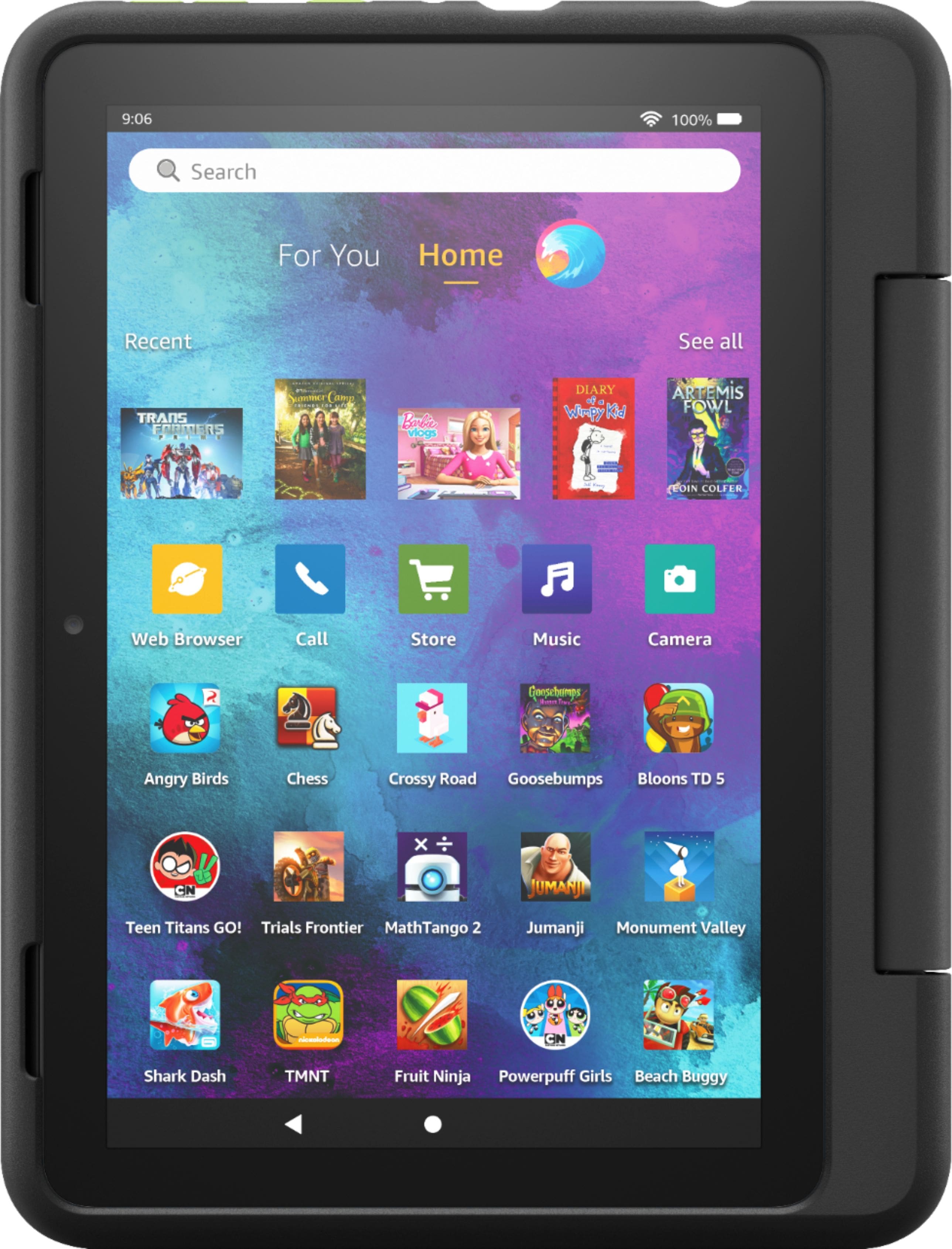
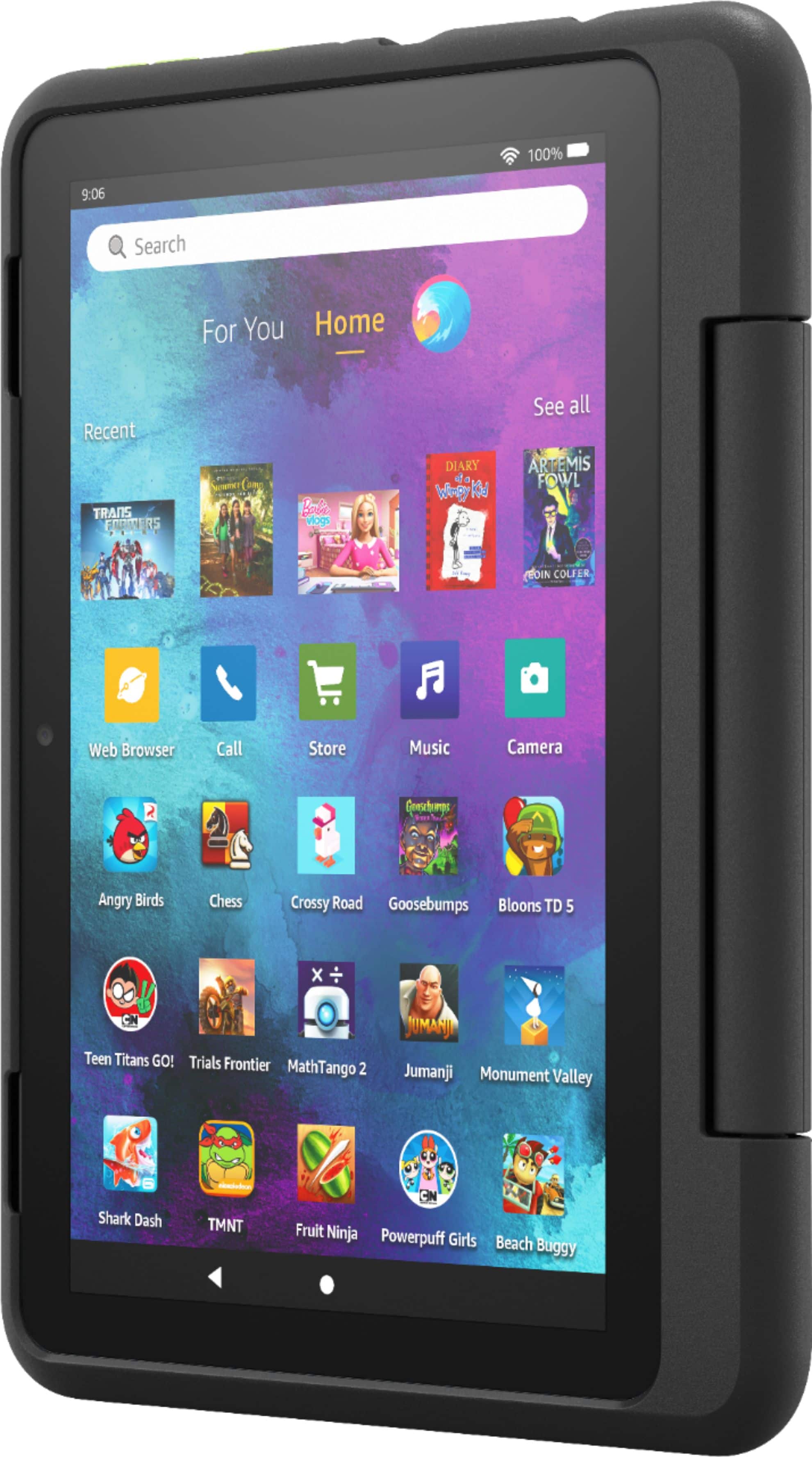
    • Answer Hello Allison! Yes, Amazon Fire tablets can be paired with wireless accessories such as headphones, speakers, or earbuds. Nick jr is available for download in the Amazon Appstore as well, which means you can download it to your Fire 10 Kids Pro. I hope this helped answer your question, have a great day!
      Answered by Amazon Devices Customer Support

  • QuestionCan my boys specifically play Minecraft on Amazon - Fire Kids Pro - 10.1" tablet - ages 6+ 32 GB - intergalactic?

    Asked by minecrafters.

    • Answer Hello minecrafters! Yes, Minecraft is available for download from the Apps & Games icon, by searching Minecraft in the search bar in the top of the home screen, or by accessing the Appstore icon on an adult's profile. Thanks so much for your question and I hope you have a beautiful day!

      Answered by Amazon Devices Customer Support

  • Questioncan i down load my Netflix on the tablet

    Asked by Anonymous.

    • Answer Hello! Netflix is available for download on the Fire Tablet! To add Netflix to your Kid's profile on your tablet, here are the steps: The Amazon Parent Dashboard is an online service that helps you manage your child’s Amazon Kids content on compatible devices. 1. Go to the Amazon Parent Dashboard. 2. Navigate to the child profile you wish to manage and select Settings. 3. Select Add content. 4. Select the desired content category using the tabs above the list of content. 5. Add or remove content by toggling the switch next to them. 6. Update the range of content within the Child Profile. Use the Adjust Age Filter section to select the content your child will see. I hope that information helps! Have a great day!

      Answered by Amazon Devices Customer Support