A:AnswerHello Karol! Just for clarification's sake, this device is not Apple's iPad. I only wanted to ensure there wasn't any confusion on the type of device. That being said, this Fire 8 Kid's Pro does have support for YouTube. You can access it by allowing it as content approved on the Parent Dashboard and can also search for YouTube in the Apps & Games icon on the home screen. I hope this answers your question and that you have a nice day!
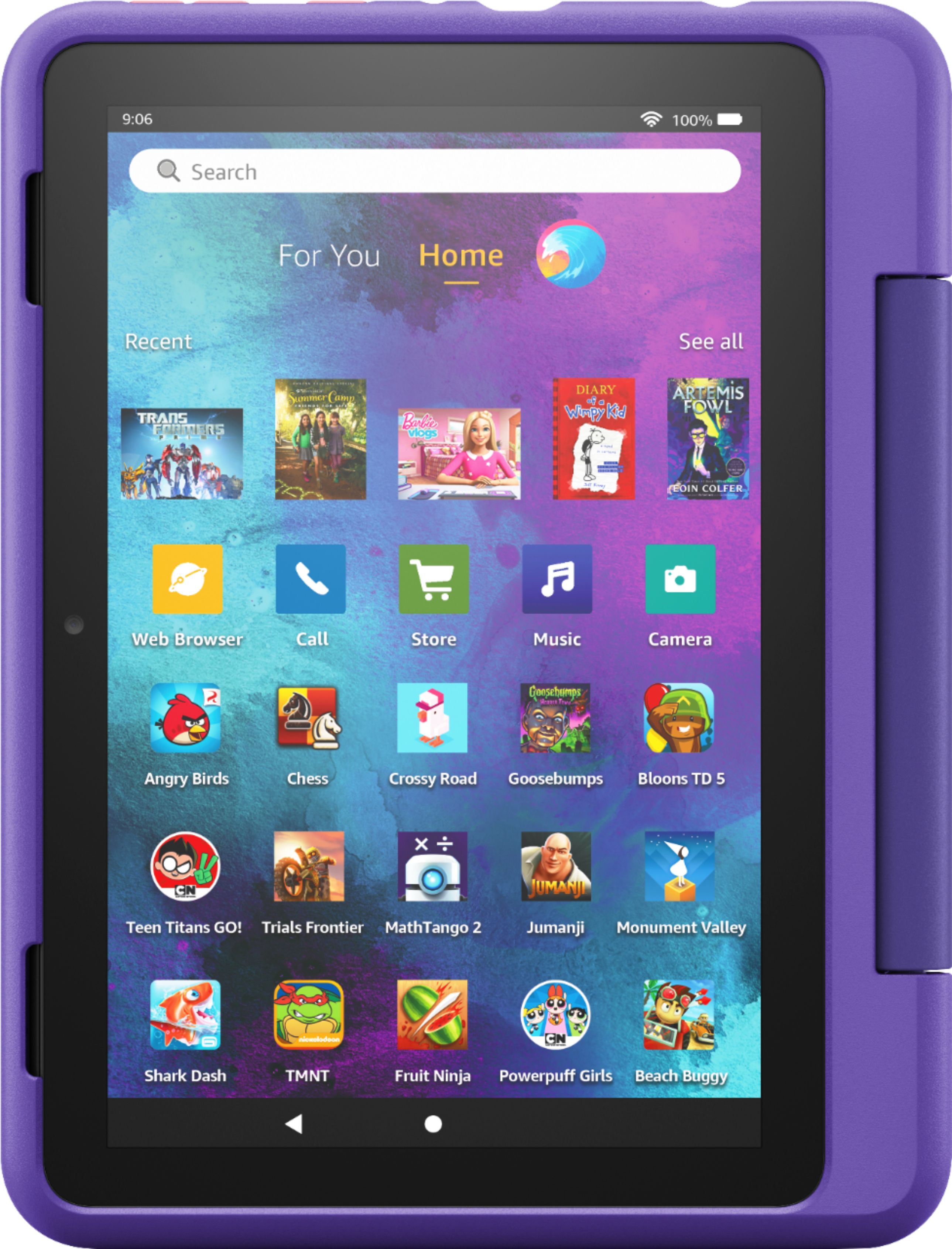
A:AnswerHello Dee, you want to know if the Amazon- Fire 8 Kids Pro comes with pre loaded apps/games. It comes preloaded with apps/games which are free to you. However additional apps are available to download, some are free and some you will have to pay for it. Since it is a kids tablet you will have control on what downloads are allowed. Hope this has answered your question. Have an amazing day!
A:AnswerHello! The new Kids Pro Fire Tablet is designed specifically for kids ages 6–12. The tablet will come with 1 year of Amazon Kids+, parental controls, a slim protective case, and a 2-year worry-free guarantee, just like the Kids tablets. In addition to the Kids+ content, the Kids Pro tablets include access to a digital store. With this, kids can request to download or purchase apps, while parents can approve purchases and downloads. The tablet also comes with a built in web browser. The web browser comes with built-in controls designed to help filter out inappropriate sites and let parents add or block specific websites at any time. I hope that helps explain the new Kids Pro tablet! Have a great day!
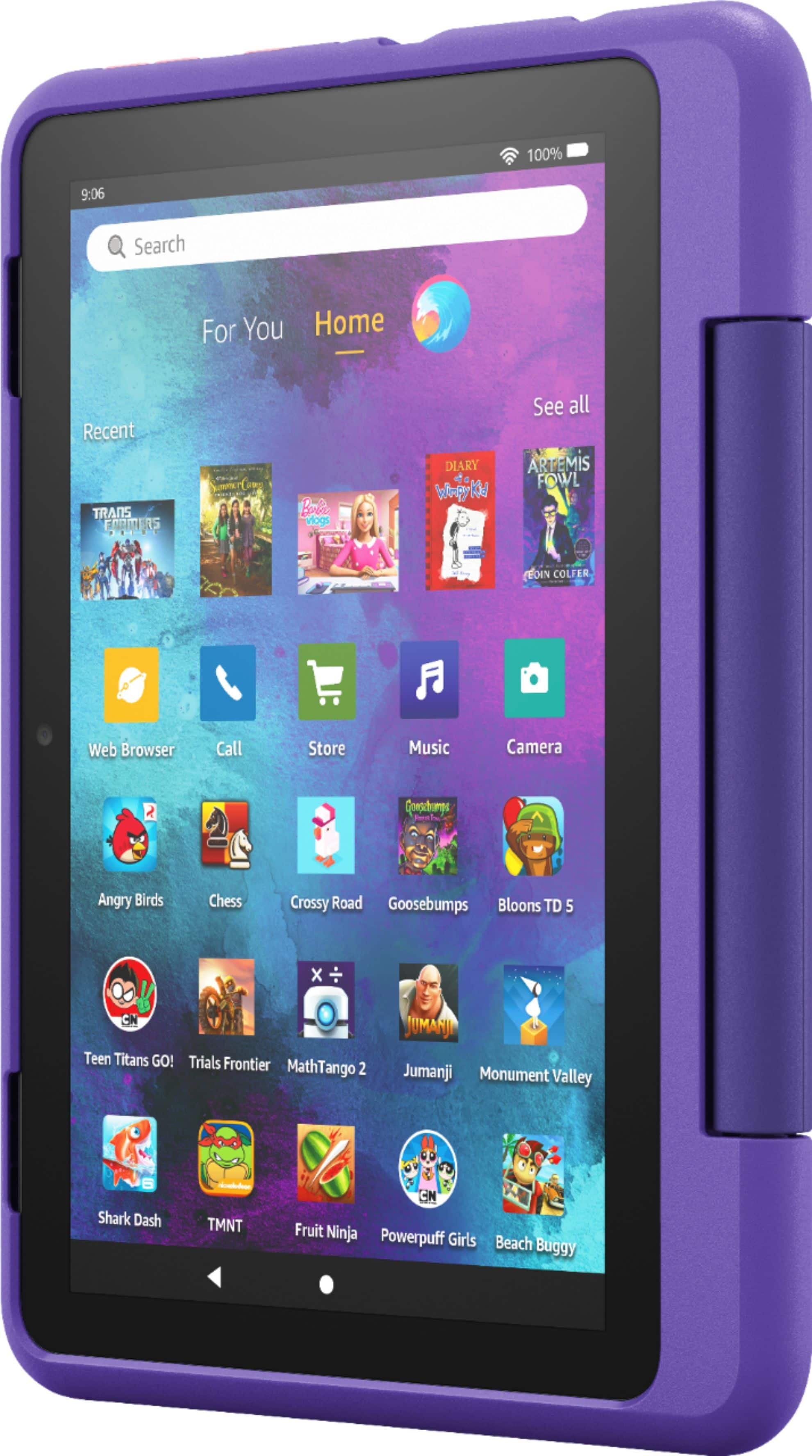
A:AnswerHi Beth! In regards to your question about app availability on the Fire 8 Kids Pro tablet, any app available in the Amazon Appstore can be downloaded to this tablet and added to your child's profile.
To add content to your Child Profile on a Fire Tablet, follow these steps:
1. Go to the Parent Dashboard
2. Navigate to the child profile you wish to manage and select Settings.
3. Select Add content.
4. Select the desired content category using the tabs above the list of content.
5. Add or remove content by toggling the switch next to them.
Have a great day!

A:AnswerHello Romeo, the Fire Tablets will work anywhere there is a WI-FI connection. Some of the apps and Alexa features may not operate outside the U.S.
The Amazon Fire Tablets do not support SIM cards.
Have a great day!

A:AnswerHi Alice1959,
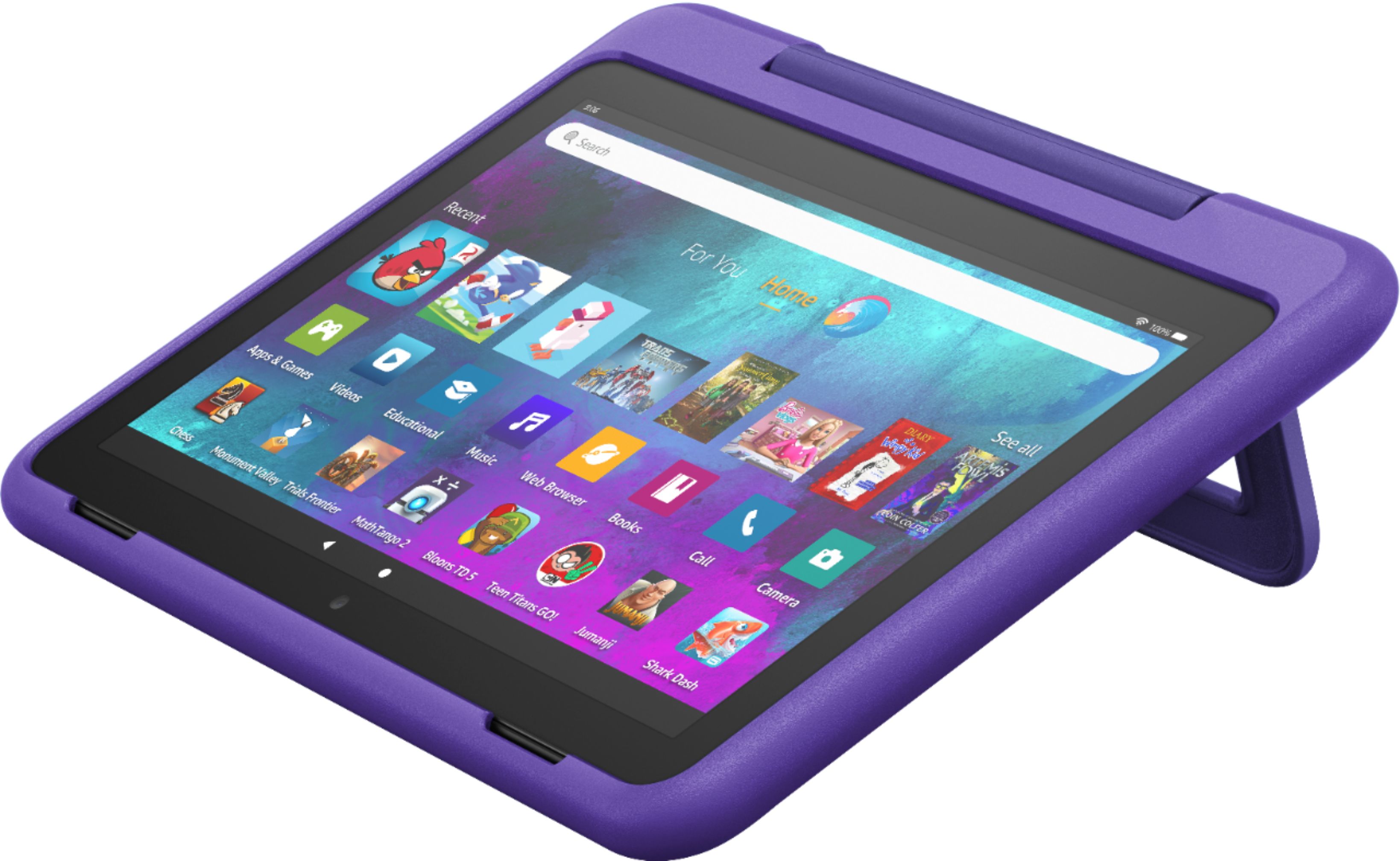
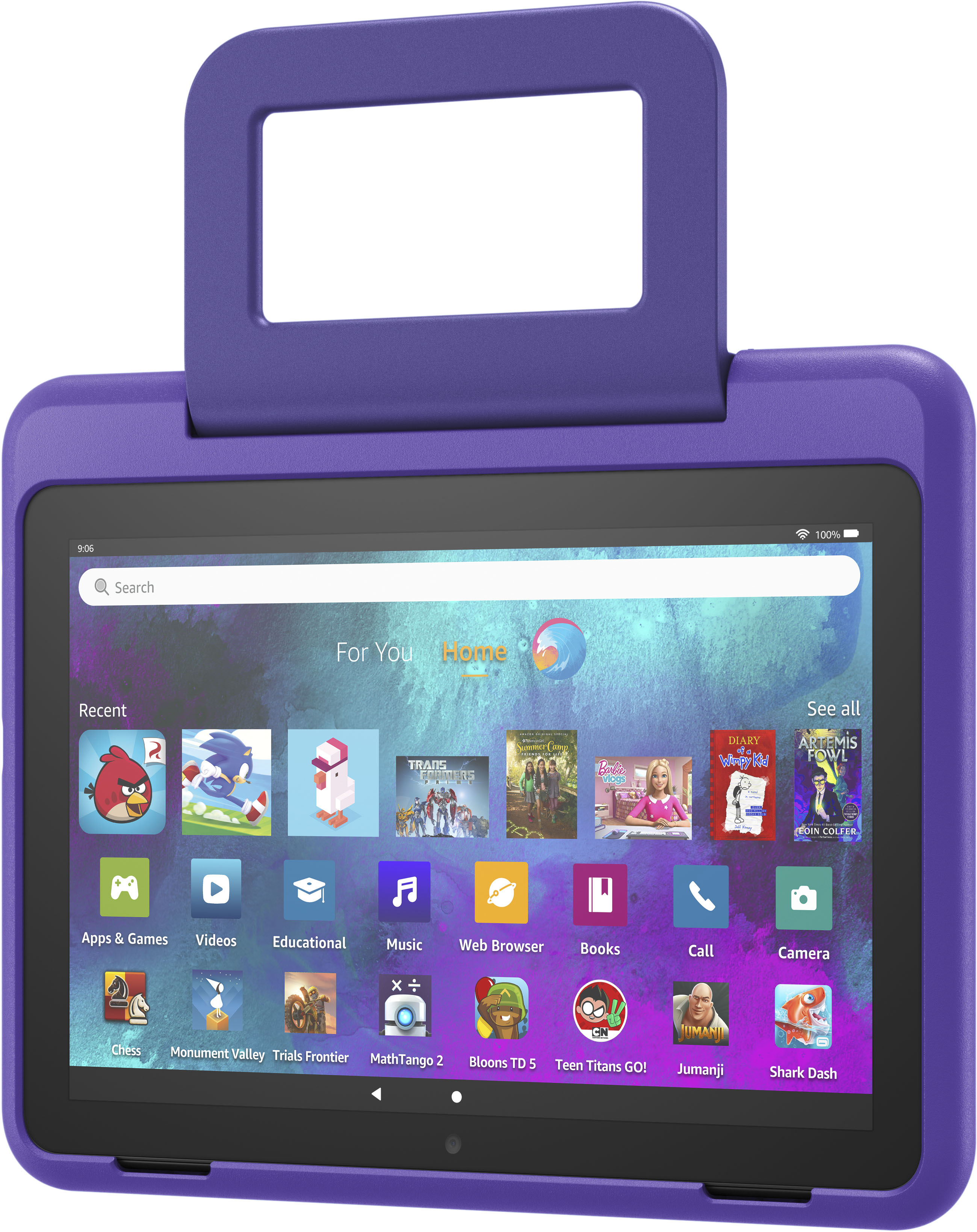
Yes, this tablet comes with a slim, teen like styled case that has a handle for easy carrying as well as has a dual purpose to be a kick stand for viewing hands free. The case can be taken off and changed if you wish. Hope this info helps. Have a great day.
A:AnswerHello,
Yes, the Fire 8 kids Pro tablet does have games that do not require internet. My granddaughter has the tablet and often brings it with her in the car, she will play learning games from school that do not require internet but, there are many others. I hope this helps, have a great day!

A:AnswerHello,
Yes, you can download vidoes onto the Kids Fire pro8 tablet. WiFi is always going to be the best bet and best quality but, if previously downloaded there's always a chance you would be able to watch movies/videos. I hope this helps, have a great day!
A:AnswerHello, yes it does. All of the Amazon Fire Tablets have a standard headphone jack. They also support Bluetooth if you want to use wireless headphones.
Have a great day!
A:AnswerI purchased for my 3 year old birthday he loves it. if your 2 year old loves to go thru your phone and knows the apps he/she likes them its perfect. mine loves the snapchat filters and games.
A:AnswerHello!
The Kids Pro Fire Tablet is designed specifically for kids ages 6–12 that includes 1 year of Amazon Kids+, parental controls, a slim protective case, and a 2-year worry-free guarantee. In addition to Kids+ content, Kids Pro tablets include access to a digital store. Kids can request apps, while parents approve purchases and downloads. The web browser comes with built-in controls designed to help filter out inappropriate sites and let parents add or block specific websites at any time. I hope that helps explain the Kids Pro tablet! Have a great day!