A:AnswerI don't think so. You probably voided the warranty with your carelessness and then compounded that by smearing the coffee into the device as you tried "wiping" it off. Sorry about your luck. These aren't toys though.
A:AnswerHello Gidget....in terms of size, this would seem ideal for you....but for the task you've described, I'd hesitate to recommend this device (Fire 7 tablet, 2015/5th gen model)....that's because the claimed quad-core processor is much too slow for anything
more advanced than simple web-browsing and the like....my guess is that you'd find activity like live-chatting too slow and
aggravating....a more powerful tablet would help here.
A:AnswerTablets are not used for writing documents or spreadsheets; you can look at them on a tablet but for composing you really want a laptop. You can now purchase laptops that are lightweight and compact. My daughter just bought an acer brand laptop for around $200.00 and she loves it; she can carry it around in her backpack without any difficulty and it is also a touch - flip screen.
A:AnswerI'm not sure, but you might be hitting the volume control button which brings up the sound icon and a bar to show volume level. Or, it might be for audible reading of the text. The first is easily fixed: keep your fingers away from the volume control toggle. The second, I assume can be turned off in settings?? Maybe not as much help as you want, but a couple of ideas to start with. Do you subscribe to Audible Books? I don't, so I'm not sure how that works.
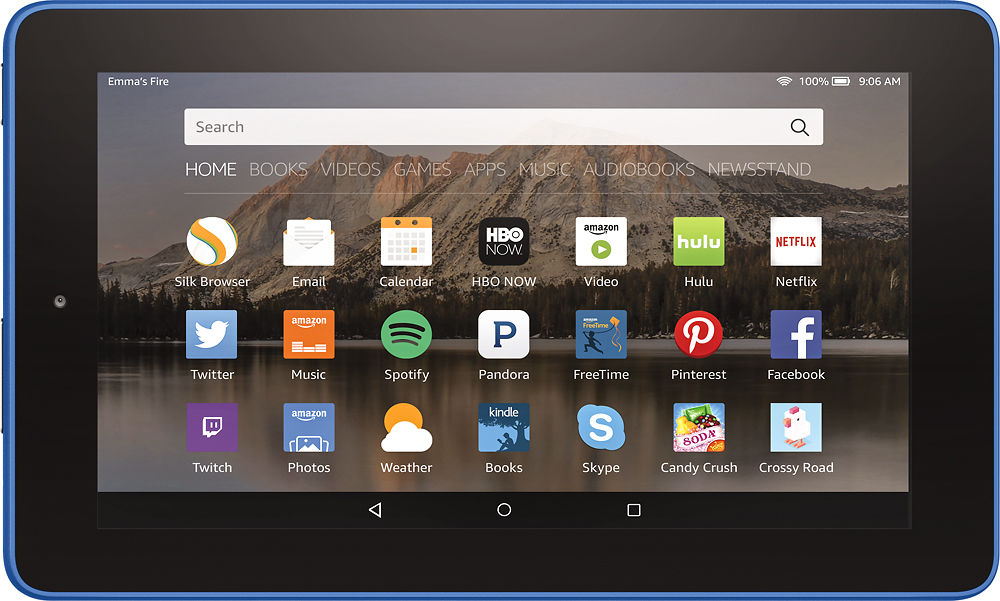
A:AnswerI installed the HP Print Plugin on my Fire to allow wireless printing to my HP 8600 Office Jet.
Not all apps allow printing as near as I can determine. The email app does To print from it, I open the email I want to print and tap the menu icon (looks like 3 vertical dots) at the upper right corner of the screen, then tap "Print". The HP Print Plugin comes up and lets me pick the options I want. Then I tap the "Print" icon, and go pick it up from the printer.
Bottom line, you probably need a print plugin for your printer. Check the manufacturer's web site or do a web search.
Good luck!
A:AnswerThe device I've used for a month now is the Fire 7 tablet (2015/5th gen model). This version did not come with any kind of Alexa or Echo ability -- but Amazon has since downloaded an Alexa app. Once you've installed and enabled the app, Alexa can perform Echo-like actions. To my knowledge, you cannot physically connect an Echo device to the tablet -- but with the Alexa app, you shouldn't need to.