A:AnswerHello, RetroMom!
Yes! When you set up your tablet, it will go through the steps of connecting your email address. This will allow you to send and receive emails on the device. You will need to be connected to WiFi in order to do this. Have a great day!
A:AnswerHello,
Unfortunately that app is currently unavailable, but we are constantly working to add new apps so please check back. I hope this helps. Have a good day!
A:AnswerHello Ditto,
Yes, depending on the public library's set-up. If the library offers ebooks, then you can download the ebooks to your paperwhite. Take your paperwhite to the Library & I'm sure someone there can walk you through the process. I hope this helps, have a great day!
A:AnswerHello Lolly! There are ways you can do this via apps like Overdrive or by sending e-book rentals to Kindle and using the Kindle app on this device to read supported library books. You can see if your library supports this feature by reaching out to them directly. I hope this answers your question and you have an awesome day!
A:AnswerHello Bill! This device has many different ways that you can utilize live video conferencing. There are apps available for download such as Zoom and you can also use the device in Show mode by swiping down from the top of the screen and toggling Show Mode on or off. In Show mode, you can video call with other people who have other video Alexa devices and/or the Alexa app on a supported smartphone. I hope this answers your question and you have a phenomenal day!
A:AnswerHello Lor! While there is no Adobe Acrobat app available for download on the Amazon Appstore, there are numerous 3rd party PDF apps available for use in viewing PDF files on the device. I hope this helps and answers your question and that you have an amazing day!
A:AnswerHello, FormerKindleOwner.
The Fire tablets support the MP4 video format. Videos in that format would be able to be viewed on the tablets. I hope that information helps. Have a great day!
A:AnswerHello Bill! The battery life of the Fire HD 10 is up to 12 hours of normal use. Thanks so much for your question and I hope you have a terrific day!
A:AnswerHello, Grandmother!
This particular tablet is not one of the Kids versions of the tablets. The Fire Kids Edition is for the 3-7 year olds and the Kids Pro Edition is for Kids ages 6 and up. I hope that helps to answer your question. Have a great day!
A:AnswerHello and thanks for your question! I am assuming you are describing something like screen sharing or screen mirroring your tablet to a monitor or smart TV. At this time, that feature is not available for this device. There are some apps that allow you to screen share or mirror from directly within the app such as Netflix but that is on an app by app basis. I hope this answers your question and you have an awesome day!
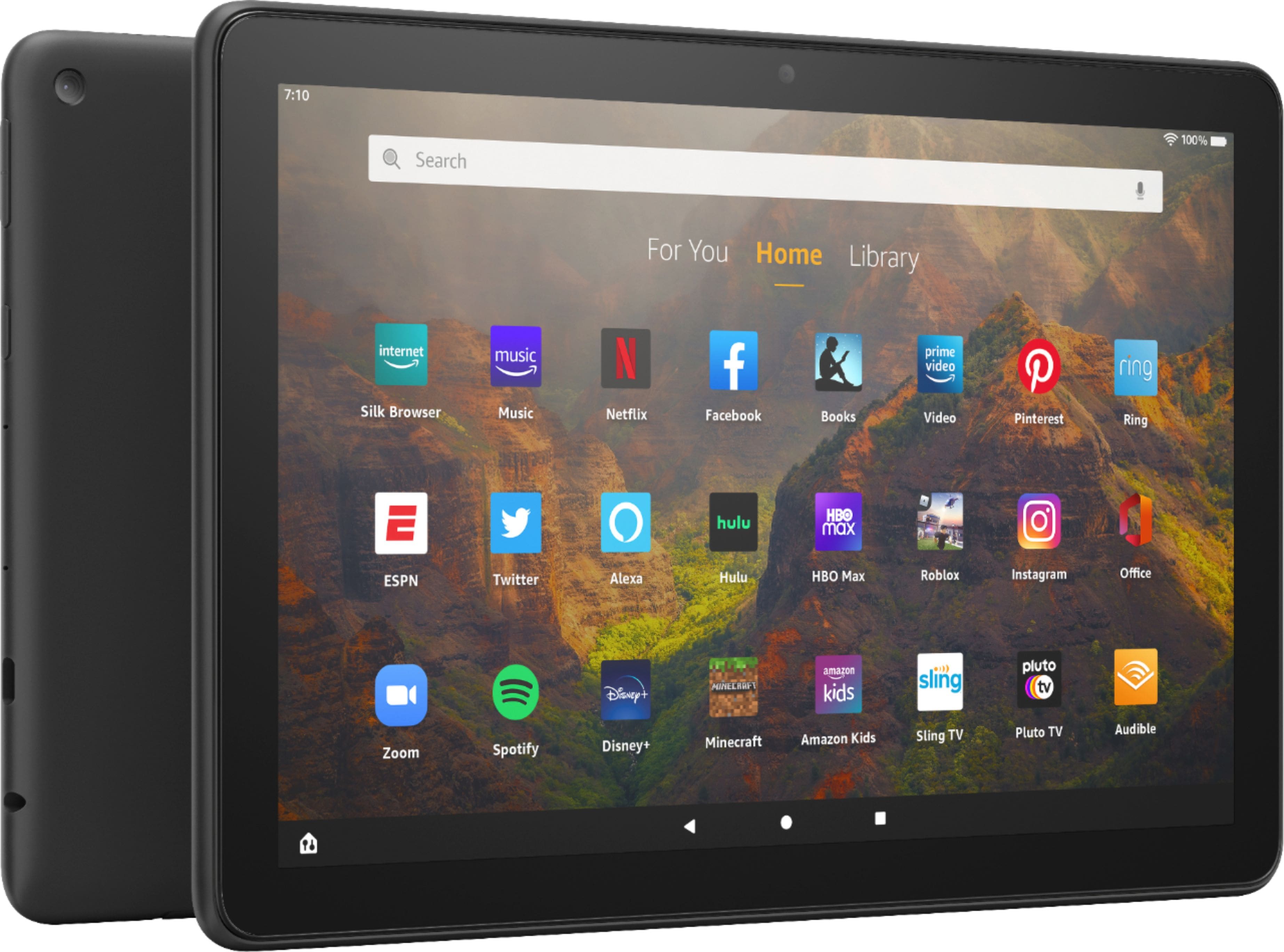
A:AnswerHello Ed! The Google Play store is not available on this device yet many of the apps you would need may be available from the Amazon Appstore for download. This device runs on Fire OS and not your typical Android OS so there is a specialized Appstore that is used for this purpose to maintain compatibility. I hope this answers your question and you have a blessed day!
A:AnswerHello tome! Google apps for Android devices that are in the Google Play store are not all available in the Amazon Appstore and there is no Google Play store on this device, so it fully depends on the app. Many of the apps are compatible or have versions that work with Fire OS. I hope this helps some and that you have a fantastic day!
A:AnswerHello CoolBreeze! The warranty for this device through Amazon is One year. If you purchased your Amazon device from Amazon.com or from authorized resellers located in the United States, the Warranty for the Device is provided by Amazon.com Services LLC. For specific instructions about how to obtain warranty service for your Device, please contact Amazon Customer Service. Have a great day!
A:AnswerHello Bob! I am so sorry to hear that you are having issues with your Fire tablet. In order to further troubleshoot and assist with your personalized issue, please contact Amazon customer service so they can properly address what may be happening. I hope this helps and you have a terrific day!
A:AnswerHello oldfireowner! Thanks so much for your question! This tablet does uses Amazon's own proprietary Appstore which does have access to quite a range of the apps available from Google such as Gmail, Youtube, etc. If you mean if it has access to the Google Play Store, it does not officially support their app store at this time. I hope this answers your question and you have a great day! Thanks!